Hi there, I’ve been using the “Copy Along Path” feature in LightBurn for quite a while, and I’ve always had great results applying objects evenly around closed shapes — especially those that combine straight lines with curves (like rounded rectangles or pill shapes). However, I have not used it in a while and today I’ve noticed that the spacing near the start/end of the path is no longer even. No matter how many copies I enter, there’s always a visible bunching or gap in that area. I’ve tried both “Number of Copies” and “Spacing Between Copies,” with and without rotation, and even adjusted the start point manually — but the issue persists. This used to work perfectly in earlier versions, so I’m wondering if something may have changed in the copy/spacing logic for closed paths. Any insight would be appreciated, and I’m happy to share the file if needed.
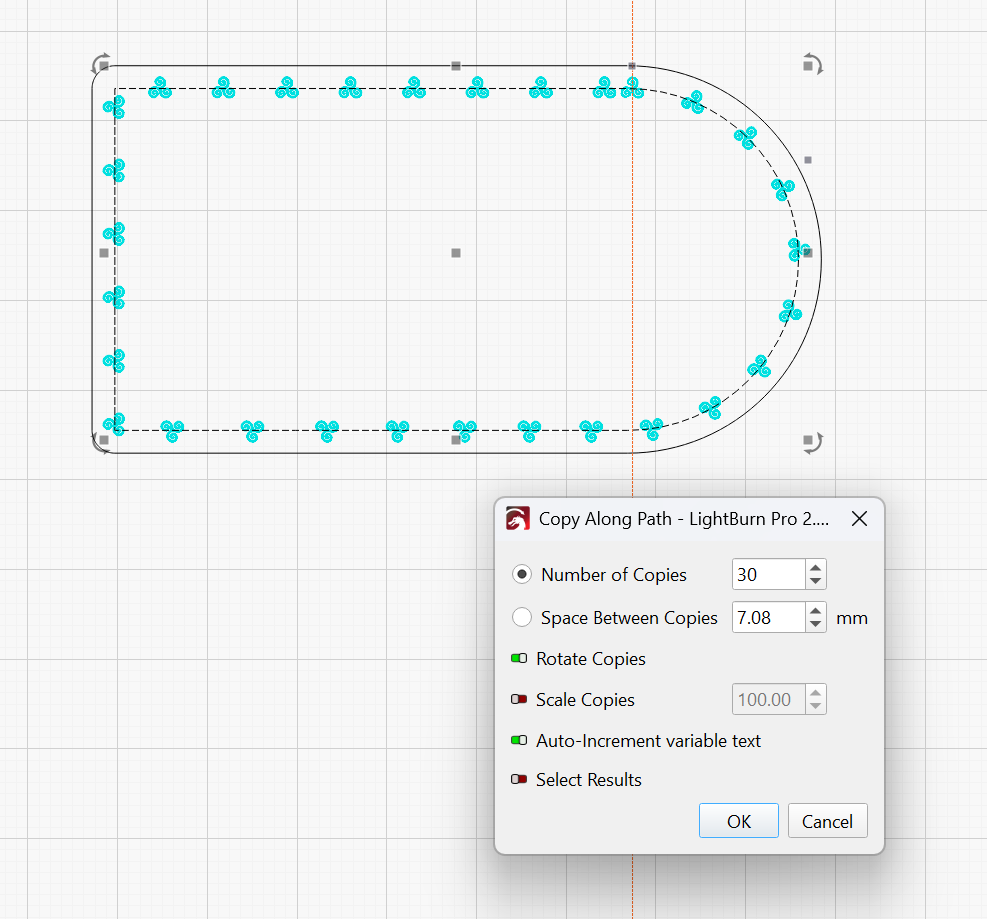
I just did a quick test in 2.0.2 and it works as expected. I suspect it may be something with your shape. Upload your lbrn2 so I can take a look.
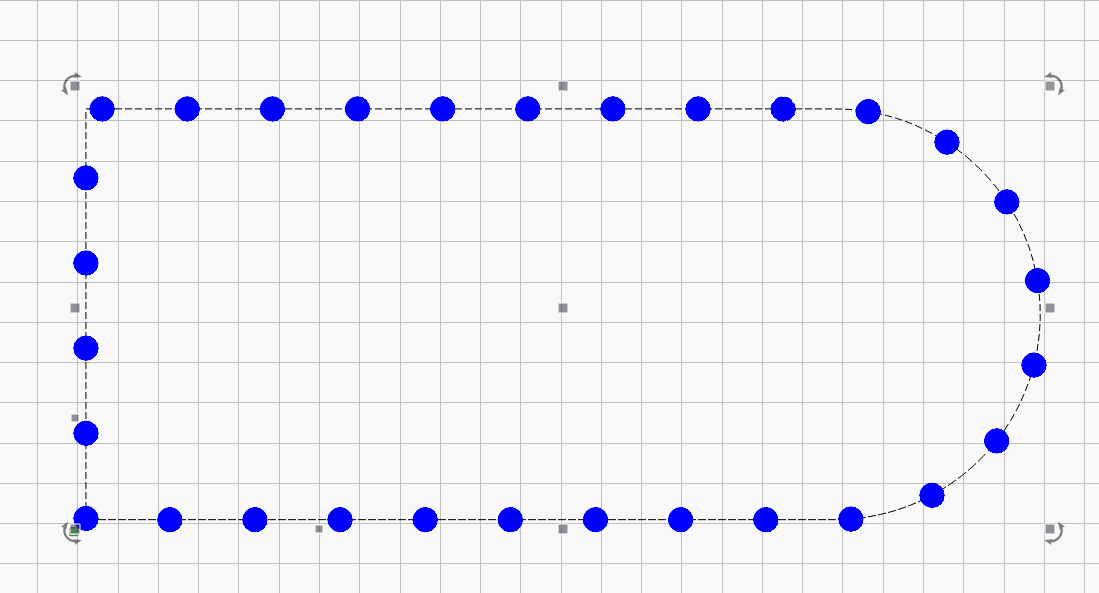
Thank you for your help and response.
It must have to do with the shape because it seems to be fine with other shapes. I just never ran into that problem before and have not used this feature since I upgraded. Thank you.
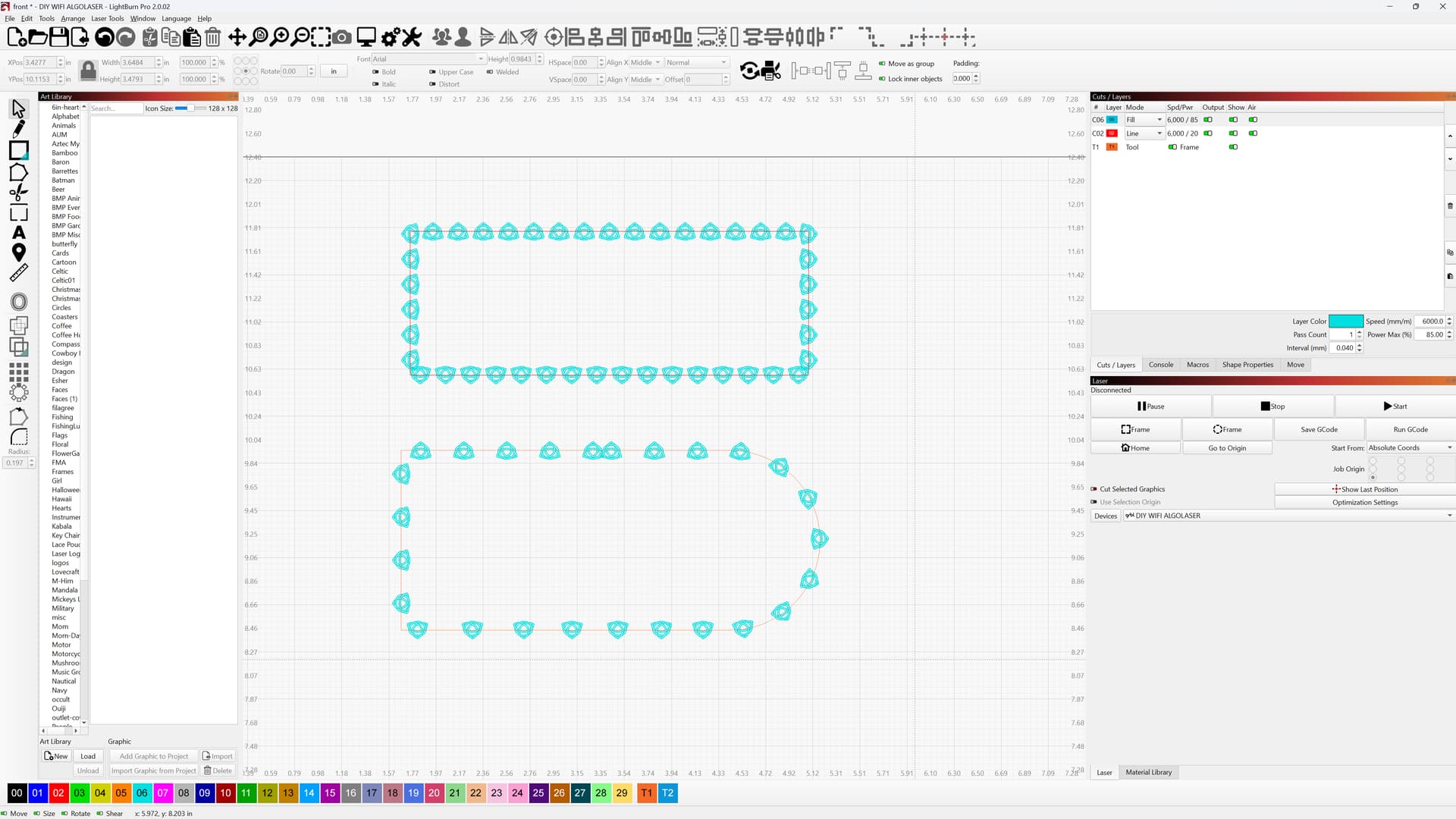
path.lbrn2 (228.2 KB)
I tested it out. It’s definitely something with the rounded rectangle. I tried it with a small square and got the same results. How did you create that shape?
I made a rectangle over top of yours and radiused the one end and it worked perfect on that one.
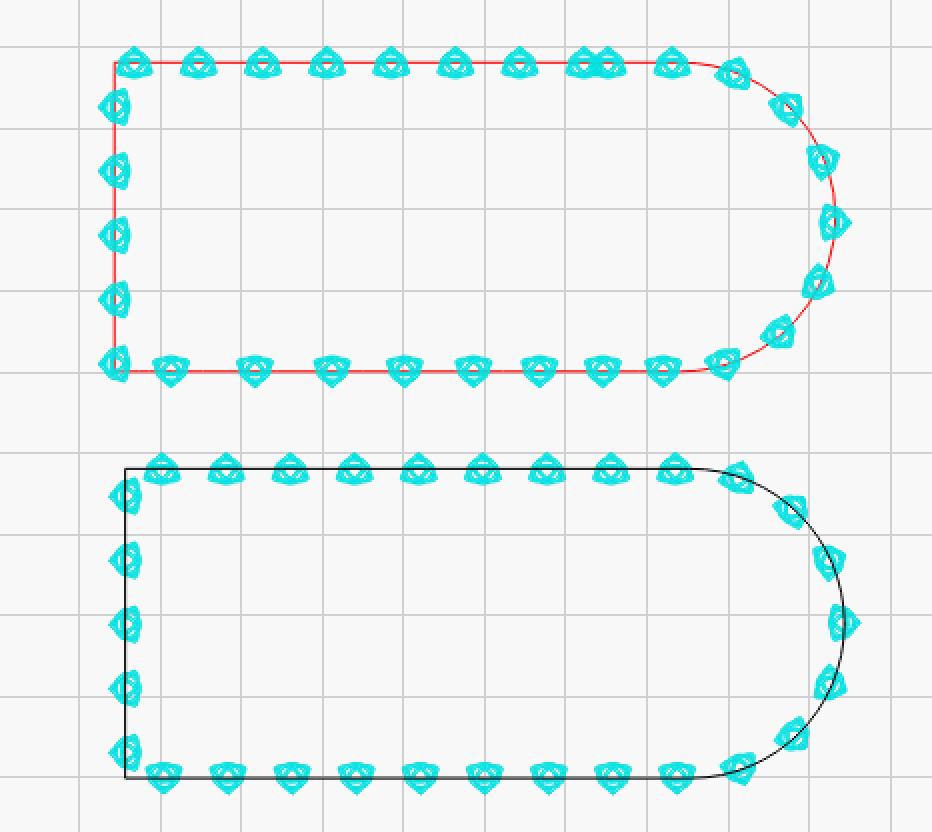
Thank you. I made the shape in affinity design 2 and then copied and pasted into lightburn. This is how I do most of my pattern work. This is the first time I have run into this situation. I assumed it was the shape.
This topic was automatically closed 30 days after the last reply. New replies are no longer allowed.