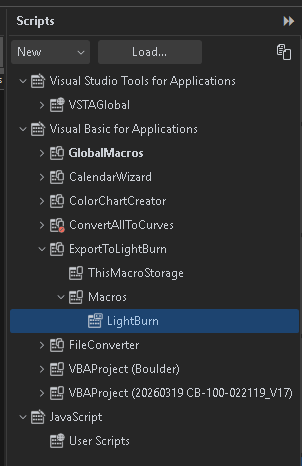
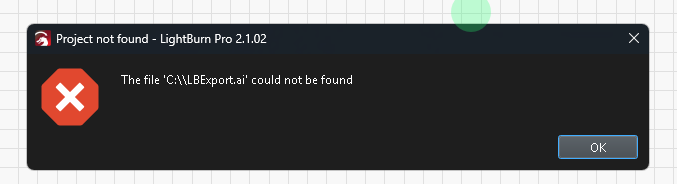
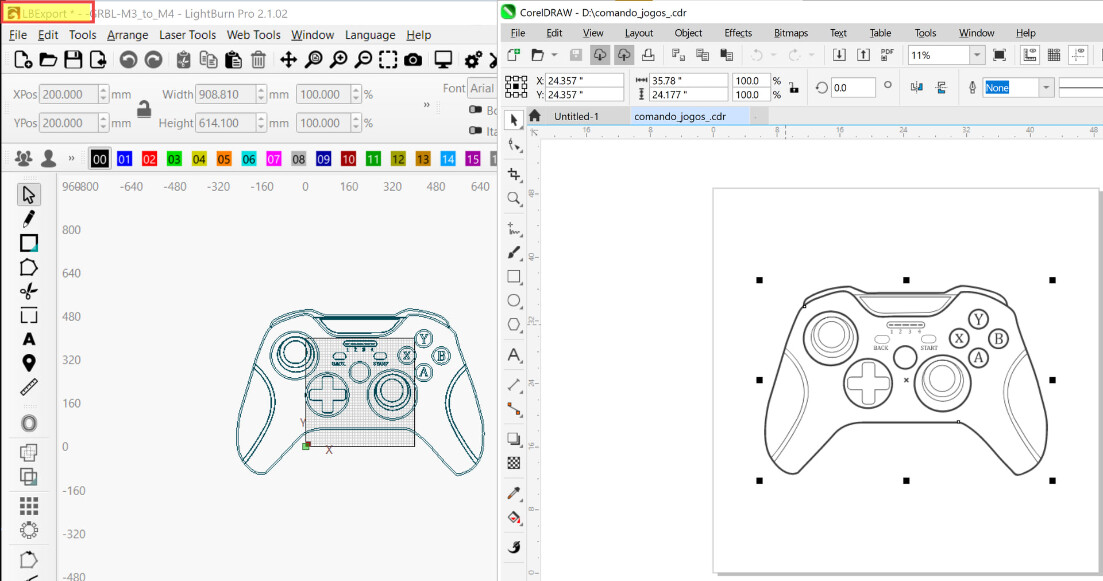
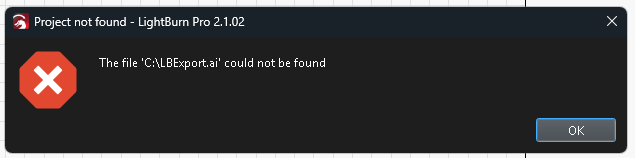
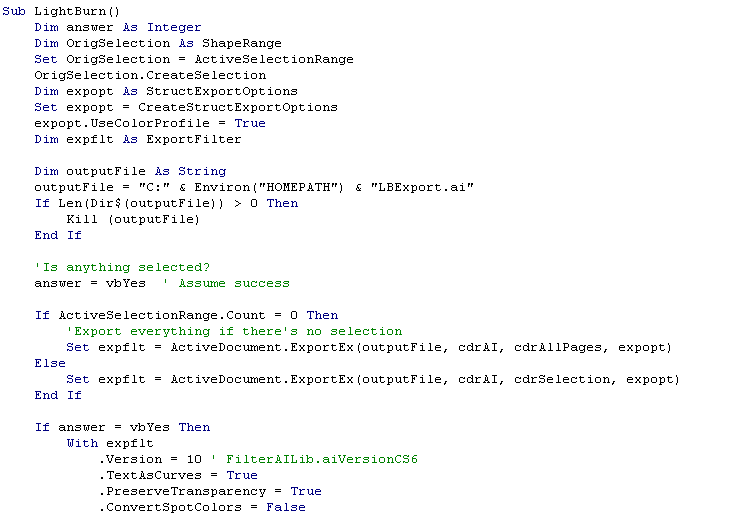
I guess, I should have elaborated… I updated both CorelDraw to 2026 and Lightburn to 2.1.02 and now it does not work. It may be CorelDraw 2026 the issue. Does anyone use this combination of versions?
Hi, Yes, I loaded the macro on Corel 2026 (got it from the Lightburn install folder), as it is a new Corel Draw installation, and did not have the macro initially. Unfortunately, I uninstalled Corel 2018 right before installing 2026, so I cannot make it work now…
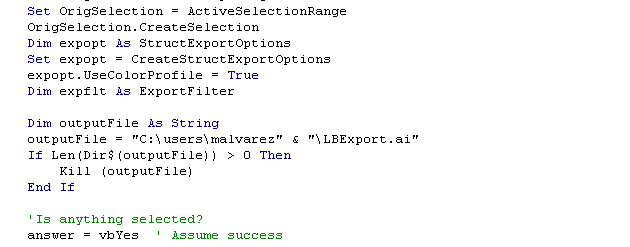
i.e. remove the backslash from the last string. Close the editor and return to CorelDraw. Try running the macro again. My guess is that for some reason HOMEPATH is returning a null string.
Replacing the homepath with a specific folder worked for me. I guess, I could have used the whole path and filename at once for the output file, but it is working now. Don’t want to mess it up. Lol.
I’m glad you got it sorted. Perhaps your user profile permissions prevent the creation of files in the root folder. I can’t think of a more likely reason off the top of my head right now.