Successfully completed my first job with MM. I got lost in the weeds on trying to control my machine but decided to back burner that for now. It’s basically so easy to just use the WebUI with FluidNC AP connection.
I got use to tool library and getting comfortable. Lot’s of options on exporting Gcode which is what I do for now.
Couple questions/comments:
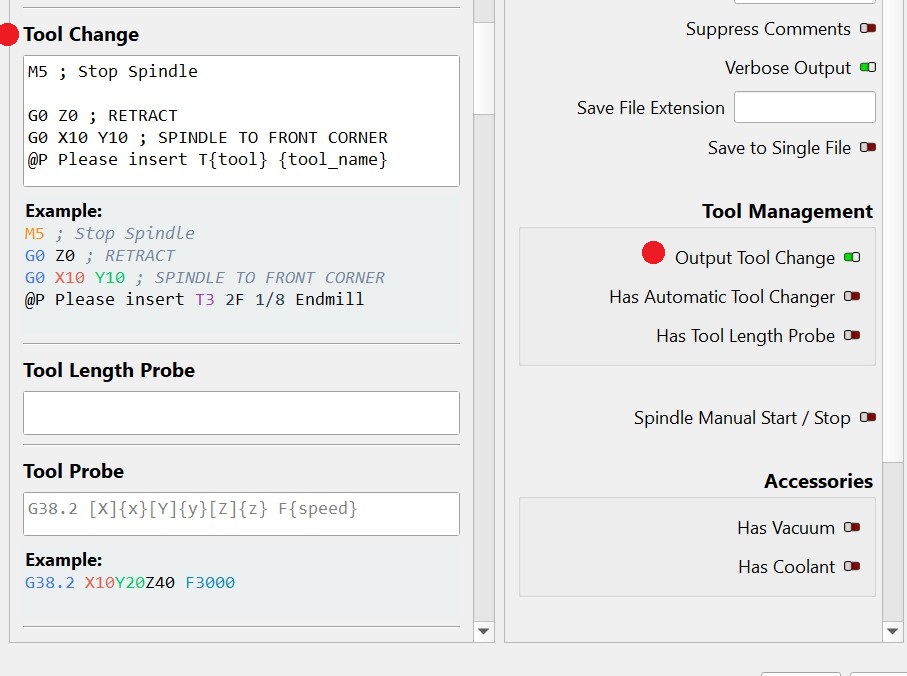
Not important but MM doc’s suggest tool numbering is mostly for automatic tool changes. Myself and a few friends all use the tool number for grabbing the right tool out of the wood block where all of the tools live when not in use. Not saying you did anything wrong. Just I feel to give each tool a simple number even if you don’t have ATC system. Helps to quickly find and keep tidy.
Also curious? Would it make sense to have a section/box for shaft/shank size in the profile? All of my cutters are either 1/8" and 1/4". With my system all of my 1/4" shank start with a 3 (third row),. So 31, 32, etc. The 1/8" are numbered 1,2,3…etc.
Will do! I hate to say I am retired but spent my career at Molex in product development and can only imagine after the initial release how swamped they are and hesitate to ask for such minor items.
In addition to the existing size specifications, the “Shaft size” is not directly relevant to the path calculation.
However, you can also use the ‘Name’, “Vendor” or “Notes” field for this purpose.
Would that work for you?
Very good point and per your comment does not really do anything regarding the cut. Besides because I reference my tool numerically I already know if it’s a 1/4" as those start with a 3. So no issue.
Fair question. But you have to stay off the switch. Unfortunately, the difference between Zzero, which you set based on material height, and Zhome is a variable.