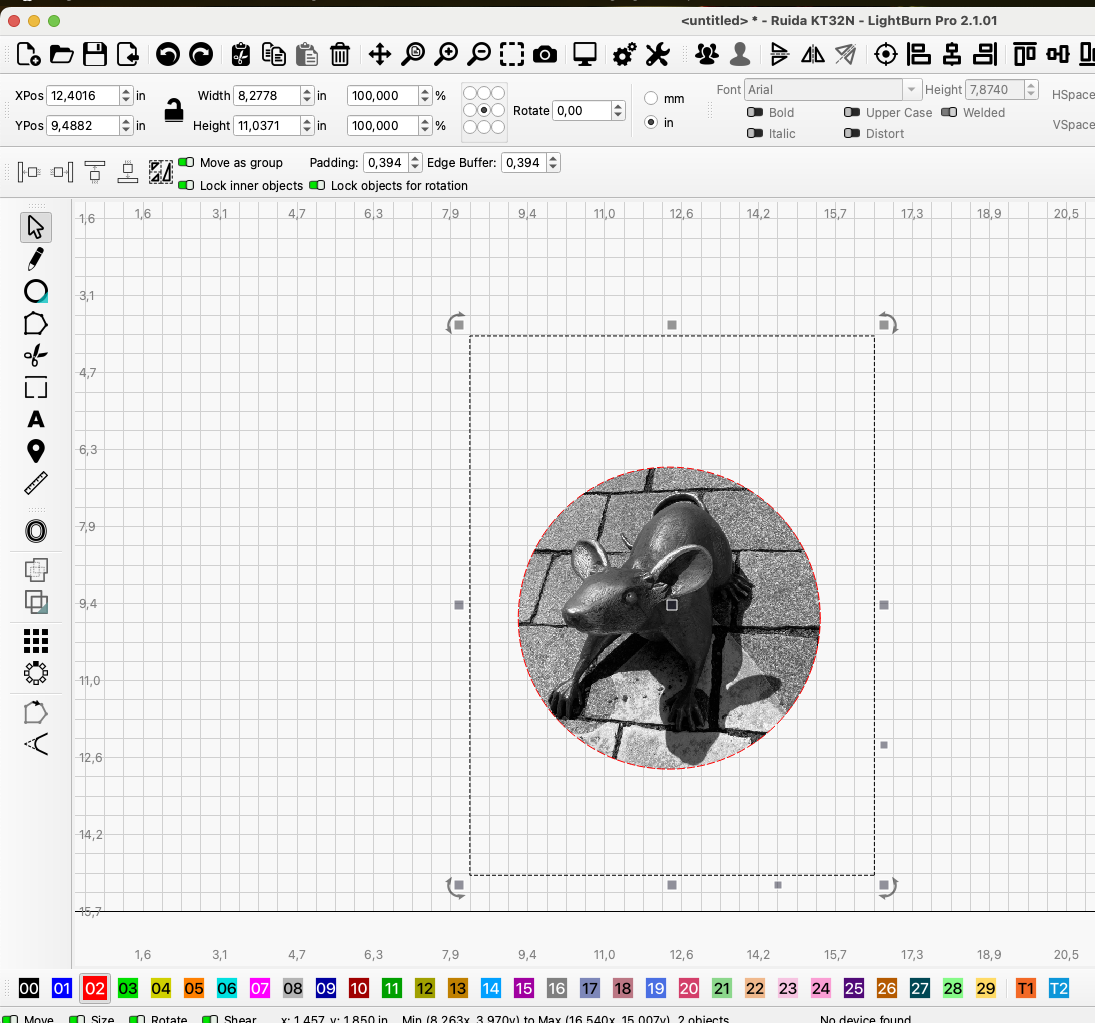
Prior to this update I was able to crop an image using the ellipse tool that completed the crop as a circle. With this latest update, it crops but returns the completed result as a square.
This has created an unfortunate problem when producing challenge coins where I was able to adjust the diameter to the tool size and plop the cropped image into the tool layer.
Maybe I’m missing something here but I’ve attempted several tests and the results are always the same; a square cropped image when I’m needing an elliptical shape to adjust and position where needed. I’ve even selected the image then the elliptical then cropped and visa versa and the results are always the same.
Let me know if I’m the only one with this issue or where I may be going wrong. I never had this problem prior to this version update.