Or misread, it can happen.
I am wondering… Is the pointer on or off while you are actually burning or cutting?
Or misread, it can happen.
I am wondering… Is the pointer on or off while you are actually burning or cutting?
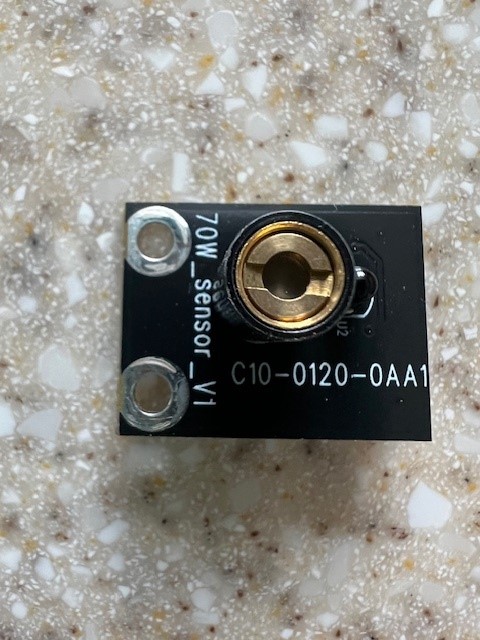
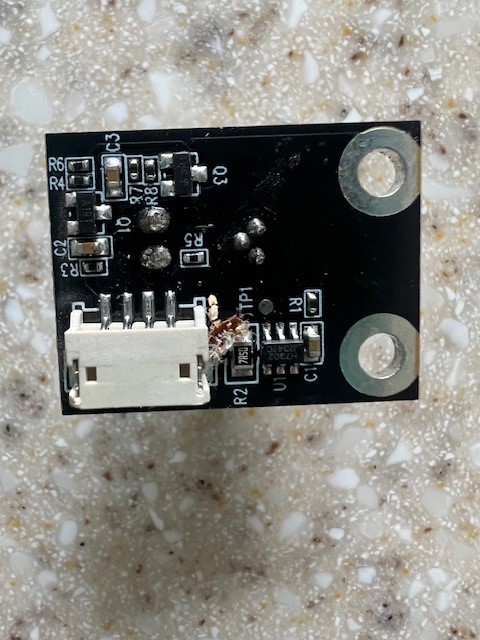
The cross hairs is located in a small module mounted up inside the laser module. It contains the cross hair and also the Flame Alert sensor. Here’s what it looks like
Could his pointer controller board be bad?
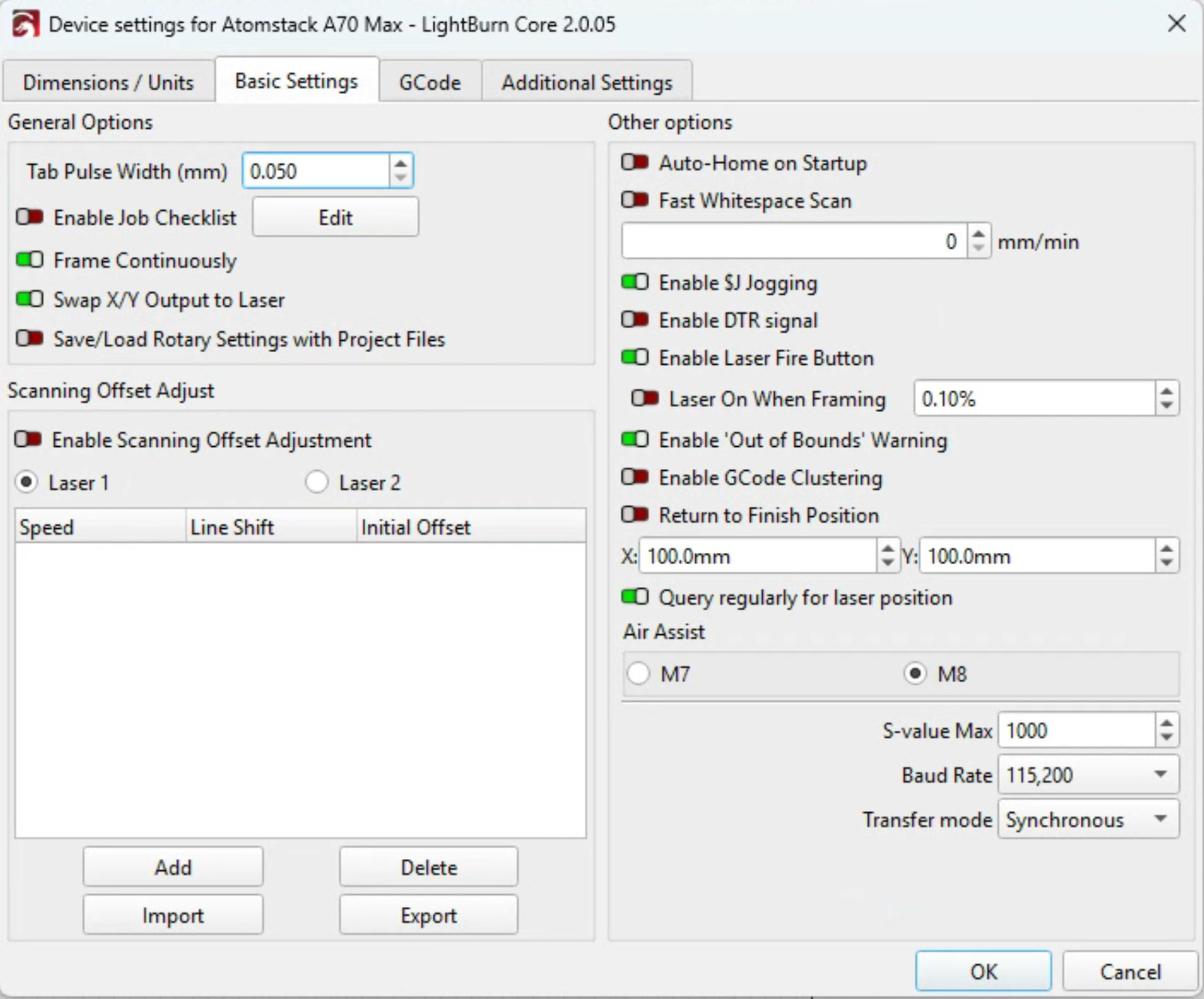
All right, here’s how my A70 works. I have these settings
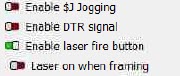
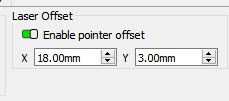
I also have laser Offset enabled
When i connect and home the machine the Cross Hair comes on and stays on while im homing. When i frame only the cross hair comes on. My cross hair stays on all the time unless im running a job
. When I run a job the cross hair turns off and the laser beam comes on
Now that makes sense, and how I would expect it to operate. Laser off, pointer on, negative logic.
If he has the same settings it should work the same as mine. Only thing i could think of is if he has laser offset enabled without any x or y offset values. My machine is an A70 Pro. But his A70 Max should use the same X and Y offset values or get him pretty close.
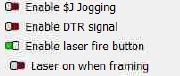
Should fix it.
Show us your Laser Offset Settings. If this works in Atomstack Studio then your machine is fine. Seems the logic is bassackwards in Lightburn. Try turning on “Laser on when Framing” and see what happens
Here’s all the settings for an A70 Max.
Compare these with your machine
Machine Settings Max.txt (5.9 KB)
Is your device set up for GRBL. Is this a new machine. Has this ever worked correctly in Lightburn. If none of this helps i’m out of ideas. Time for a nap. 
If the Laser cutter is idle, the red cross appears.
As soon as I start framing, it turns off. When it finished one cycle of framing it shortly blinks.
Does the laser blue light come on when framing?
When i connect and home the machine the Cross Hair comes on and stays on while im homing. When i frame only the cross hair comes on. My cross hair stays on all the time unless im running a job
. When I run a job the cross hair turns off and the laser beam comes on
Can you describe your operation like @baricl1317 did?
If I turn on “Laser On When Framing” yes. If I turn it off, then not.
Sounds like yours is operating normally.
You might use this trick. I made a 25mm disc with a 1mm hole in the center (2 concentric circles), and crosshairs on it. I place the disk where I want an exact location. I then slow Jog the laser around until the light disappears in the hole. In my case, I move the center of the design over the red position marker in Lightburn. Remove the disc and run the part.
Sorry I don’t have a solution, but I noticed this as well with my Ikier K20 Pro. It started with one of the recent Lightburn upgrades. I don’t use the crosshair because I don’t like losing bed area with the offset so it has never really bothered me.
This topic was automatically closed 30 days after the last reply. New replies are no longer allowed.