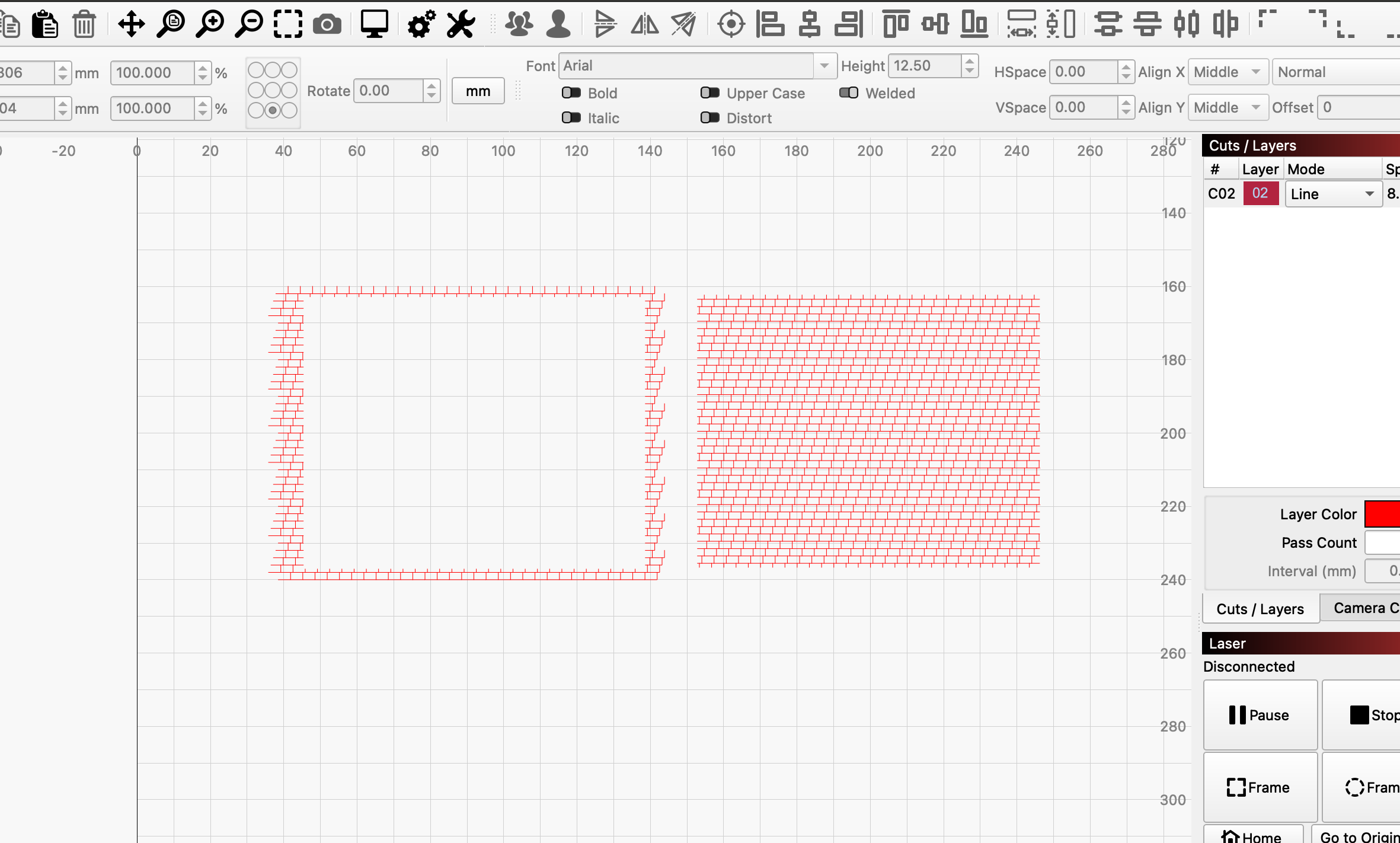
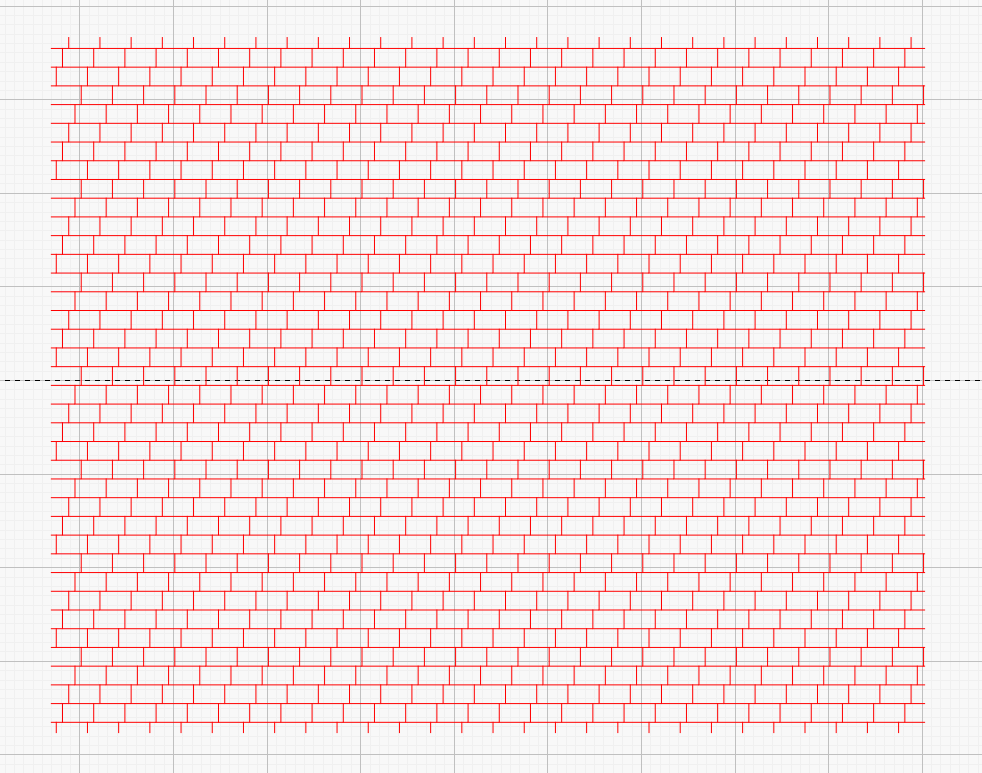
Hello to all, what is the fastest way to cut protruding lines? Until now, I have always used scissors, but that takes too long. I have also tried using knots and then trimming with Shift+T, but that does not always work.
best regards Markus
Hello to all, what is the fastest way to cut protruding lines? Until now, I have always used scissors, but that takes too long. I have also tried using knots and then trimming with Shift+T, but that does not always work.
best regards Markus
Can you show a piece of your line? (for better understanding)
How can I quickly and easily remove the red lines outside the black rectangle, as marked with an arrow in the image?
Here is the file, and I would like to remove the red lines outside the black square.
TestCube.lbrn2 (218,3 KB)
Use the Cut Shapes tool, which requires selecting all the bricks to designate them for cutting:
Click-Select the black squareInvert Selection to select all the bricksShift-Select the black square to add itCut Shapes to cut the bricksDelete to get rid of the bricks outside the squareWhich results in this:
Hello,
Thank you very much for your support. The shape cutting tool works very well.
Regards,
Markus
This topic was automatically closed 30 days after the last reply. New replies are no longer allowed.