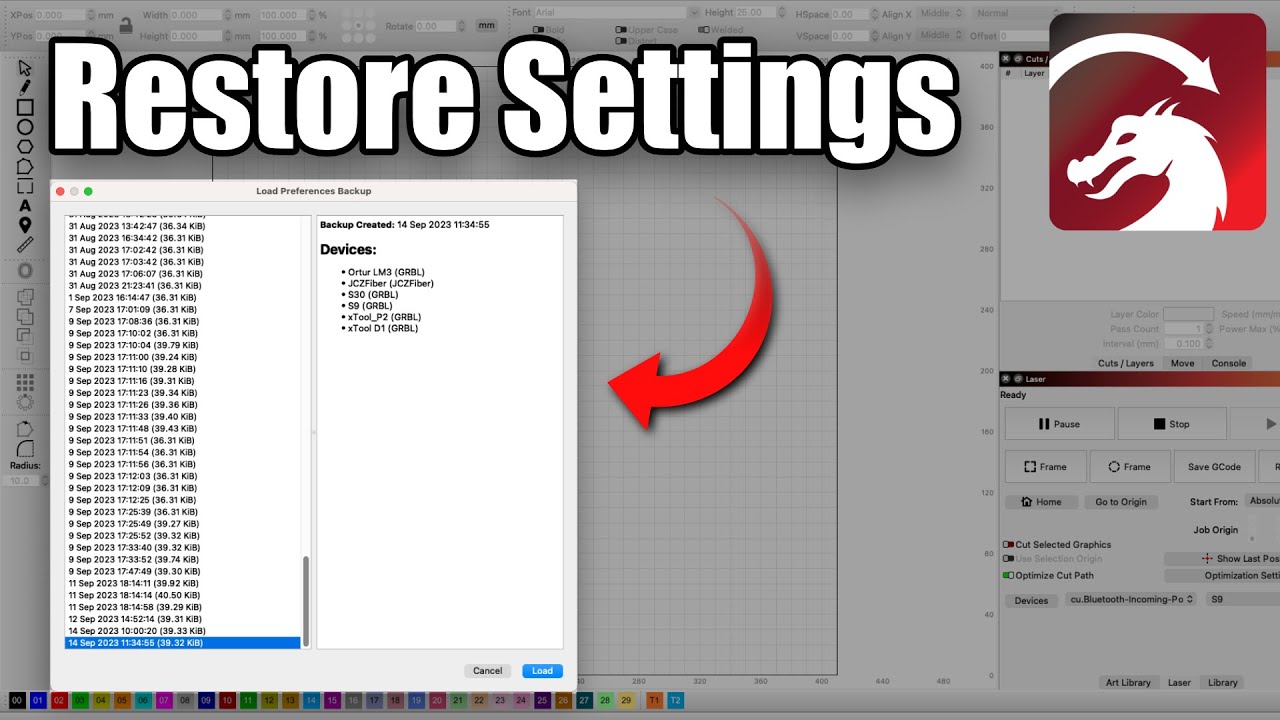
I turned my machine on, it said there was an update to Lightburn.
I updated Lightburn.
Turned my machine on.
Loaded a job as usual.
Positioned the laser as usual.
Hit the framing button in Lightburn.
The laser moved one way but not the other.
I then went through and tried to rehome and other suggestions…
Whats “pref backup”. Is that like resetting preferences I assume? I don’t think I every made a backup, unless that like going back to factory specs maybe…
So, I went through and loaded prefs from Oct. It made no difference. So, I continued my search and came across a Reddit post from a year ago where this guy had the same problem. Turns out the limit switches can just go bad and need to be replaced! Thus the false/ positive alarm. So I wen in and disabled the limit switches and everything works as before. At least I can continue to do things till I get replacements.
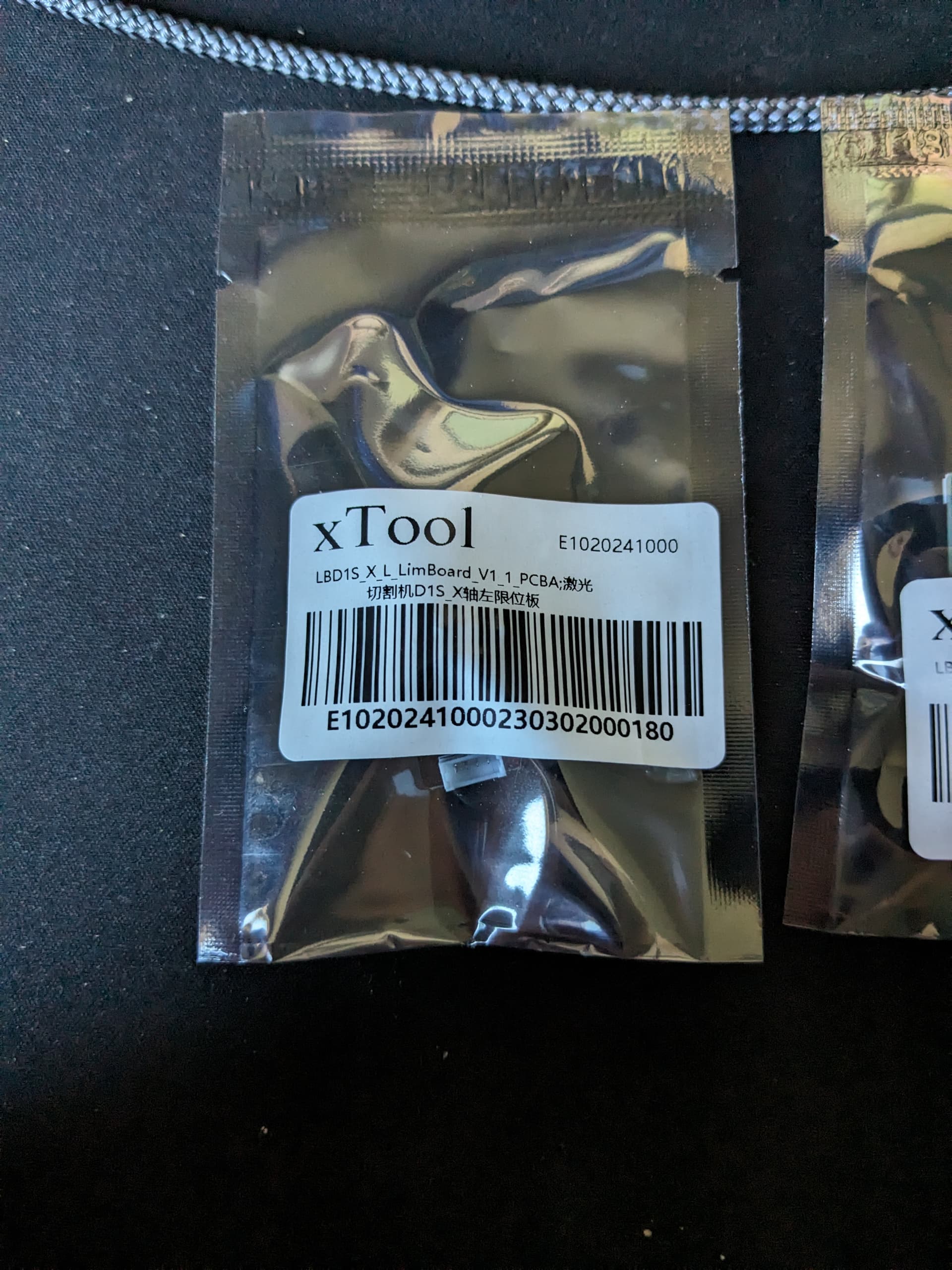
Speaking of replacements on my image above with the green and orange writing. Which one is considered the x axis and which is the y axis?
Anyway long story short, disable the limit switches and if it works there’s where the problem is. I feel like a dork thinking it couldn’t be the machine. Visual inspection should no faults!
I spoke too soon I guess. Got up this morning and started the laser and boom, framing and ALARM goes off! I have the alarm shut off through the native software. Is there a section in Lightburn for the alarm or limit/out of bounds???
Okay I’ll make sure that is checked. xTool is sending me a new limit switch in the mean time. If this doesn’t work I’m thinking it might have something to do with the area of the machine maybe. It shows a 16.9" x 36.6" area, but as said before I’ve gotten into a nasty habit of moving the laser then starting at the point. I hate this not having an operations manual to go from.
I was having troubles with it going home on startup and it would hit where was home and keep going made a nasty sound but the alarm never when off. That’s when I turned off homing on startup. It worked fine after that. I’ve probably got this machine all confused trying to learn how to operate it! Any suggestions, can I start over and reset everything as far as settings and how I operate it???