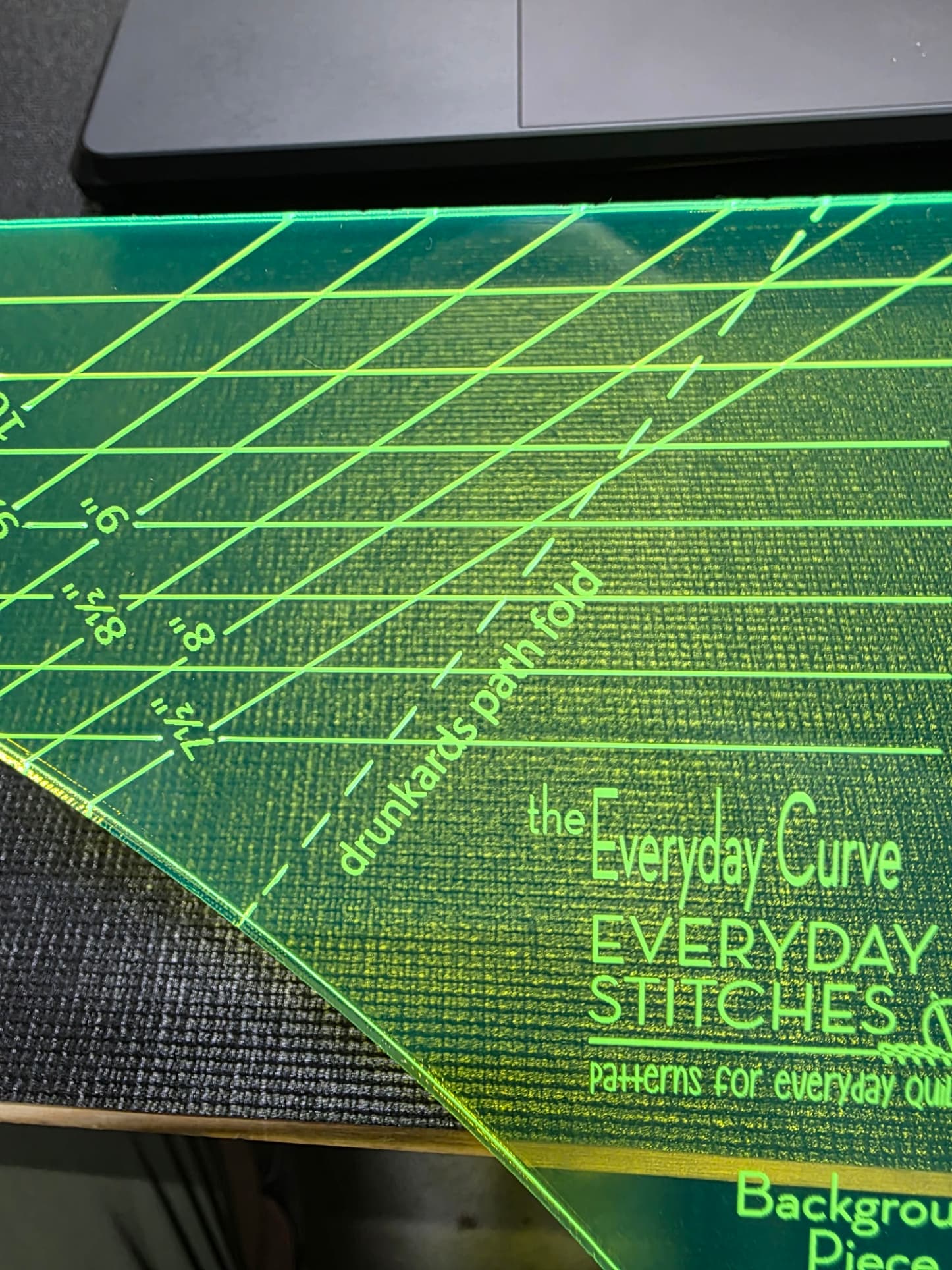
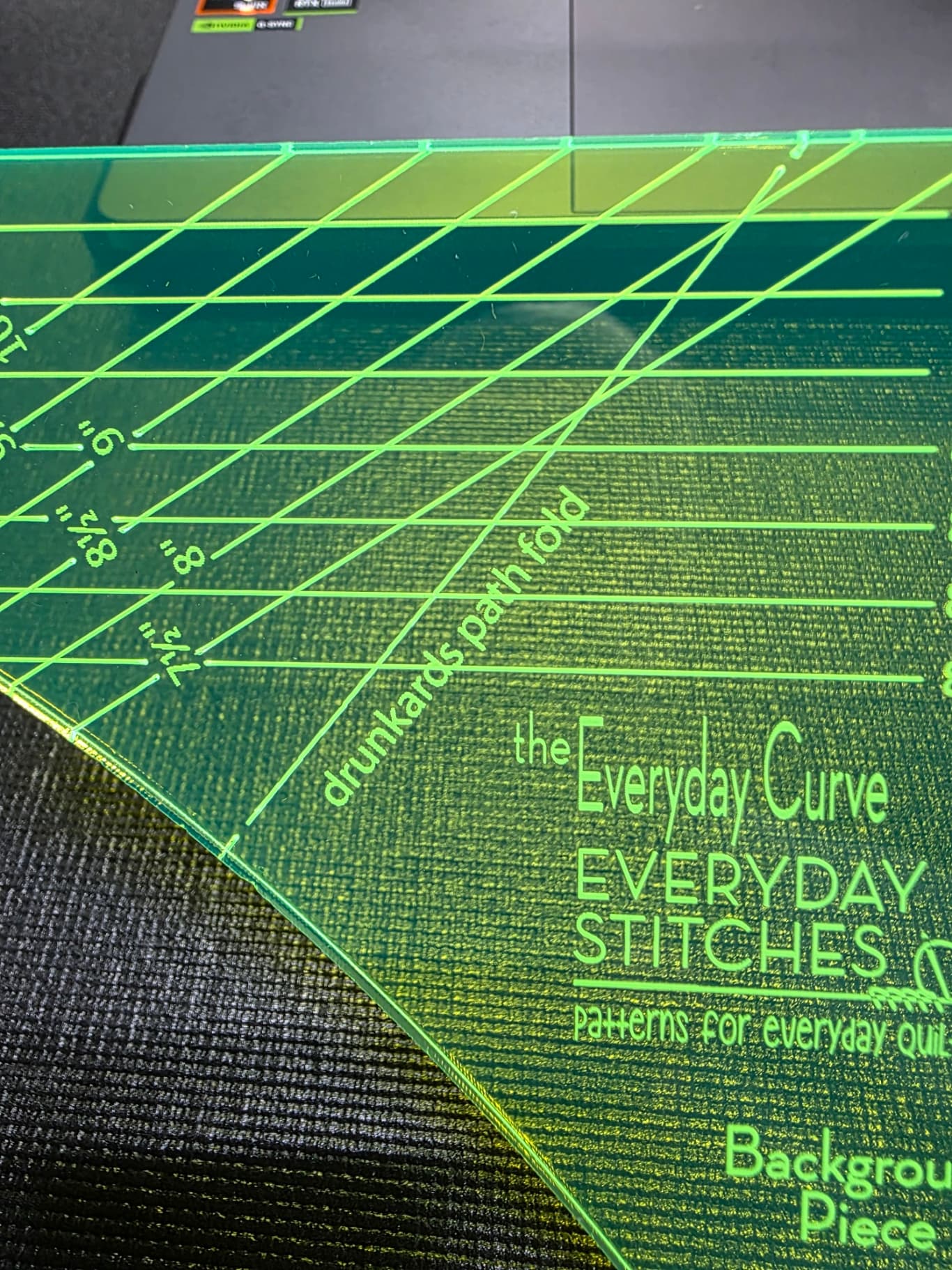
EDIT: Uploaded better pictures - the first one has “perspective” issues.
I’ve got an engrave/cut file that is composed of two pairs of objects (“Background” and “Curve”). File was created by configuring the first pair and then copying and positioning the copy.
Each of the objects in the pair contain a single dashed line, and that dashed line across both objects is assigned to the same layer with a dashed definition in the layer properties.
When I cut the 2 pairs in a single job, one of the dashed lines (out of the four total) came out “not dashed” it looked like it had a dash at the start and one at the end, but not in between. The other three dashed lines came out fine
Running Lightburn 2.0.02 on a Thunderlaser Nova 24 Plus
Sorry about the potato quality of the photo. The lines are identical, but the photo quality issue was between the “seat and the keyboard” as they say. Uploaded 2 pictures to better show the issue.
Ok, I have an RD file that exhibits this issue. I watched the laser cutter draw this line and it started a one end of this shape, drew a perfect dotted line, and then once it reached the end, it went back over the line and etched it completely. So, it is double drawing the line, once with a perforated line and then overdrawing with a solid line.
I’ve gone back to the source AI file and confirmed that there is just a single line (formatted as a dashed line) in the source .ai file. I then went to the lightburn file and while I can isolate the layer with this line on it, I don’t see a way to tell definitively if there are two lines, stacked one on top of the other. Regardless, if there were 2 stacked lines, since they are both on the same perforation layer, and that layer is defined with a perforation, I should at most, get a double burn of the perforation.
I did hide all layers except the perforated line, shift the perforated line, then unhide the layer that has the rest of the lines and there was no “ghost” line on the other layer that might have been “hidden” behind the perforation layer. Additional evidence for not having a ghost line on another layer, is that the overburn occurred while still burning the perforation layer. It did not complete the perforation layer and then do the overburn during the “regular lines” layer.
At this point I’m thinking I need to see if Lightburn can analyze the .RD file to see if there are two burn commands for this line or what.
If willing, please send the original AI file, along with the .rd and .lbrn2 files for comparison, to support@lightburnsoftware.com and include a link to this post for context. We can take a deeper look.