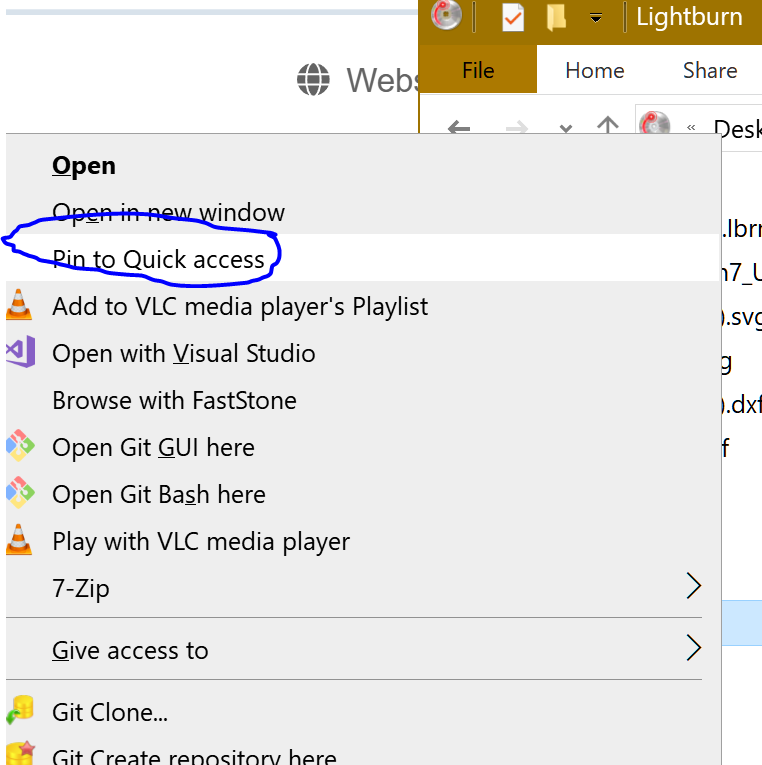
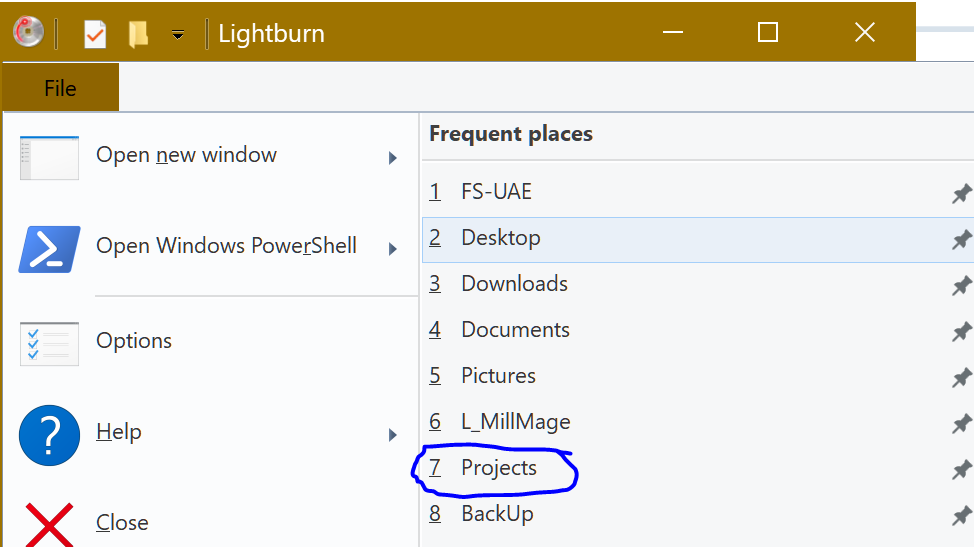
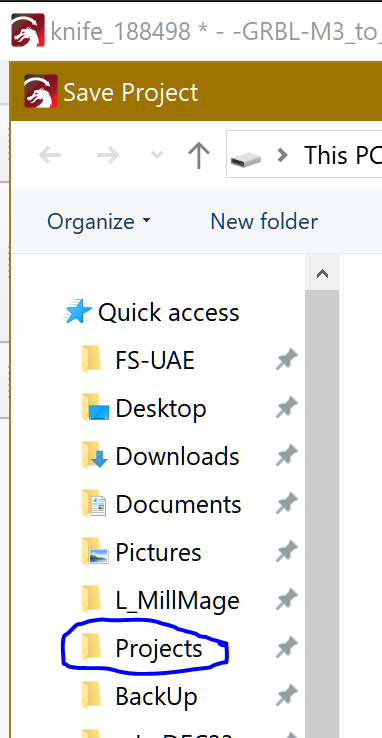
Is there a way to set a default file location for saving things such as tool libraries? MillMage keeps making a MillMage directory in my documents directory and that is now where I want things stored. I have a network drive where I store my information so I can get to it from multiple computers. I would to have it default to a location to start or at least start off in the directory I used last within MillMage.
Network drives and Clouds, including a NAS box, iCloud and Dropbox, are not recommended as your working drives for MillMage (or Lightburn). You should map to your local drive and only use externals as a file storage or archival use. Copy From or Save To the archive as needed.
That being said, some users have success with mapping a Windows drive, like z:\ NASboxName\Lightburn\Libraries or similar, with success. However, there is no rule or procedure to guarantee it works.
I put my working libraries and such where I want by specifying the location when saving. After that, the saves always go there. What I do not do is let Windows put any of my files outside of the c:\MillMage folder. That is where I installed everything.
My network drive is the drive on the computer from where I run my CNC machine. I have used it the same way with LightBurn for years and it hasn’t been an issue as long as that computer is on.
I typically do the drawing/CAD side of thing from another computer. The odd thing is one machine remembers where I saved something last and uses that and the other (the one from where I actually run the CNC machines) always is creating a MillMage directory in my documents directory. Very odd. That machine is Win11 where as the other is Win10. That “shouldn’t” be cause but there it is. 
You should be able to overwrite the destination location. I upped from Win10 to win11 on this machine, and there was no change in folder pointing. I also use a “pure” win10 machine and a “pure” Win11 one, and all three machines have identical file structures for MillMage. I use the NAS box as the central file storage, but never as the active working MillMage folder location.
1 Like
That has been 100% reliable for me for many years. None of my workstations save files locally.
…everything goes to a NAS.
Cloud services, I avoid.
1 Like
This exactly how my system works also. I pull from the same location for all my settings & libraries, have for a few years now with no issues at all. I prefer this setup as when a new file is added it is automatically populated across all my machines. Also whenever computer is replaced all I have to do is load the library and settings, Lightburn & MillMage both look to that location from then on.
2 Likes
Unfortunately, one of my lasers (iCube Pro Max) is portable and my WiFi only reaches the backyard. So I just mirror everything (my c:\[Lightburn product]\Projects\ folder) from one PC to the NAS box and out to a different PC. No big hassle for me.
I thought this was just an initial glitch as it started saving and putting things where I told it on my computer. Then last evening I went in to do some work and it created a MillMage directory in my documents directory and that is where it defaulted. Something isn’t happy there.
I am saving to that computer, not over the network.
Windows 11 Pro, 25H2.
Any Windows downloads lately? Those do really strange things sometimes.
WHAT!? Windows updates are always perfect. 
1 Like