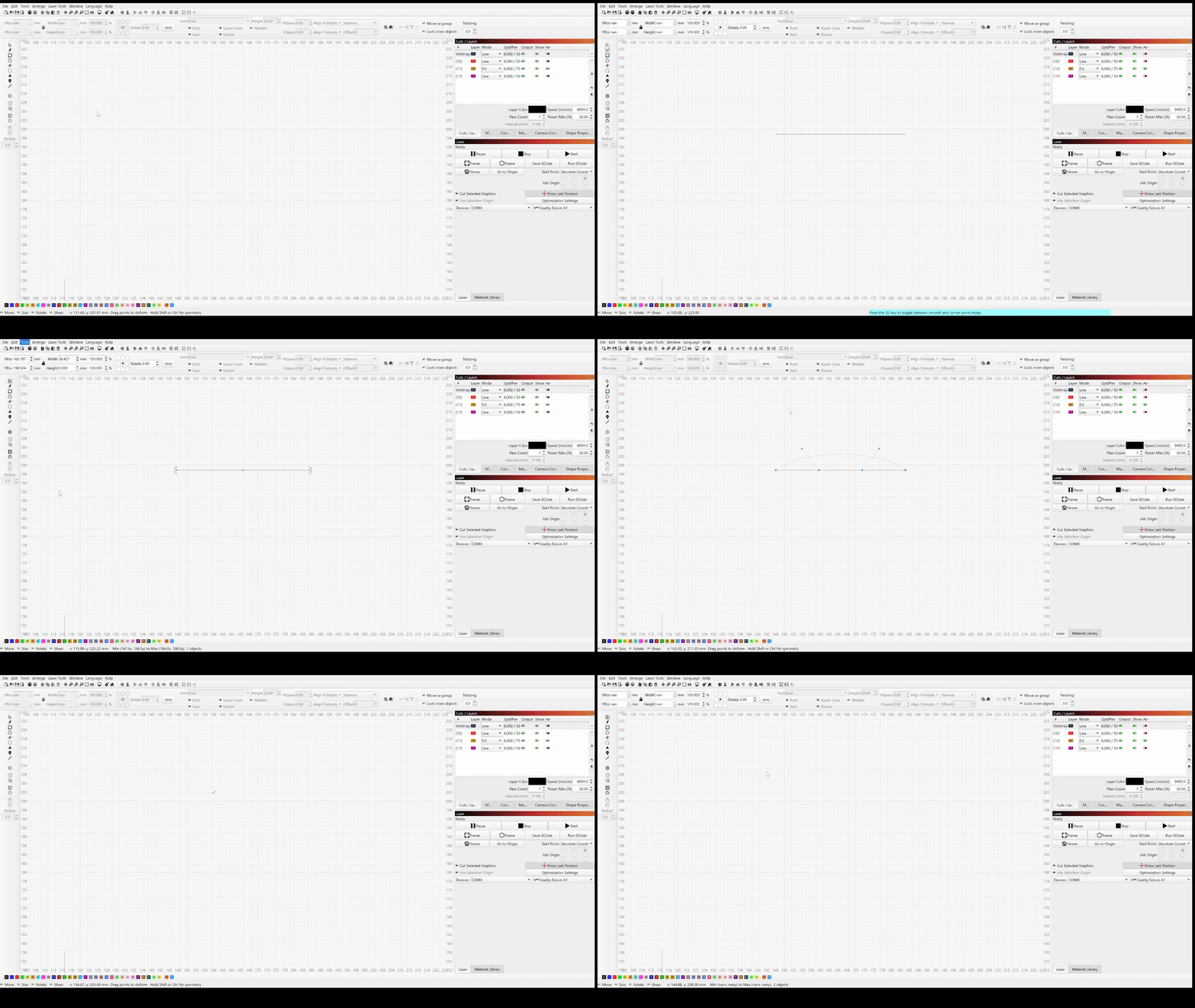
Hi, I’ve just run in to this problem out of nowhere where using deform selection (16 point) is causing lines to disappear, I suspect it is related to the X and Y position and dimensions changing to nan but do not know why this is happening and it was not occurring previously (an hour or so ago) with no changes to settings or layers. It happened whilst I was working on a file and now happens even when I open a new file or close and reopen the software to a blank page. Running on windows 11, Lightburn version 2.0.05, I have tried reinstalling and the issue persists.
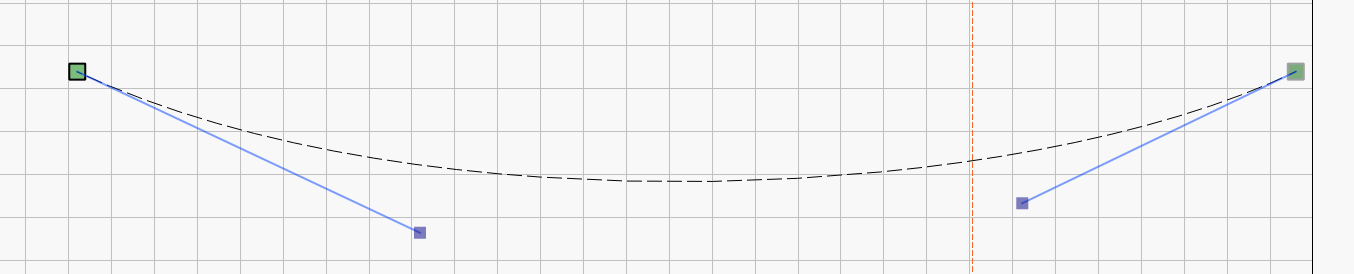
I did find after that adding a perpendicular line to one end seemed to prevent it disappearing and allowed me to form a smooth curve most times, though occasionally it would form a squiggly line when it should’ve made a smooth arc. (I have removed images from the file to allow upload)
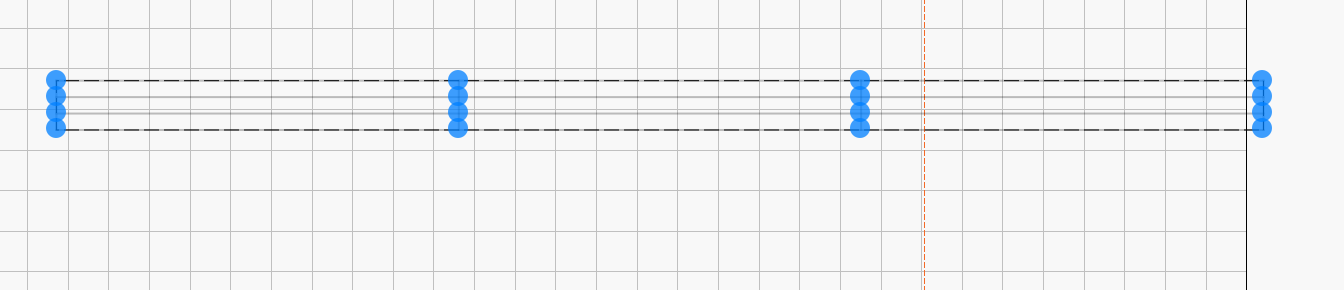
It makes sense to me that deform selection would not work on a line. Since it’s a 16 point deformation, there are 4 points on top of each other. What you’re in effect trying to do is split the line amongst itself which isn’t possible. This is your rectangle with deform selection enabled. Since there is more than one line you can see all 16 points. When you move any one, the remaining shape is left behind. This is not possible with a single line.
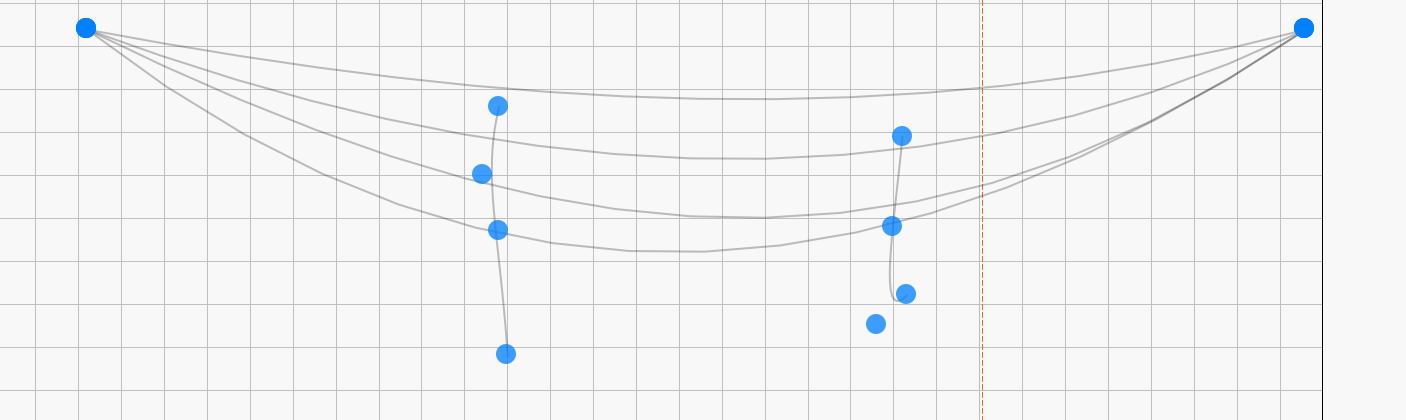
This is a single line using Deform. You can see how the multiple points are trying to split it into 4 parts. It is impossible to get the 4 parts reassembled in the exact location. This is why you get Nan, it’s a logic error. You are trying to do the impossible.