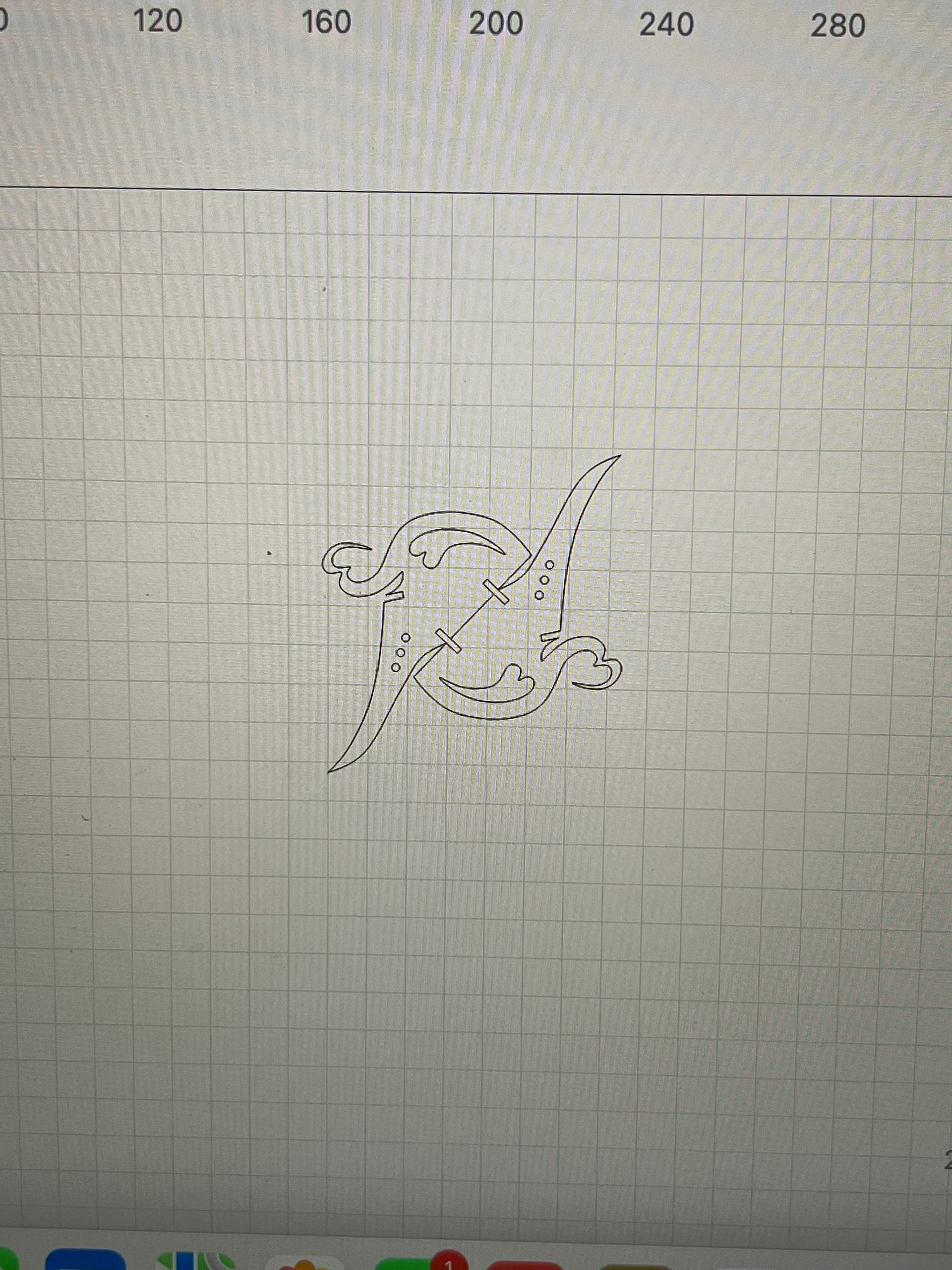
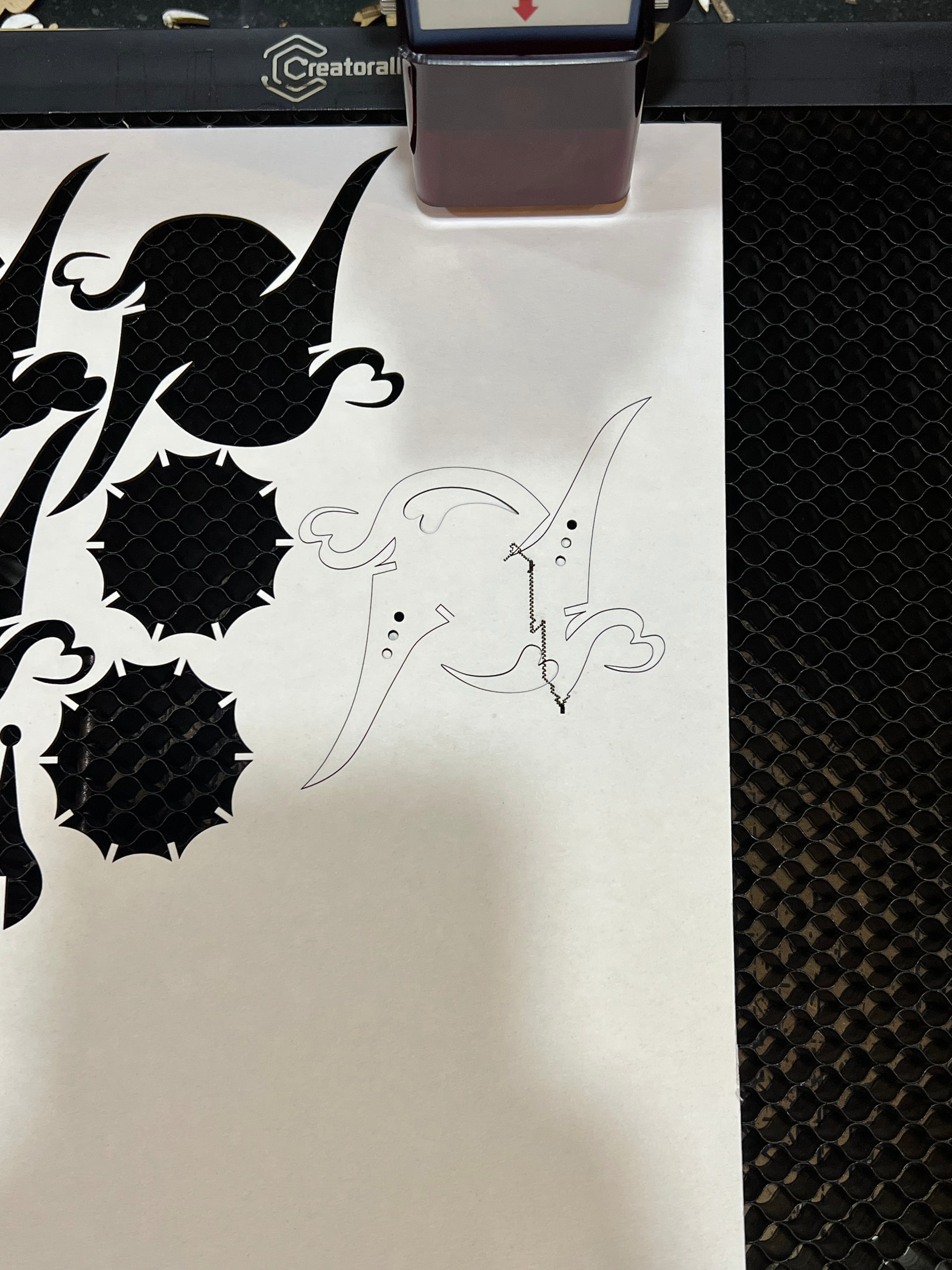
The laser cutter is Atomstack S30 Pro. I have been using this laser cutter on and off for around 1 year.
The problem is that the designs are pushed inward, causing overlap and empty gaps on one side of the board. Moreover, some lines become vertical shaky dashes. This problem seems to happen when the cutting file is large since when I cut small files or divide the same file into small sections, there seem to be no problem.
Please help! Thank you!
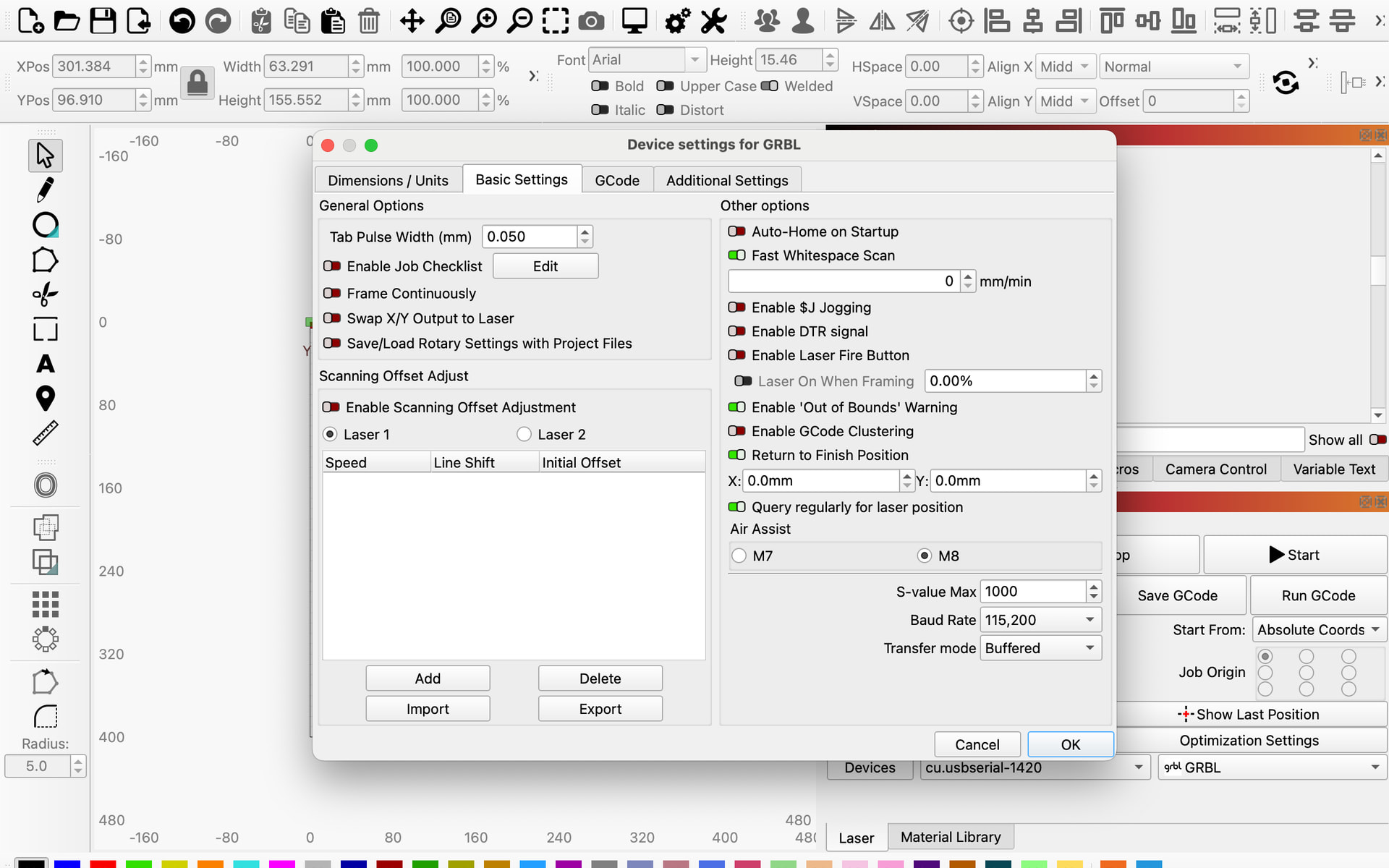
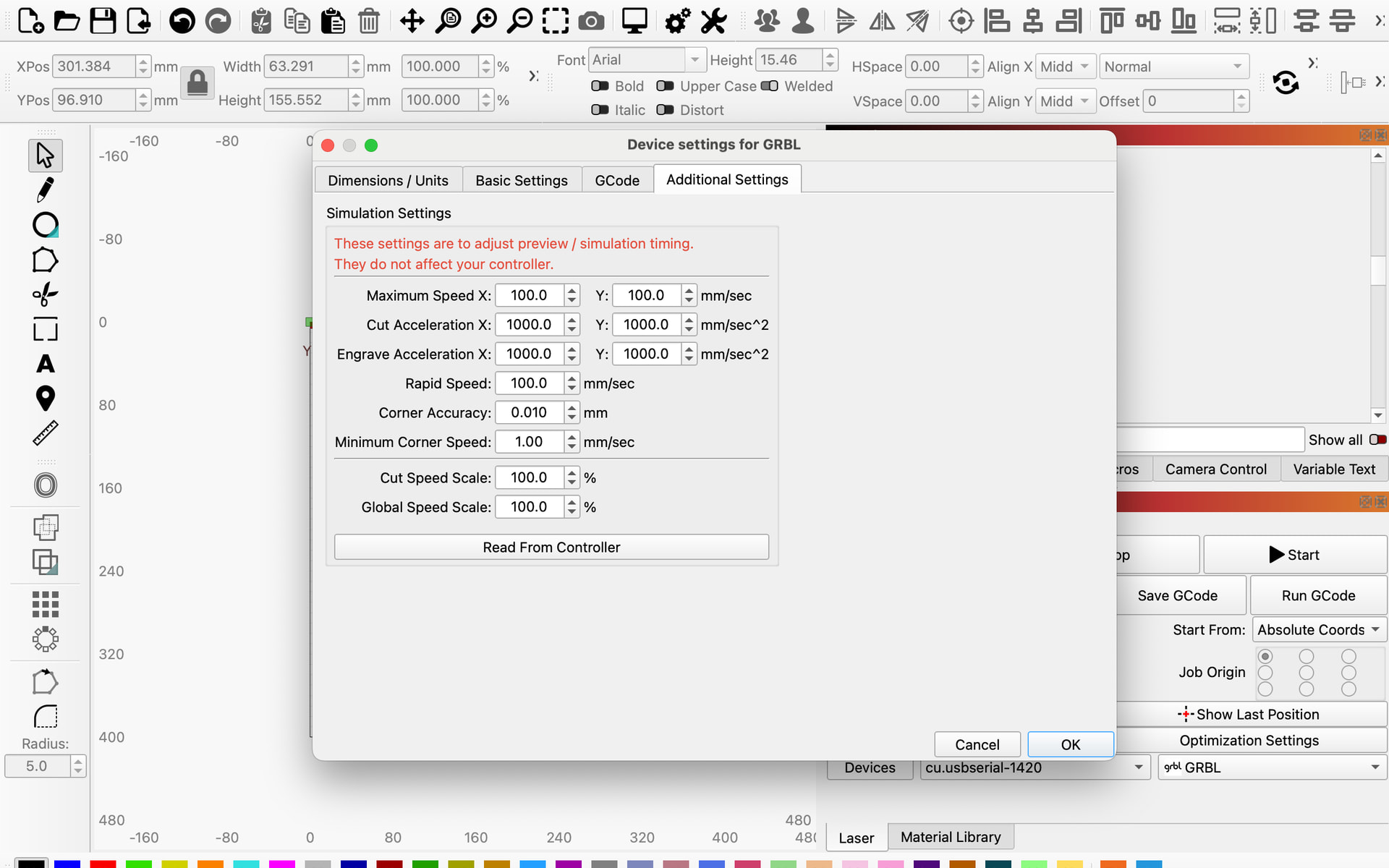
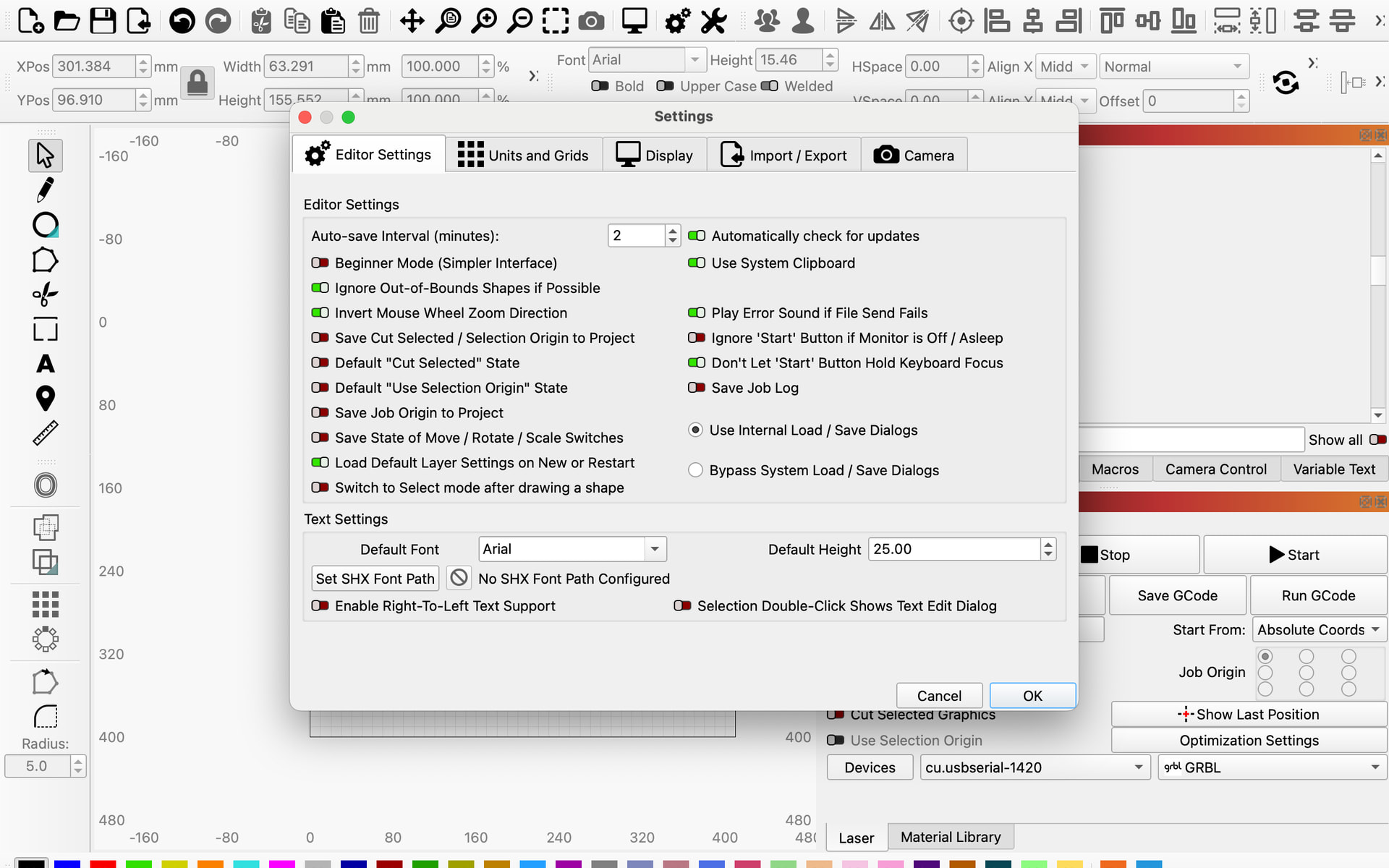
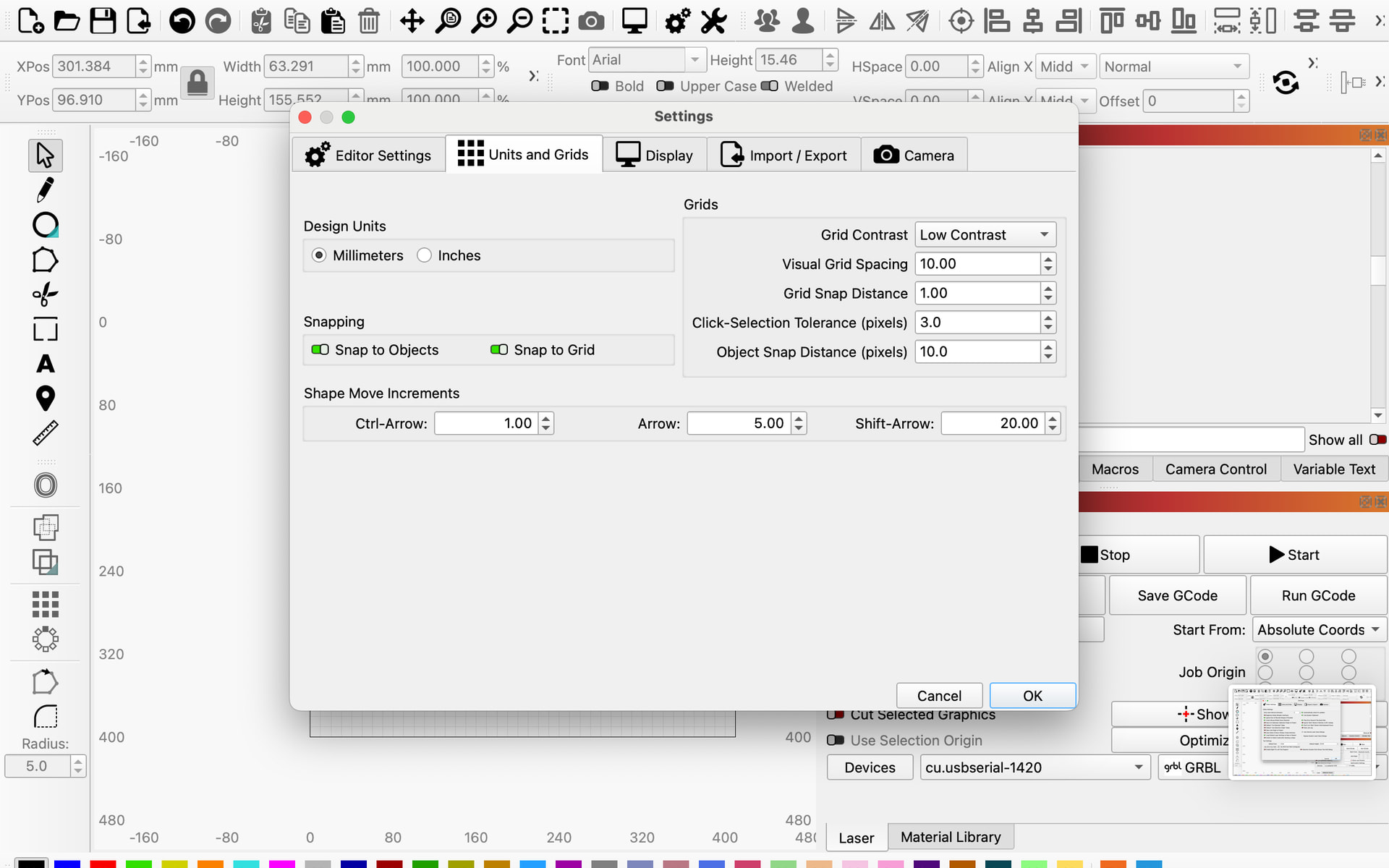
Here are my settings:
$$
$0=10
$1=25
$2=0
$3=2
$4=0
$5=1
$6=0
$10=1
$11=0.010
$12=0.002
$13=0
$20=0
$21=0
$22=0
$23=7
$24=200.000
$25=3000.000
$26=250.000
$27=2.000
$30=1000.000
$31=0.000
$32=1
$41=0.000
$40=0.000
$100=80.000
$101=80.000
$102=250.000
$103=100.000
$104=100.000
$105=100.000
$110=6000.000
$111=6000.000
$112=1000.000
$113=1000.000
$114=1000.000
$115=1000.000
$120=1000.000
$121=1000.000
$122=1000.000
$123=200.000
$124=200.000
$125=200.000
$130=410.000
$131=400.000
$132=200.000
$133=300.000
$134=300.000
$135=300.000
ok