I did the design on my other laptop like before the transfer it to flash drive then to my laptop by the laser, just like before. 7 9/16 inches wide by 5 3/16 high if you need any other data from the settings or can tell me how to paste the first one I sent you today the right way, let me know? I will leave in a few hours then be back tomorrow. Thank you so much.
Is what I sent you in PM what you needed besides the first one that was supposed to be data for the issue? I guess it was not the correct way somehow. It was the first time doing that.
I couldn’t figure it out. I got pulled away on another task but this one kept bugging me. When I glanced at this tonight in the middle of the night it hit me. Ah Hah!!
The ‘White Canvas’ that the art is on is 10 inches tall and 6.5 inches wide (on the screen and in the computer). The scale on the left side places the top and bottom edges of the canvas at about 3.1 and 13.1 so there’s the 10 inches.
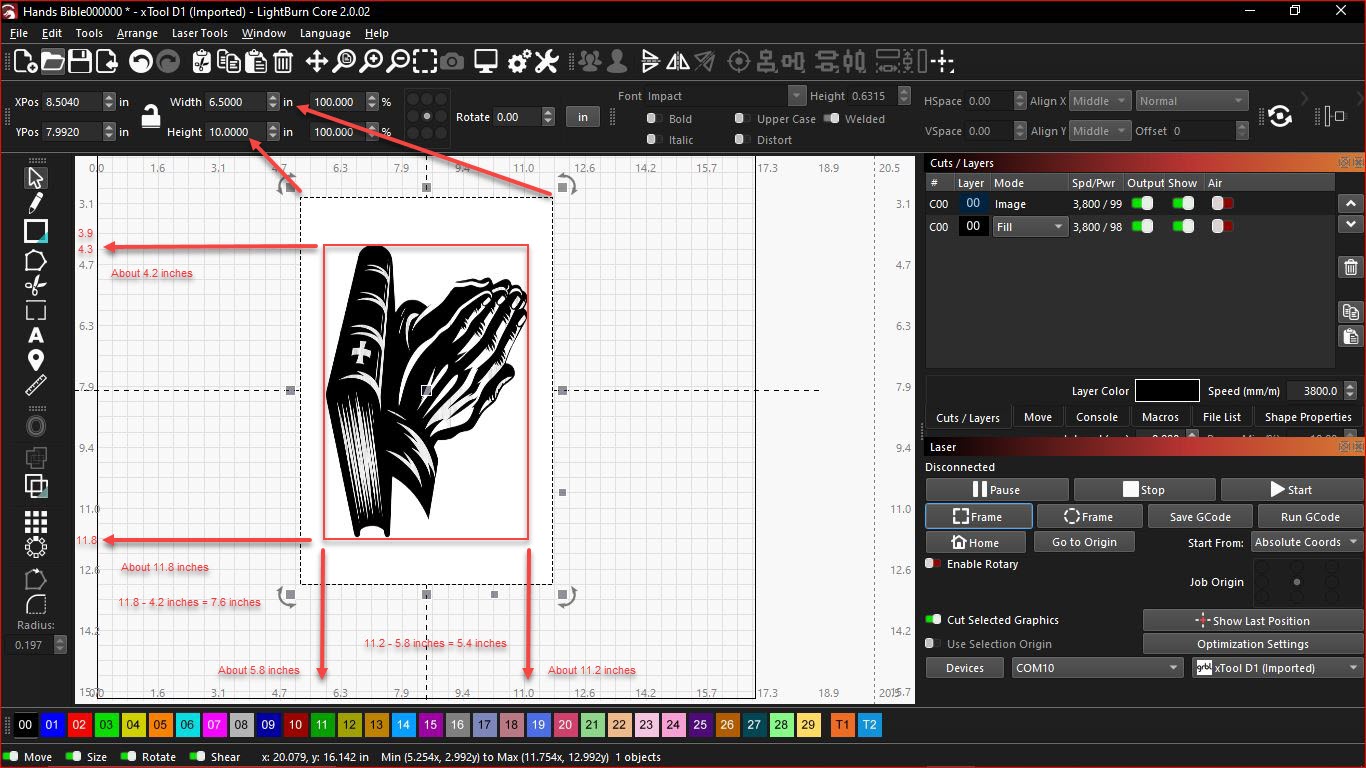
If I put a red box around the bible and praying hands and draw arrows back out to the scale I get (Roughly) 7.6 inches tall and 5.4 inches wide (In the grid).
These are rough numbers but they’re really close to what you measured.
7 9/16 is 7.563 and fairly close to 7.6 (0.037")
5 3/16 is 5.188 and not as close to 5.4 (0.212")
The .gc file won’t show the white canvas part. It only shows where the machine moves and what it engraves or doesn’t engrave.
1 Like
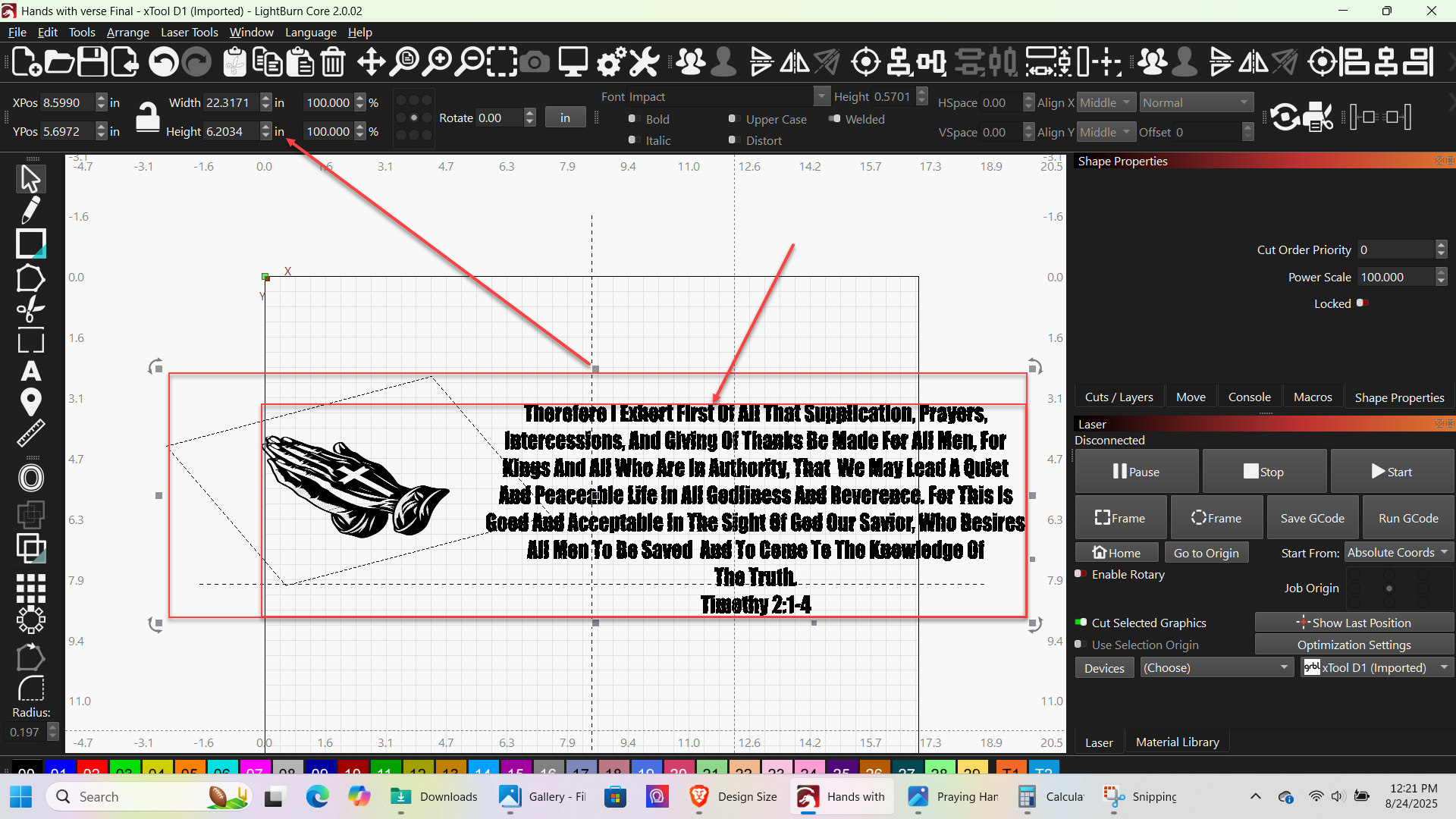
The Larger red outline is what you’re seeing measured in LightBurn.
What I feel you may have measured is the smaller red outline - The finished work.
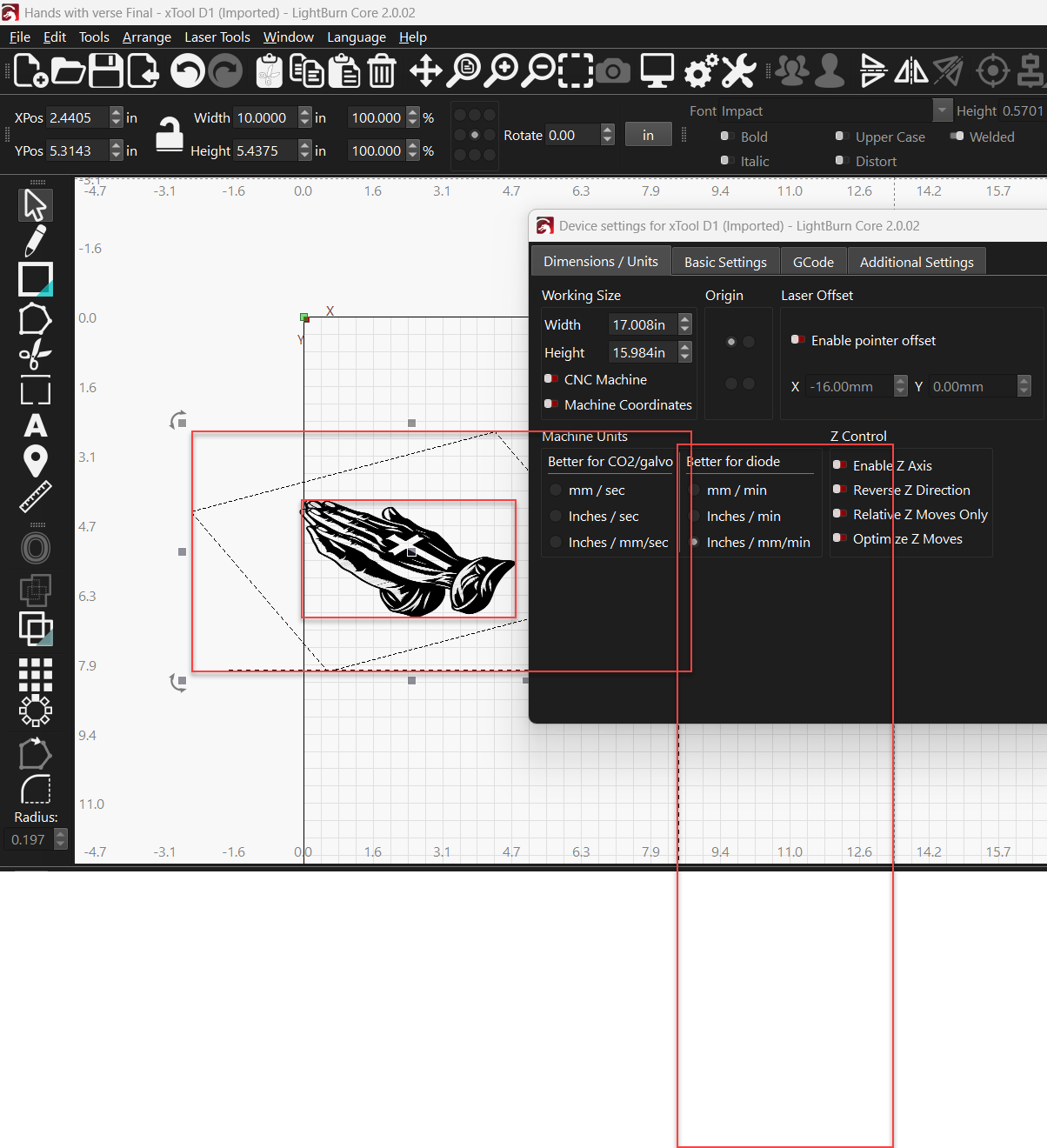
This one is huge and partially hidden. It’s the only way I could make any sense of it.
I’d like to delete the GCode file and Support data and merge these posts back into the public thread to help others. Thanks for bringing an interesting problem that I couldn’t walk away from.
1 Like
I usually reply last to first so, you are most welcome for bringing you an interesting problem…that you can’t walk away from. Interesting problems are plenty right now. Last couple of days I have found a new one. I will get to that in a minute.
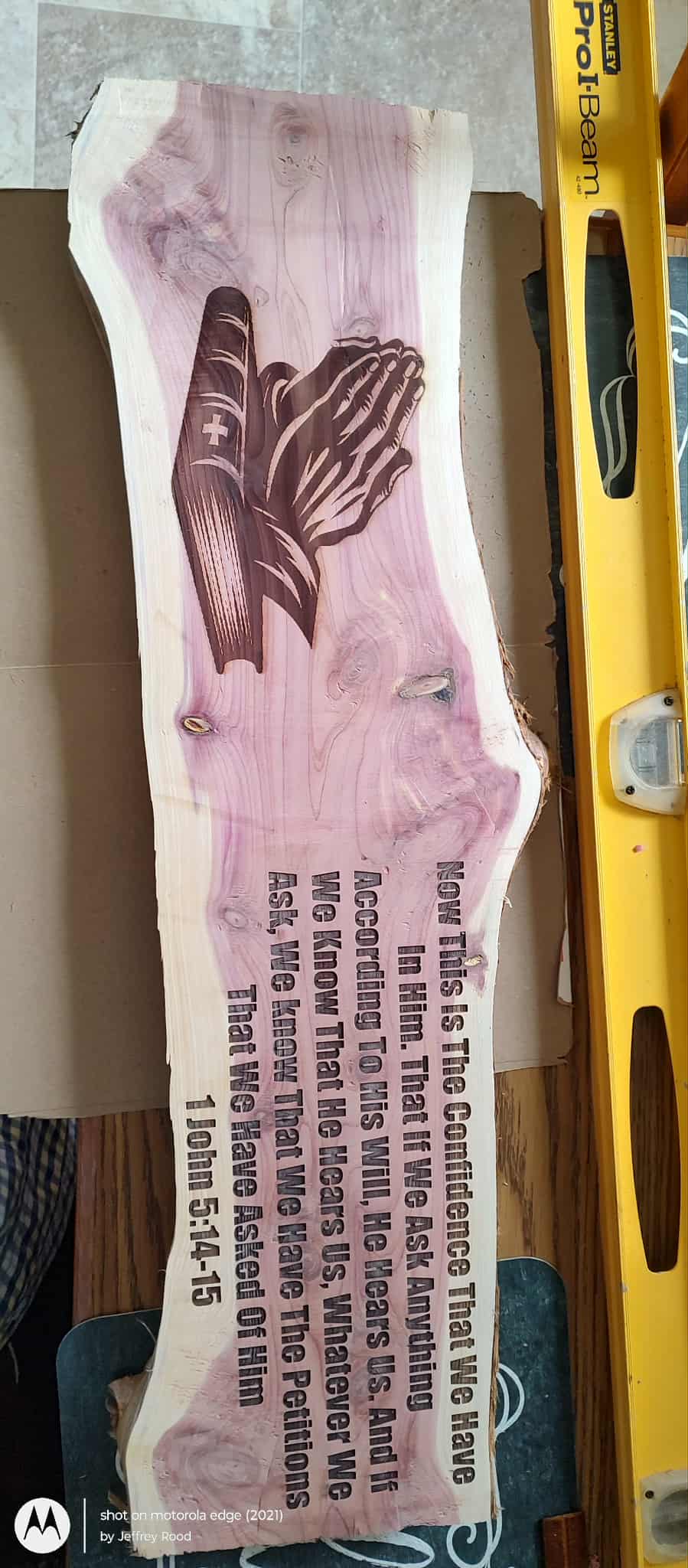
I understand about the measurements, I think? Obviously I need to get the projects laid out so that I know where the artwork will land so that I can place right on spot to turn out right. I believe I found a way around it, I will have to go back and think about it. It has been crazy getting my new laser set up and I will have to look into it. I think I traced it or something like that? I may have just measured with the measuring tool. I did get something worked out because I finished that plaque for him. I am pretty sure I used the trace feature to get rid of the box, that is what I did yesterday when laying out one.
I really appreciate your help. You stayed with it and that’s pretty cool.
1 Like
This topic was automatically closed 30 days after the last reply. New replies are no longer allowed.