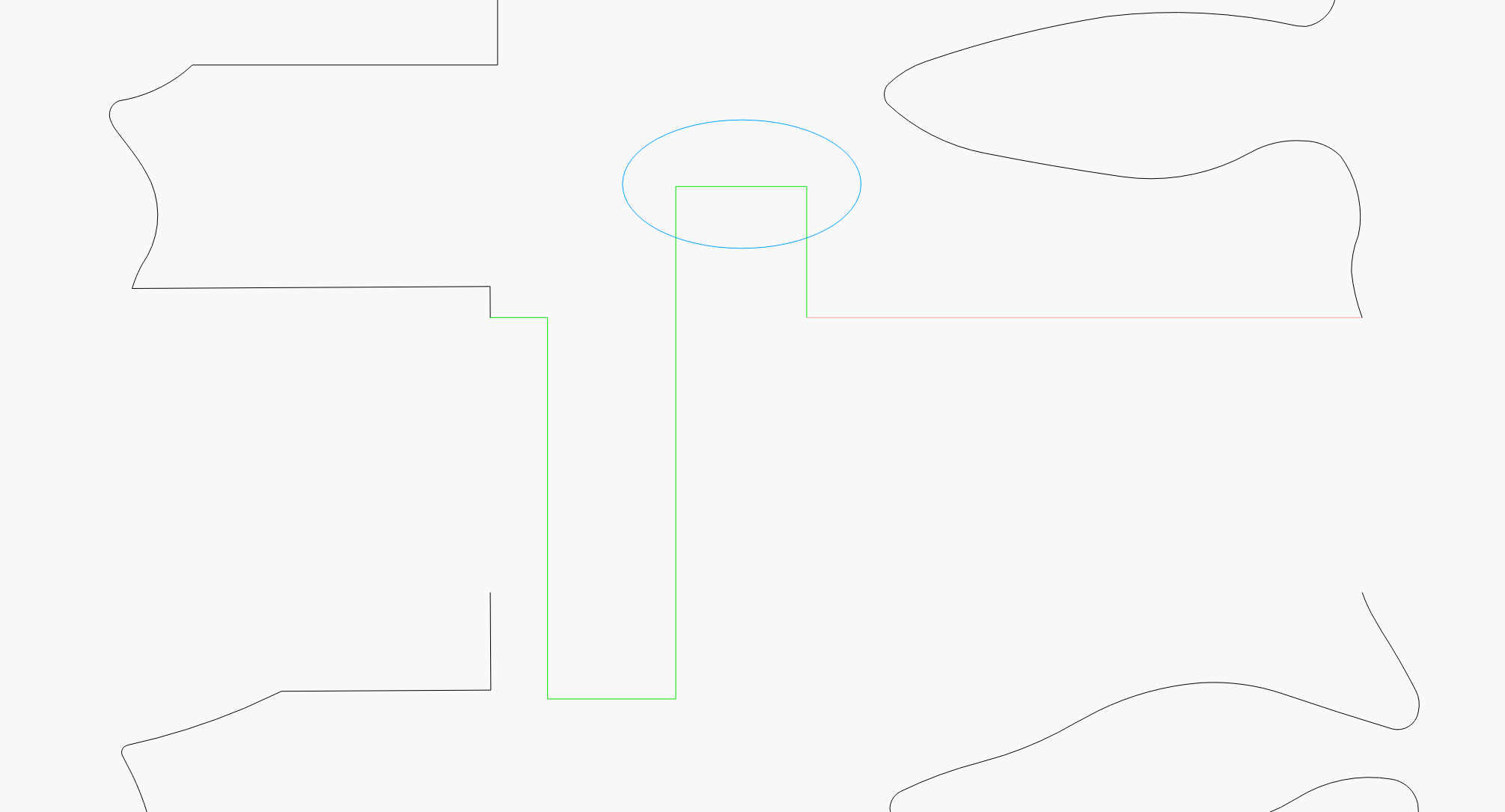
I needed to separate and object as it will not fit and I want to add shapes to each part so they will align and give me more area to glue together after cutting. See image below, the three colors show the three objects and the coloring is for clarity here. Using max zoom all points seem to be touching, when selected either tow at a time or all three the Weld option is disable.
Also, the ellipse is to show the section I need to extend.
Click on the lines and select Fill. If it does not fill, you have an open shape. Use the close path selections to fix.
Somebody correct me if I am wrong, but you will never connect line nodes on different layers. You have a rainbow of line colors.
I needed to separate and object as it will not fit and I want to add shapes to each part so they will align and give me more area to glue together after cutting. See image below, the three colors show the three objects and the coloring is for clarity here. Using max zoom all points seem to be touching, when selected either two at a time or all three the Weld option is disable.
Also, the ellipse is to show the section I need to extend.
Thanks, I manually redrew the connecting objects as seen below, I did try the close path but that did not work, weld is still disabled.

Upload your .lbrn2 file.
You appear to be trying to join a few open profiles together, not weld overlapping areas of shapes.
Weld = fuse overlapping closed areas.
Edit > Auto Join = connect lines.
Thanks, that worked for the top one but not the bottom one?? Auto Join is disabled??
Are they still different colors? As long as you’ve selected more than one shape, they’re on the same layer, and they aren’t grouped, it should work.
Could it be that I simply duplicated the original hand draw object and dragged it down?

Select the shapes, press Alt+B then Alt+J.
Alt+B is “break apart” which shatters the shapes into their component lines and curves. Sometimes if you do that first, it forces everything to get rebuilt from scratch. If the connections got out of order or the shapes were somehow off on some way, doing that first and then the Auto-Join should put it all back together properly.
There is no correlation between a screen grab and Lightburn nodes and vectors. Lightburn is not a graphics program like MS Paint. The lines are drawn using lines and Bezier curves. Think calculator instead of crayon.
My bad, really sorry, I did not notice that the main object was grouped, when ungrouped I could join them.
Thanks very much.