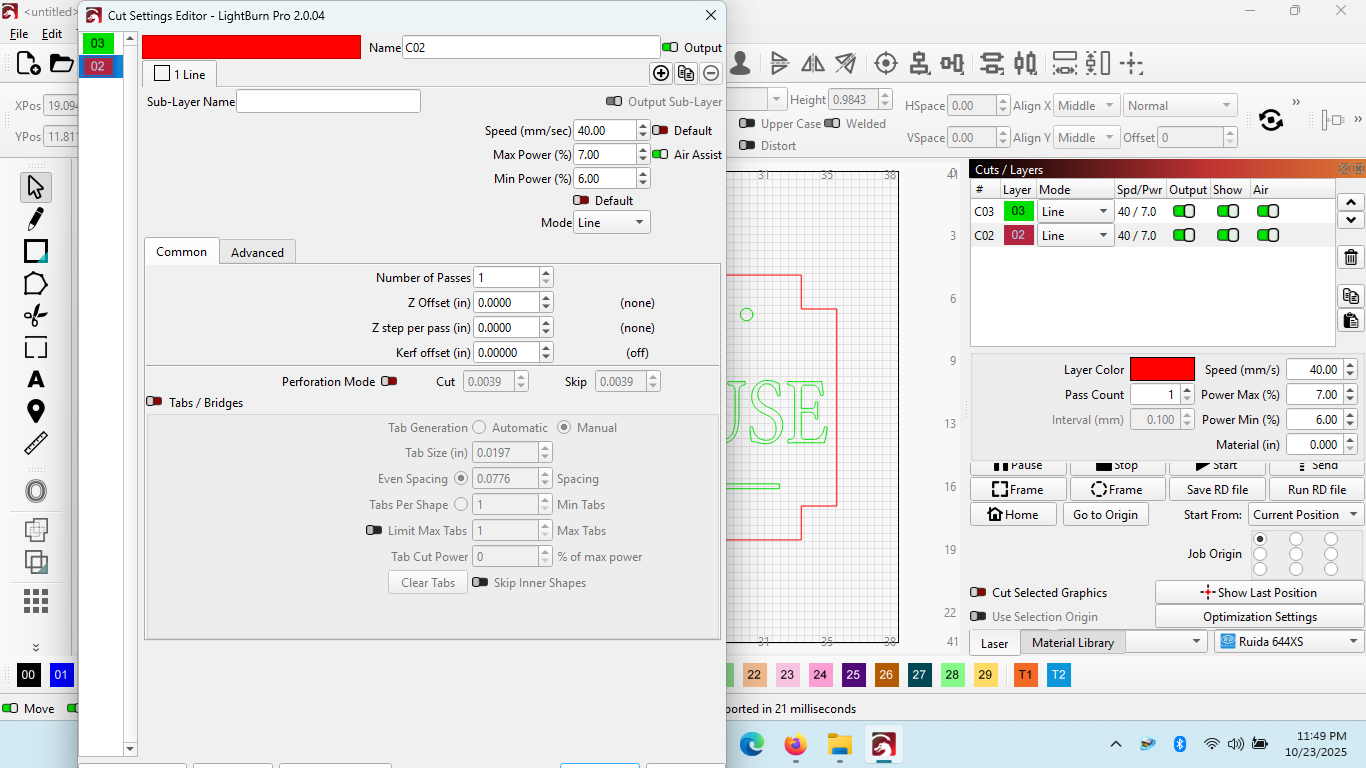
I can’t help with the make default button but you can use the enter key for ok and esc key for cancel. They are aware of the display issues with lower resolution screens and are working on a fix.
Thanks. I hope they make it a priority. This is only a recent occurrence, sometime in the past year. I would guess there are a lot of operators like myself who have simple laptops dedicated solely for pushing files to their machines. A high def monitor should not be required.
This is a result of version 2.0+. As I understand it, they changed the platform LightBurn is built on and at the same time made changes for high resolution displays, which affected low resolution displays. I think they have it sorted out for the next release.