When I create a project, I can’t save it. I have my Macbook disconnected from the laser when I work on the design. Is that possible or am I doing something wrong?
When I try to save or try to export the design, I get a rotating color wheel which goes on forever.
No, the laser does not need to be connected to save a file. Possibly there is something strange about your design or the location you’re trying to save.
Try this, close Lightburn, restart your computer, open lightburn, make a rectangle, try to save to the desktop. If that works, try saving to the location you were trying to save the other file to. If that works there is something wrong with your previous design or file location you were trying to save to.
1 Like
Thanks Tim,
I already tried exactly that.
Now I took a test project from yesterday, when the laser was connected.
I altered that to the one I need to have. That works.
Creating a new project still does not allow me to save the data.
The location I want to write to is exactly the same.
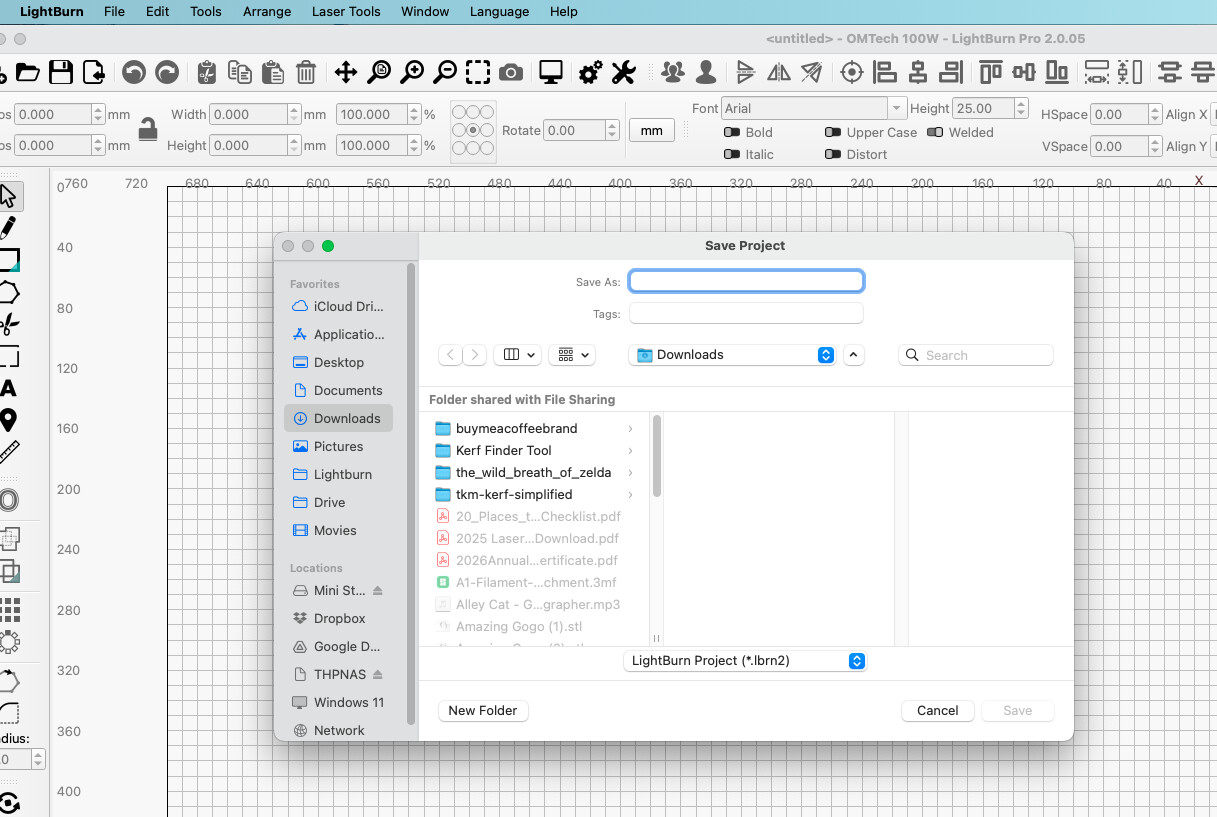
When I try to save a new project, I don’t even come to defining a location. It just hangs.
Am I missing a setting somewhere? I don’t seem to be able to find it out.
Hope you have a solution. Thanks anyway and kind regards,
Eric.
1 Like
So you’re. saying that when you click the Save button or File Menu> Save it goes to the beachball and never gets to the save dialog?
I re-installed the software and the problem has gone.
Thanks for the support.
This topic was automatically closed 30 days after the last reply. New replies are no longer allowed.