baricl1317
October 12, 2026, 8:59am
1
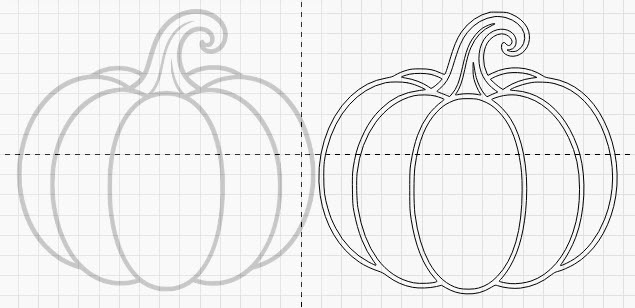
Often when i do an import it comes in as double lines instead of single lines. I know what causes this but is there an easy way to correct this.
baricl1317
October 12, 2026, 11:13am
2
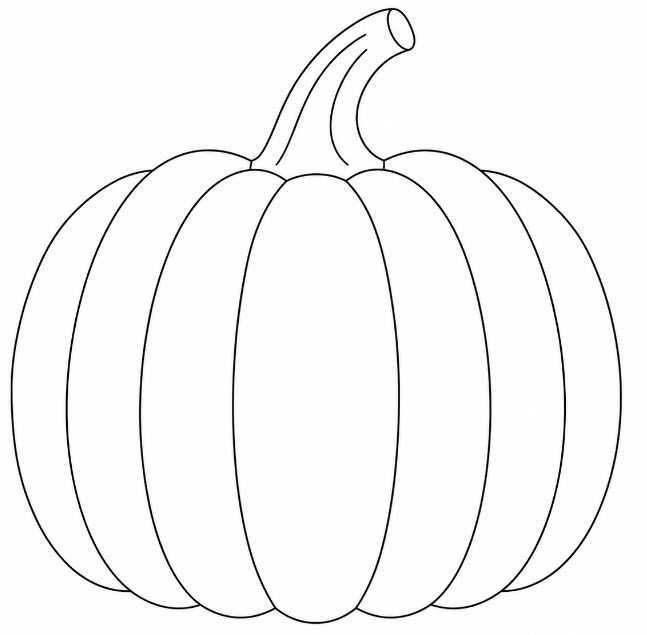
I figured this one out. Just used AI to generate my image with a 1mm line width. But that still doesn’t solve my issue when i am importing a predesigned image
parsec
October 12, 2026, 1:25pm
3
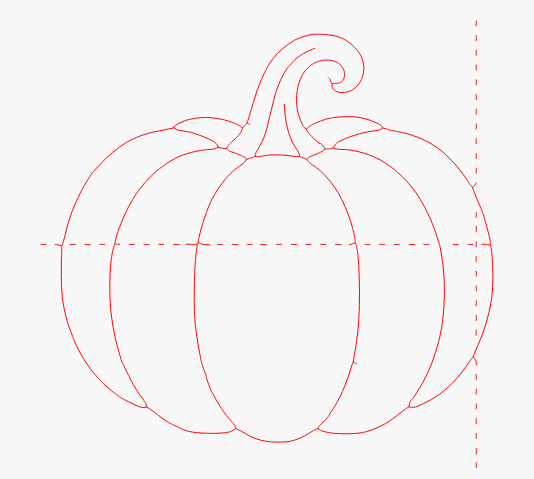
If you’re usig pro try a Center Line trace.
MikeyH
October 12, 2026, 3:06pm
4
parsec:
Center Line trace
If you have not done so, you will need the RC (release candidate). This is not in the production release yet.
Or just use mine. Be aware it may need some touchup work.
Pumpkin CLT.lbrn2 (195.1 KB)
baricl1317
October 12, 2026, 10:02pm
5
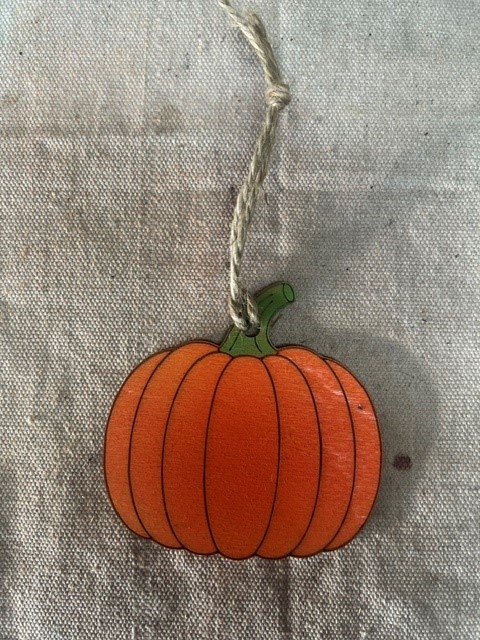
Here’s my final design
Simple Pumpkin.lbrn2 (151.1 KB)