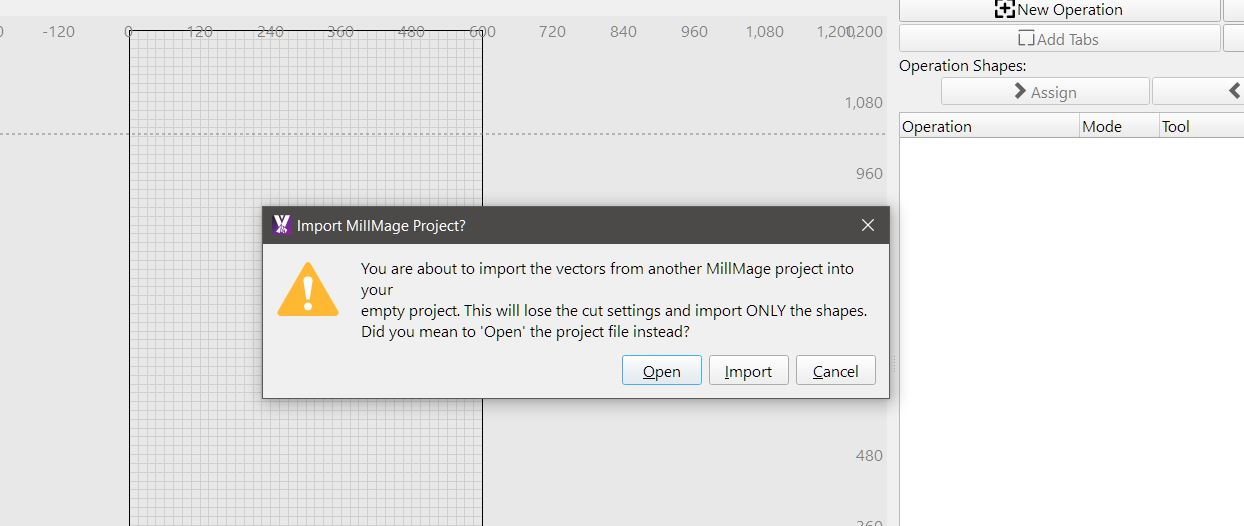
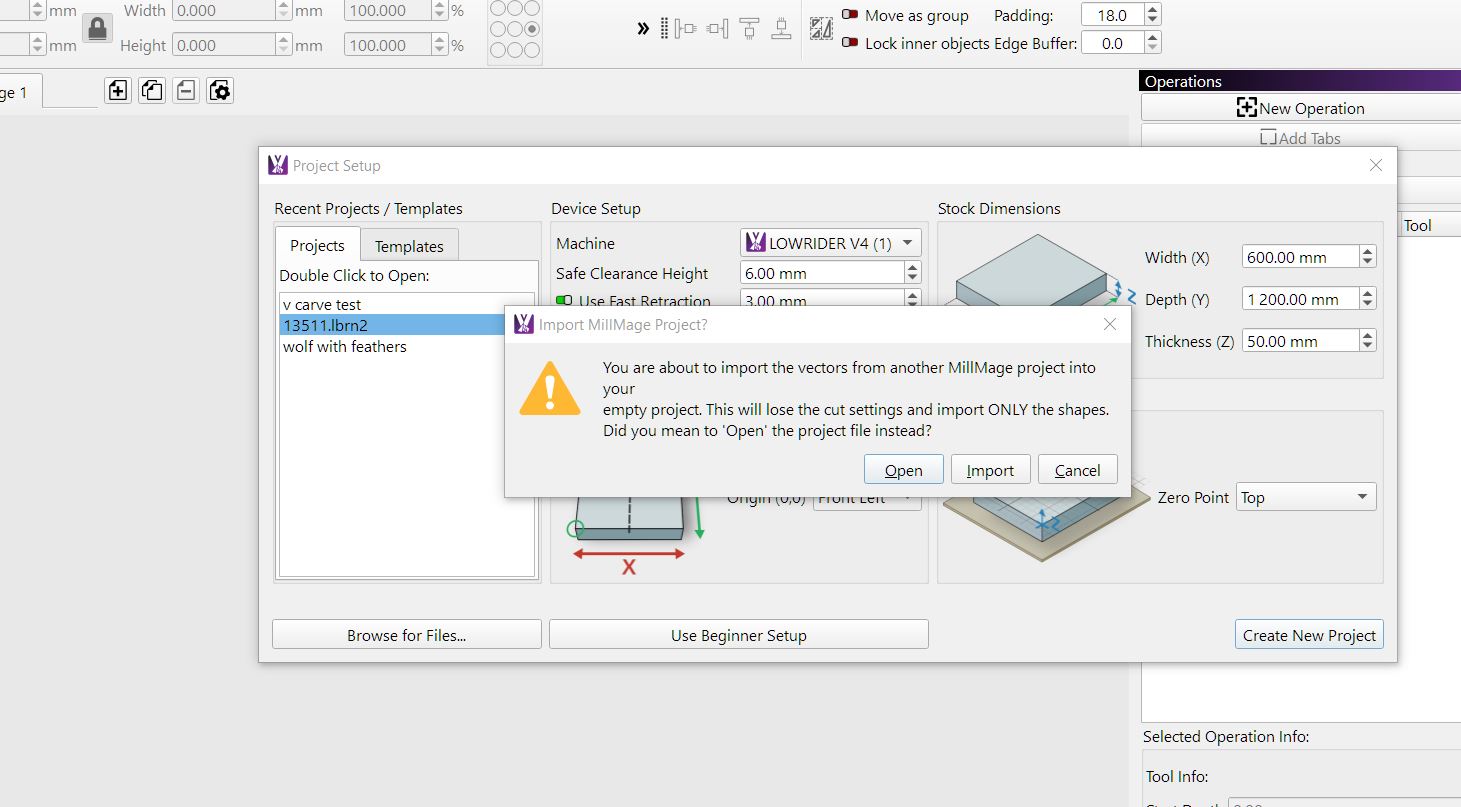
just tried to drag a LB file into 0.9 and get this pop up
dragged it into 0.8.01 and didn’t get this, picking its something new thats been added , but thought throw it here just incase its a issue
and when i do import it , i have to go hunting for it , its not in project area
13511.lbrn2 (322.9 KB)
Today I clicked icon in tool bar MM starts recent folder pops up but it wont let me open files that i created yesterday
MikeyH
July 10, 2026, 6:47pm
3
You should select “Open ” if it is a .mage file. Then all the design details come in.
Import is for SVG, DXF, JPG, AI, and stuff like that.
As far as the popup when you drag-drop, I am not at the CNC computer to test but is likely. But I am guessing that was not intended.
thats what im saying mike the open button wont work ?
have tried same file in 8 and it opens sweet as in both instances
MikeyH
July 10, 2026, 11:09pm
5
08 let me drag and drop, okay.
09 Open flashed the window and did nothing else.Import loaded the Lightburn file like I would have expected for drag-drop.DUH me!!! A Lightburn file has no Operations, so that window should be empty.
That begs the question: Why is drag-drop not working as expected?