Hello everyone, I would like to know if there is an easier way to close all open joints instead of going to each node and manually connecting them, I have many plans that I. downloaded from the net and they all have open nodes, it takes a long time to do this, please any suggestion? thanks a million.
Try selecting everything you want joined and going to ‘Edit’ > ‘Auto-join selected shapes’
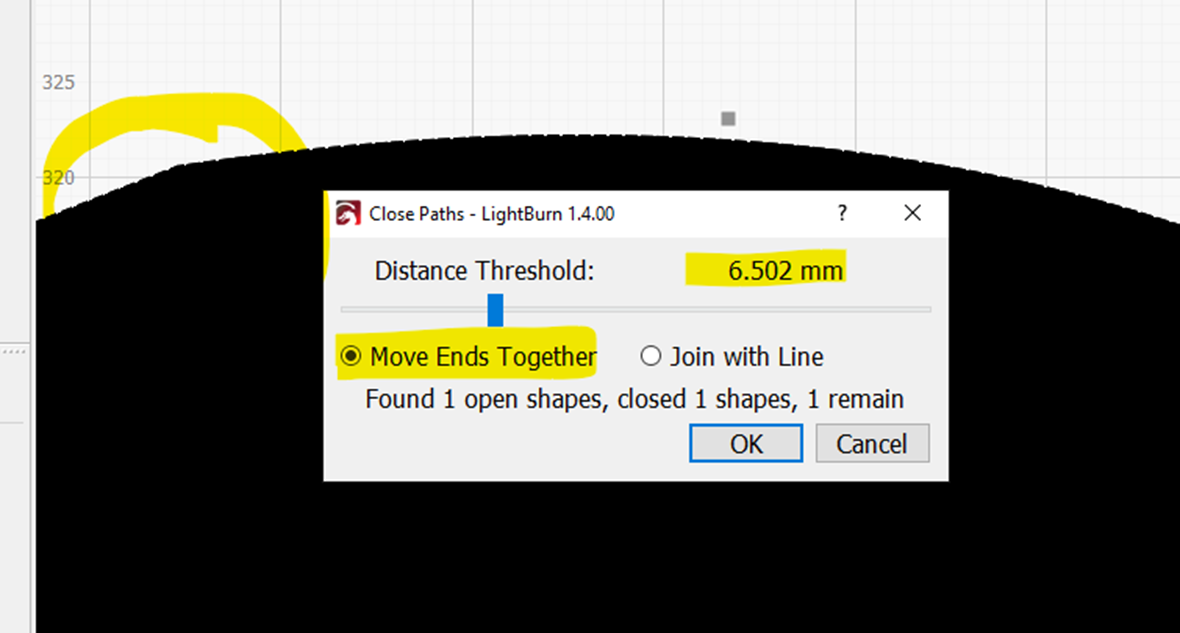
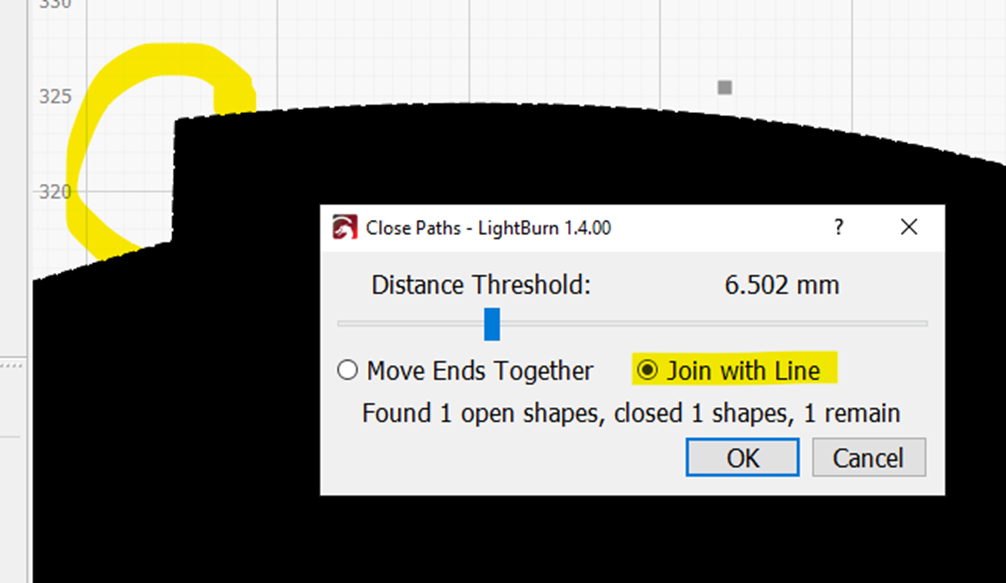
For me, the best way to close open joints is use “Edit” → “Close selected paths with tolerance” option, because you have control about the distance between points and the way they join together.
For example: 2 points 6.32 mm apart
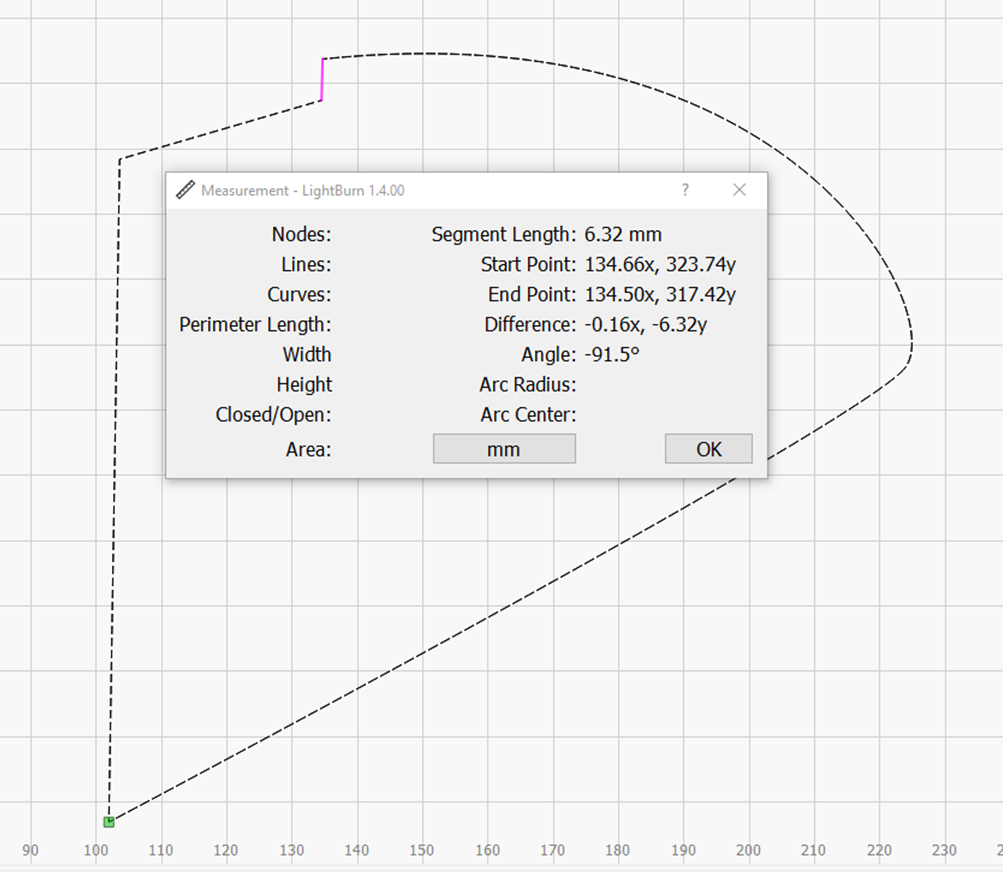
“Edit → Close selected paths with tolerance” :
“Move Ends Together”
or “Join with Line”
This topic was automatically closed 30 days after the last reply. New replies are no longer allowed.