Gweike Cloud 50w Co2. only about 4-5 hours of use.
Latest lightburn, 2.0.04
Laptop is running win 11, gen 13 intel, 4060 , 32gb.
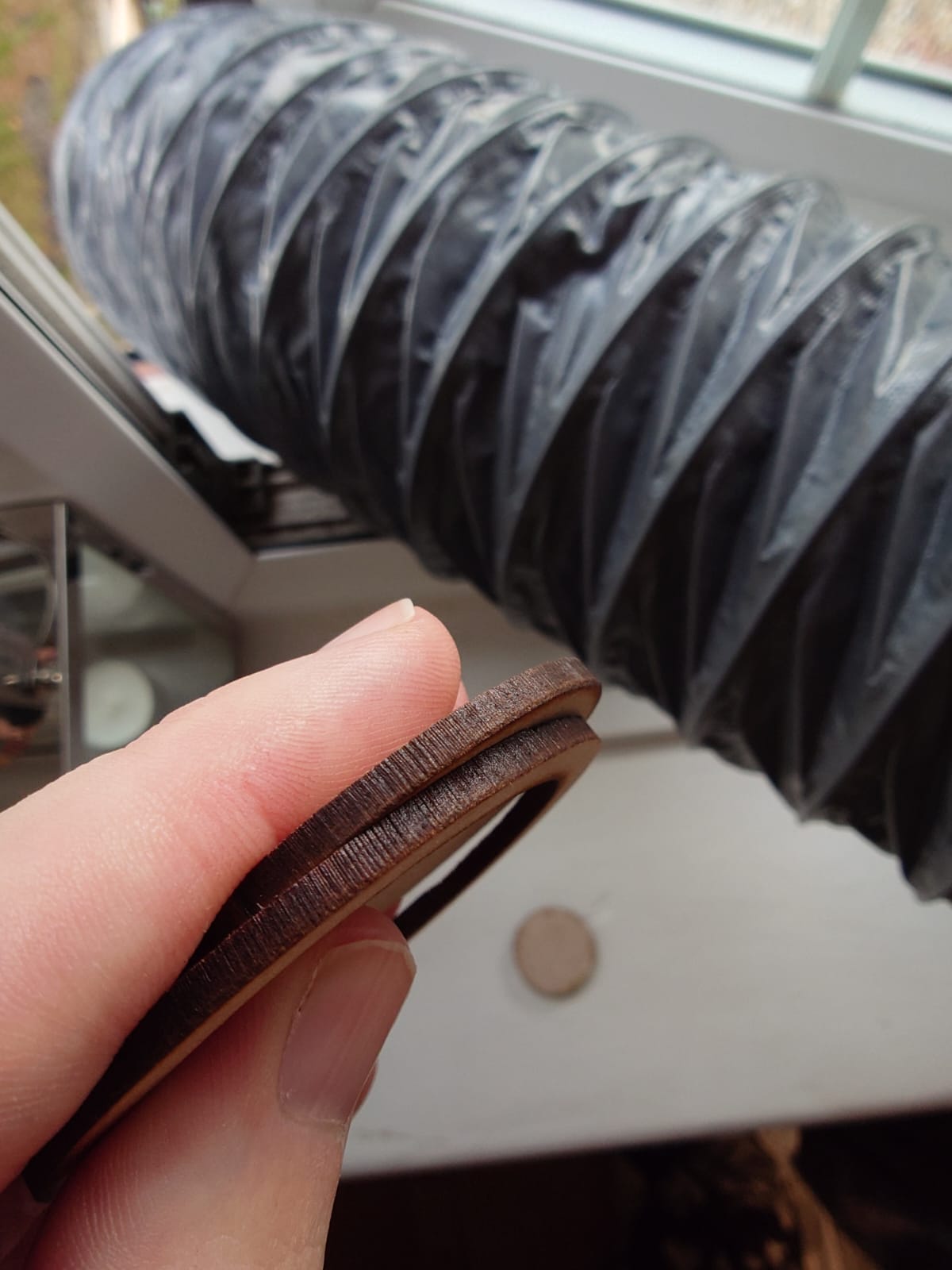
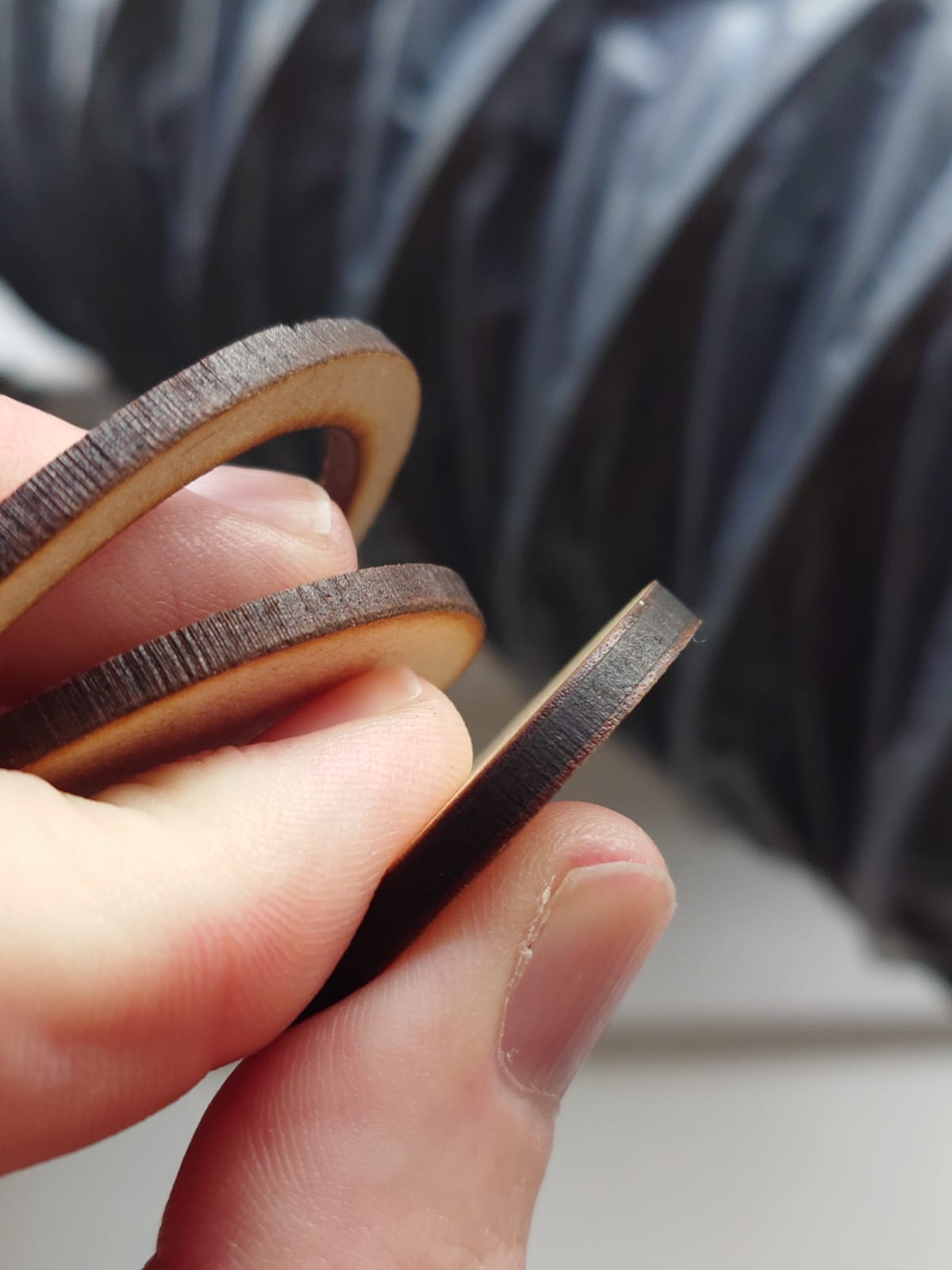
Right, the issue is with the finish i am getting on edges of ALL materials.
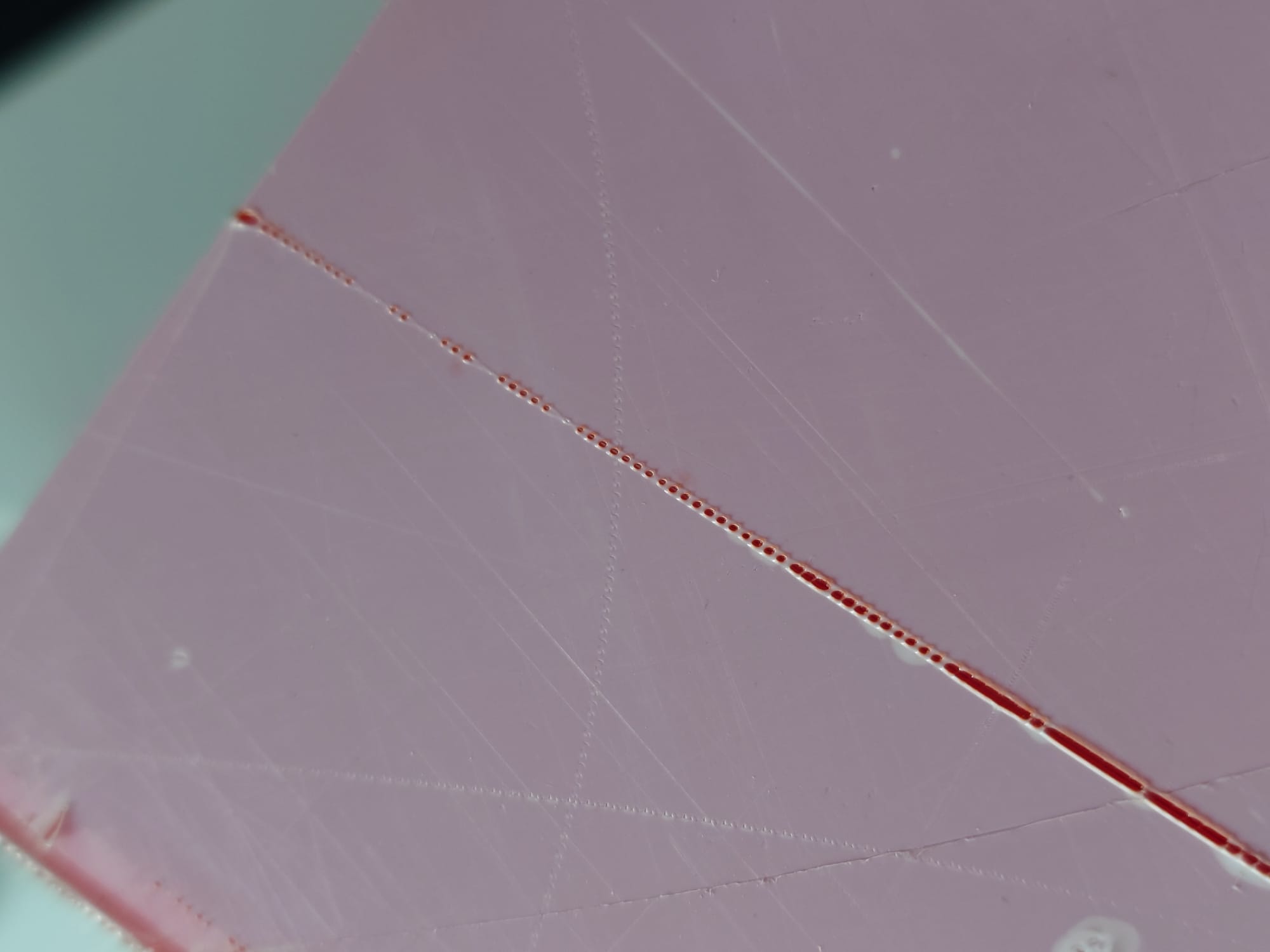
Pictures attached are mostly of 3mm Red acrylic as its what i had the most of to waste. But it happens on MDF/Woods too !
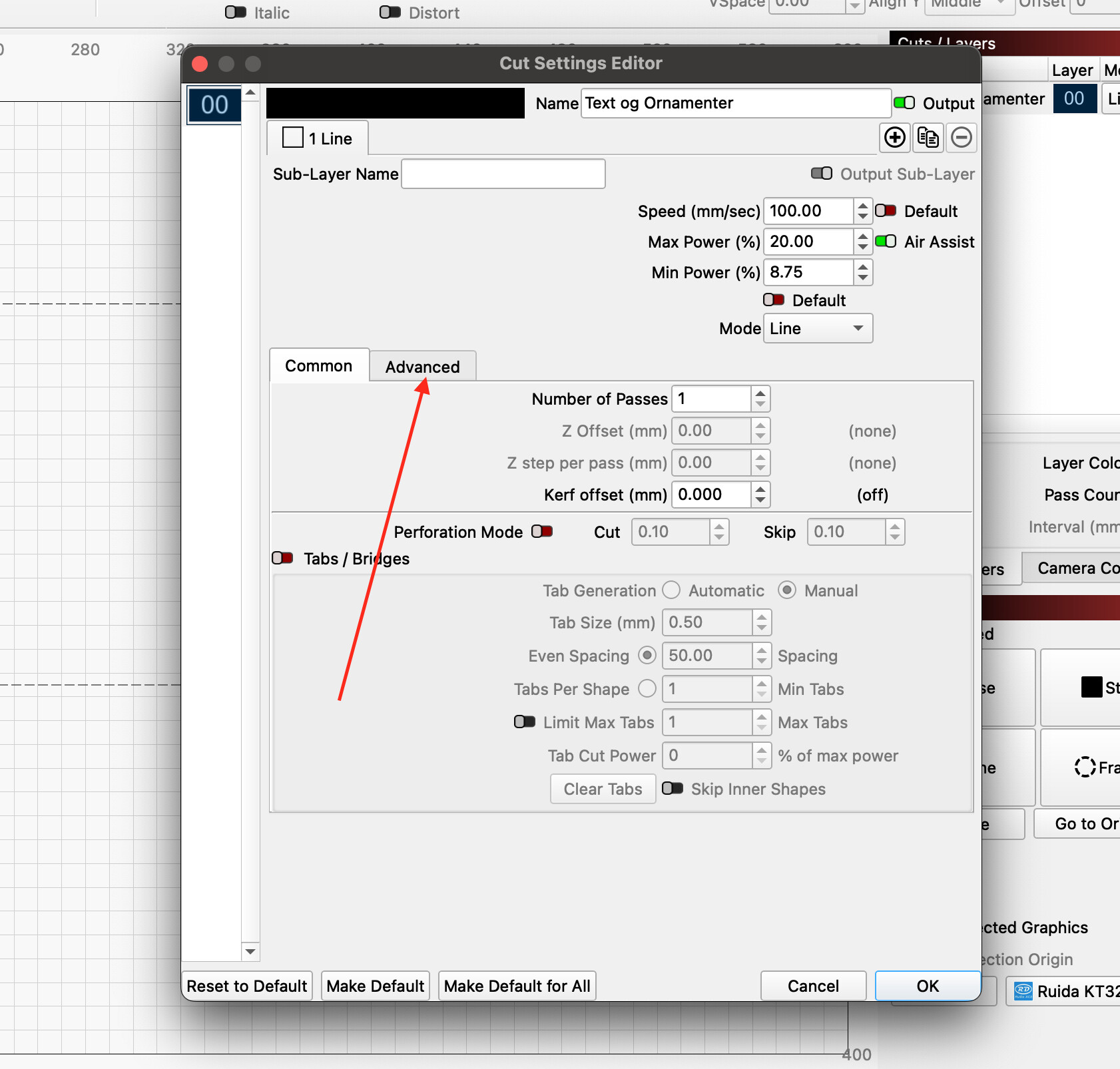
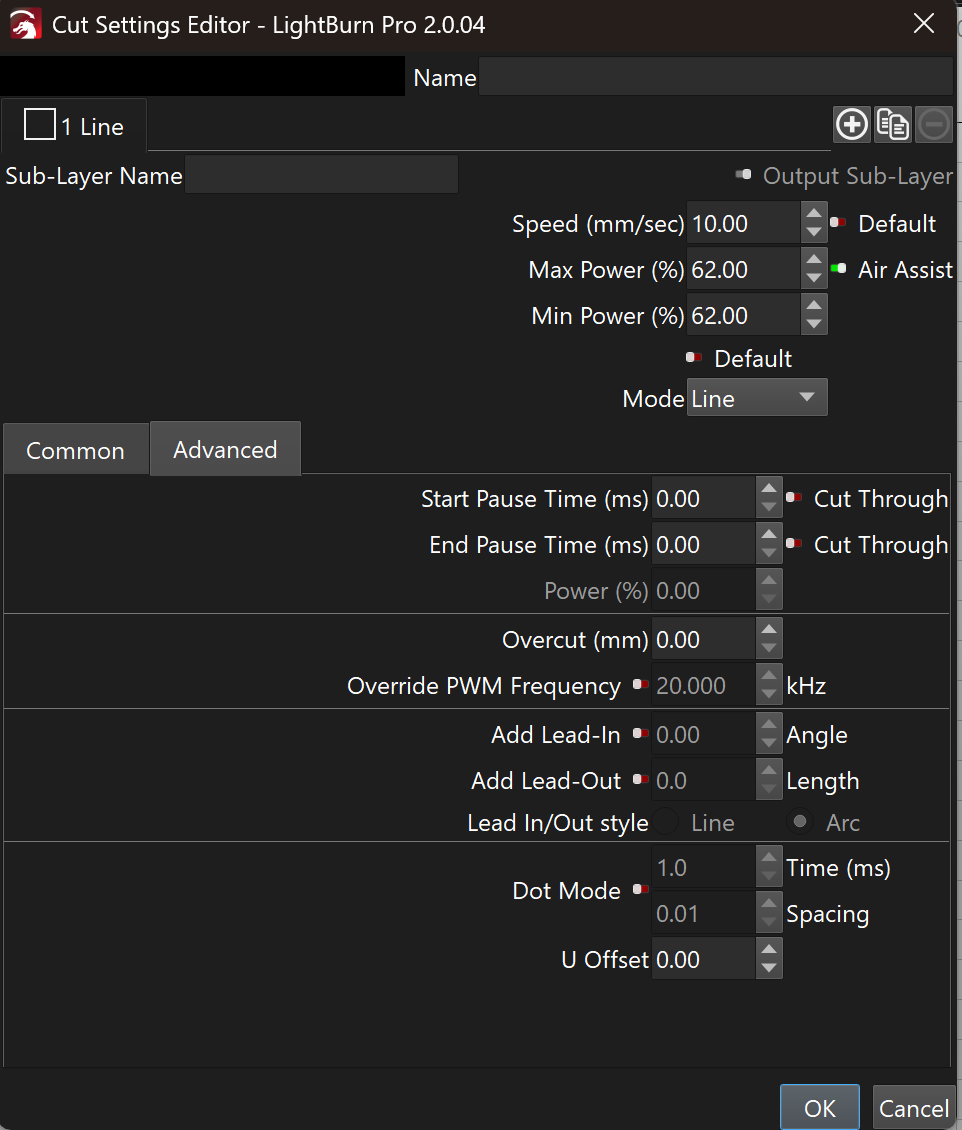
For this red acrylic, im using 10mm/s and 60% power. This cuts through fine but the edge is far from smooth.
The edge has a similar finish even after slowing down/ speeding up / more power / less power.
I have tried so many combinations down to 3mm/s and up to 20mm, power up to 95% etc
Using the suggest setting from Gweike gives this finish on the back, which almost looks to me like the beam is either changing focus or power and not making it all the way through ( almost like up down up down power, if that makes sense )
Just to add, this is an MDF circle from another machine ( not Gweike ) but with almost identical settings. You can see the 2 cuts from the Gweike in my hand also. The difference is night and day !
Not a reply I expected either if I’m honest. The second reply was " try these settings 10speed 90power" which as I had already told them made no difference, but I did it anyway and showed the results.
Do you use Z offset when cutting acrylic? …minus 14 mm…?
Other than that, my settings for my nominal 60 Watt laser are 57.5% power, approx. 13 mA but 22.5mm/s in speed and I have a nice cut edge.
That’s how it works on these apparently, so that’s what I’ve been sticking with. 17mm less the material thickness. It works for me and the focus is spot on. It’s just the poor edge that driving me mad.
…I’ve lost you here. You write that you cut 3mm red acrylic.
Depending on what kind of lens I use, I set my focus to e.g. 2" - 50.8mm (from the bottom edge of the lens to the material surface)