Hi.
I often have to do a lot of cut and pasting of text, and it would be great if I could call up the ‘Edit Text Shape’ pop up via a hot key.
Sadly it is not in the menu items in the Hot Key Selection.
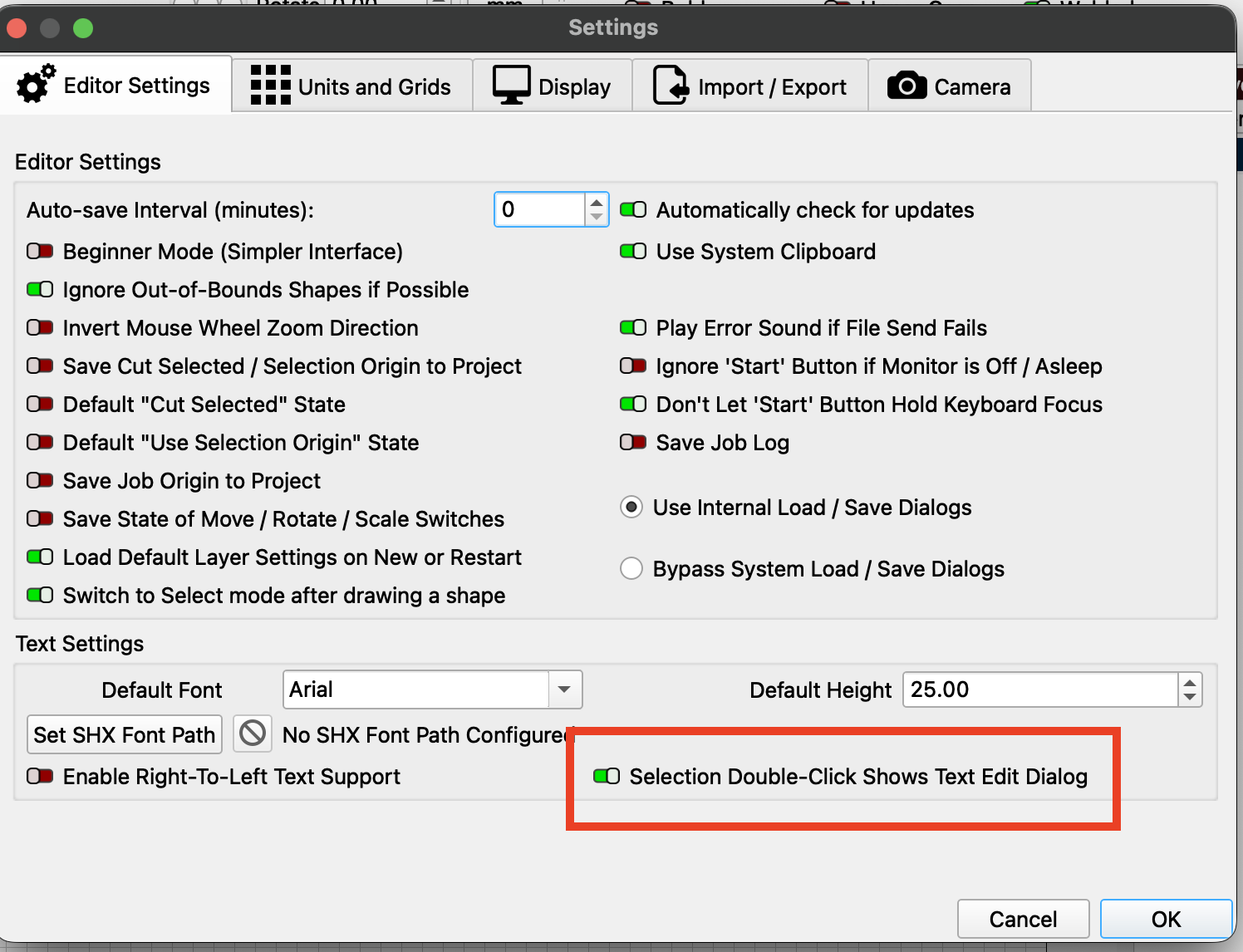
Many many thanks..
Makes it so much eaiser.
I have a default lable that I have to apply about 50 times.. So being able to paste, then edit immediately reduces a lot of time.
I don’t know if it applies here, but the CSV feature of LB might help you as well. Design the label once and load all names from a file. Might be faster:
