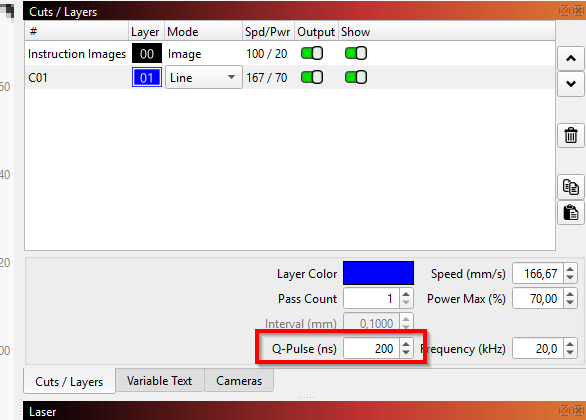
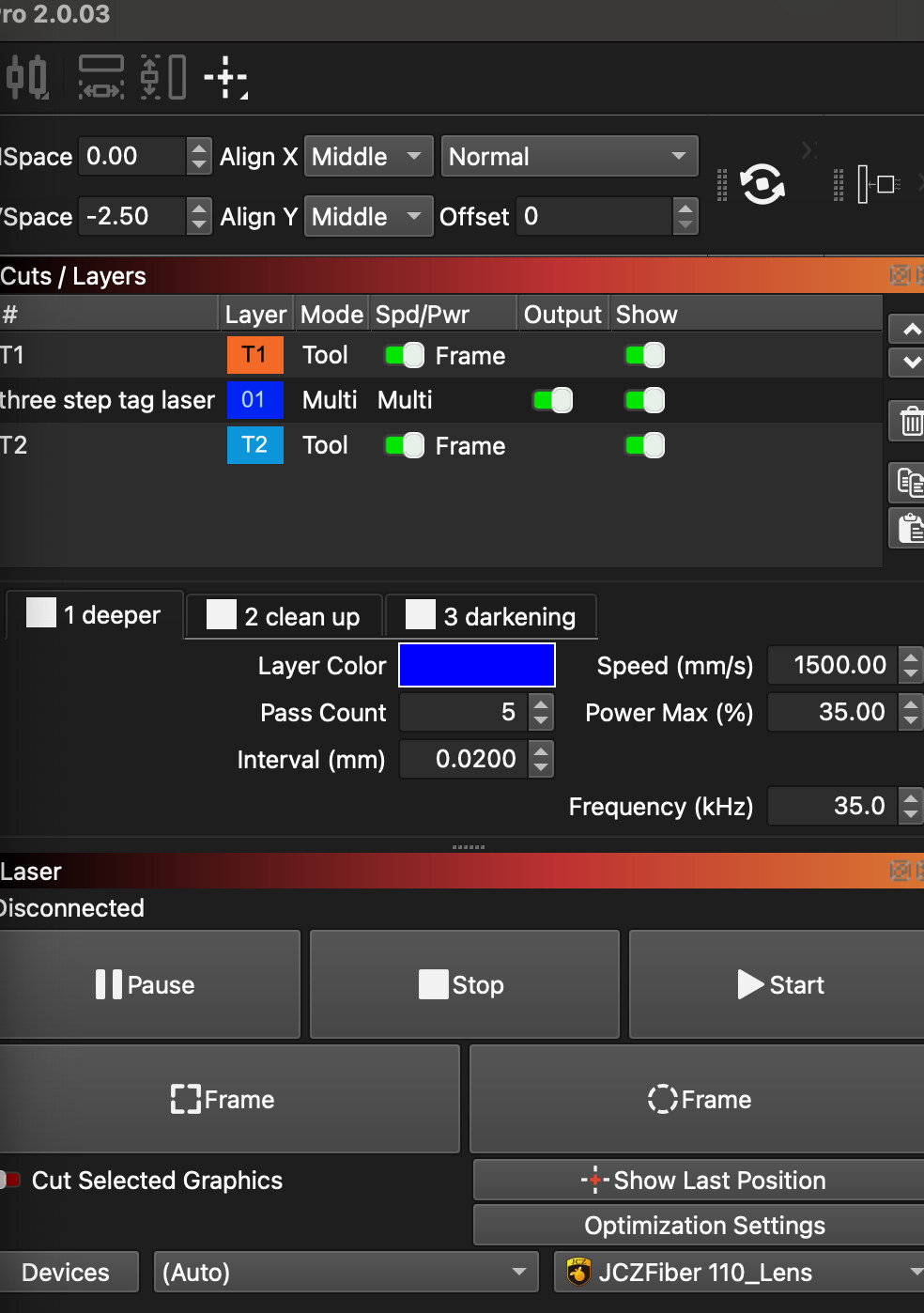
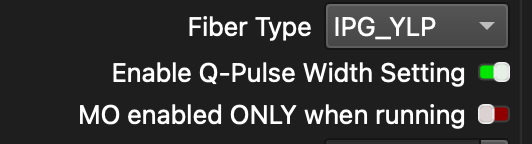
I have a JPT 50W Fiber laser - I enabled the Q pulse width settings but am now unsure where I can enter the nanoseconds. Please advise as to exactly where I can find these. I would like to enter 30ns to 45ns etc. if it allows for a range or 2 different entries and have different entries for different passes.
You can’t set a range, since it’s a specific setting. You would need different layers (or better: sublayers) if you want to have different settings for the same shape.
Some of the JPT 50s may not have adjustable Q-Pulse, even though a MOPA. A JPT LP/ LP+ MOPA is fixed, a JPT M7 is adjustable. The LP/LP+ were very common a while back, I don’t know now but something to check.
Thank you everyone. I contacted the manufacturer and my laser does not have this feature. Sorry i didn’t start there first, thanks for everyone’s help.
It’s OK, the 50W LP/LP+ has been a oddball, When the MOPAs first got popular a lot of them went out the door, the 20/ 30/ 60W were M7s and the 50’s were LP+ for some reason. Sounds like a few of them are still around. I use the same parameters, 200 Pulse and frequency in the 30-100 kHz range 95% of the time with my M7 with great results, you will be able to do most everything you need with your machine.