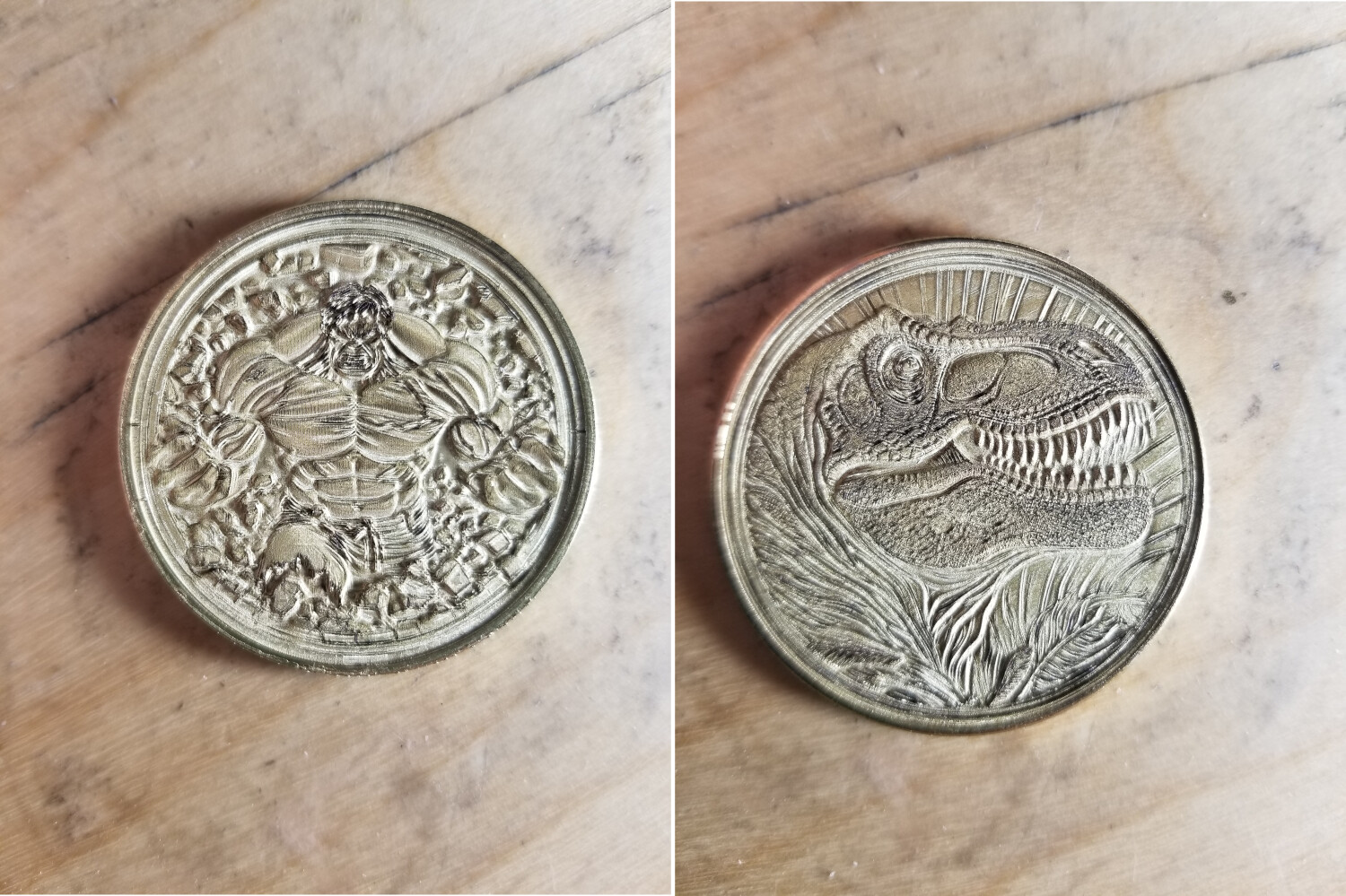
your saying these aren’t 3D? that’s amazing. I need to look into this
@Bulldog Nicky, you continue to show great works. They are fantastic productions friend. Just outstanding. Thank you again for sharing and your contributions.  Greatly appreciated.
2 Likes
Stunning work! <3 Love it!

1 Like

@MakerPlumber
Thankyou No this is just an illusion on wood
@Rick Thankyou
Without LightBurn could not do this
1 Like
@BillieRuben Thank you
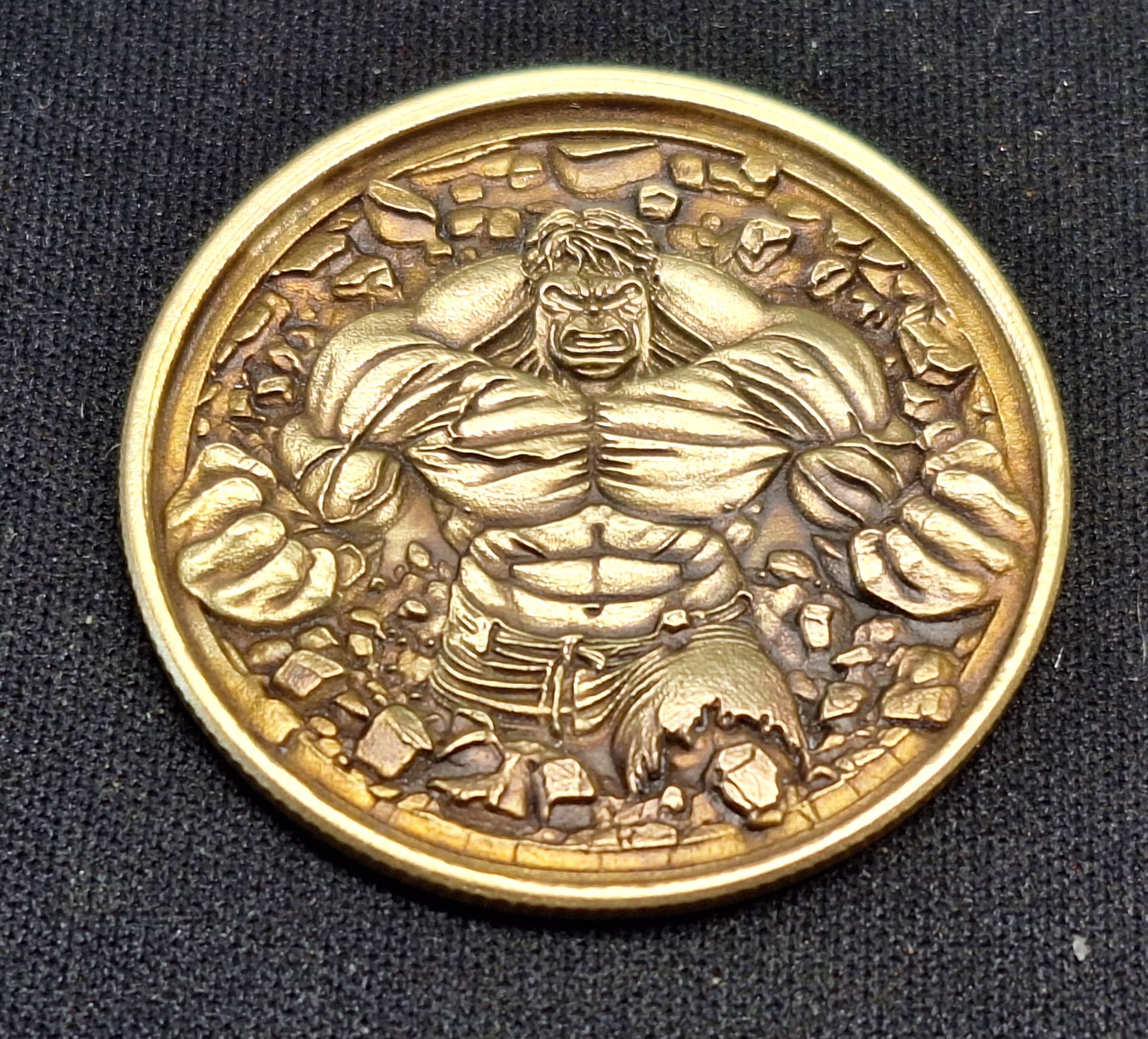

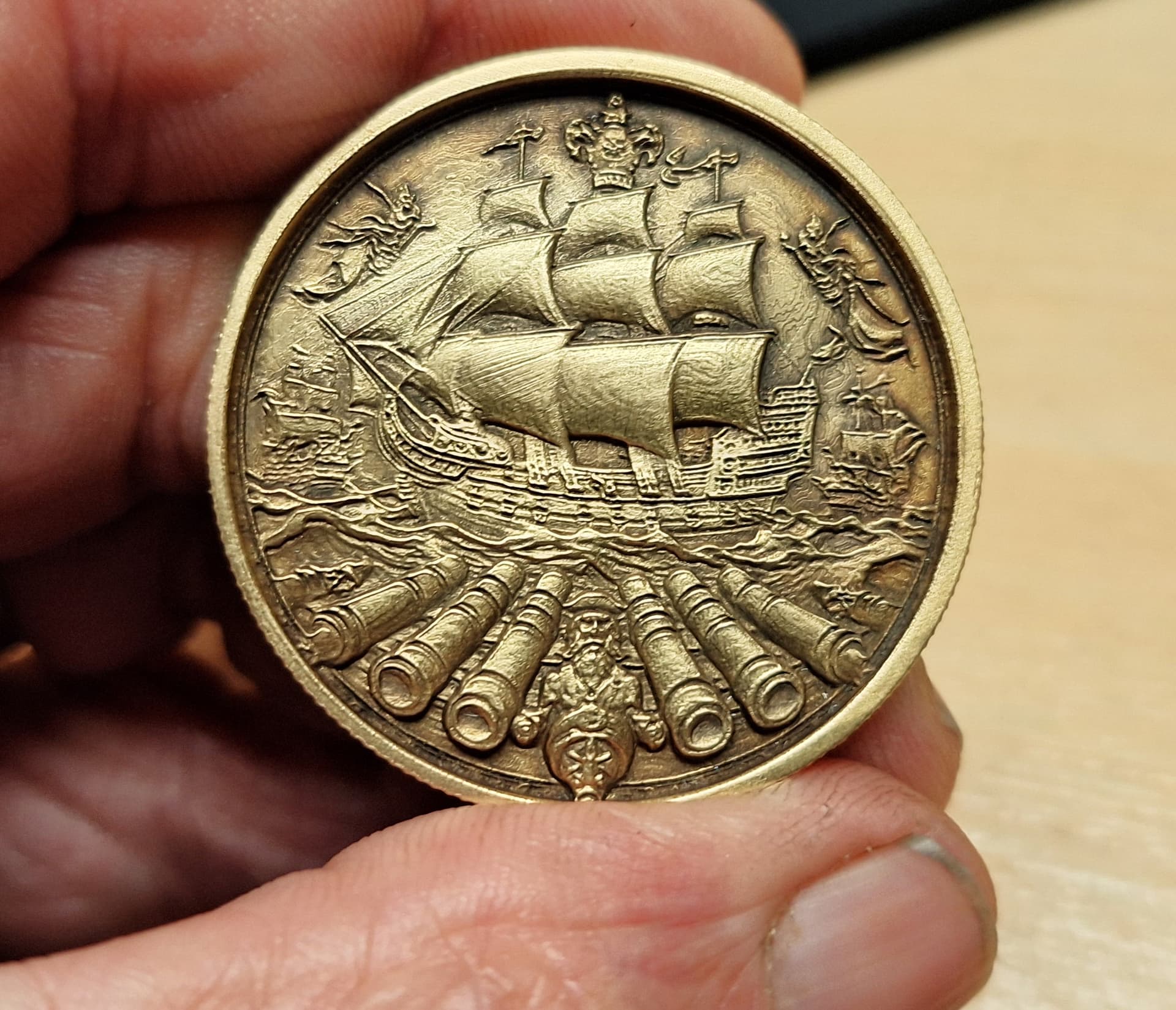
They look great… I just picked a library setting and let them run…
Love the ship.

Always amazing.
@jkwilborn Thank you
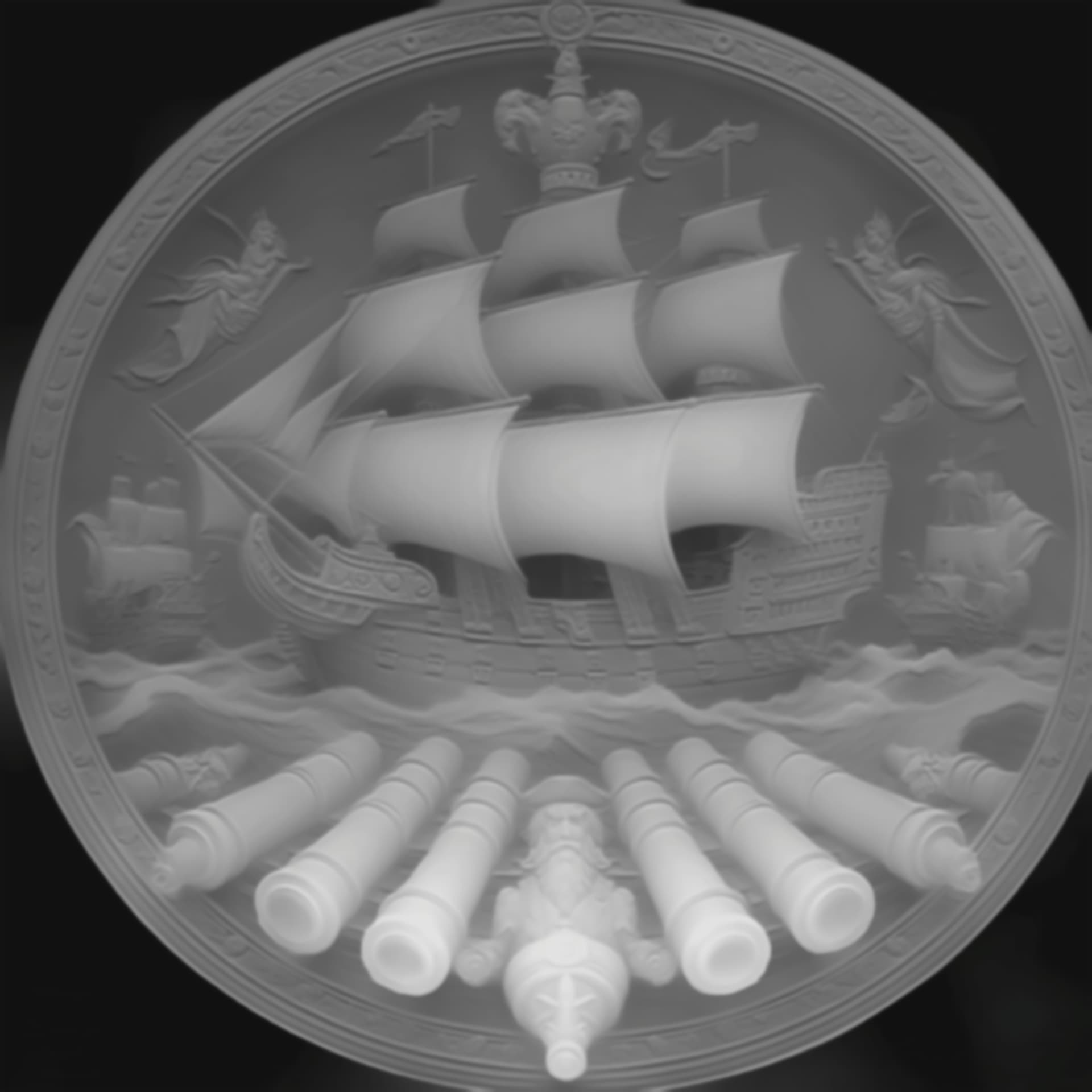
2 Likes
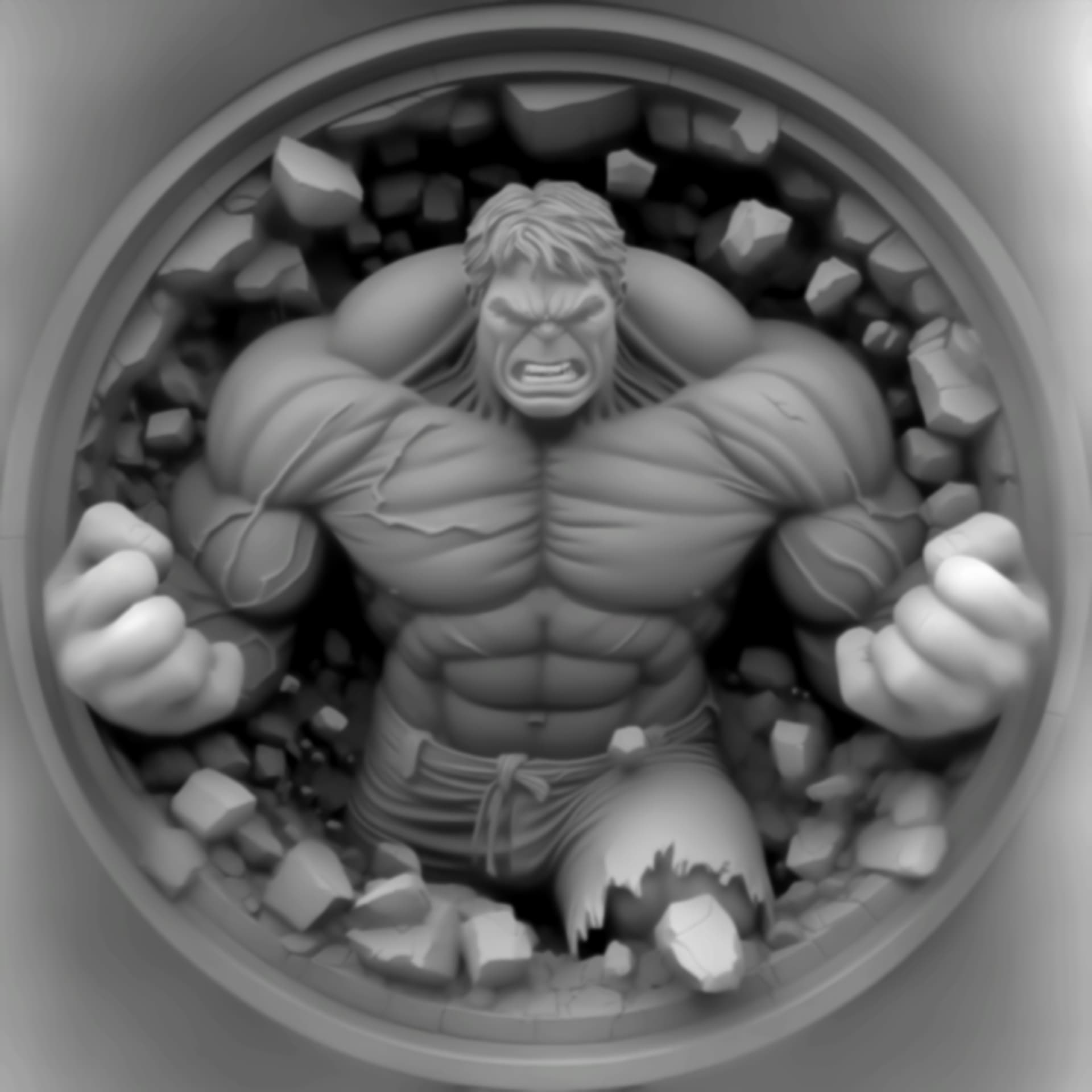
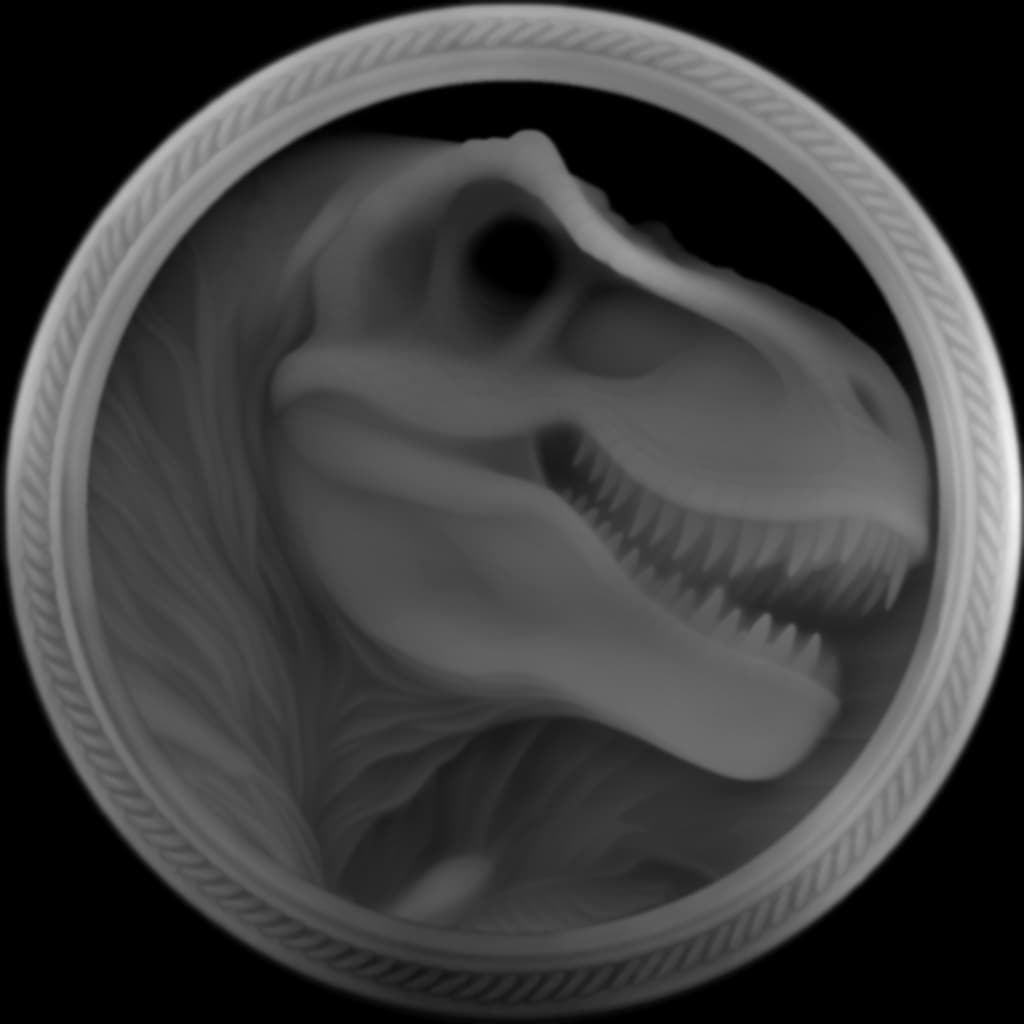
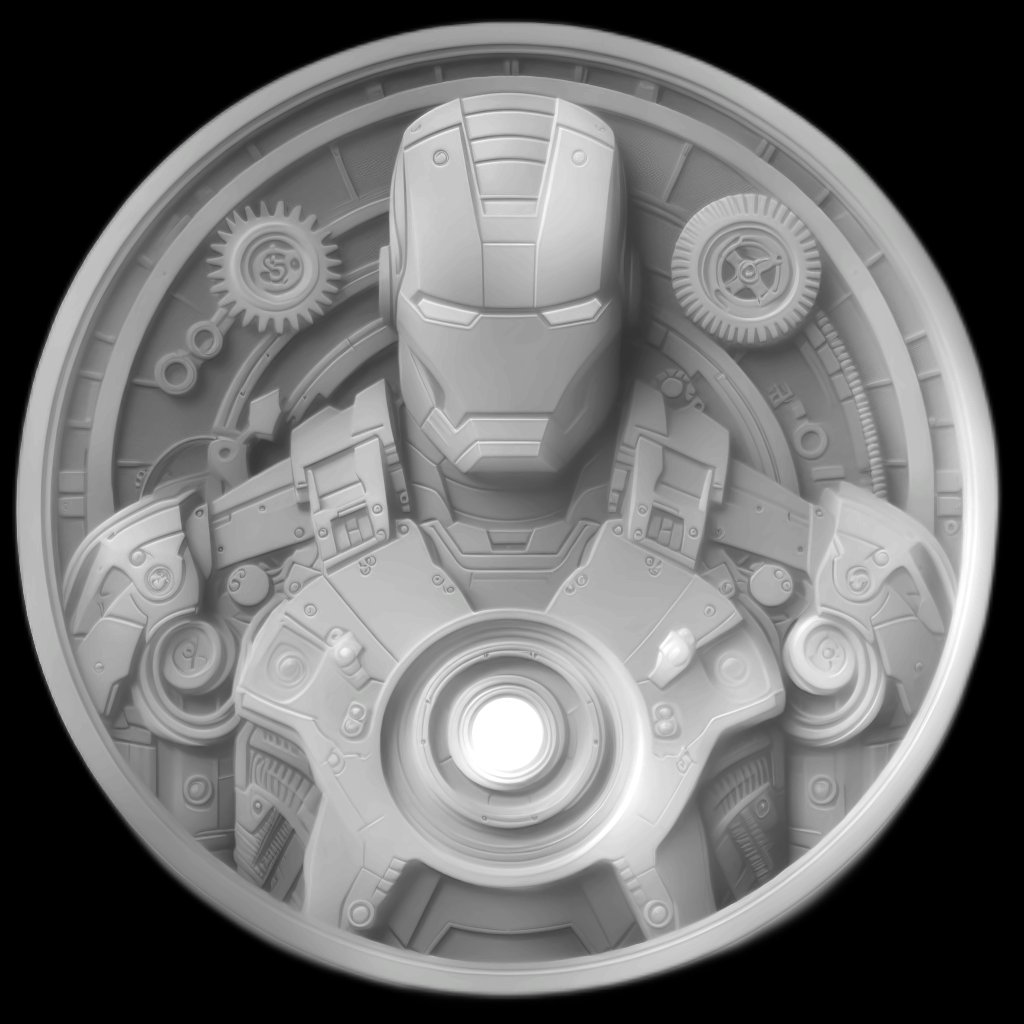
These where all done in
DepthR _ I use Bing AI to generate a “detailed greyscale Bas Relief” then run that through DepthR
2 Likes
@parsec Thank you
Rick, I’m sorry to bother you here, but the thread I need to reply to you on is closed:
Did you actually generate data matrices with 1.7.0.0? I downloaded it and don’t see the option anywhere. Please PM when you have a chance.
I think you would find a way, but we are all delighted to know LightBurn plays an important role in your beautiful workx! Together, forward. Thanks friend.
1 Like
No worries @i3Lasershop, work is very much in progress, but has not been folded into the private beta as yet. From what I understand, Adam’s fingers were quite busy on a flight from Zurich to SFO, and that posted picture is from these efforts. This will need initial internal rounds with the rest of the dev team, then some additional internal testing to ensure things work as designed and expected. Once complete, we’ll then fold it into the private beta for your (and the rest of the beta teams) review. This is the Soon-ish bit Adam mentioned, and yes, we are targeting the 1.7.00 release. Software, so things can change, but 1.7 is the goal.
Ah you posted pictures of all kinds of 2D codes in the thread I linked and mentioned 1.7.
I’m on the Beta and installed 1.7ß but alas! No 2D bar codes yet.
1 Like
Still impressed by this work! For those that want to go down the same path, I did a little research. Enjoy!
If you are using other browsers instead of Edge, you can access Bing AI by typing bing.com on the browser tab. Then, click the Chat icon.
Copilot (formerly Bing Chat) is an AI-powered assistant that can help you browse the web and much more! You can ask Copilot both simple and complex questions; use it for research; request summaries of articles, books, events, the news, sports results, etc.; ask for product comparisons—and that’s just the beginning.
Awesome work…and knowledge.
1 Like