I’m trying to engrave two sides of a water bottle without picking the bottle up. For a single graphic I have a box that I don’t engrave that makes the USER origin (Thunder Laser) the center/bottom of the bottle which I have marked on the bottle. What is the best way to make the origin centered on the front graphic only.
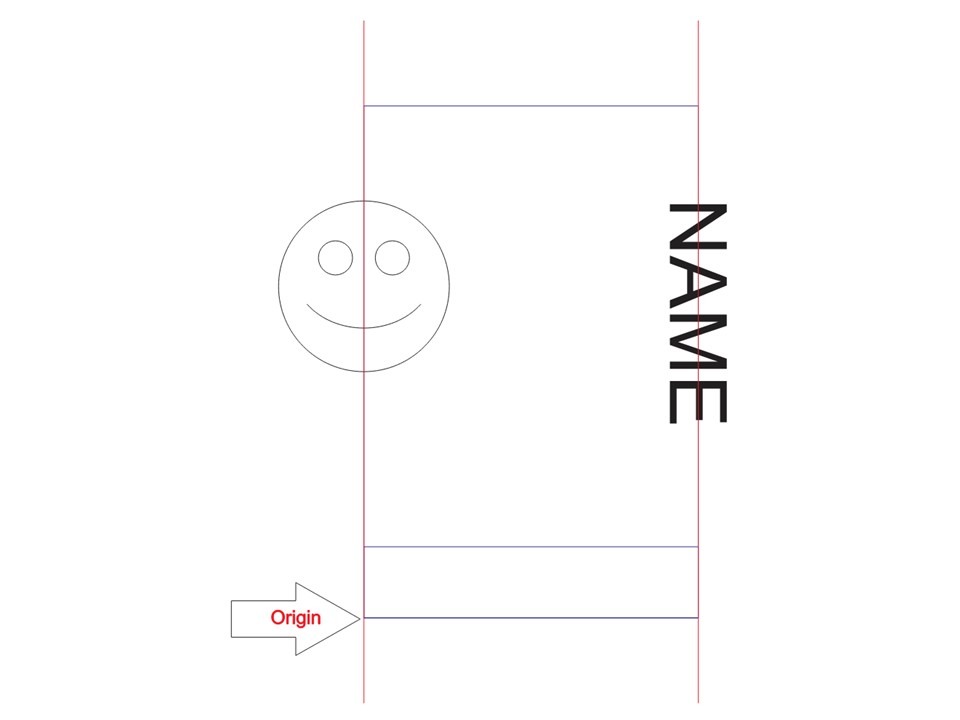
You have so much area on a mug… Figure the size you want and make a tool layer to help keep you within the limits…
If you use absolute coordinates, the machine will move to where it is on the Y axes… probably not what you want.
This was a mug for a local dispensary.
I use User origin and once everything is set in place I press ‘origin’ on the console…
I have the job origin (right red arrow) in the center left… where the square is located (left red arrow).

When I set up the rotary/mug, it will be in the machine with bottom to top being the X axes.
I set the center of the mug (usually the manufacturers logo) aligned with the head and origin.
Make sense?
