This is an enhancement idea.
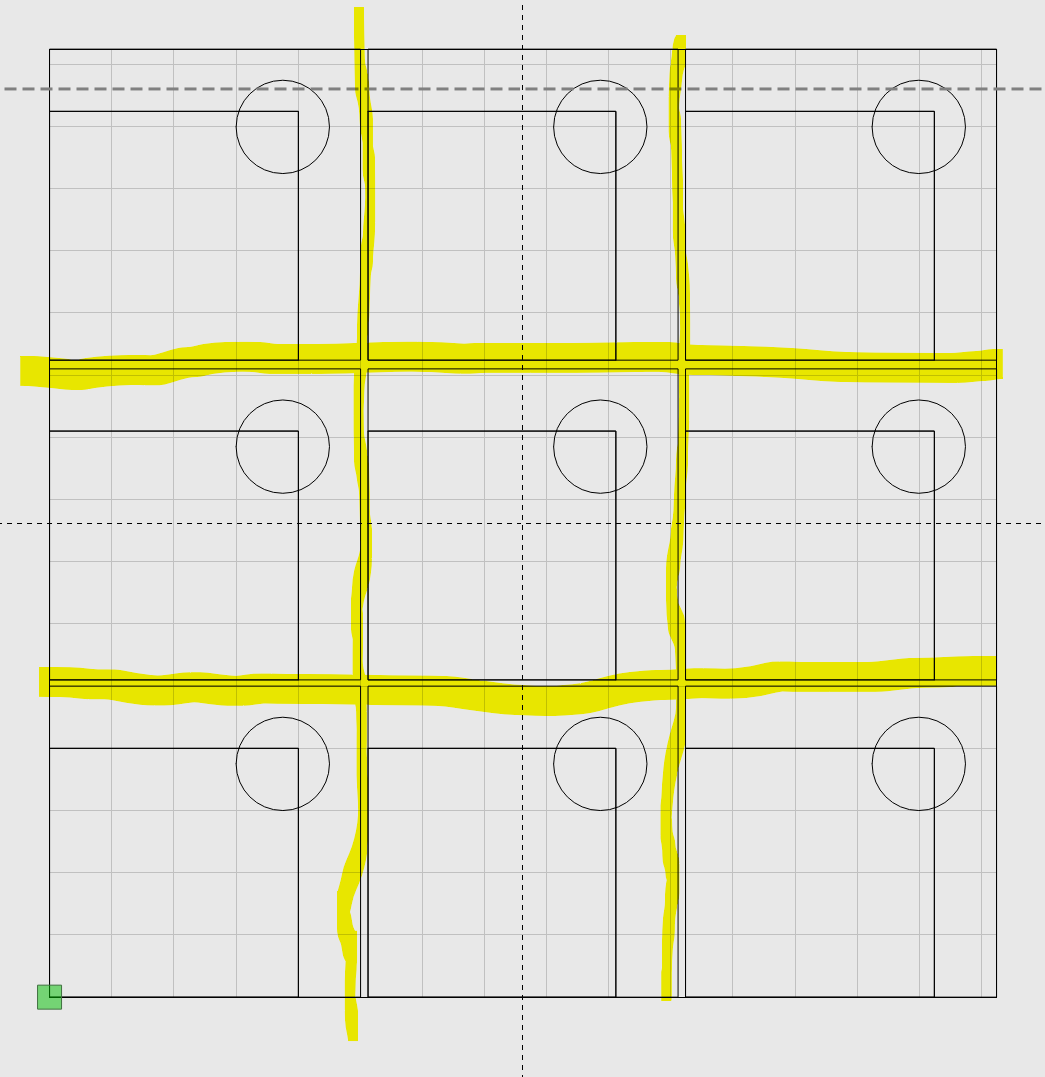
Issue: I am replicating multiple items on one piece of aluminum and want the software to do all of the calculations for a “No-Go Zone”. I want to know how far apart my next image has to be placed, when considering the diameter of my bit used to cut out each square. The yellow areas have been highlighted to show the space between each object.
Once I have entered the bit to be used, so the program should be able to tell me when I’ve placed an object (similar or different) within the bit’s path so I would move it over. It would be perfect if the program would either tell me how far to move the object or auto-move the object to prevent interference.
Other thoughts: highlight those areas where the two paths cross that will cause issues.