This is actually trivial to do already.
Draw a circle where you want the new, larger hole to be:
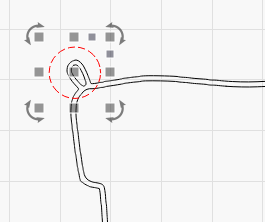
Duplicate it, and make the duplicate smaller, for the inner hole:
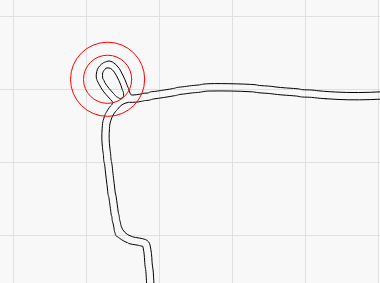
Select the outer hole and Shift+Select the part of the ornament you want to fuse it to:
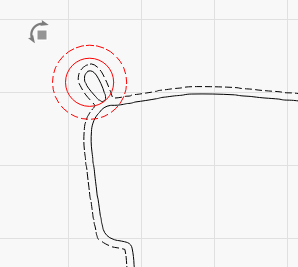
Then click the Boolean Union button (or hold Alt and press +):
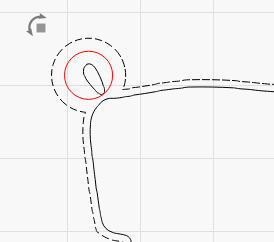
If you want to get tricky, group the two parts of the ornament, so both the inner and outer lines are a single group, then union that group with the outer circle, and it’ll do this:
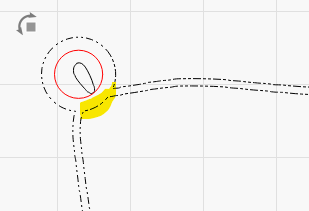
Notice the highlighted bit where the new circle was also fused to the inner part, making the entire hole connection area larger and stronger.
Then, just select and delete the original inner hole shape and you’re done.
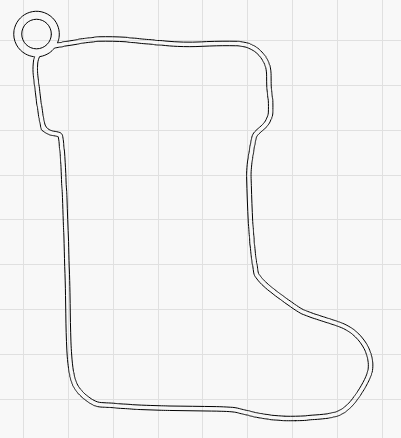
I’m not saying that we’ll never have a freehand eraser tool - It’s planned, and we will - but there are often other ways to do things that are just as fast (or faster) with the tools we already have.