What does error:80 mean? I’m getting it when I try to use $141=600 to set the voltage for my Ortur YRC rotary chuck on my Atomstack A20 20w laser. Can’t find anything about it anywhere online.
It’s not a standard error. Therefore, you need to ask Ortur. I guess the value is out of range. Did you try other values? You usually don’t need to set the voltage anyhow. Steps/mm are the setting to change.
How is this done and what reason would you have for doing it?

I can imagine that the rotary stepper is bigger (maybe a chuck with Nema 21) and needs more power to be driven). But that’s a very rare case, that’s why I also suspect that it’s not the correct approach anyhow 
It says to in the Ortur instruction manual.
Ahh okay, so that’s an error being thrown by the chuck and not the engraver itself? That is helpful.
I’m doing it because the Ortur manual says the voltage has to be set, too. The XTool engraver I was using years ago wouldn’t let me change the voltage and it burned out a chuck so I assumed it was pretty important.
I’m giving it a try and it does work, but the motor is getting HOT.
You need to find the range as @misken said:
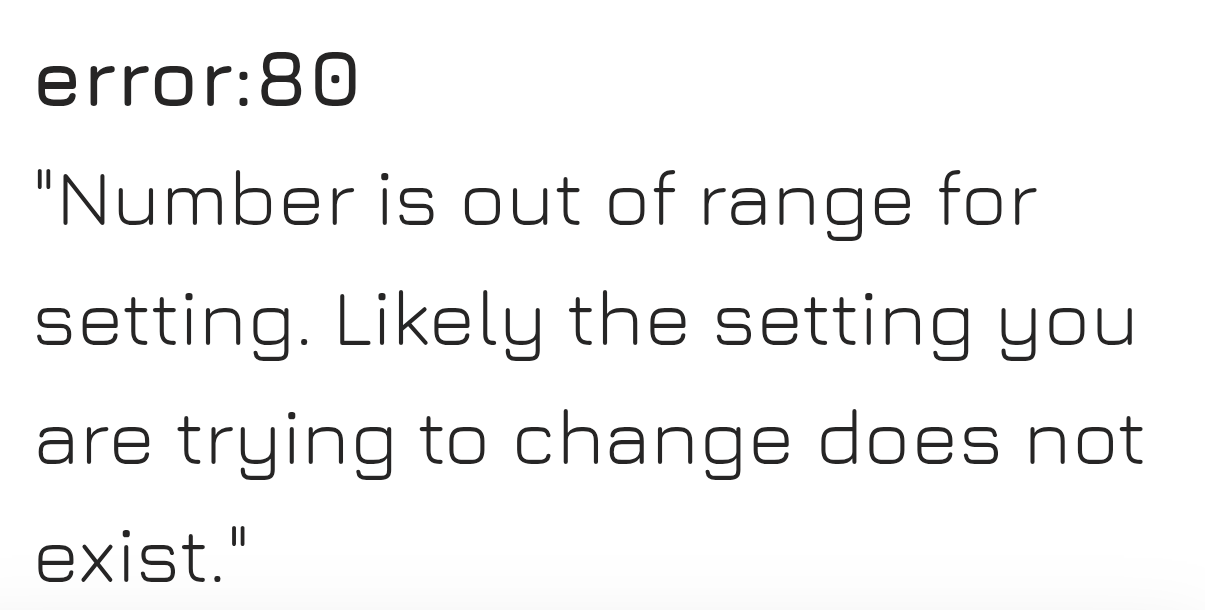
No. The chuck can’t give an error. The laser firmware does.
That has been another reason, I think; stepper motors die last. Before a stepper burns, everything else already has I don’t know your specific case from back then, but it’s unlikely that the chuck was damaged. I guess the mainboard was.
That’s no issue. The motor can continuously around 100°C. It might get dangerous for you to touch at this point, so you might check that it doesn’t get above 60 or 70°C.
Okay, that’s what I thought–I need to contact Atomstack instead of Ortur, then–like I said, the engraver is an Atomstack and the chuck is an Ortur. I’ll see what I can find out!
That would be really odd given that two Ortur chucks worked for a while, then started skipping and stopped working entirely but replacing the second chuck with an Xtool chuck fixed the issue. I guess it was probably pure coincidence and I got profoundly unlucky with two defective Ortur rotary chucks. I still use the X-tool for flat things (I hate the X-tool rotary belt design) and got another Ortur engraver that came with an Ortur chuck, which is the chuck I’m using with the Atomstack now. It didn’t get hot with the Ortur engraver like the ones that died on the X-tool did, and the X-tool didn’t let me change that value, either, which is why I attributed their failure to incorrect current and thought the heat was a symptom of it.
If that’s the case, I suppose it’s fine–it doesn’t matter if it gets hot as long as it works, I’ll just be careful not to touch it. It does worry me a little that it didn’t get hot on the Ortur I was using it with, which let me set that value, and it does on this one, and the others I used with the X-tool that failed got hot as well when I couldn’t set that value. But like I say, I AM an incredibly unlucky individual and wild coincidences frequently confound my attempts to gather empirical data through experimentation, so it’s good to have outside information on this because it seems probable I was misreading what was going on. I’ll just keep using it as-is.
You are not completely wrong. If the motor is getting hot, it’s actually meaning that the setup is not ideal. If everything would be perfectly aligned, the motor would just get warm. So your approach was right. With most mainboards, you can adjust the motor current with a hardware potentiometer, and if you will use this setup a lot, it makes sense to dig deeper and adjust it accordingly. I was just saying that it is usually not an issue with hot motors, but, as mentioned, it’s not perfect as well.
I guess the Atomstack has a hardware setting as well. Only Ortur has many options within their software, most others don’t.
On motor drivers, the current limit is set there. When I got my OMTech machine, I about burnt myself after a relatively short run time job.
The current limits were literally double what they should have been. Now they just run warm.