Stream completed in 0:00
?<Idle|MPos:0.000,0.000,-12.744,0.000|Bf:35,254|FS:0,0|Pn:RHS>
Starting stream
?<Run|MPos:42.503,4.496,-27.744,0.000|Bf:34,19|FS:634,0|Pn:RHS|WCO:5.674,-0.660,-32.744,0.000>
ERROR:36
THERE ARE UNUSED, LEFTOVER G-CODE WORDS THAT AREN’T USED BY ANY COMMAND IN THE BLOCK.
ON OR NEAR LINE 502:
JOB HALTED
Stream completed in 1:34
ok
ok
ok
ok
ok
<Run|MPos:44.500,2.830,-27.948,0.000|Bf:8,253|FS:540,10000|Pn:RHS|Ov:90,100,120|A:S>
ok
ok
?<Idle|MPos:12.458,25.748,-54.024,0.000|Bf:35,254|FS:0,10000|Pn:RHS>
ok
?<Idle|MPos:0.000,0.000,0.000,0.000|Bf:35,254|FS:0,0|Pn:RHS>
Starting stream
?<Run|MPos:44.639,2.945,-27.744,0.000|Bf:34,26|FS:118,0|Pn:RHS>
ERROR:2
NUMERIC VALUE FORMAT IS NOT VALID OR MISSING AN EXPECTED VALUE.
ON OR NEAR LINE 55:
JOB HALTED
Stream completed in 0:09
ok
I’m running a Genmitsu 4040 Pro Max.
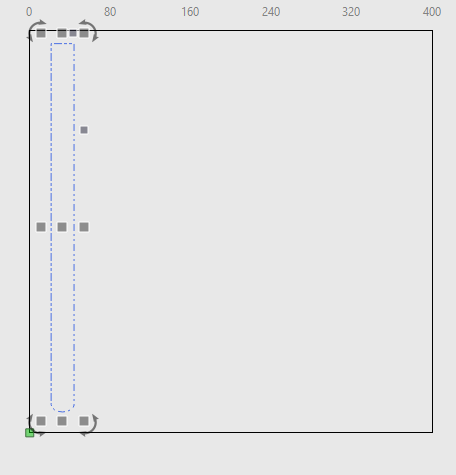
In the top picture Millmage says that this is out of bounds. I don’t see it.
The text says that Millmage found a problem with it’s own app. I can HOME the machine and start over and it gets passed the original error point but will find another one further in the app.