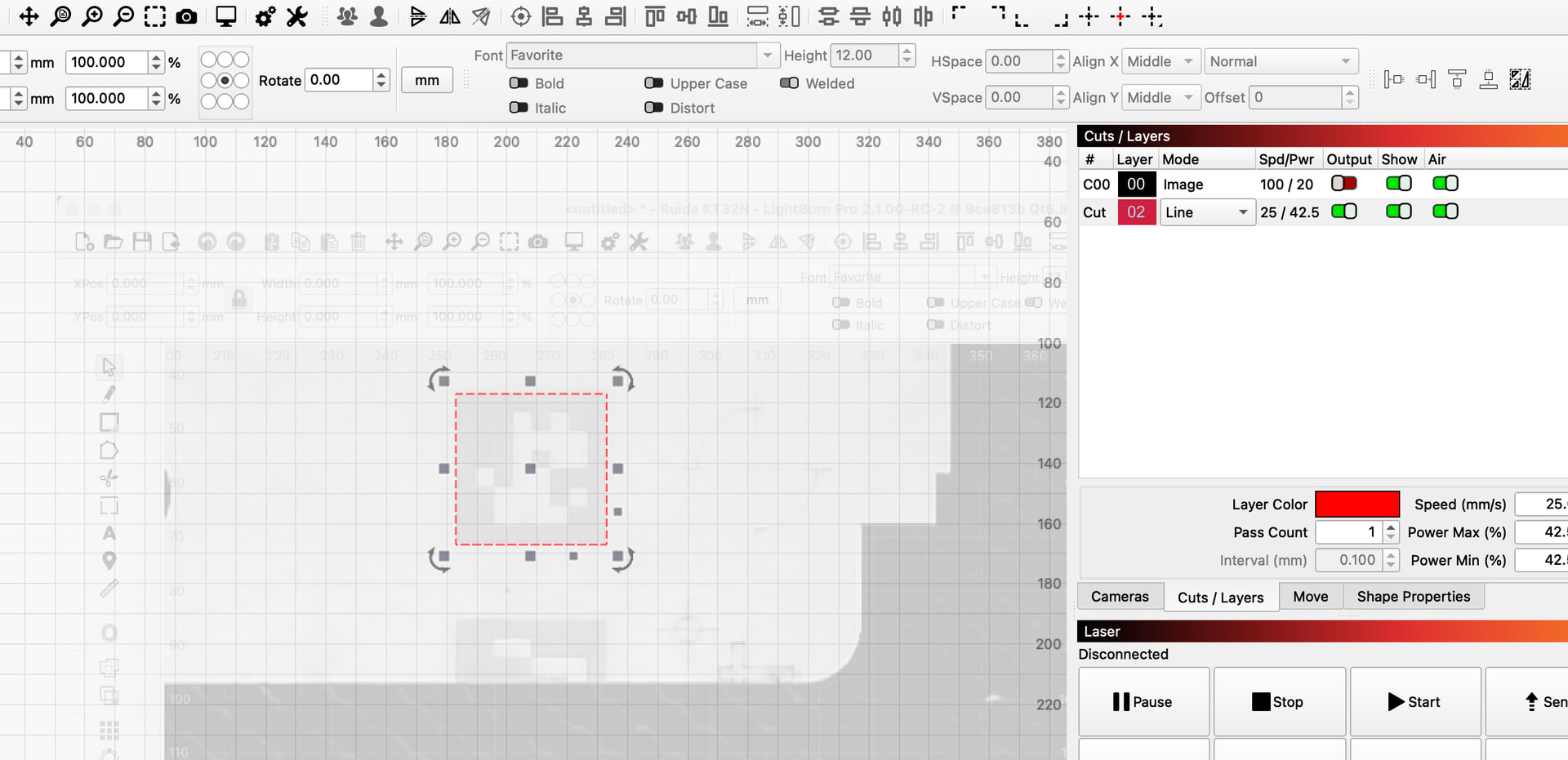
Currently the T1 en T2 layer have options to exlude them from being framed which works perfectly.
Here is the use-case I’m struggling with:
Regularly I use a picture of an object in lightburn when creating a new design. Therefor I create a square or circle on the T2 for outlining the design.
I’m using that picture also to give the customer an impression on how the design will look like.
Before starting the actual engraving I always use the Frame option to see how the design is positioned with the object. Now unfortunately that picture (basically the image layer) is always taken into account while framing, so that is why I have to delete the image to see the expected frame and save it in a different file.
Basically I’m missing an ‘frame’ option for the image-layer in lightburn.
I’m using a sculpfun s30pro without camera and for job-origin I’m using “current position” or “user origin”.
Before starting the actual engraving for a customer I send a picture of how the actual engraving is going to look like on the object. Based on the feedback I make some changes so that the customers requirements are met. Additionally I’m using the T1 and T2 layer to help me aligning the design with the picture. So basically these two layers help me to position my design exactly where I want and the job-origin is always of one of these 2 layers
When using a picture as background (no output), in a lot of cases the job-origin moves since the size of the picture is taken into account.
So before starting the actual engraving I remove the picture, do the alignment and start the job.
That is why I think it would be usefull if there was an option for an image-layer to be excluded from framing, similar to what layers T1 dn T2 already have.
If I use an image as a “background” for placing some shapes and I either don’t select the image or choose “no output”, then only the newly added shapes are framed.
Perhaps I still don’t fully understand your request.
You have determined your reasons for using user or object origin, but in my opinion it complicates the reproducibility of tasks/production.
I make templates, place them in “0:0” absolute coordinates and can very quickly produce or change the customer design and produce accordingly.
After reading your comment I think my issues is caused by the fact that I’m not using absolute coordinates. I hope that switching to absolute coordinates will solve my problem since in that case the job-origin always remains in the same location which is not the case in my current workflow.