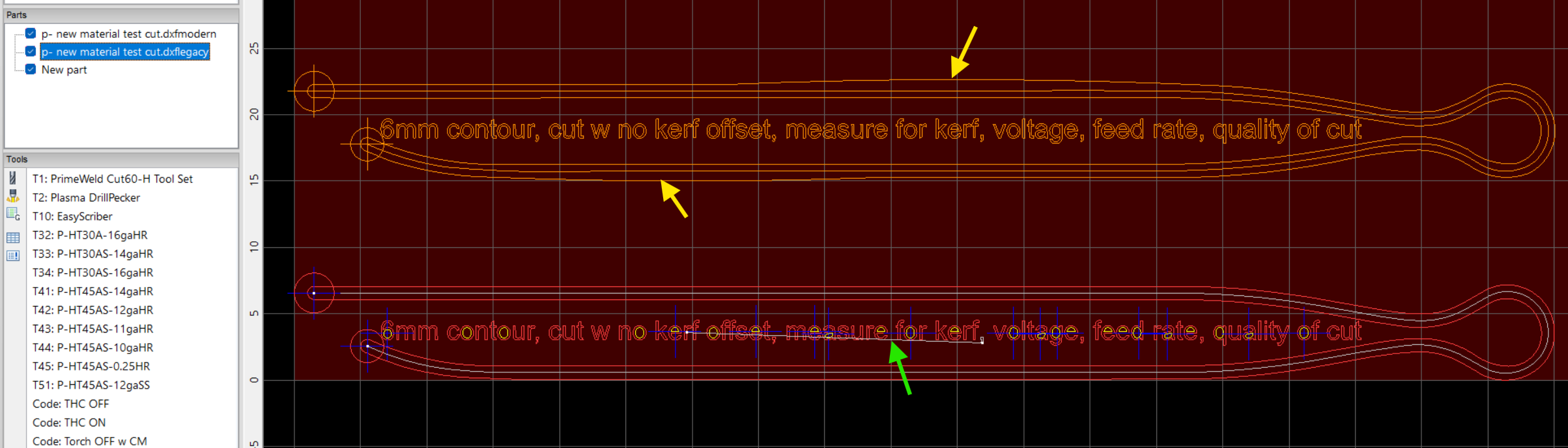
I have a case of a drawing appearing corrupted upon ‘Import’ after having ‘Export’ as legacy dxf format. I believe the problem to be with LB Export of legacy dxf format, not Import. Not all LB drawings exhibit the problem, thus far only this one, but I have not tried to debug or isolate the cause.
I noticed the corruption, which appears to a lessor extent of that shown below, when importing the legacy dxf file into Sheetcam. So I tried ‘Importing’ back into LB just for grins and found even more corruption of the drawing. Thus it seems there is something amiss with LB’s legacy dxf Export format. I did not notice any corruption ever in previous versions of LB, but I can’t confirm this drawing specifically as I recently edited it in LB v2.1.02 and specifically adding the text which is showing corrupted.
I would use the ‘modern’ dxf Export format except that it is not compatible with other CAM software that I use.
Here is the corrupted drawing as imported by LB…
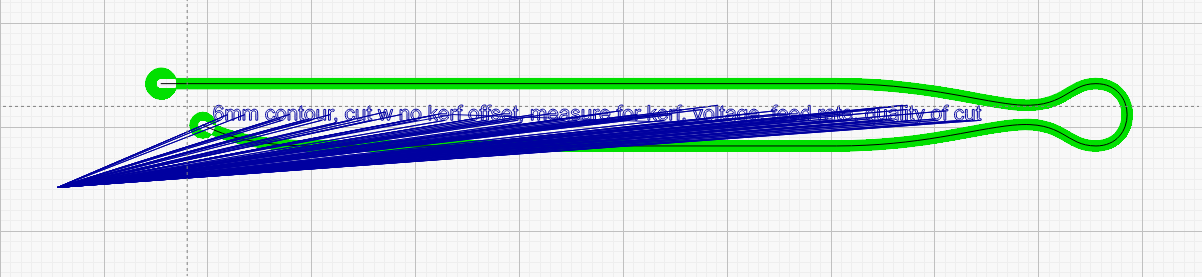
p- new material test cut.dxflegacy.dxf (176.8 KB)
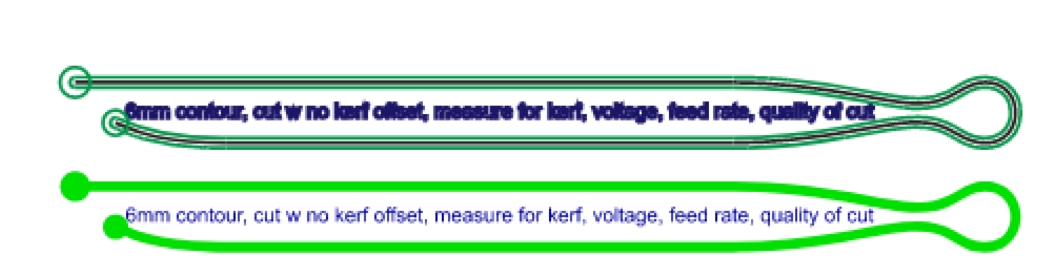
Here is the actual/correct drawing in LB as the .lbrn2 file…

p- new material test cut.lbrn2 (82.7 KB)