I am testing the Millmage software and have a question.
Would it be possible to export the pocketing toolpath to a DXF file? I have an iEcho machine that can only import DXF files, and I need to perform a pocketing operation.
I’ve only found the option to export to G-code, but that doesn’t work for this machine.

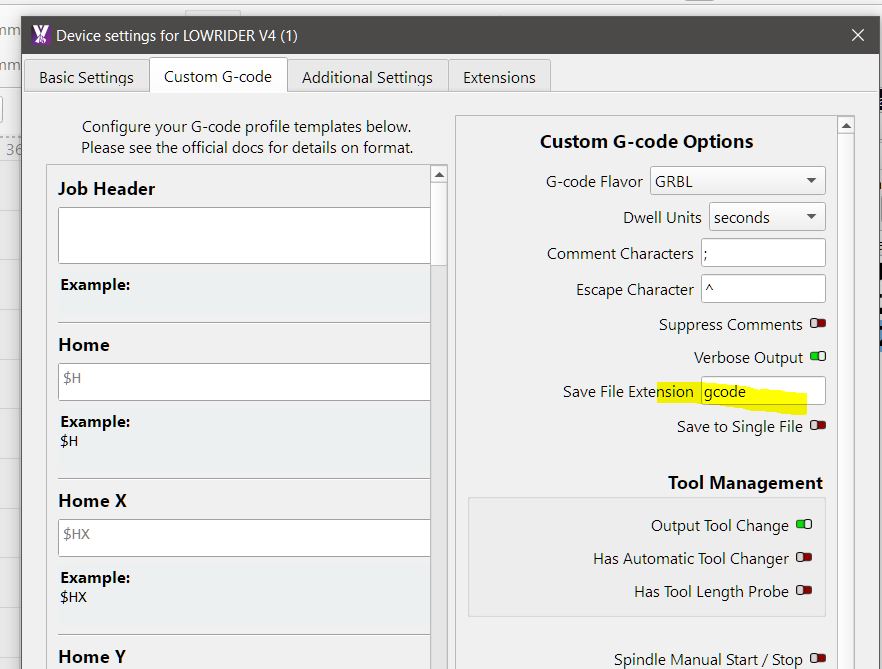
was just doing search on your machine , looks pretty cool which one do you have and which software are you running as this will give more info for others to assist you , have you tried connecting MM over wifi
i see there is this option other , maybe try that could be g code in there , just seem odd no gc, gcode or nc anywhere
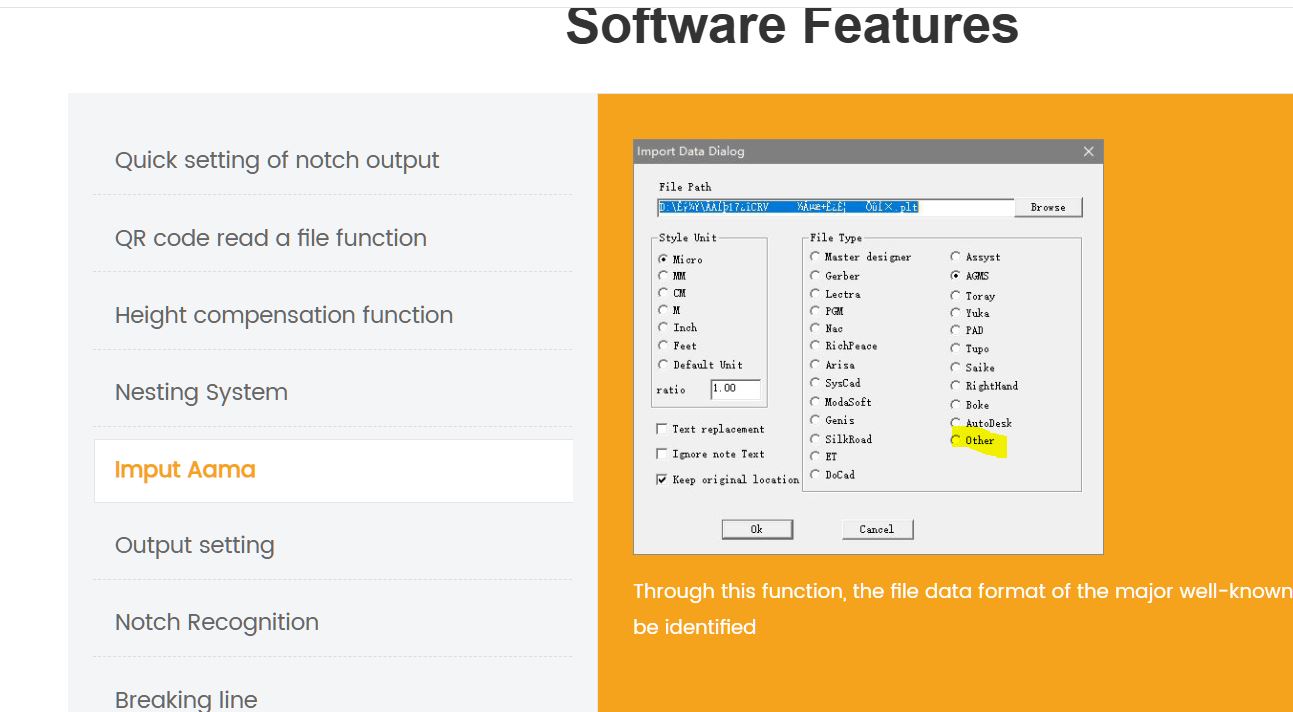
How does that work? DXF has no feeds & speeds info in it, so does the “built in computer” take care of that?
thats what i was wondering
did google search looks like it can be done with bit of mucking around , theses manufactures that dont make life easy
DXF is generally a 2D file format, and doesn’t include feedrates, speeds, tool changes, etc.
It’s possible to save GCode for an operation and import that back in, then export that to a DXF file, but I don’t see how that’s going to work, as it won’t include any depth information.
This machine has a software to configure depths and speeds from a DXF file, but don’t have a tool to make a pocketing from a shape, that is what I want to export toolpath as a DXF.
I tried to export GCODE, Import this GCODE and then export as DXF, and works perfectly as I want. Thanks for the tip.