I have a OneLaser Hydra 7 Gen2 which I use with LightBurn 2.1.02
I was seeing some unexpected Extend Space errors, even with lots of room on both the left and right side which pushed me to run some tests to find out what the maximum engravable width would be at various speeds.
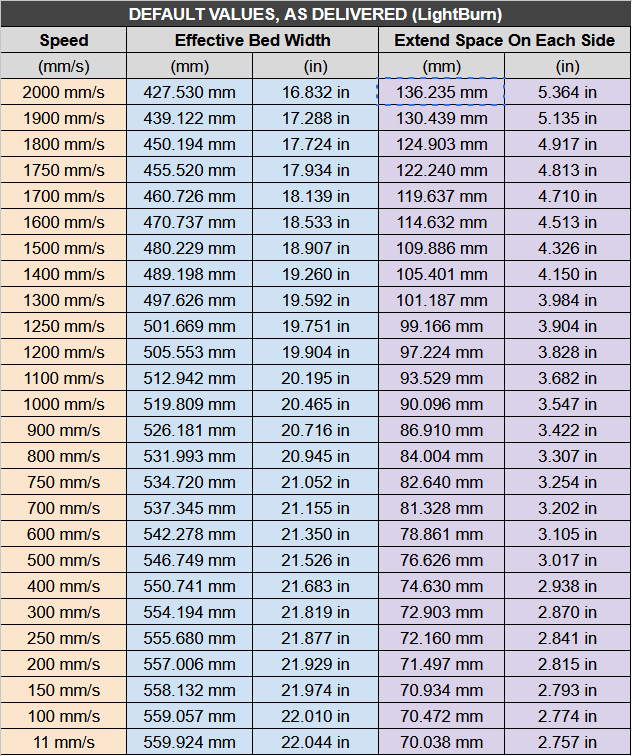
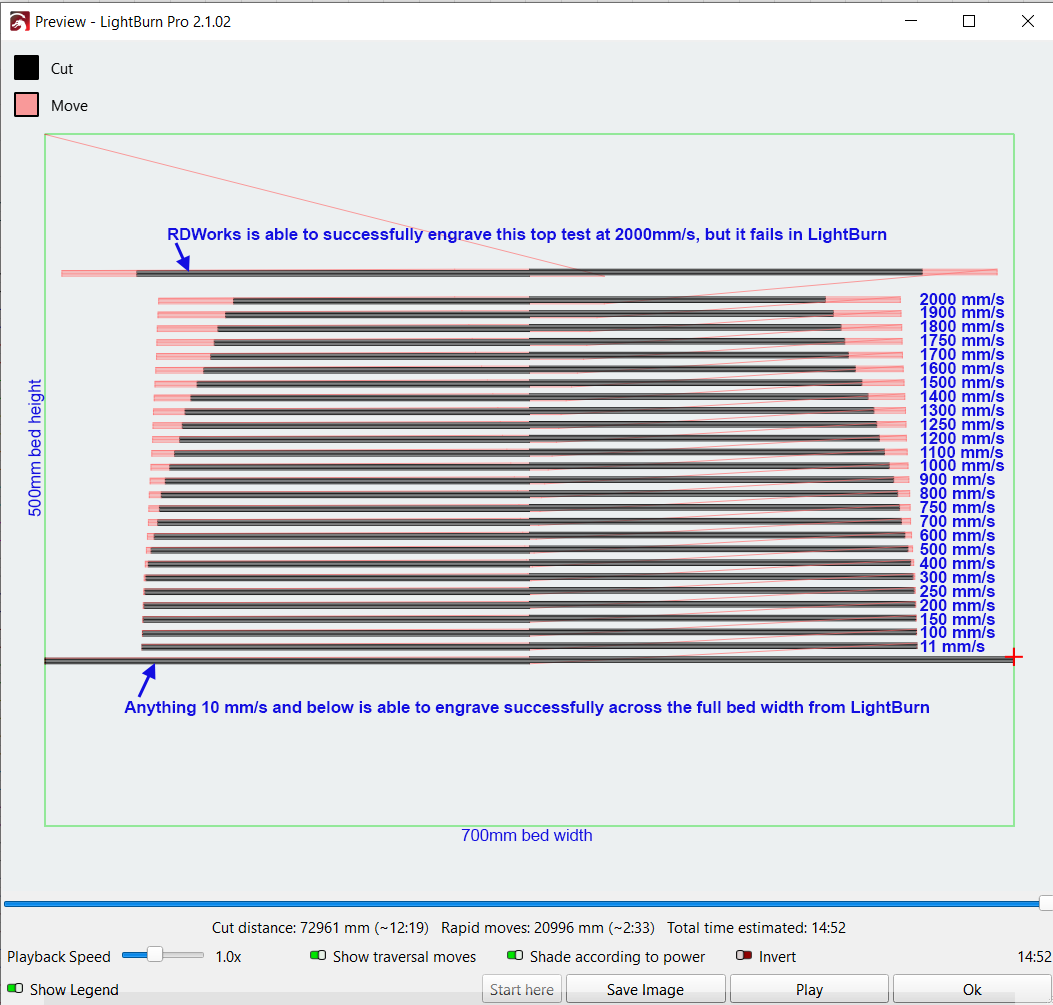
What I discovered was about 20% of the bed was inaccessible to engrave at all speeds above 10mm/s. Even 11mm/s would require of 70mm of extend space on each side when it should require almost none.
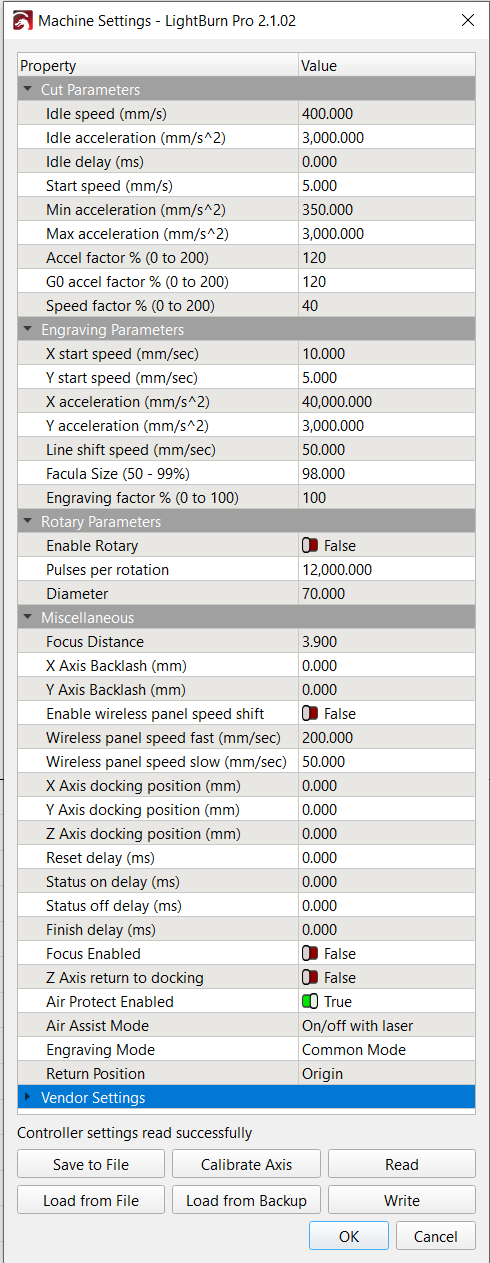
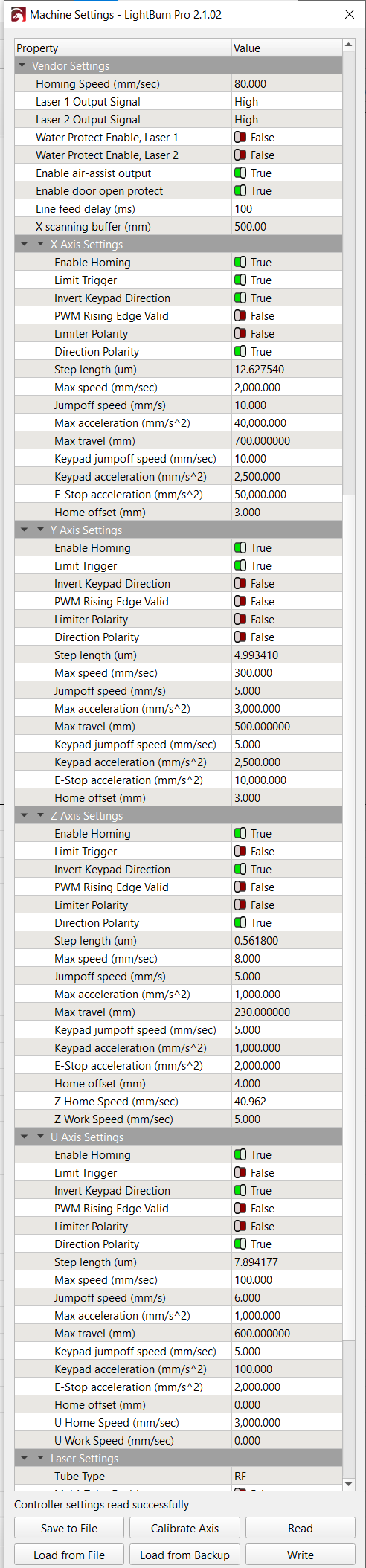
After a support call with OneLaser, they tried updating the servo driver parameters, checked settings on the controller, confirmed machine settings were input correctly in LightBurn, yet the problem still persisted.
I was feeling fairly confident it was a controller issue until we decided to run a test from RDWorks.
To my surprise it succeeded.
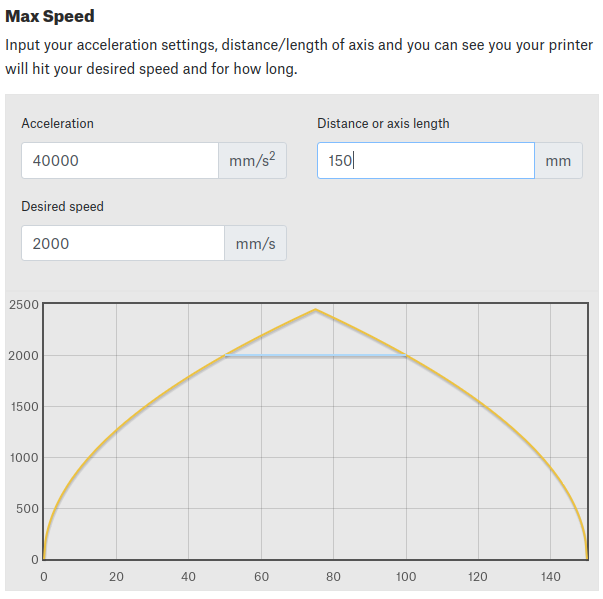
The work area for the laser is 700mm x 500mm and it uses an AC Servo motor on the X-axis with 4G acceleration and has a max speed of 2000mm/s. My quick math said that the required extend space should be in the neighborhood of 65mm when running at 2000mm/s. This is close to what I observe in reality when using RDWorks (66.275mm), however when sending jobs from LightBurn there is an extra roughly 70mm being added on top of that across all speeds.
Here is a table showing how much extend space is required when sending a job from LightBurn
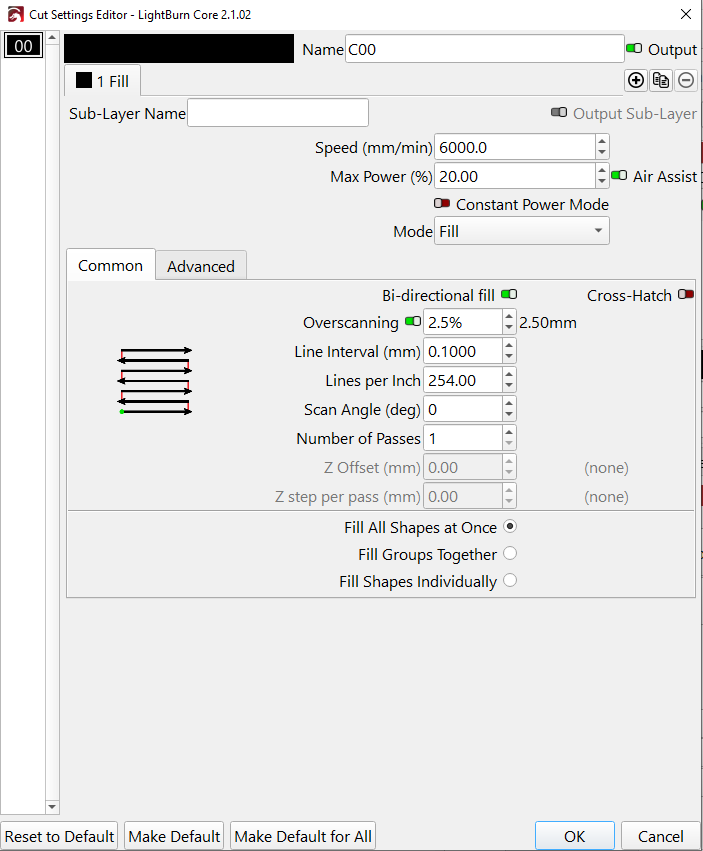
Ruida controllers handle overscanning internally, at least for 0° and 90° scan angles, so that setting won’t appear.
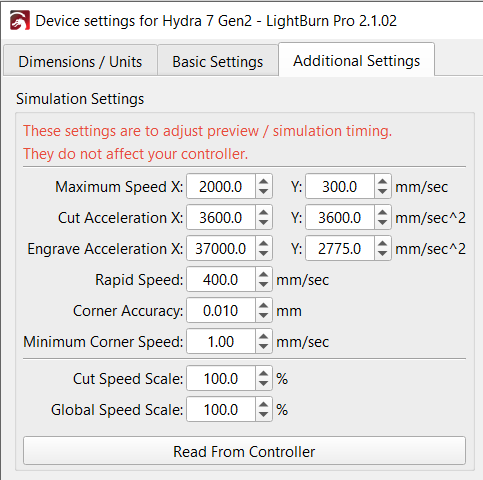
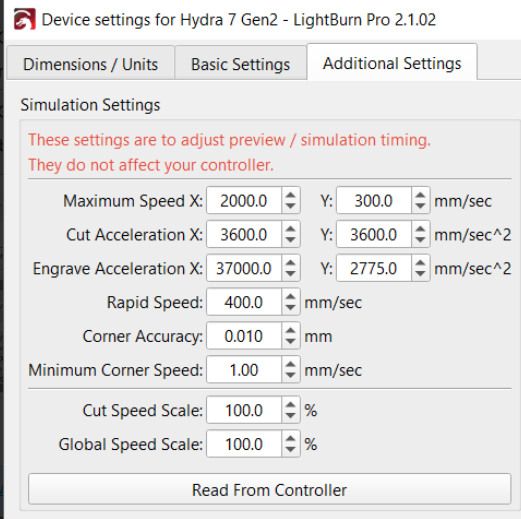
The Preview shows simulated overscan distances for Ruida controllers, so ensure the various parameters match what the controller is using:
I’d be unsurprised to learn the Preview simulation does not exactly match reality across all possible Ruida controllers & their firmware versions, even with identical speed & acceleration parameters.
Thanks for mentioning that! I went through that process of confirming parameters matched with the manufacture’s technical support. They were able to confirm it was configured correctly.
Agreed. I wouldn’t expect the preview to be spot on with the real world, but what doesn’t make sense is that jobs sent through RDWorks behave almost exactly as expected, with only those sent through LightBurn requiring those additional ~70mm of extend space.
I rushed that reply and suggested the wrong setting.
Overscanning isn’t a user setting for Ruida devices in LightBurn, so please ignore that part. My mistake, I had my setup in Core, and should of double checked on a Ruida profile.
The RDWorks comparison is still a useful clue here: if RDWorks only needs about the expected run-up distance, but LightBurn needs roughly 70 mm more, then this looks like something specific to how LightBurn is generating or calculating the Ruida scan extents for that job.
Nothing obvious jumps out from the machine settings.
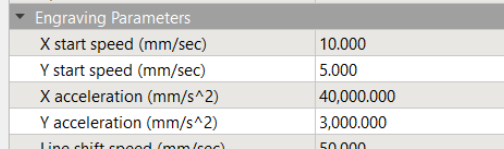
An X-axis engrave acceleration of 40,000 mm/s² seems reasonable for the numbers you’re calculating, and it lines up fairly well with the RDWorks result needing about 66 mm of extended space at 2000 mm/s.
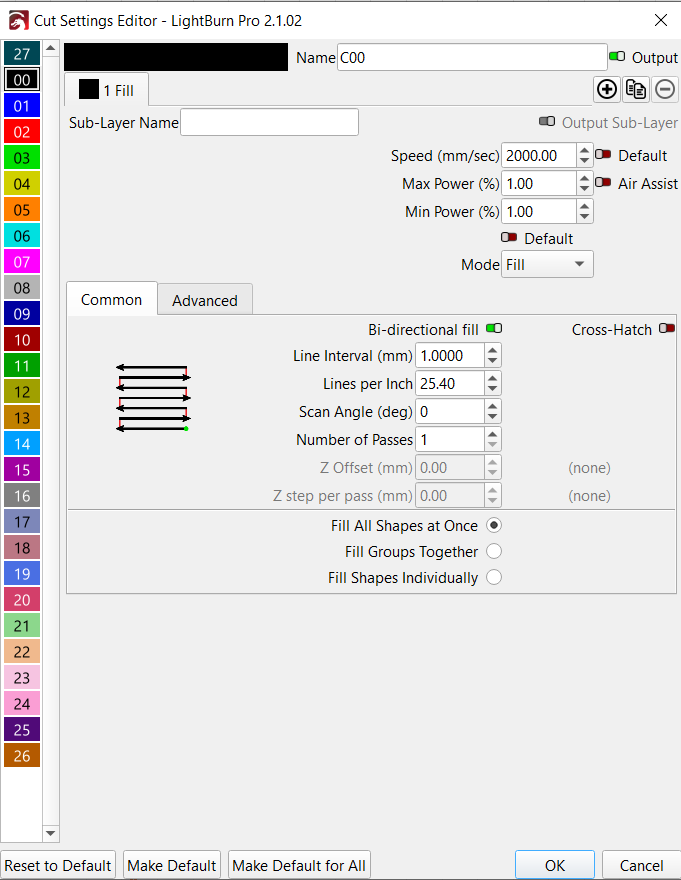
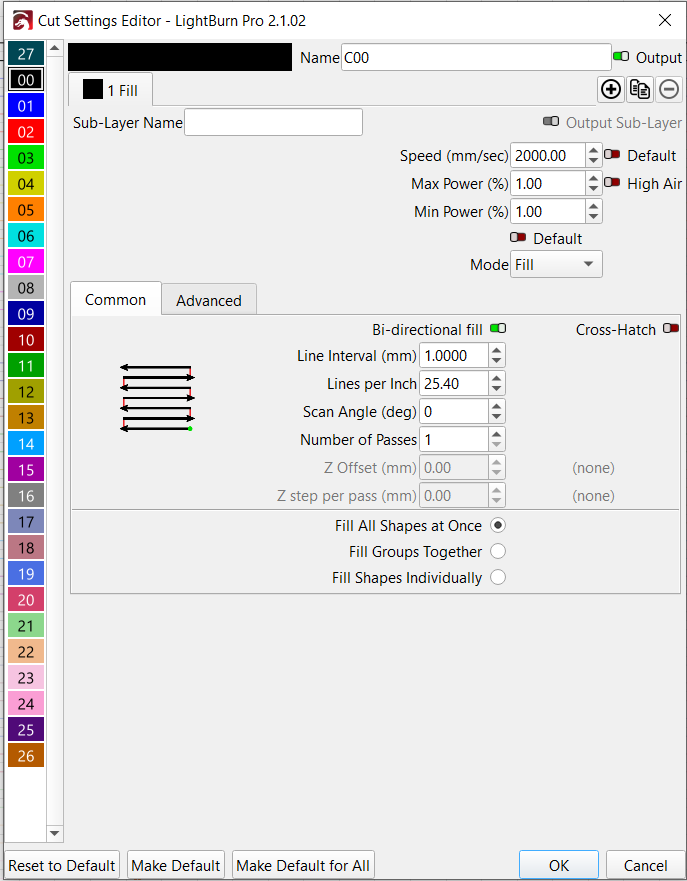
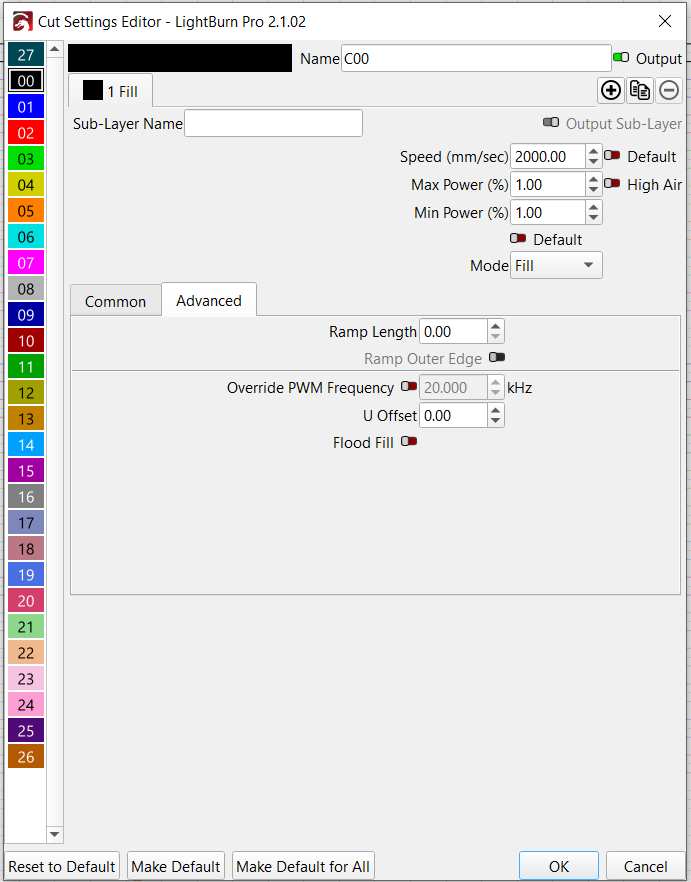
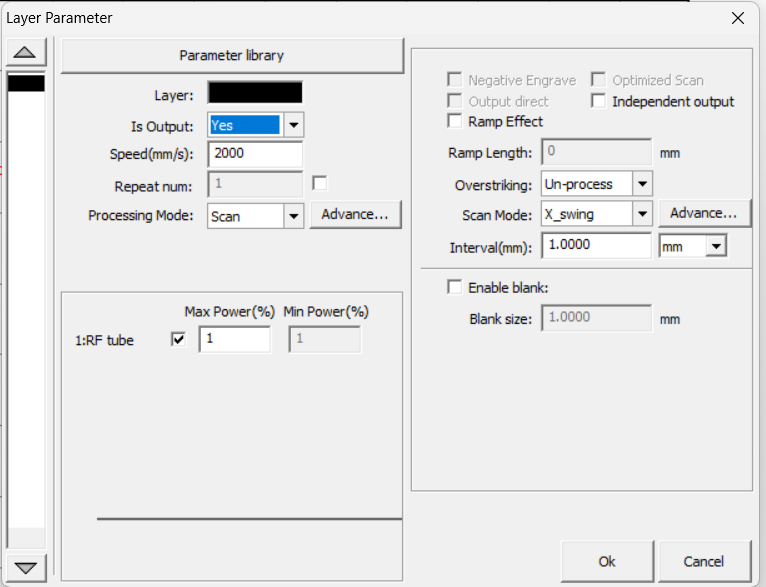
I’d be interested in comparing the actual RDWorks layer/job settings with the LightBurn file, especially scan direction, bidirectional/one-way scanning, line interval, speed units, and any scan margin/expand settings.
If it’s useful I output RD files from both LightBurn and RDWorks both set to the maximum width that will successfully engrave at 2000mm/s. LightBurn - Extend Space Test 2000mmps.rd (16.4 KB)
Yes, I sure did. I found that odd since the controller shows 40,000 but when I do the “Read From Controller” it comes back as 37,000.
I figured since the two numbers are relatively close, and the one that seems off only impacts the simulation/preview, I should just leave it as-is.
Just it not working like expected is an issue, I’d think. Even though there isn’t much of difference in preview, it just doesn’t seem right, if you know what I mean.
I’m not saying to change the controller settings, just that it should read it. My accerlation is close to yours, maybe even greater. I think last change I made was to 45,000mm/s^2. Yes, I wouldn’t change the controllers values, but I still question why it doesn’t read properly.
The manufacture is going to send out a new control board to see if that makes any difference. I’ll report back afterwards to report if that resolves the issue in case anyone else experiences similar issues.