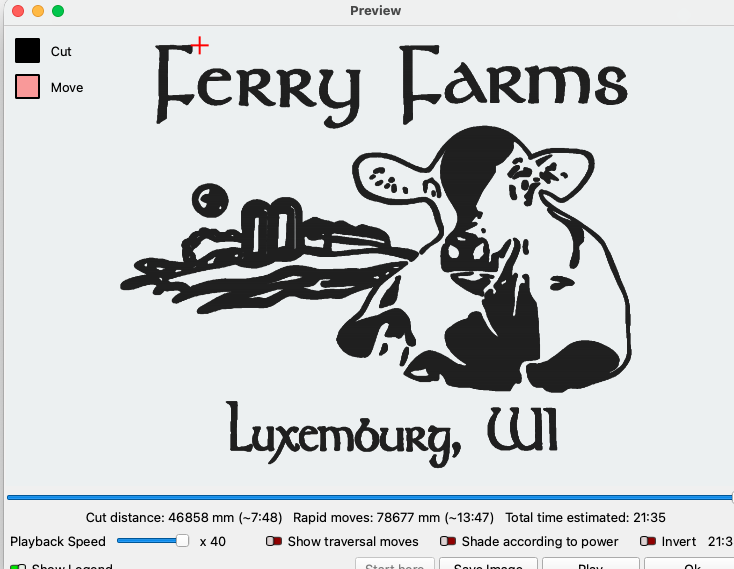
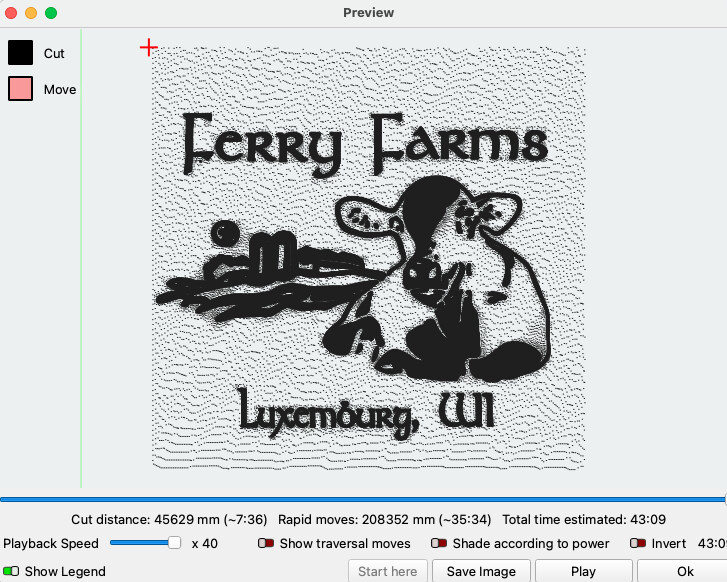
I’m making a logo from a pick sent to me. I’m getting extra dots on my work.
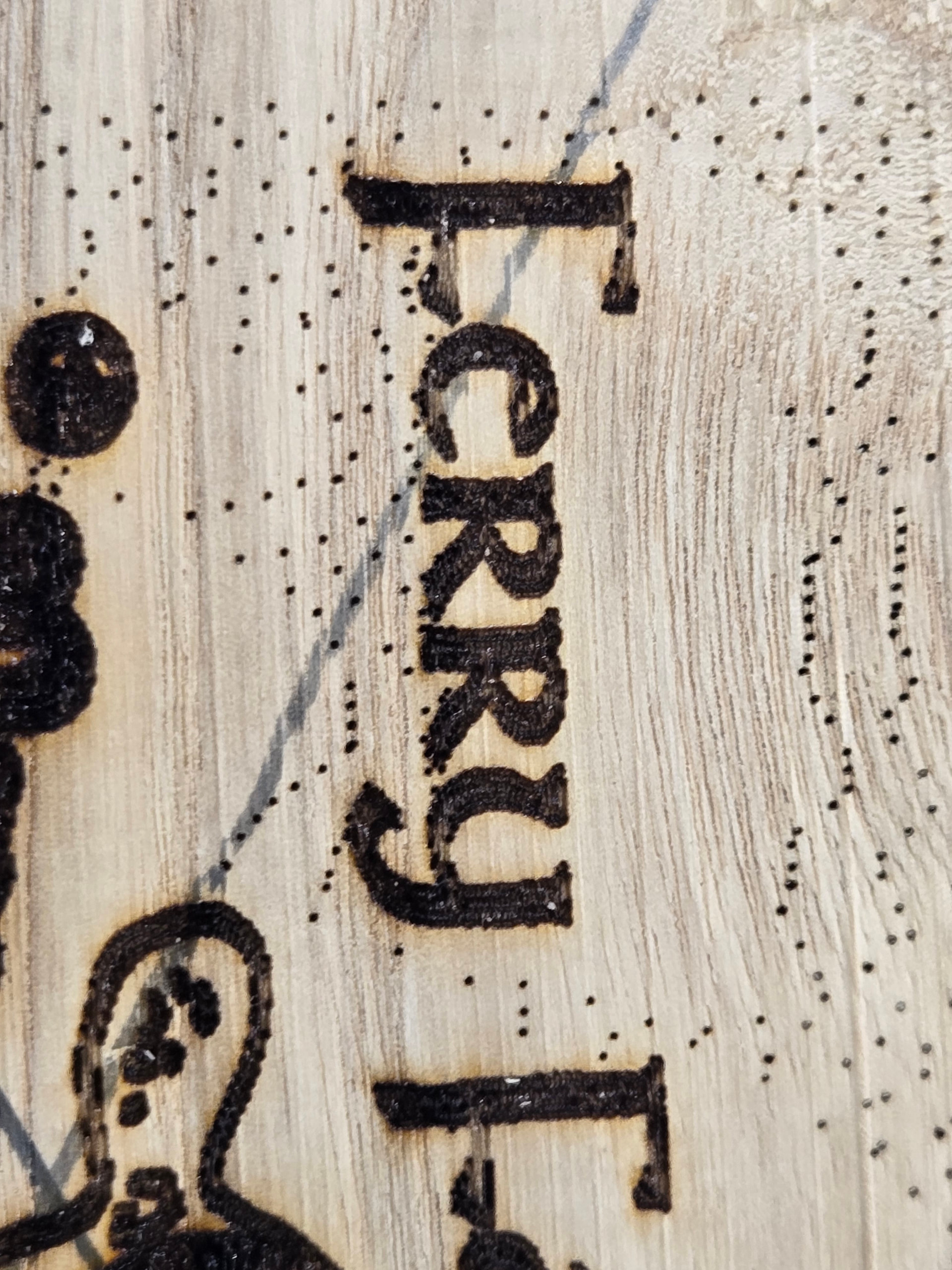

Original Item.
What could be causing this?
I’m making a logo from a pick sent to me. I’m getting extra dots on my work.
Original Item.
What could be causing this?
It’s a crappy jpg image with some color in the background, ever so slight. You can try it in threshold mode and that should take care of most of it or trace the image and clean it up before engraving. This is the preview using threshold.
I’m new to this. How do I go about tracing this?
Right click on the image and choose Trace image. For best results with this particular image select sketch trace and delete original image.
Okay I’ll give a shot. Thank you very much.
This topic was automatically closed 30 days after the last reply. New replies are no longer allowed.