Face operation question

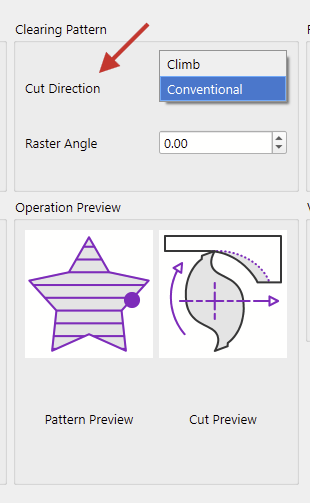
are we able to chose which direction it cuts from

eg X0 to say X 3000 or say start at X3000 and come back to X0 with clearance running opposite

reason being some timbers finish better with tool cutting in opposite direction and with big slabs you dont know till you start surfacing which is best

flipping a 150kg slab isnt fun or easy haha

i tried using starting point but that didnt change anything.

it its a cool operation leaves minimal tool lines compared to surfacing operation

having direction choice would be awesome :slight_smile:

that’s the finishing I’m getting, but getting ripping in places due to direction of cut. the swirl marks in top left of photos

is this what you’re looking for?

No, I think you’re after raster angle in the image above. @Aaron.F

Here’s a 90 deg raster angle

Here’s a 0 degree raster angle

Climb vs conventional is how the tool approaches the workpiece, clockwise vs counterclockwise, in a way. Climb Milling vs. Conventional Milling - In The Loupe

1 Like

yip in running a 90 deg raster

opps my mistake meant to be Y axis

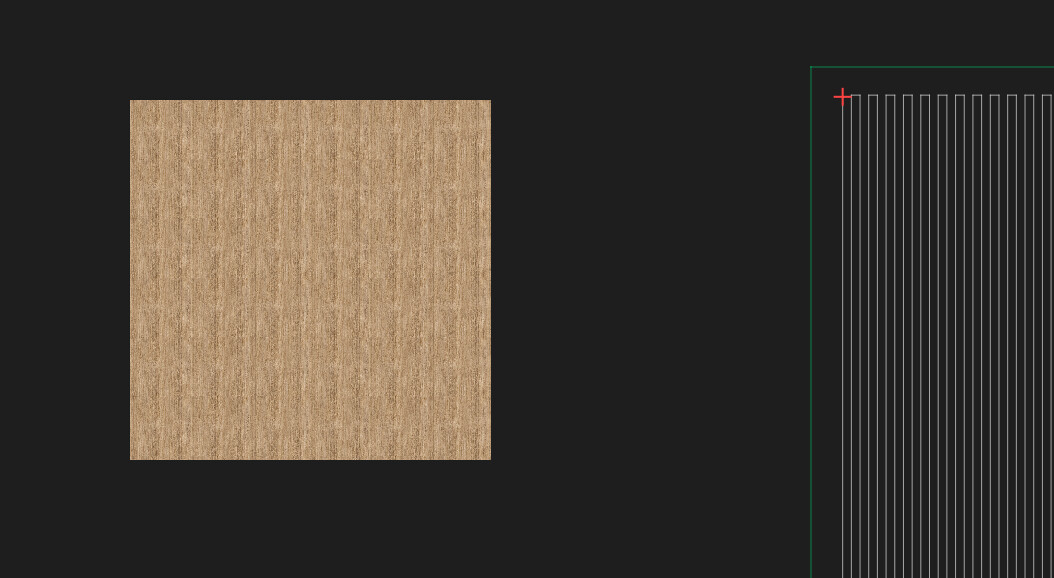
if i swap between conventional and climb , in preview it is still starting from Y0

im wanting to it cut from Y3000 back to 0 and than percentage pass from y0-3000

i would assume it would start at Y3000 yes or no ?

another question I am setting starting position on jobs , but it wont start there , always starts from where it wants. is there a setting somewhere that may be overriding my choice

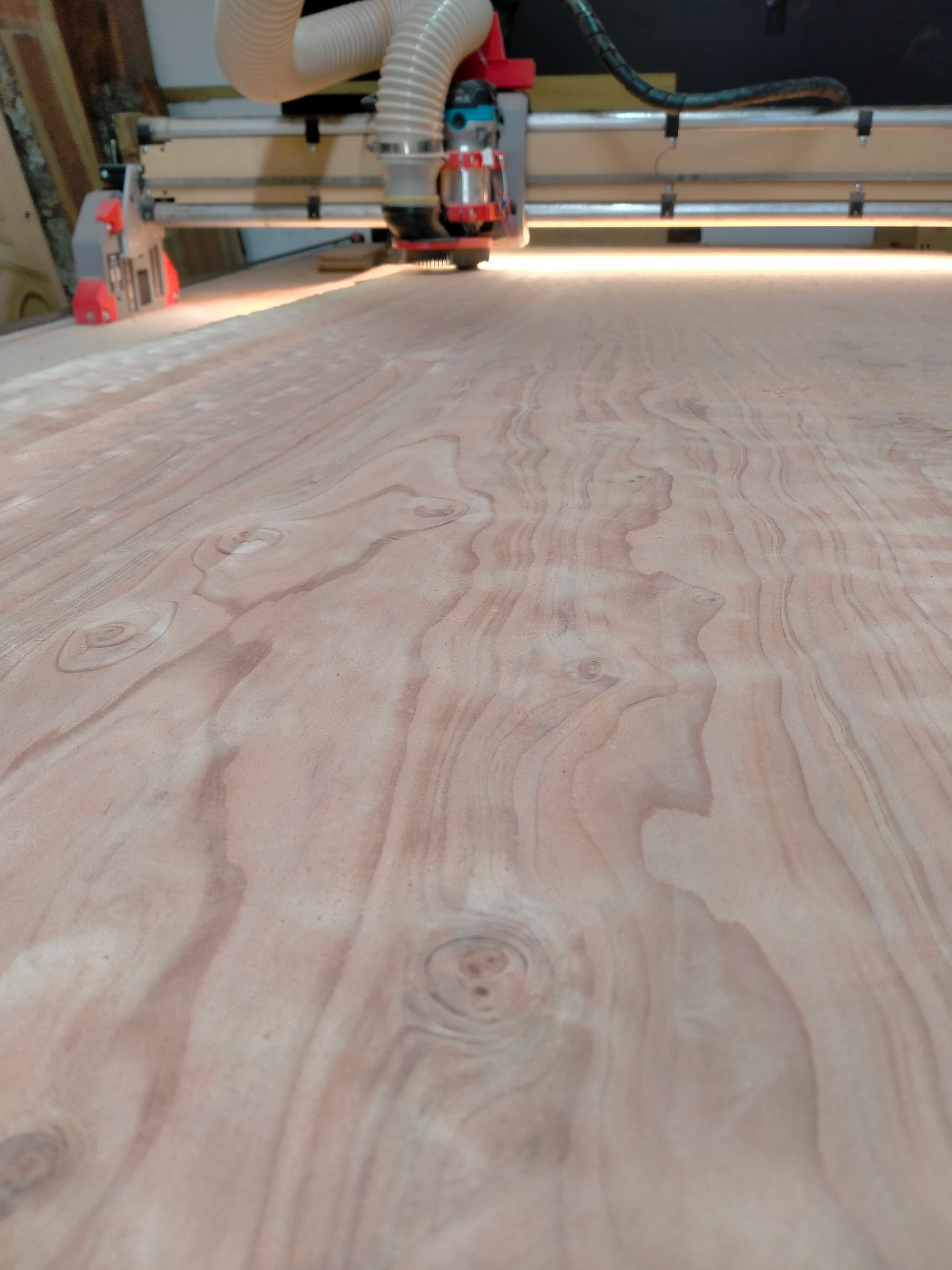
Is it possible to run a 180° or a 270° raster? Just shooting in the dark here…

Yes. a 180 deg raster is basically the same as a 0 degree, but starts from the opposing side. Same goes for 270 vs 90

dah why didnt i think of that haha

180 is all it will allow you to enter , but you can enter -90 and shows it starting at other end in preview :slight_smile:

1 Like