Hi
Maybe LB can do this but it would be helpful if it could:

Hi
Maybe LB can do this but it would be helpful if it could:
It’s coming! 
In addition to the scissor tool that’s coming in a future release of LightBurn, it is currently possible to do this with the Trim option of the Edit Nodes tool. With the Edit Nodes tool selected, hover over a line and press T to trim it back to the next intersection.
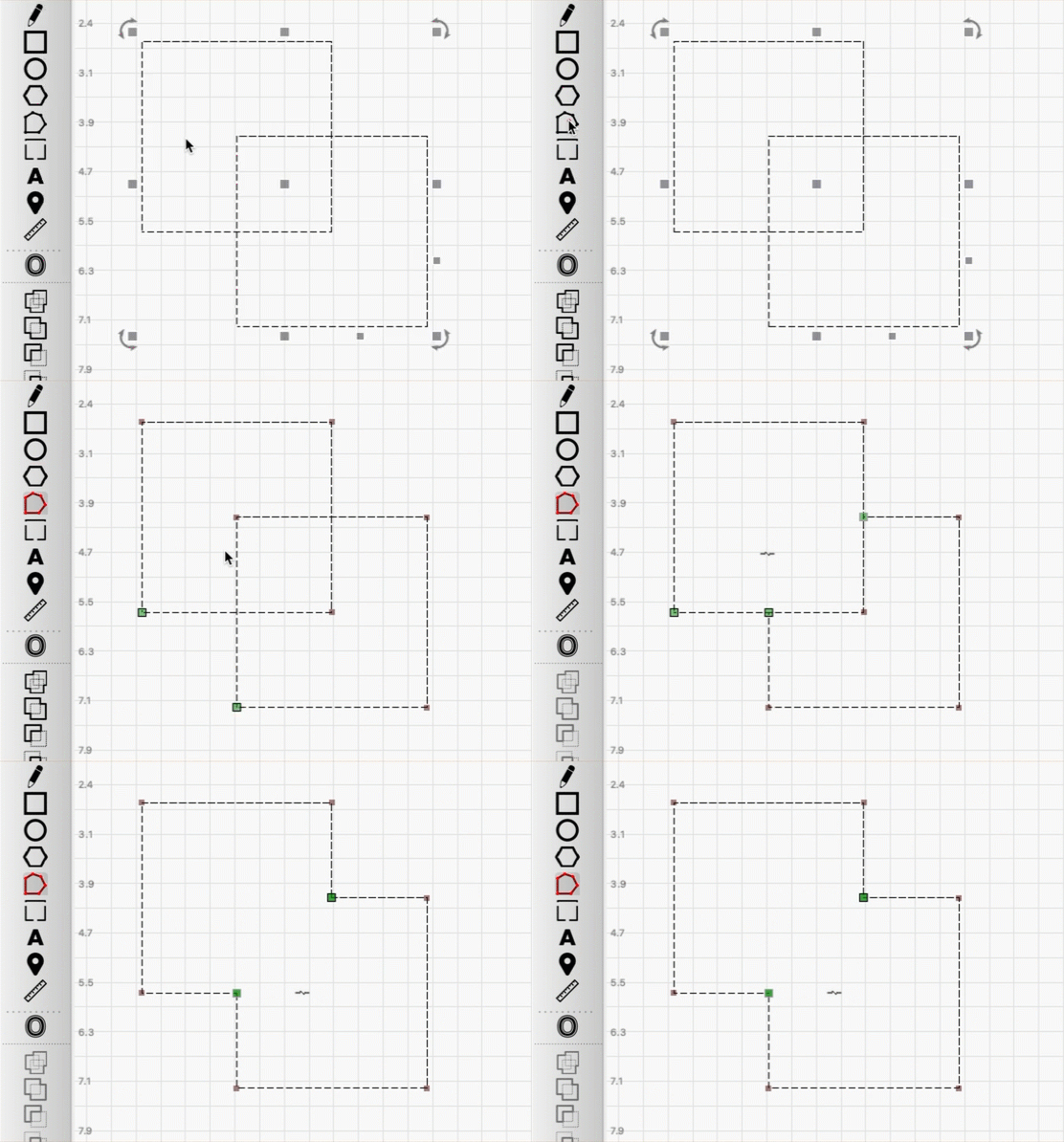
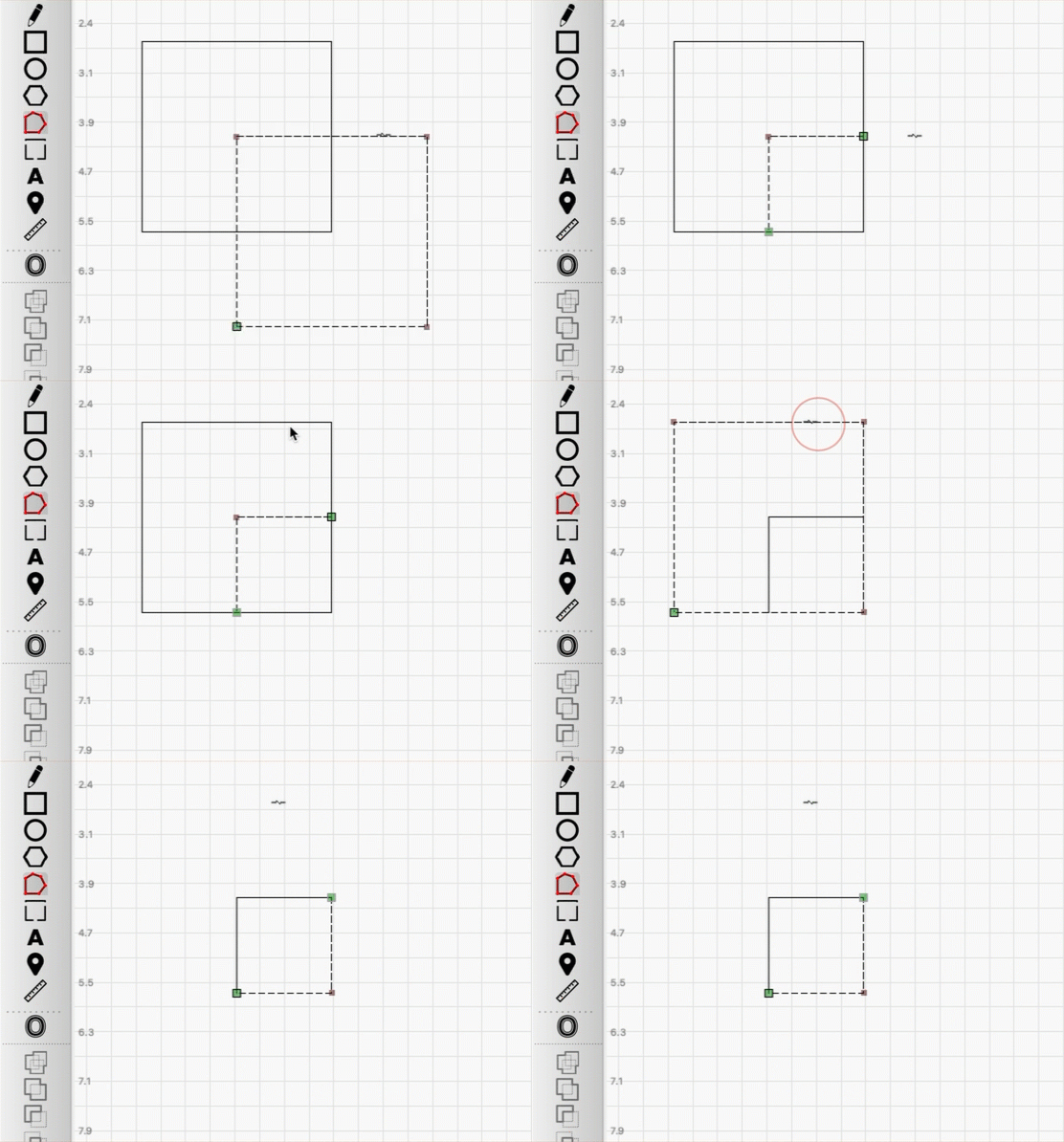
See our documentation for full details on using the Edit Nodes tool:
This topic was automatically closed 30 days after the last reply. New replies are no longer allowed.