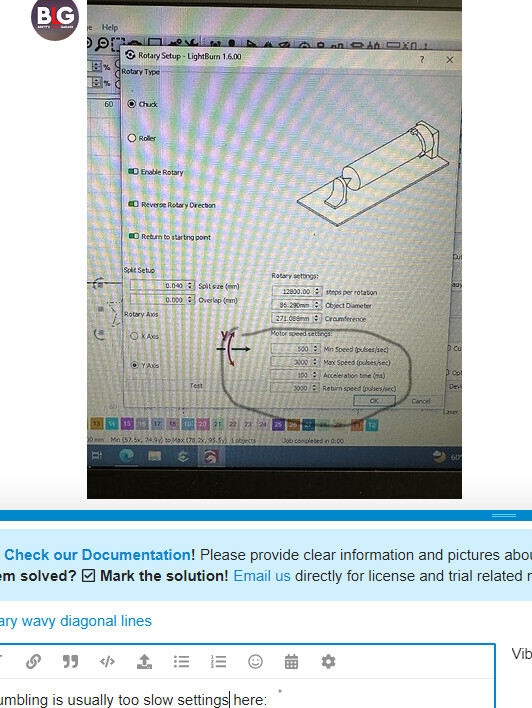
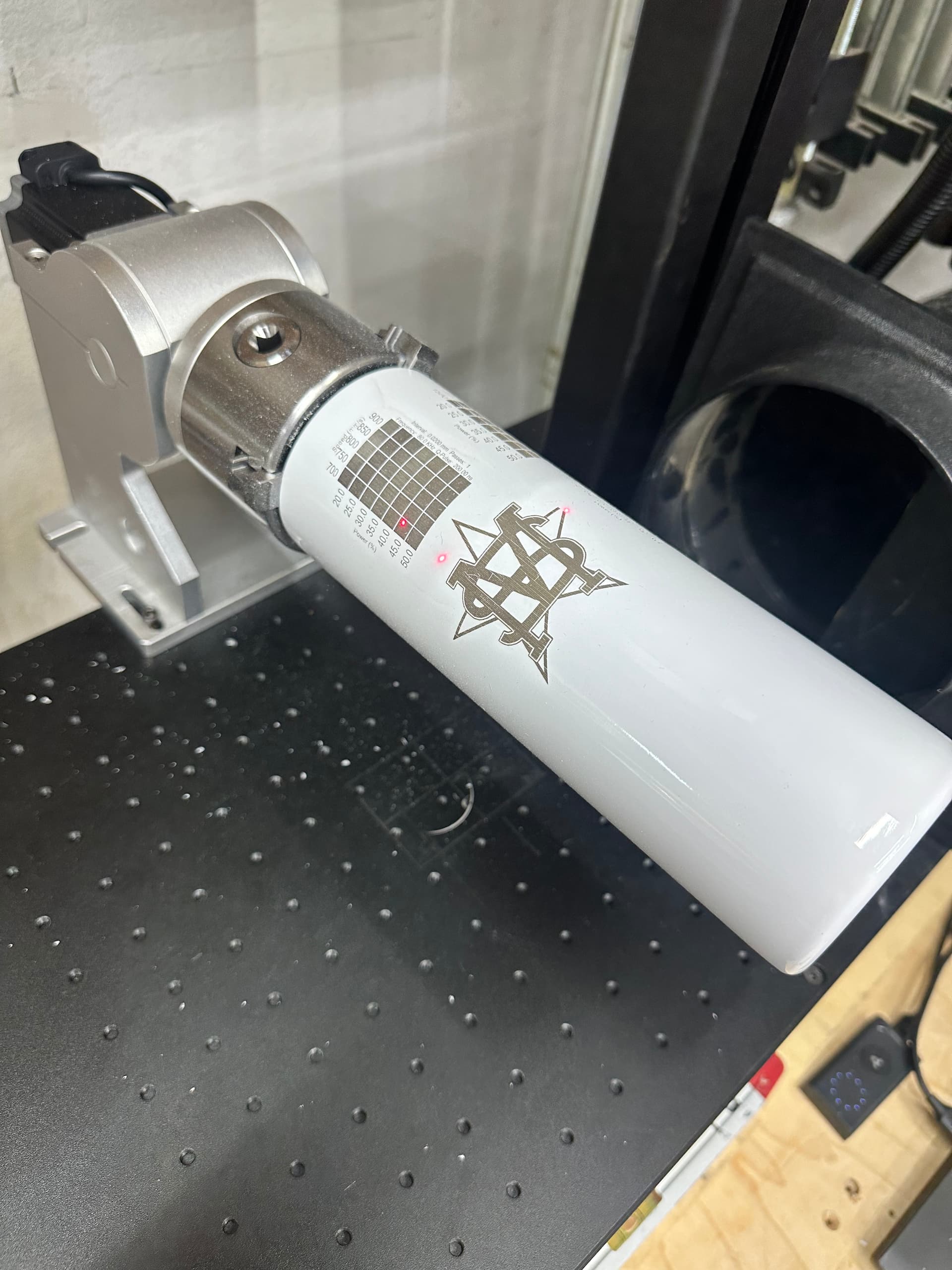
First I would try a quicker acceleration time (reduce the number)
Second increase rotation speed (increase the 3000 numbers)
Did the rotary come with the laser? It could also be amperage setting, all else fails it might be time to open the case and see what the DIP switches say, and compare to what the rotary stepper motor amperage specification is.
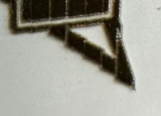
The last picture in this post shows this stair-step effect very clearly:
To me, that looks like your rotary isn’t perfectly horizontal (or vertical) - meaning, the axis that you are rotating around is not exactly aligned with the corresponding axis of the fiber laser scanning head, and that will absolutely cause the waviness you’re seeing.
If you click the ‘Show’ button next to the ‘Output Center’ field (shown below), LightBurn will momentarily project a straight line using your red framing light to show the centerline of your rotation axis.
If that projected line isn’t perfectly along the center line of your object, from top to bottom, you’ll get that saw-tooth pattern in your output.
Having your lens calibration off can also affect this, so that’s absolutely a good first step, but if you’re still seeing this pattern, check the alignment of the rotary.
I don’t think it has to anything to do with configuration. It makes the odd noise every 1/2 turn or twice/rotation. Indicates a mechanical issue from my view. Is this a direct drive?
Thank you. I’m going through a full re-setup of the rotary to kind of reset here. Lot’s of issue going on that I can see now due to everyone’s help. Working on correcting them one by one. Me being new to this I guess I kind of rushed some of my calibration to get to lasering quicker, I got some good results so I didn’t mess with anything. This is the first design that I’ve engraved that has ever had this wavy issue at the diagonals.
Oz,
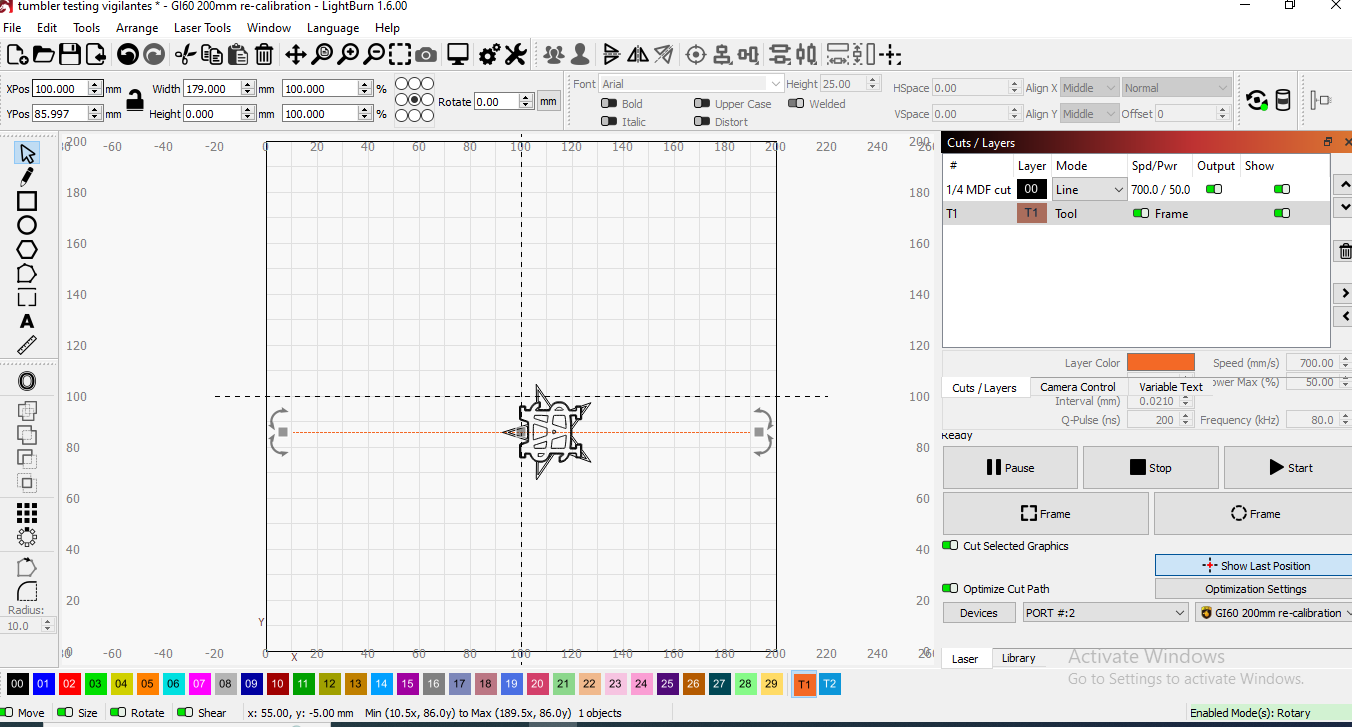
When I initially setup my rotary I drew a straight line along the x axis of my work area and framed. I chucked up a dowel into the rotary and aligned the framed line onto it and adjusted the position until it was straight, then tightened everything down. That is the centerline I’ve been using to align my artwork, not the center line of the work area. You can see this in my screen shot, the tool layer is this line.
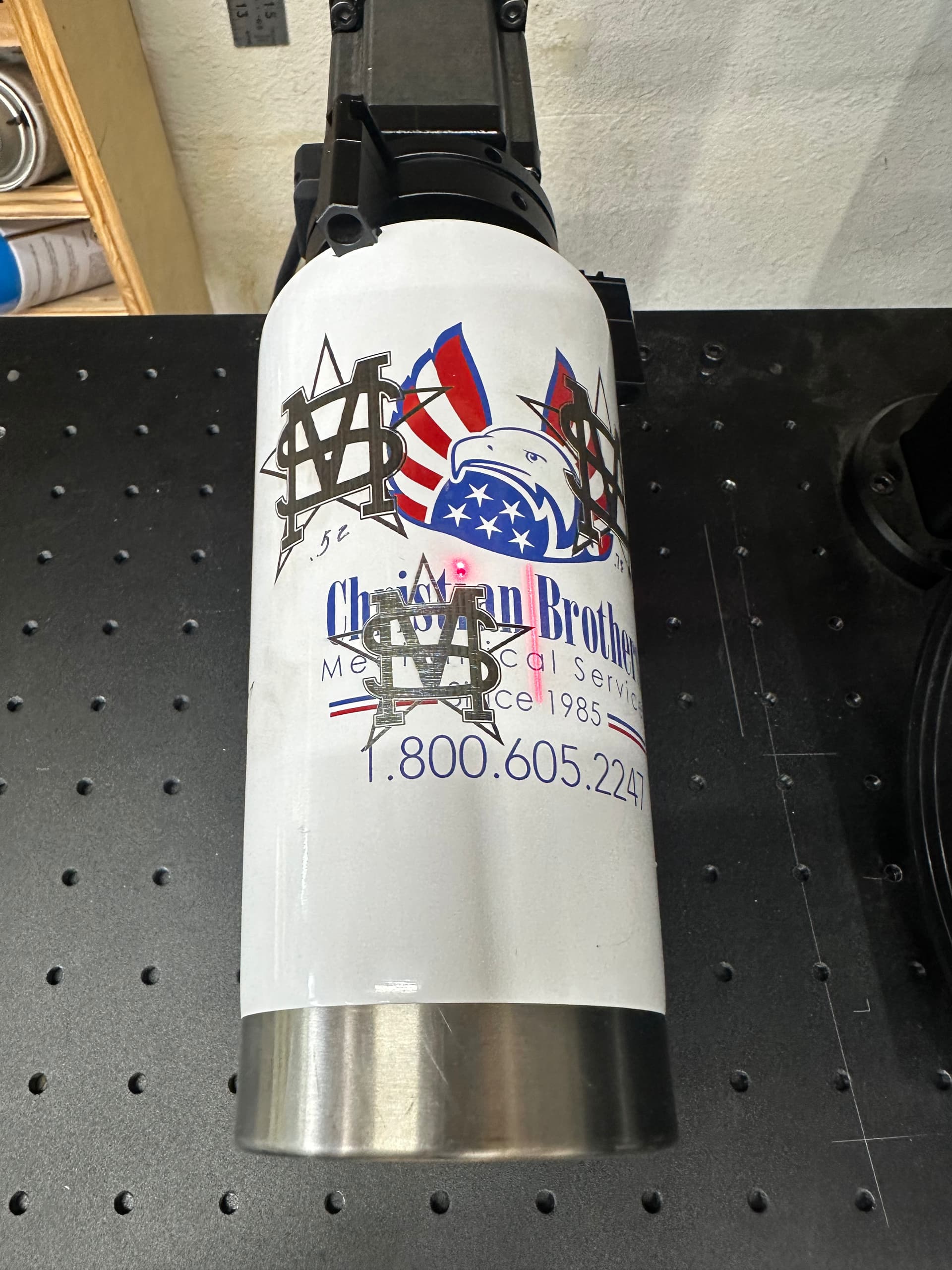
When I pressed the show button next to output center like you suggested the projected line was not in the center of the cup. How is the output center number figured? I don’t remember ever setting this.
I thought about that also, but looking at OP’s photos of the setup, looks pretty square, and it is exactly the same on the up ramp and the down ramp. No disrespect, but my opinion it is an issue with surface movement.
10/4
Moving your art work up or down just makes the rotary rotate a little more or less, by design it rotates to the edge of your art work CCW and then burns CW judging from your photo of your setup. If you move your art “Down” on the screen, it will just rotate a little more CCW before it starts burning. Read OZ’s post on output center a couple times till you grok it.
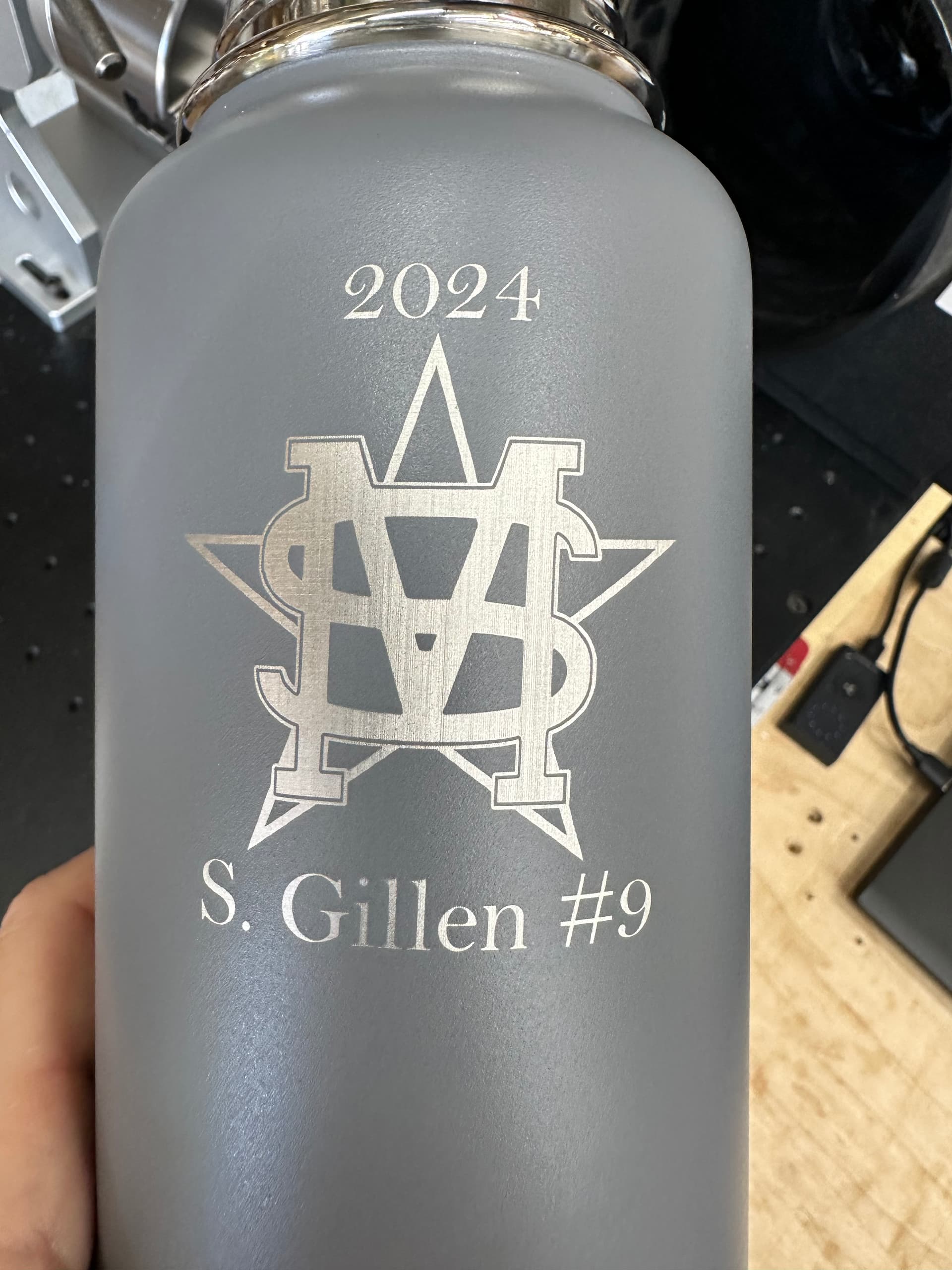
Thhanks again to everyone who provided input and help along the way. This was something new for me and it was fun, yet frustrating at times, to figure this all out with everyone’s help. I believe I’ve found the major problem…and it was some sort of movement/mechanical issue with my original rotary. I’m not sure exactly but I purchased a different 80mm rotary on Amazon and everything works as intended. No wavy lines.
Of course things like lens correction, rotary setup/laser parameters all played a big part, I just found even when I did all of those things correct with my original setup I was still having the same wavy line issue.
Still re-working settings now since I had to start using my 110mm lens with my new rotary because it’s so tall (have a 150mm coming in the mail) but I’m happy with these results now.
This forum has been so helpful and I’m really grateful for all the help. Hopefully this thread can also help someone else in the future struggling with this issue. Tons of great info here. Now off to do 12 more of these water bottles!