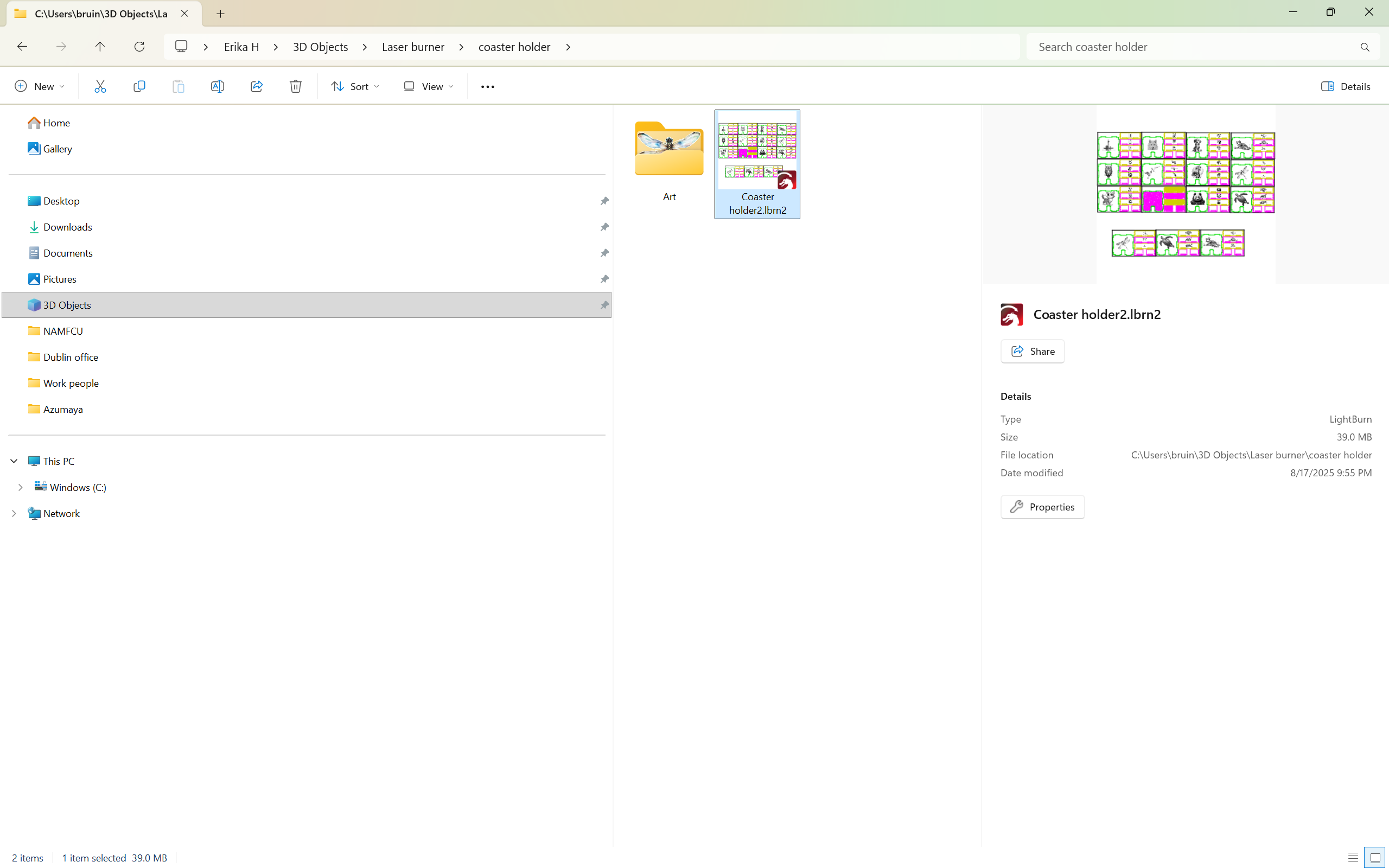
I made the mistake of creating a large (39.0 MB) file that I was able to print from and save, but when I tried to reopen it, all of my work was missing. Here’s a screenshot that shows how the file should look (as a preview icon):
I originally saved it on the hard drive of my laptop, then copied it onto a thumb drive. I tried opening the file from the thumb drive on two different desktops, and it wouldn’t open. Then I discovered I couldn’t open it from the hard drive of my laptop, either.
Lightburn and a lot of users Advise against using cloud or DropBox types storage when working because Lightburn writes several files while it is open and they can get separated from the work file. Only use these remote storage methods for making backups.
If you pulled the thumb drive while Lightburn was still open, that might cause what you experienced.