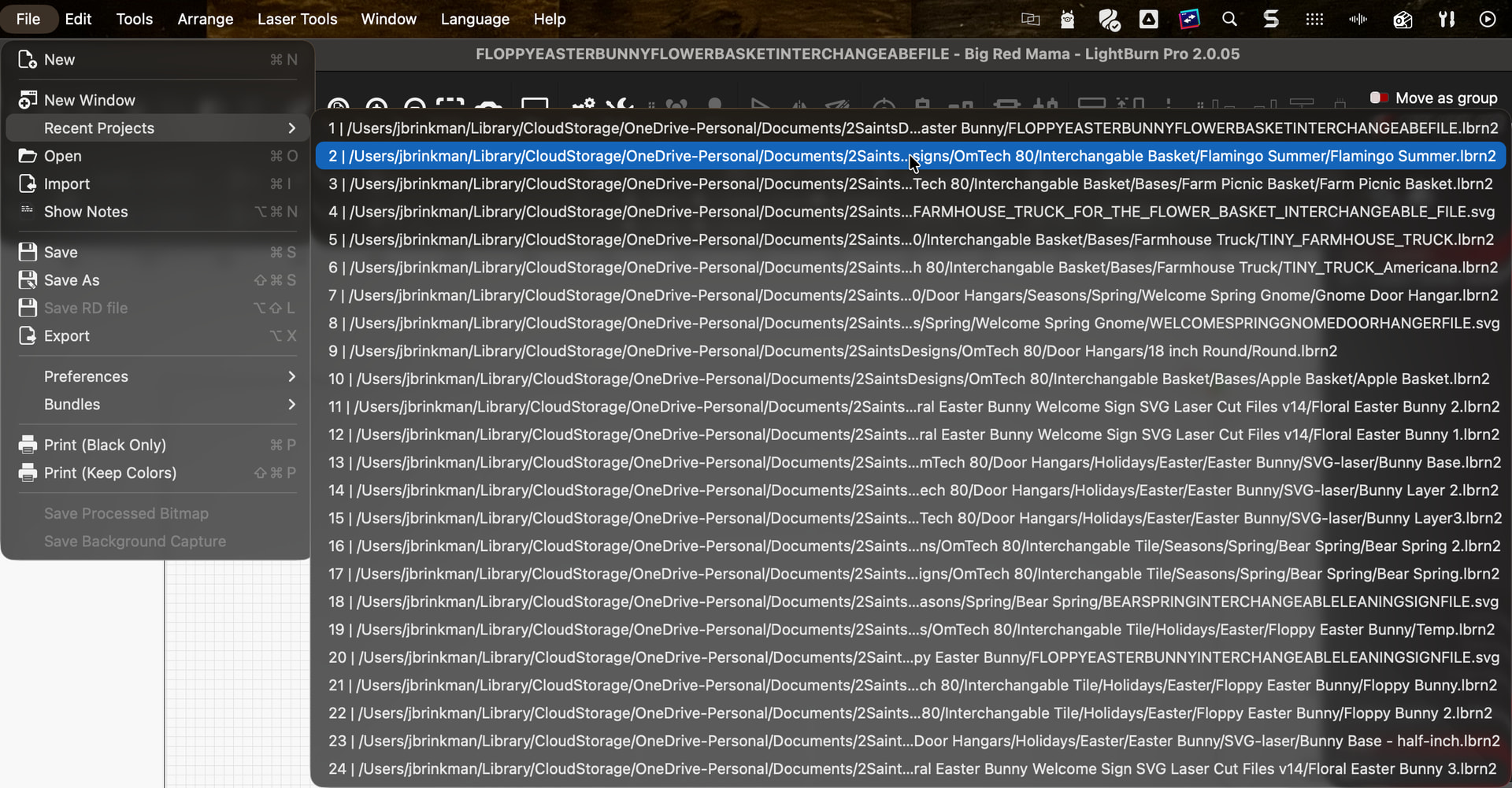
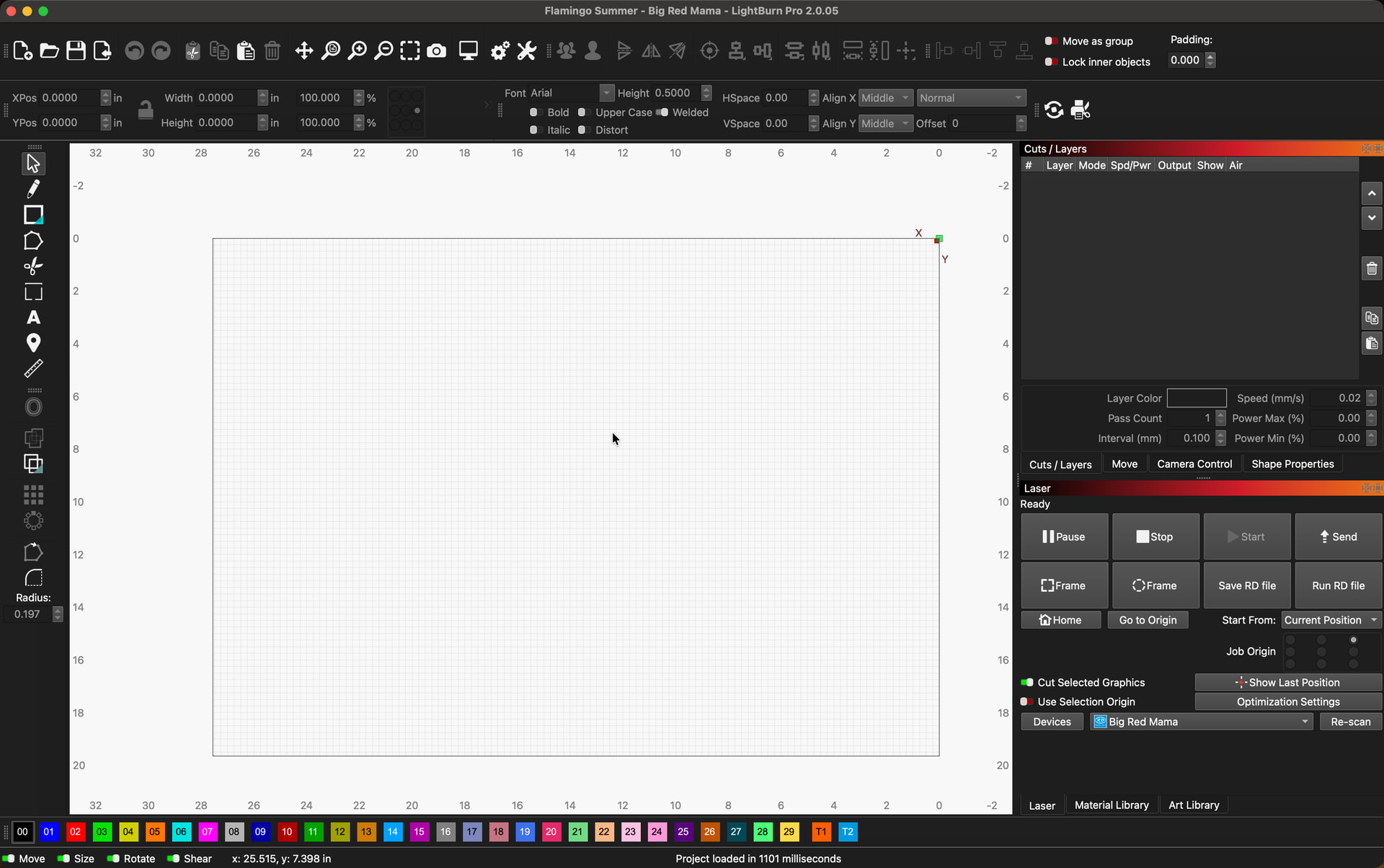
I am running the latest version of Lightburn and have been using the software since 2022 with my OMTech. Tonight after cutting with one file, I went to open another file that I cut last month. The file would not open correctly. It opened with no elements and nothing in the layers panel. When I tried in multiple other files which I have previously cut, they exhibited the same behavior. It didn’t matter if I tried a .lbrn2 file or an .svg, all of my files are having problems opening. I had RC6 version installed and updated to RC9 tonight. I get the same behavior in both the RC and the official 2.0.05 release.
I tried uninstalling the release and pre-release versions and re-installing the 2.0.05 release, but that is showing the same behavior.
Lightburn should be used with local drive files only. You can use iCloud, OneDrive, DropBox, or a NAS box for archival purposes, but not as the working drive for Lightburn.
All of your files in the screenshot are being opened from a OneDrive “CloudStorage” location. If the files aren’t fully downloaded locally (for example if OneDrive is still syncing, or using “Files On-Demand”), LightBurn can open the file shell but not the contents, which results in a blank workspace and empty layers panel.
You can store your files anywhere you want, but it’s important to understand that cloud based files aren’t necessarily ready and available on your computer the moment you demand them for a program.
Download a file to a local drive location and then try opening it in LightBurn, that should confirm it.