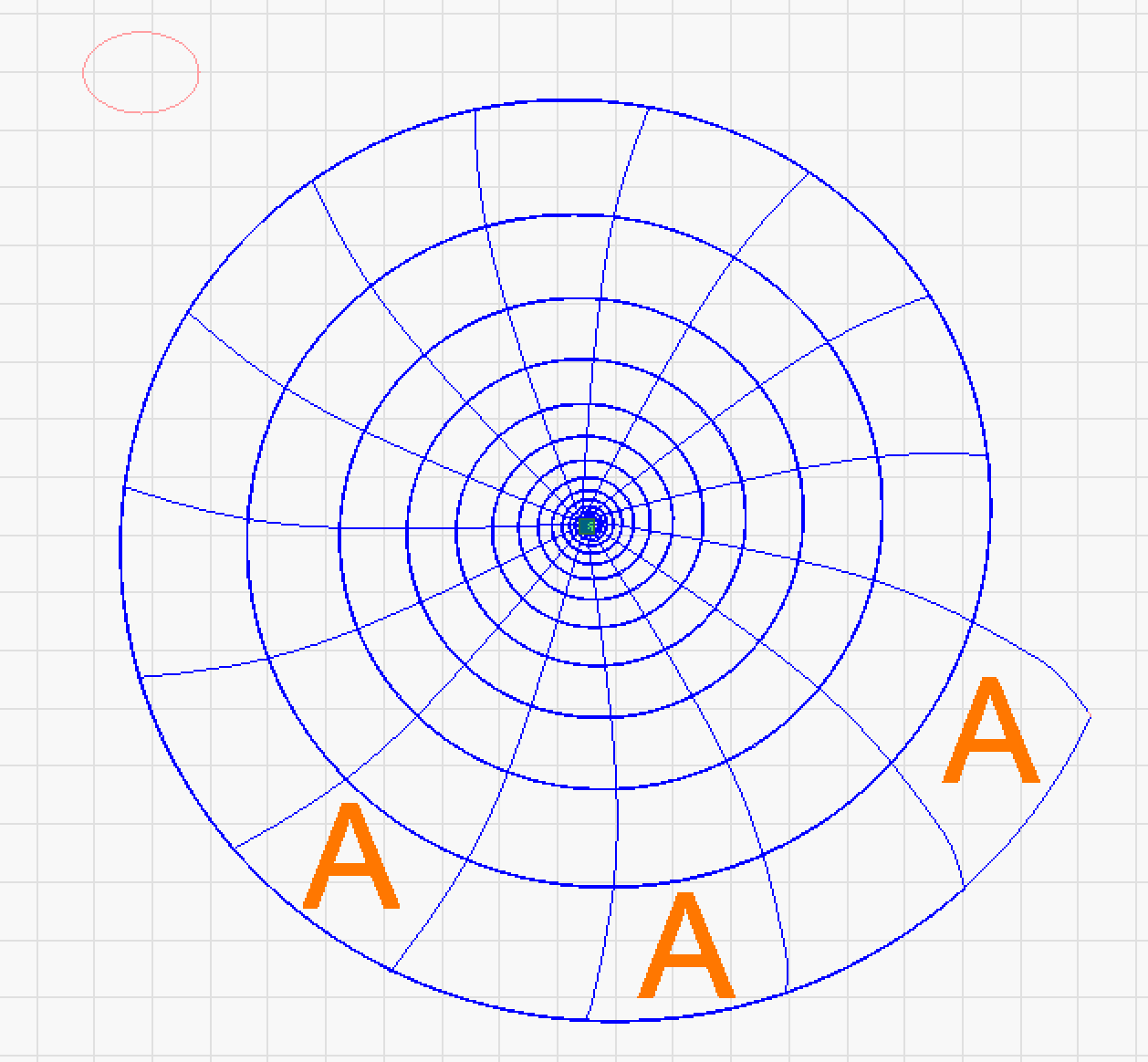
How do I fill the random shapes (marked with “A”) in the image below. The spiral is a vector image, the radial lines are overlaid. The fill areas are distorted rectangles.
separate the desired fields to a respective layer and set it to fill
Because those lines are not joined and do not form closed paths, the spaces between them cannot be filled:
In addition, the nodes around a closed path can join only two vectors. Each of the nodes at the “corners” of those shapes would have four vectors, so none of LightBurn’s tools can join them.
Assuming you want to fill all the alternate spaces around the entire spiral, the least-awful technique will (probably) be to:
- Import the vector drawing into a bitmap graphics editor like GIMP
- Thus converting them into the equivalent raster image
- Click GIMP’s
Filltool in the desired areas - Save as a PNG file
- Import into LightBurn
- Set speed & power as needed
- Fire The Laser to engrave the image
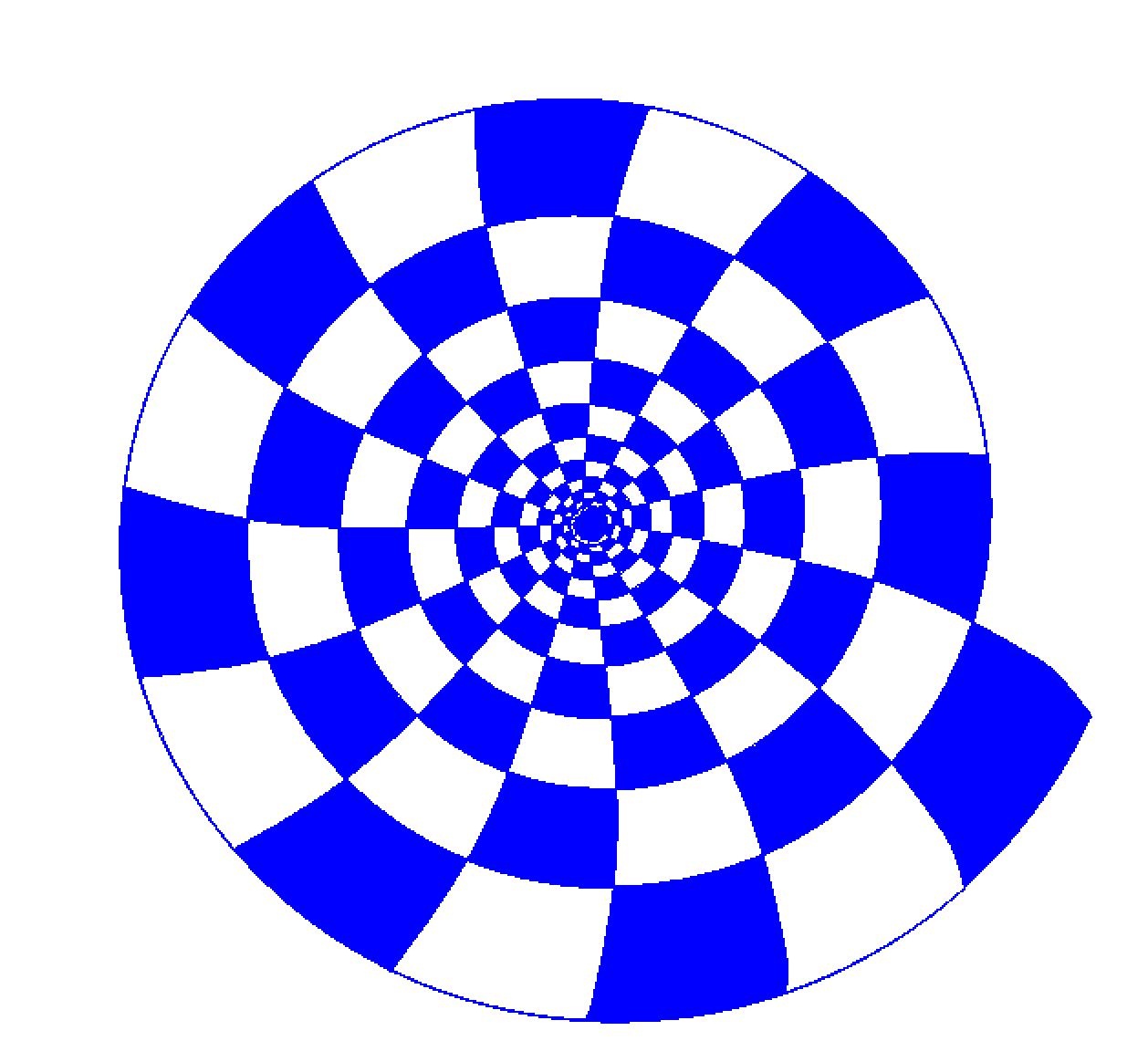
I cleaned up the screenshot to produce this PNG image with a transparent background:
Importing produced this LightBurn image layout:
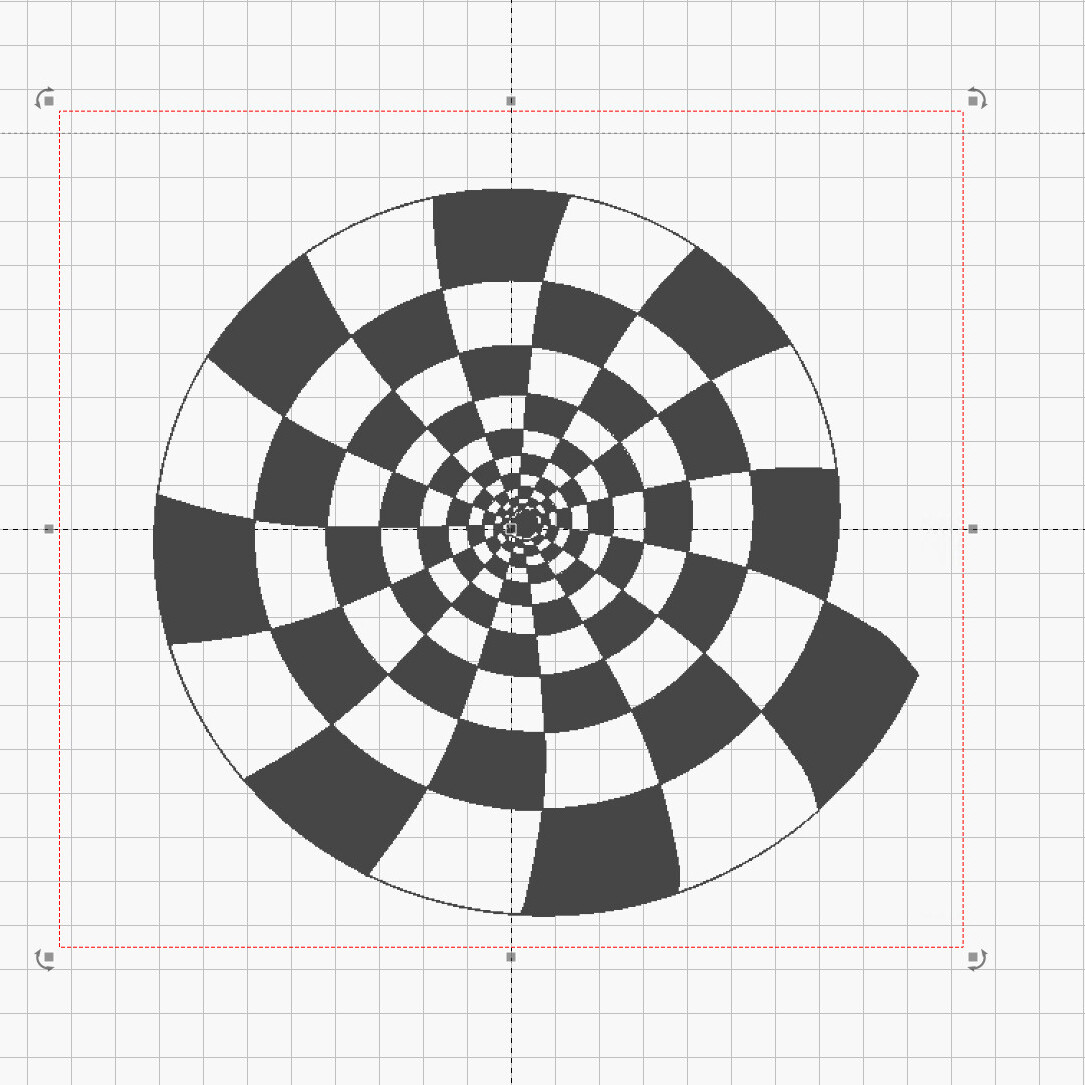
Scale it to fit a random piece of cardstock:
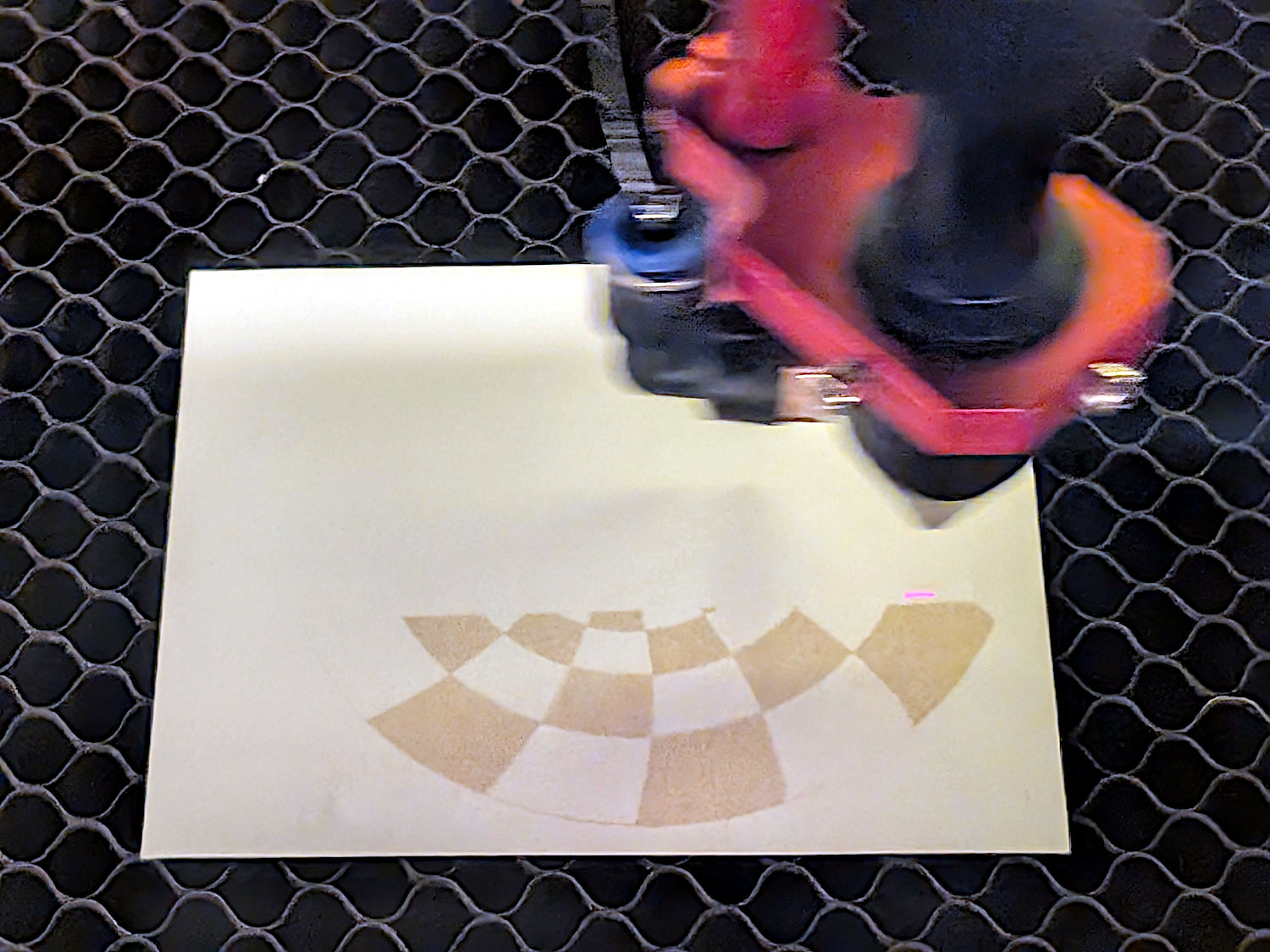
There are other ways to get the job done, but that’s quick-n-easy.
Thanks. I figured I’d have to take it out of LB. Off to Photoshop…
If you’re willing to share the file you had when you first posted, I’d like to attempt this in LightBurn.
Yeah, me too… 