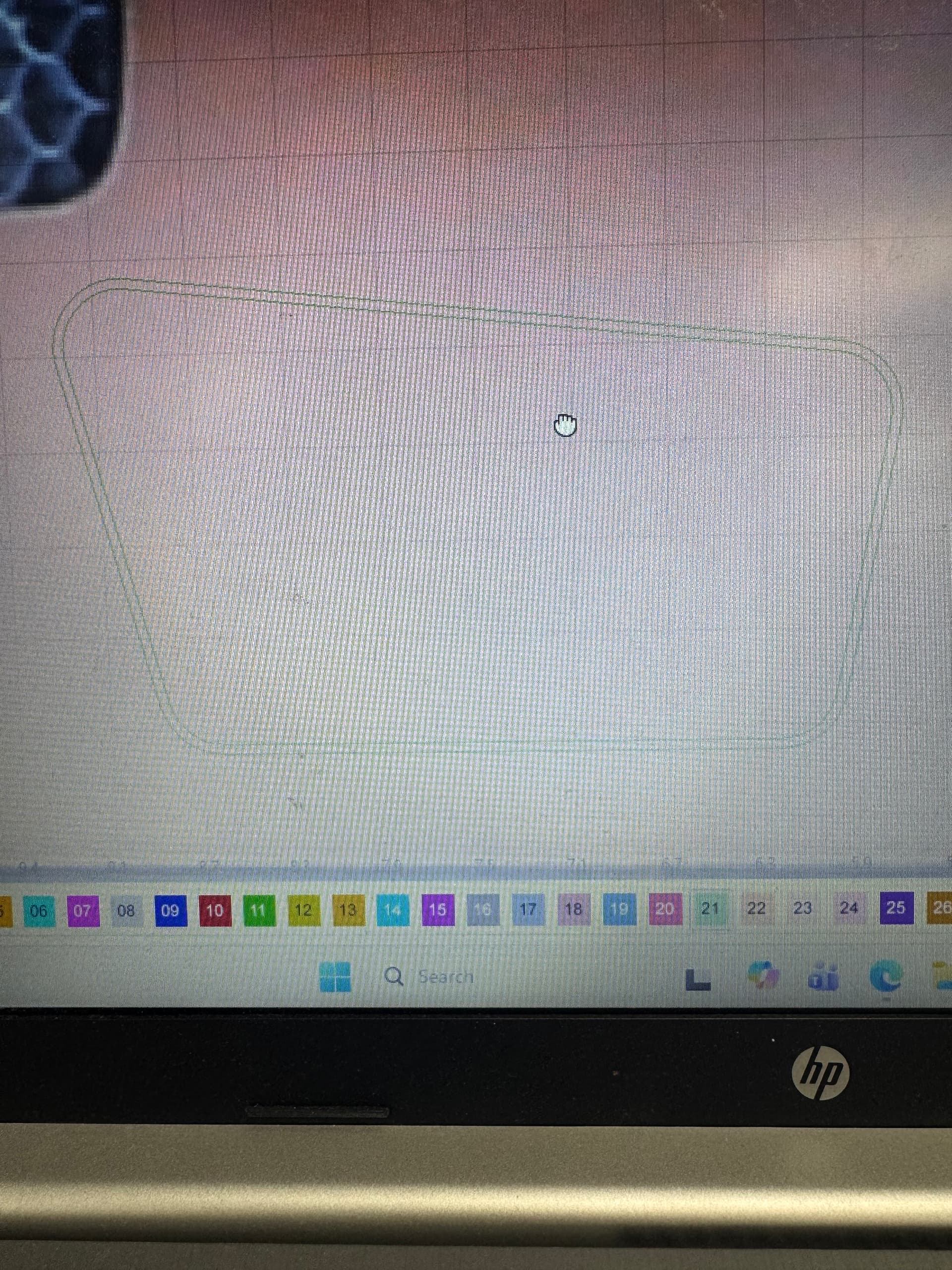
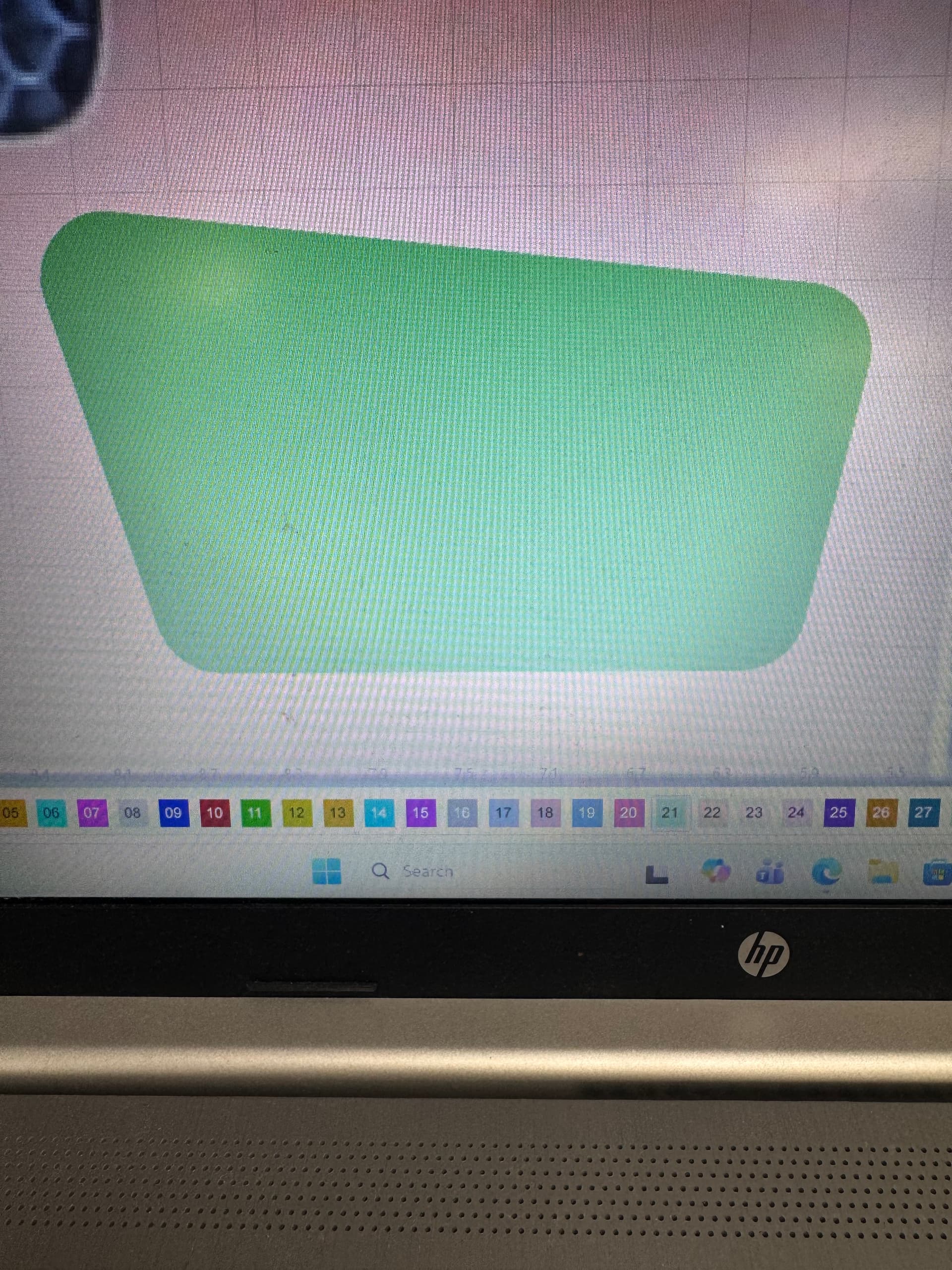
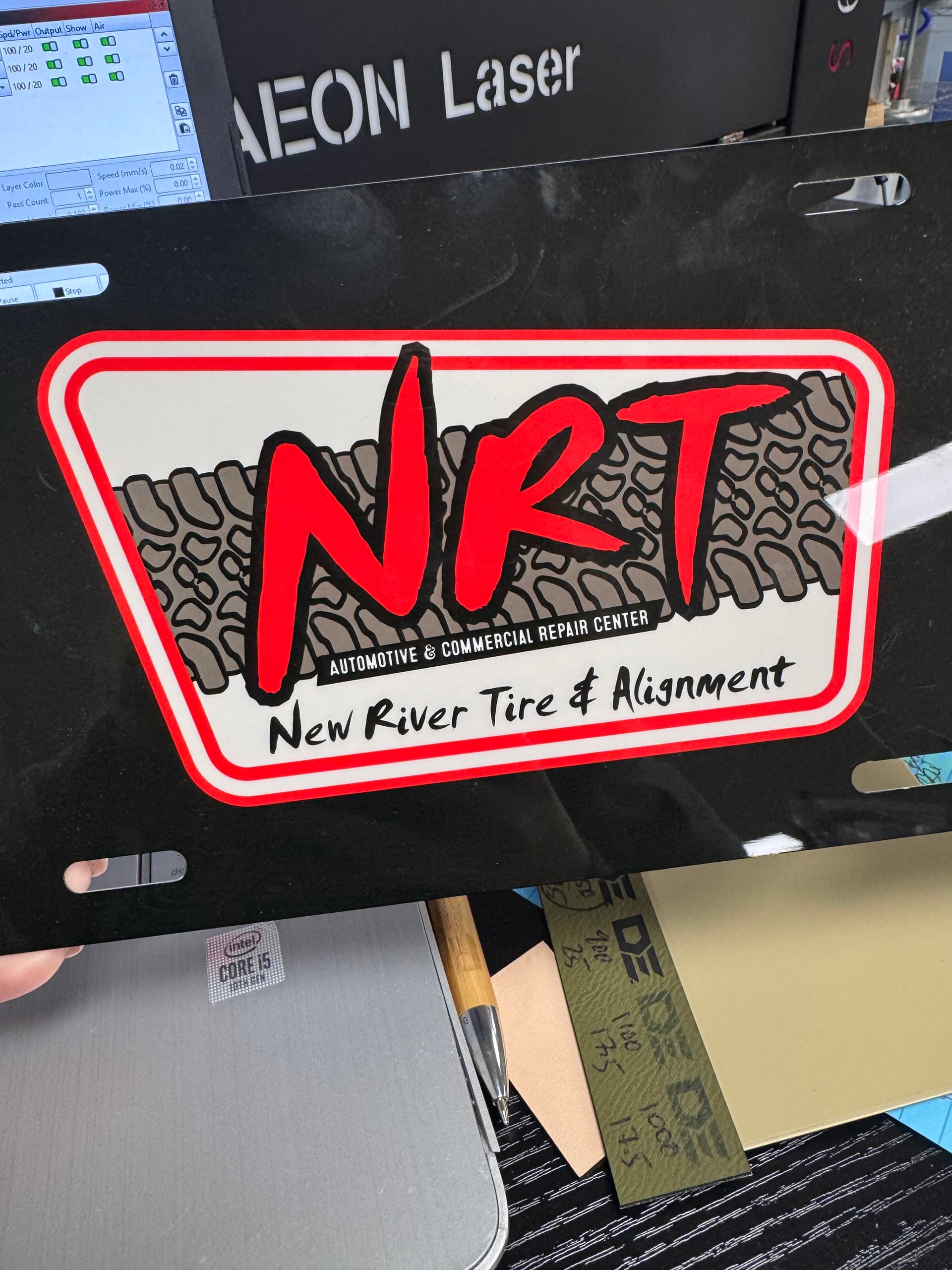
I can’t get the inside of these lines filled in. Every time I try, it just fills the whole shape and I’m not sure how to get only the inside of the two lines to fill only.
Send your lightburn file
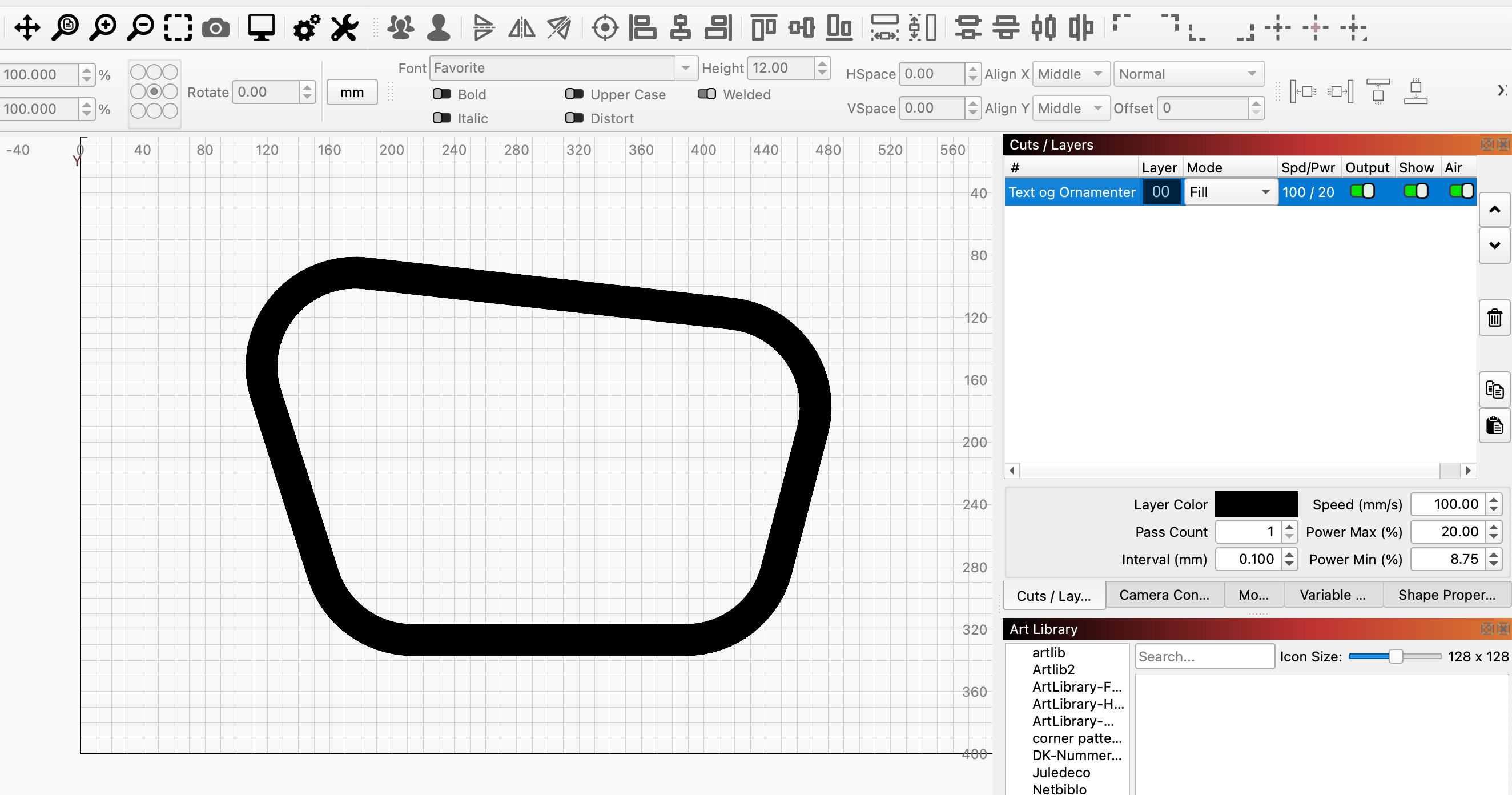
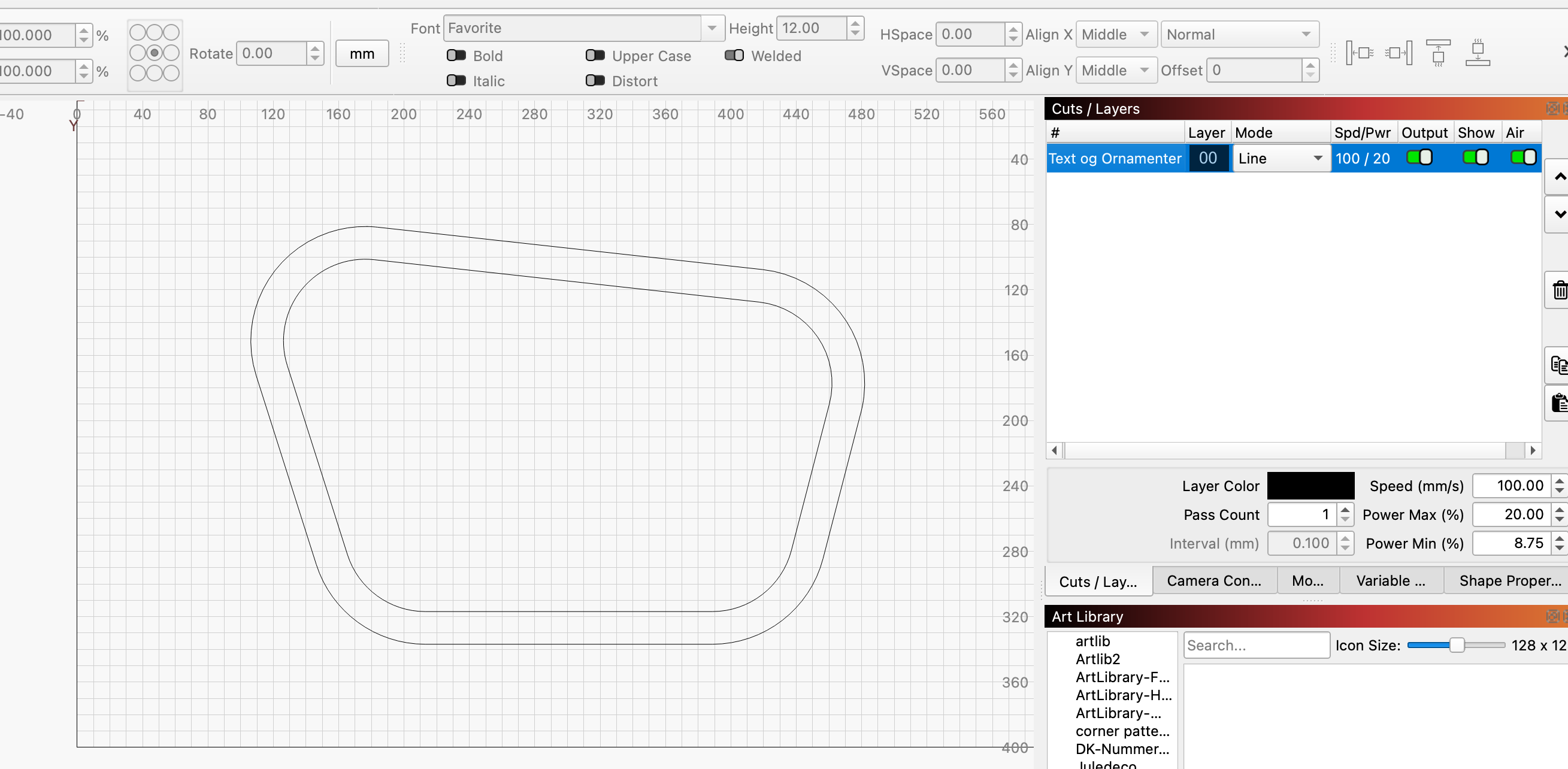
I will upload a copy of how the file was emailed to me, how it looks on something else we have done, and include the lightburn file.
The file that I attached, when loaded in to Lightburn, does not load in as to how the file looks on the email. Nothing is filled in.
So technically comparing to the photo of an item we have done with this logo I think the best option for the best outcome/look, the inside of the NRT words should not need to be engraved, but the outline around them do, and then the two red lines need to be filled in and the black box that has the white words inside also needs to be engraved. I would just engrave what seems to be the outline of the tire marks maybe, or should that be engraved in, but lightly and have the outside lines around it be darker?
NRT.lbrn2 (552.9 KB)

I think you may be right, when I click on the individual line, the nodes are not connected I do not think. Would that be what the problem is? And how would I fix it? Can I do it from the Lightburn software?
Yes Hannah, of course you can do it in LB 
Make your shape editable, show nodes and endpoints, find the 2 that are not connected and drag them over each other.
When I connected them, it made the curves change. Is there a way to connect the nodes without changing the curves?
You just need to select the endpoint you want to drag onto the other and it should work. If not, just upload the file here and we’ll take a look at it.
NRT2.lbrn2 (540.2 KB)
This is what I have so far
I’ll just eat a little and report back in a few minutes.
Thank you so much! 
…if you zoom in a lot and find the dark green nodes, you can pull on one of them and merge them with the other green node, the color will change from red to light green.
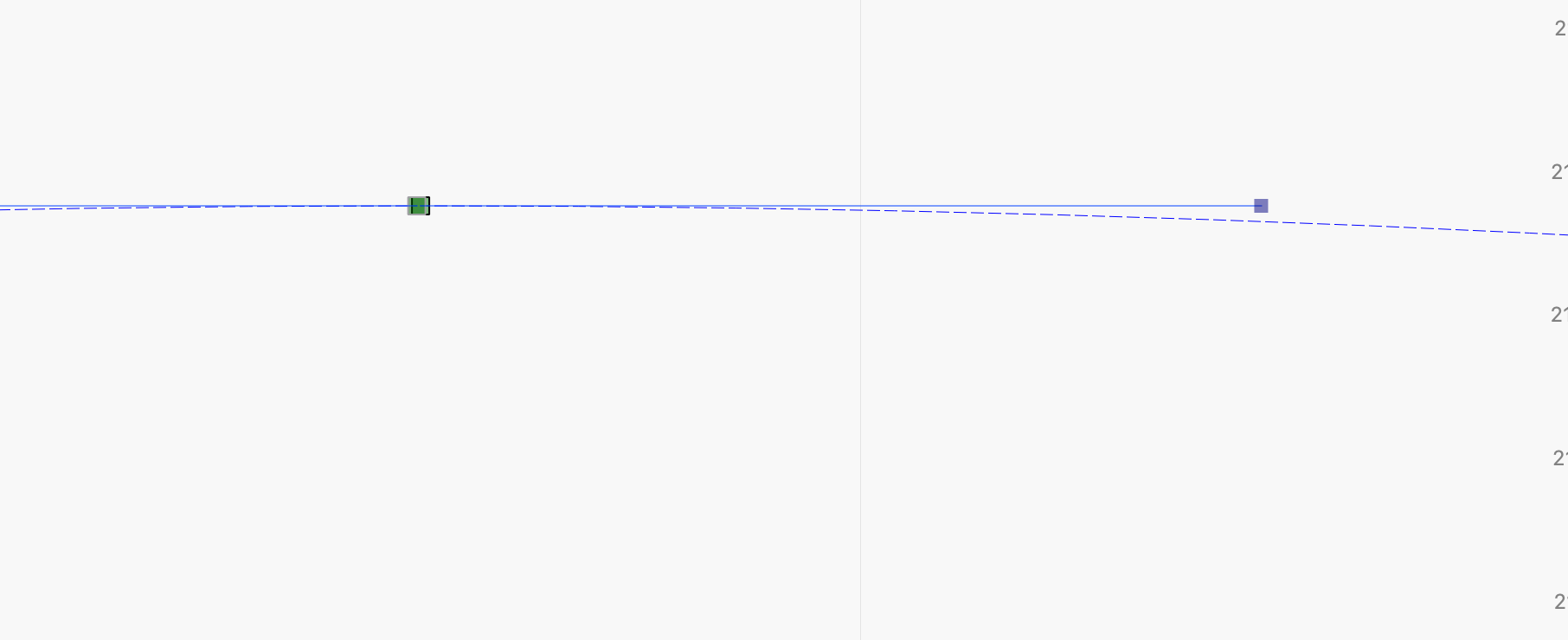
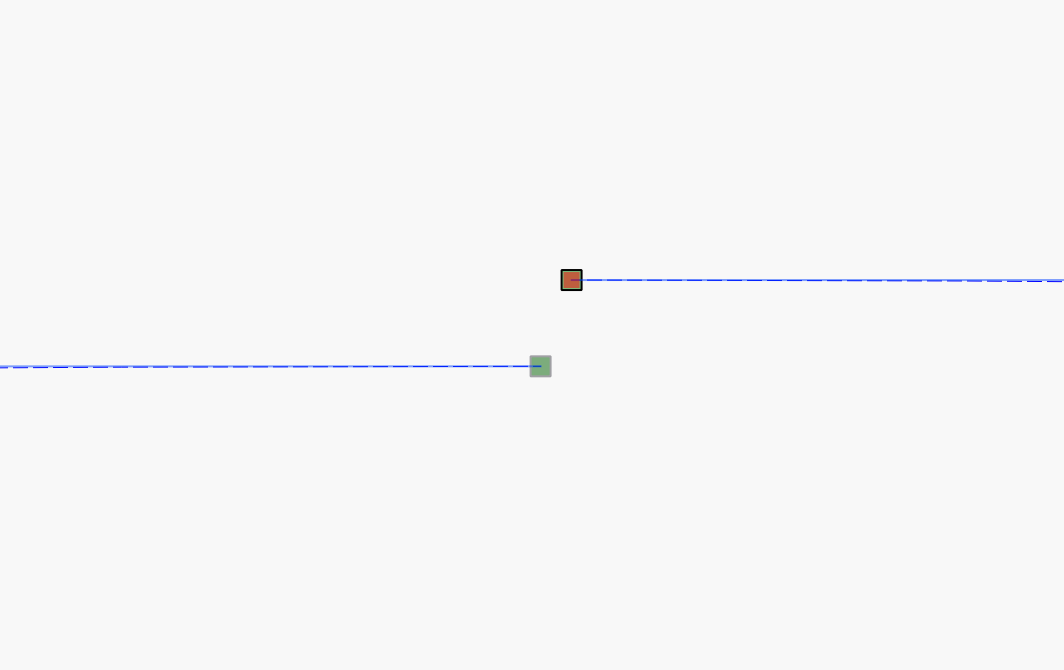
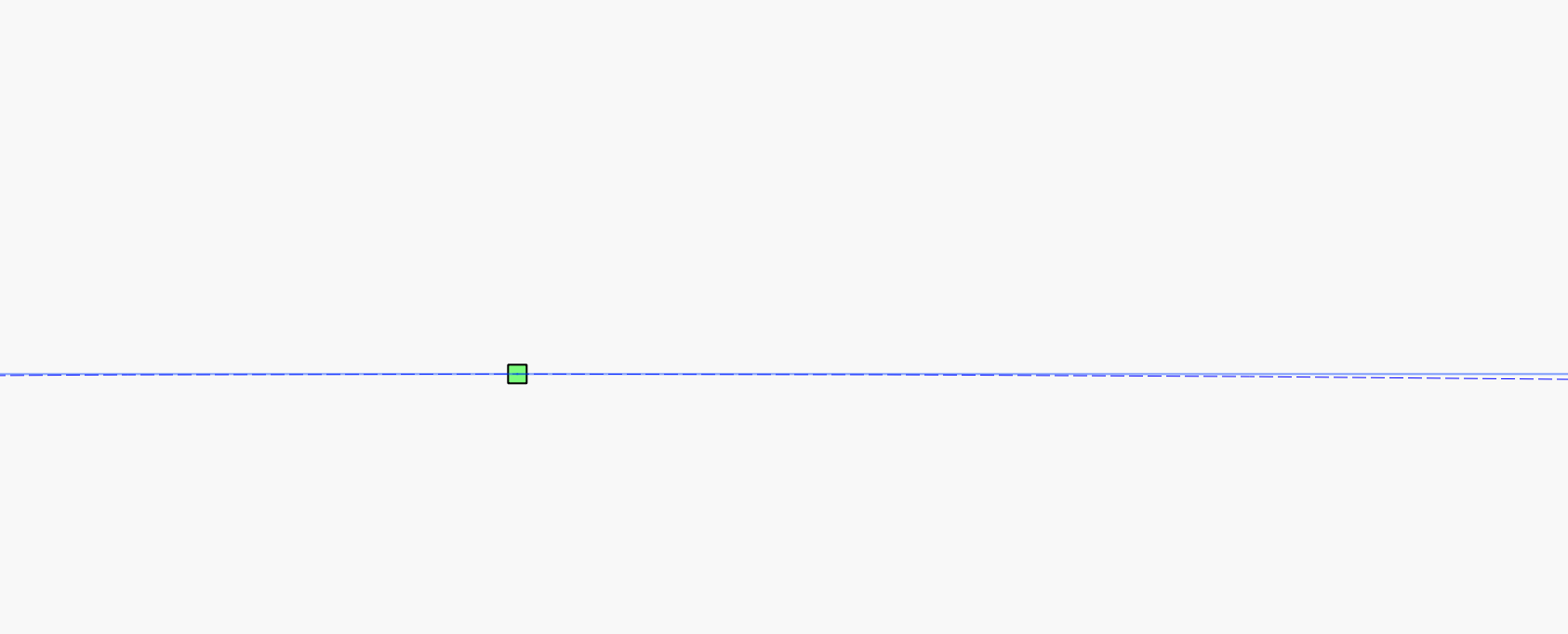
NRT2-retur.lbrn2 (540.0 KB)
Thank you so much!!! I really appreciate your help and for taking the time to describe and show me how to fix the issue. I will remember this for future uses as well!! Thank you, thank you, thank you!!!
1 Like
This topic was automatically closed 30 days after the last reply. New replies are no longer allowed.