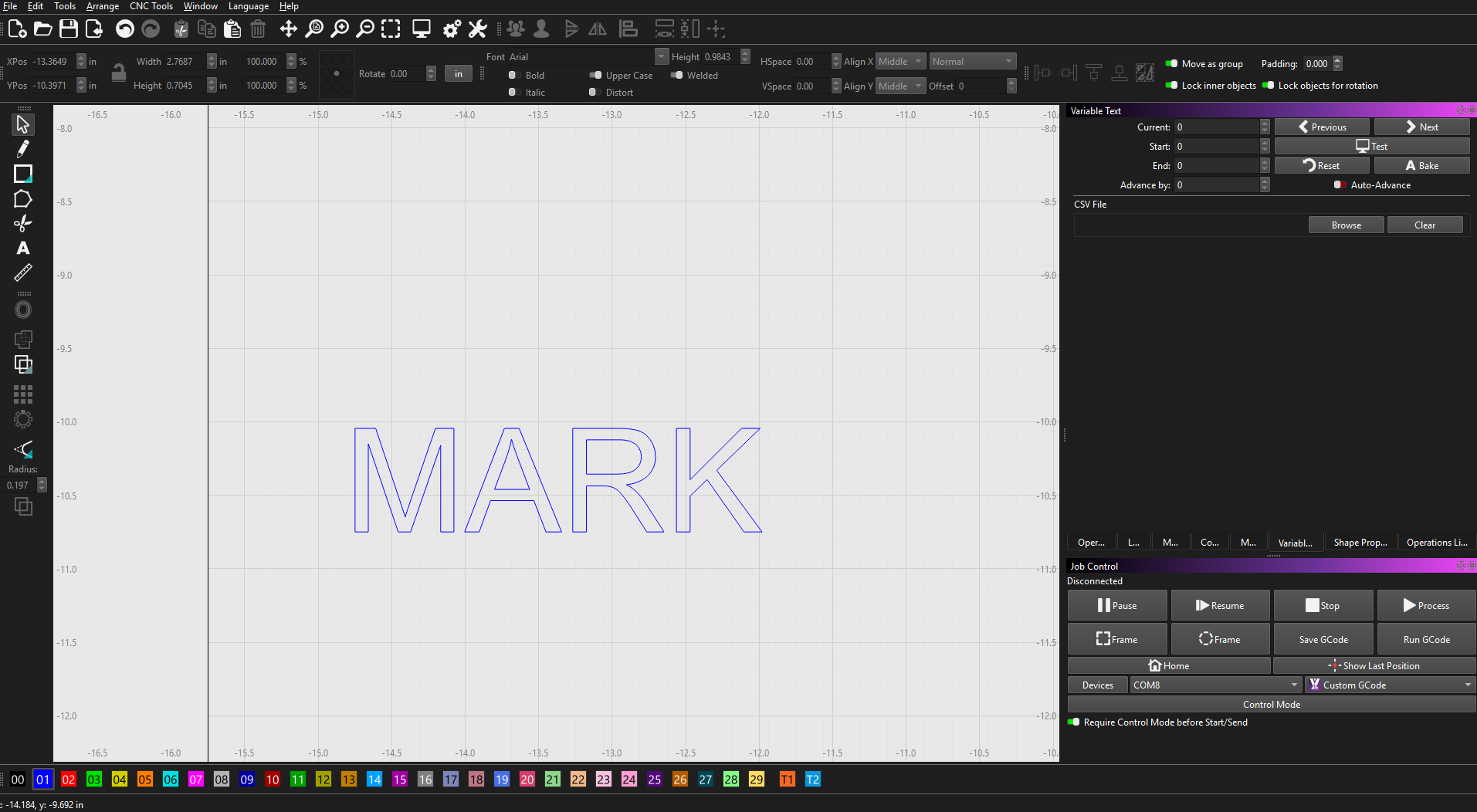
how do I fill in the text to cut solid instead of outline?
You are asking a Lightburn question, and and it appears to be a Lightburn view, but you selected MillMage. Which is it?
millmage still on trial version
in lightburn I would do it through layers and fill
In MillMage, I would use the ‘Pocket’ operation. 
Hey Mikey, the screenshot is MillMage. You can tell by the far-right tab titled Operation Li… (for Library). 
1 Like
thank you I’ll give that a try tomorrow when I’m back in the shop
1 Like
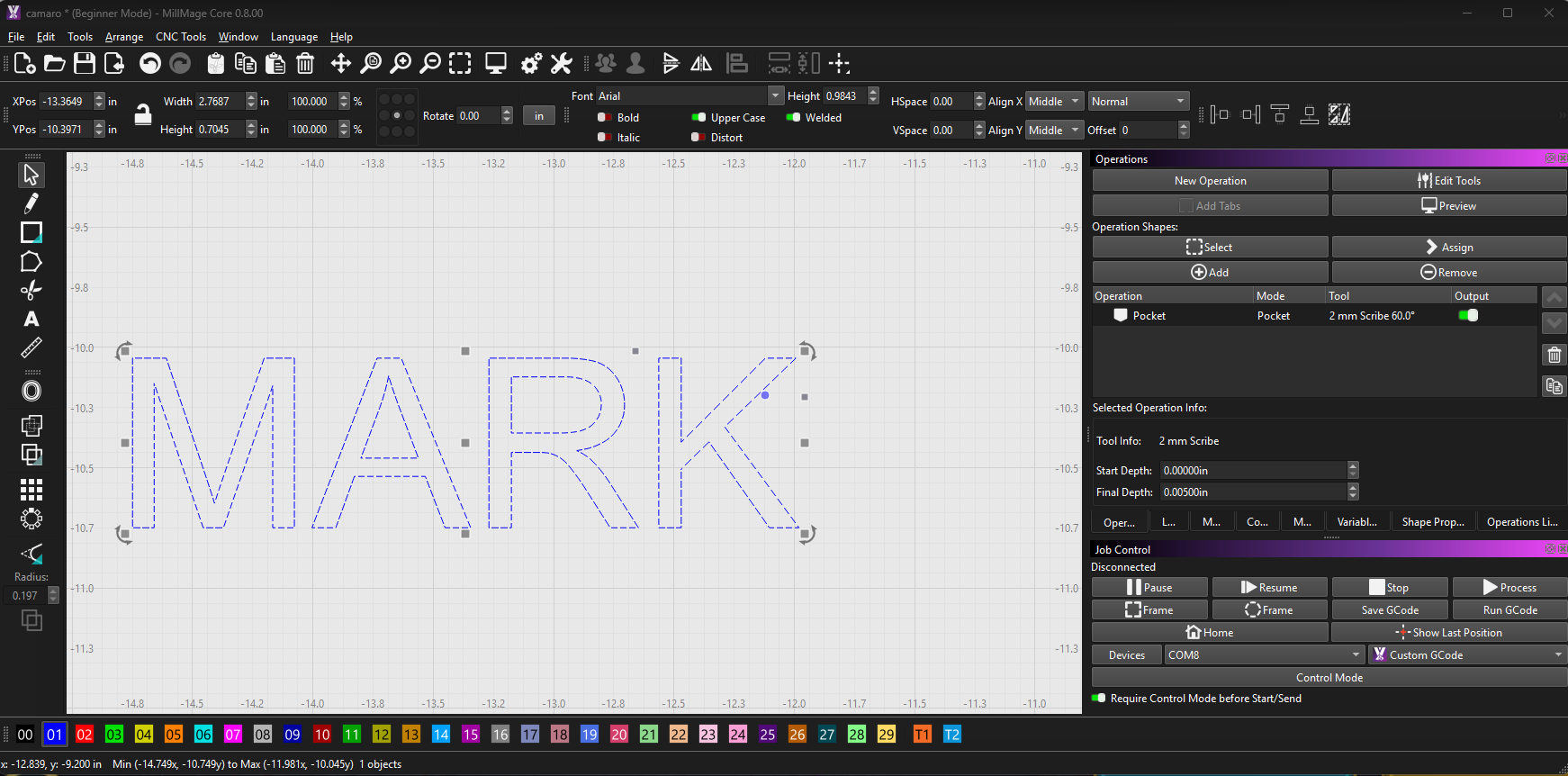
To offer a bit more clarity, shapes in the MillMage workspace are not visually filled like the ‘Filled Rendering’ seen in LightBurn.
2 Likes
I am thinking this is your first CNC mill. In Lightburn, you scorch Fill areas (surface marking). In MillMage, you remove (pocket) areas (subtractive machining). There is no Fill in the MillMage designer for this reason.
Lightburn processes Layers (with colors).
MillMage processes Operations (that can HAVE colors), but it is not the same.
The only similarity between the two is the design environment. Operating the machine is entirely different, and each software is adjusted for that.
Here is what I suggest:
- Read or watch everything you can find on the internet about CNC routers (avoid metal machining). See below…
- Read ALL of the MillMage documents posted so far.
Home - MillMage Documentation - Buy some cheap foam and practice on that.
- Continue to ask for explanations and meanings on this Forum.
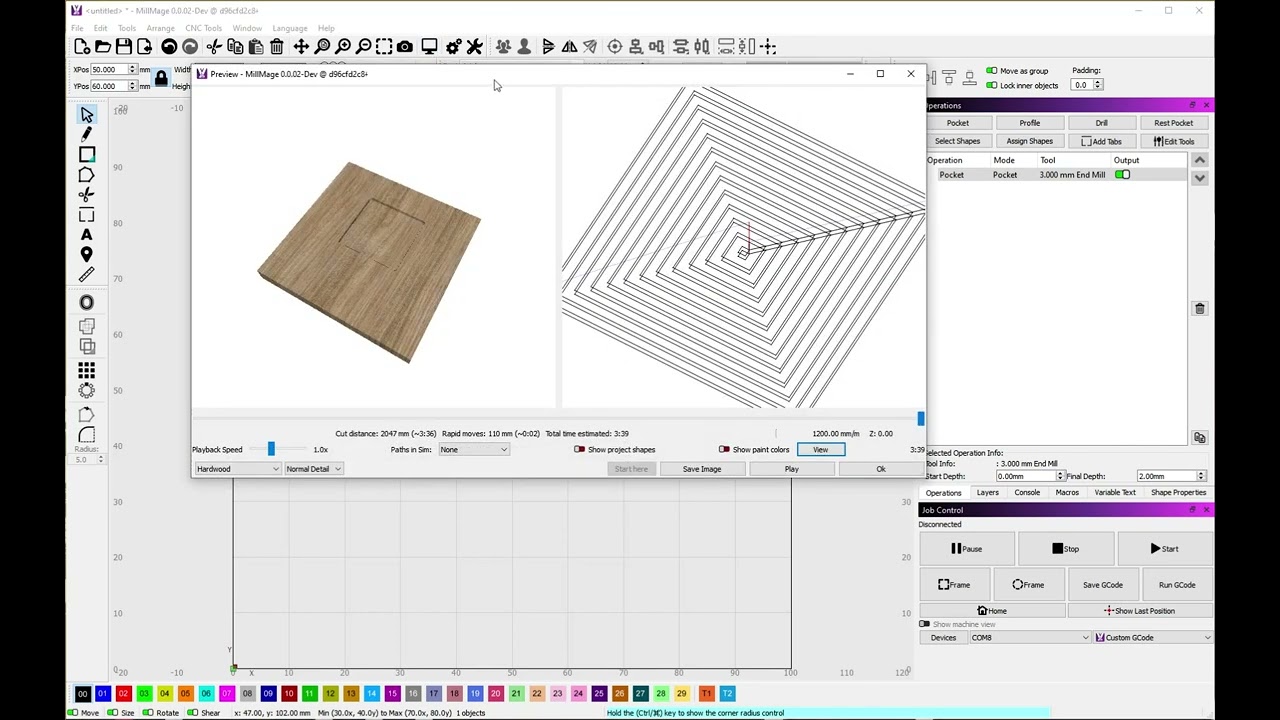
MillMage jumpstart:
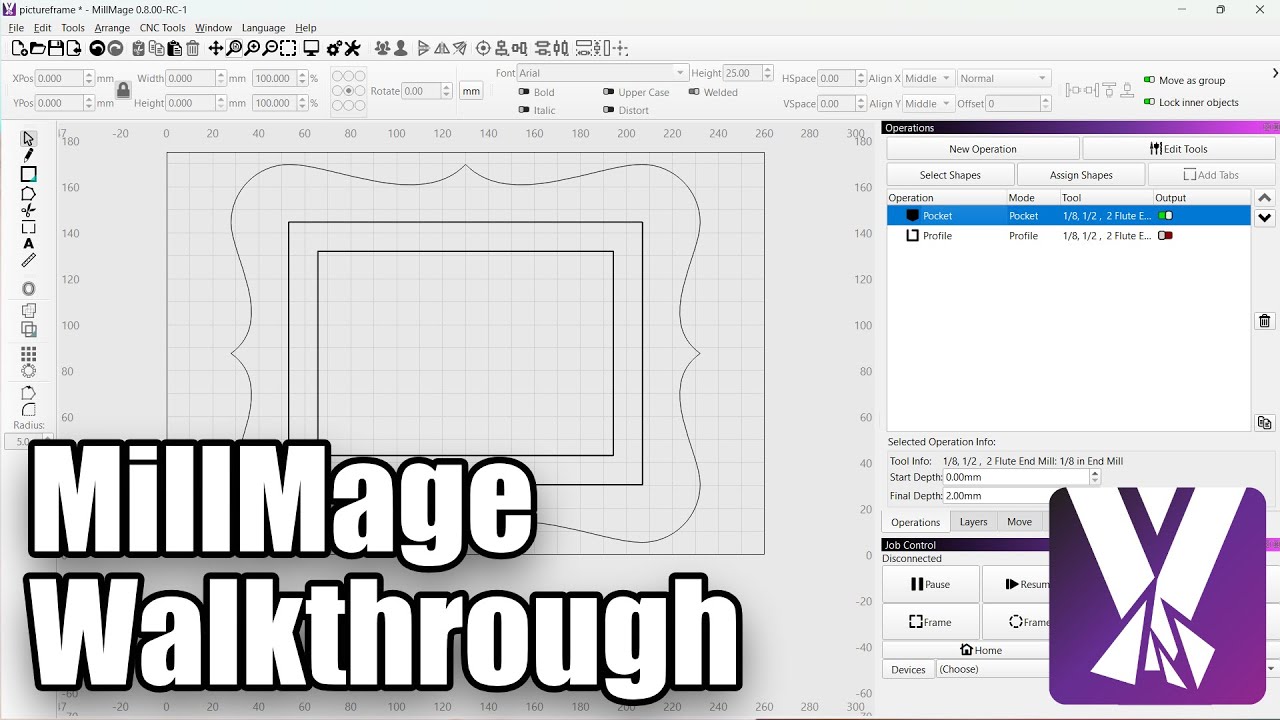
MillMage Operations:
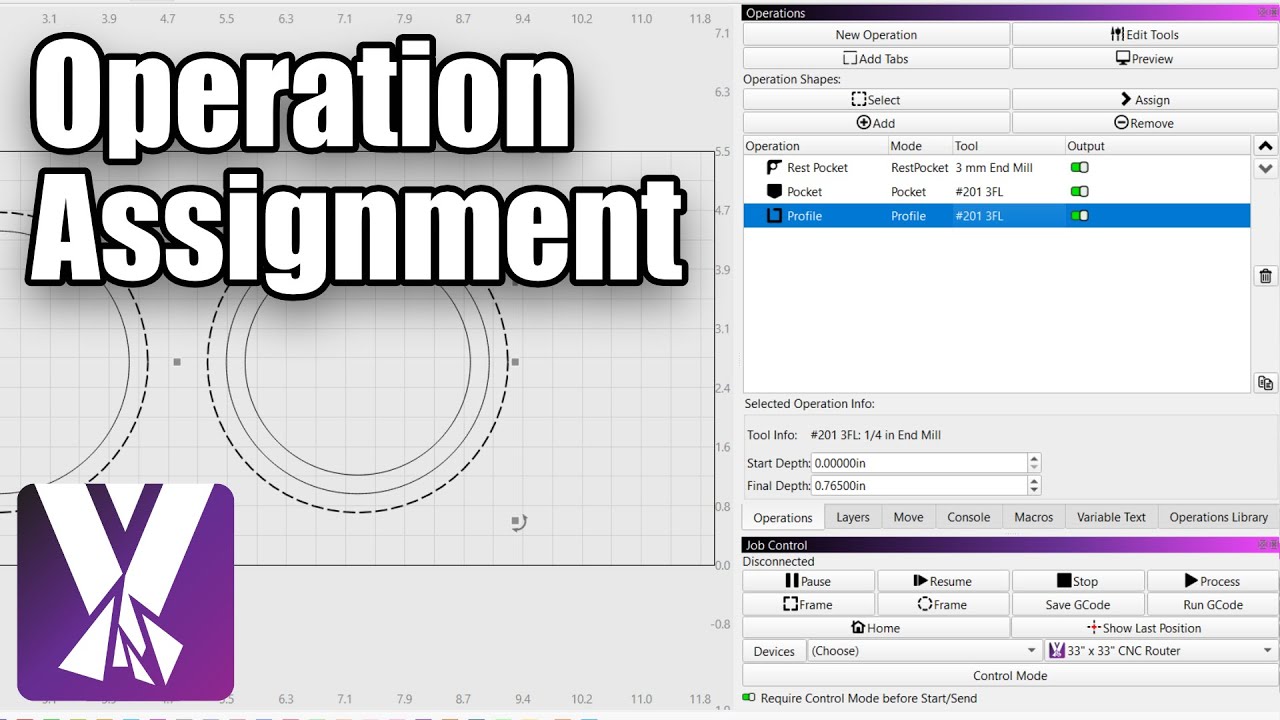
If you got all the way down here, this is a useful hint: You can copy your MillMage design into Lightburn and use the Fill mode to help solve “open path” issues. Then copy it back and continue working.
This should be enough homework for a while. 


3 Likes
That did not show in the first posted image, but @Rick did a better job of finding the clue. 
1 Like