Hello everyone. I recently purchased a Comgrow Z1 laser with a Creality Rotary Kit Pro. It’s my first laser, and I need your help, please.
I’m trying to engrave painted bottles. All my designs are resulting in a strange gap between the lines. In the image, I tried to design a simple square, and as you can see, it wasn’t engraved correctly; it leaves multiple horizontal gaps, 1mm thick.
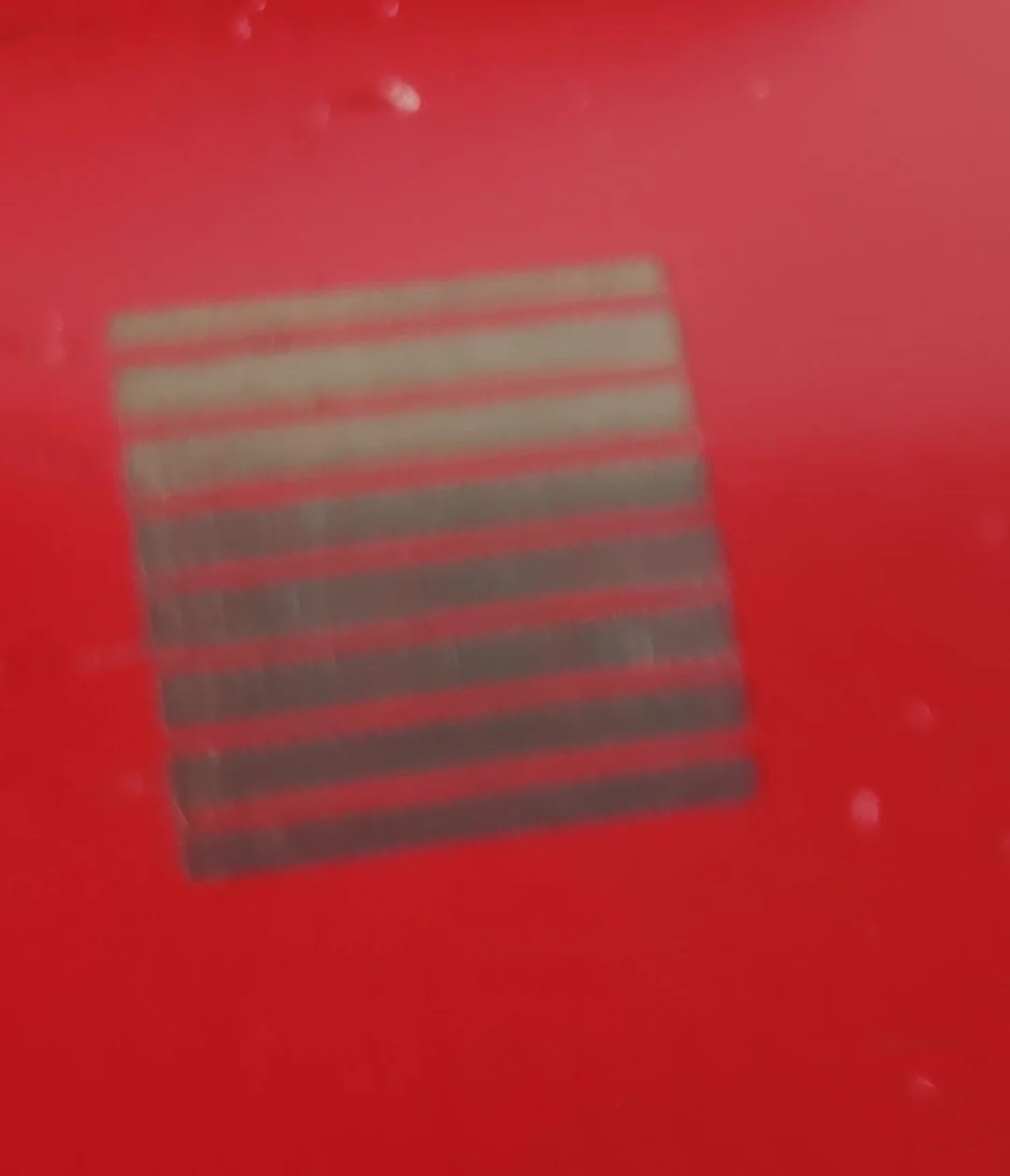
.
The Rotary configuration seems to be correct. The rotor manufacturer indicates that it should be set to 40mm per rotation, if i test it the chunk do a full rotation and come back. The shapes I draw also have the correct size when they are engraved.
Im using the default $101 value, 80.
I’m creating a simple 10x10mm square in Lightburn, then converting it to a bitmap. I’m using a speed of 2000mm/min, although I tried 300mm/min and get the same problem. I set the power to 20%, which seems sufficient to remove the paint. I’ve tested the shape interval from 0.03mm to 0.1mm.
The bottle’s diameter is 89.2mm. I tried reducing it to 85mm but the result is the same.
Do you know what I might be doing wrong or what else I could try?
Thanks you so much for read and for your help.