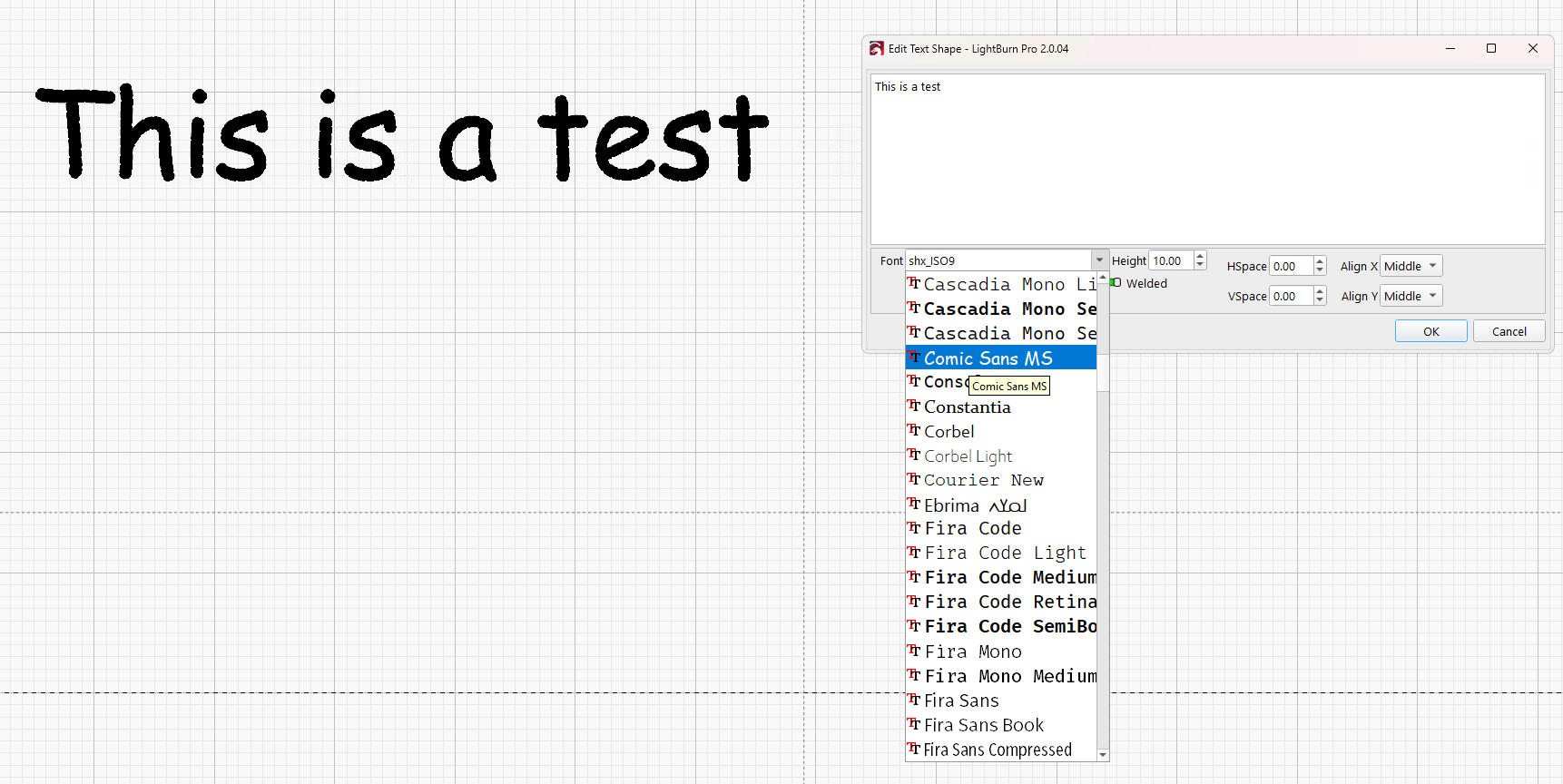
When I create new designs, I often find it very difficult to find a font that suits the design. Therefore, I frequently copy the text and apply a different font to each copy, then I choose the one that suits me best.
I would suggest a window where my text would be displayed in all the different fonts installed on my computer.
For example, right-clicking on the text would open a context menu where I could select a font preview option. This would open a window where the text would be displayed in all possible fonts. Clicking on one would apply the selected font to text.
An alternative to this would be for the font selection dropdown menu to already display the selected text in each individual font. However, would this likely slow down the program significantly?
Please provide your comments, suggestions, and improvements.
Best regards!