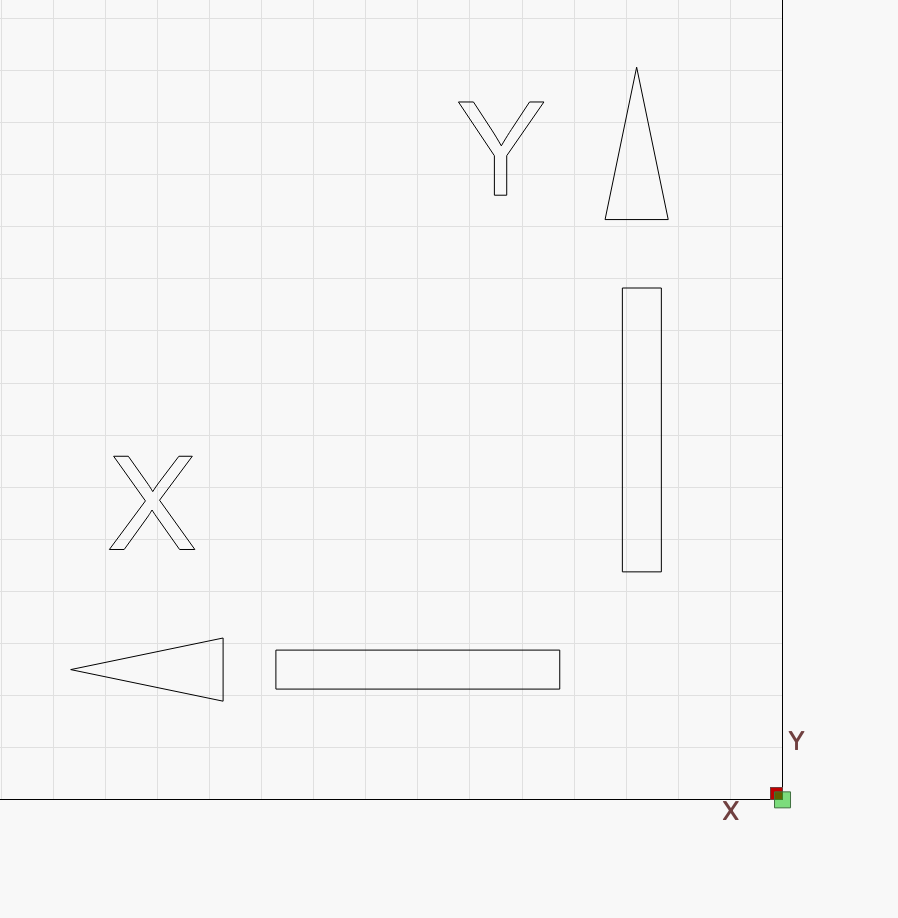
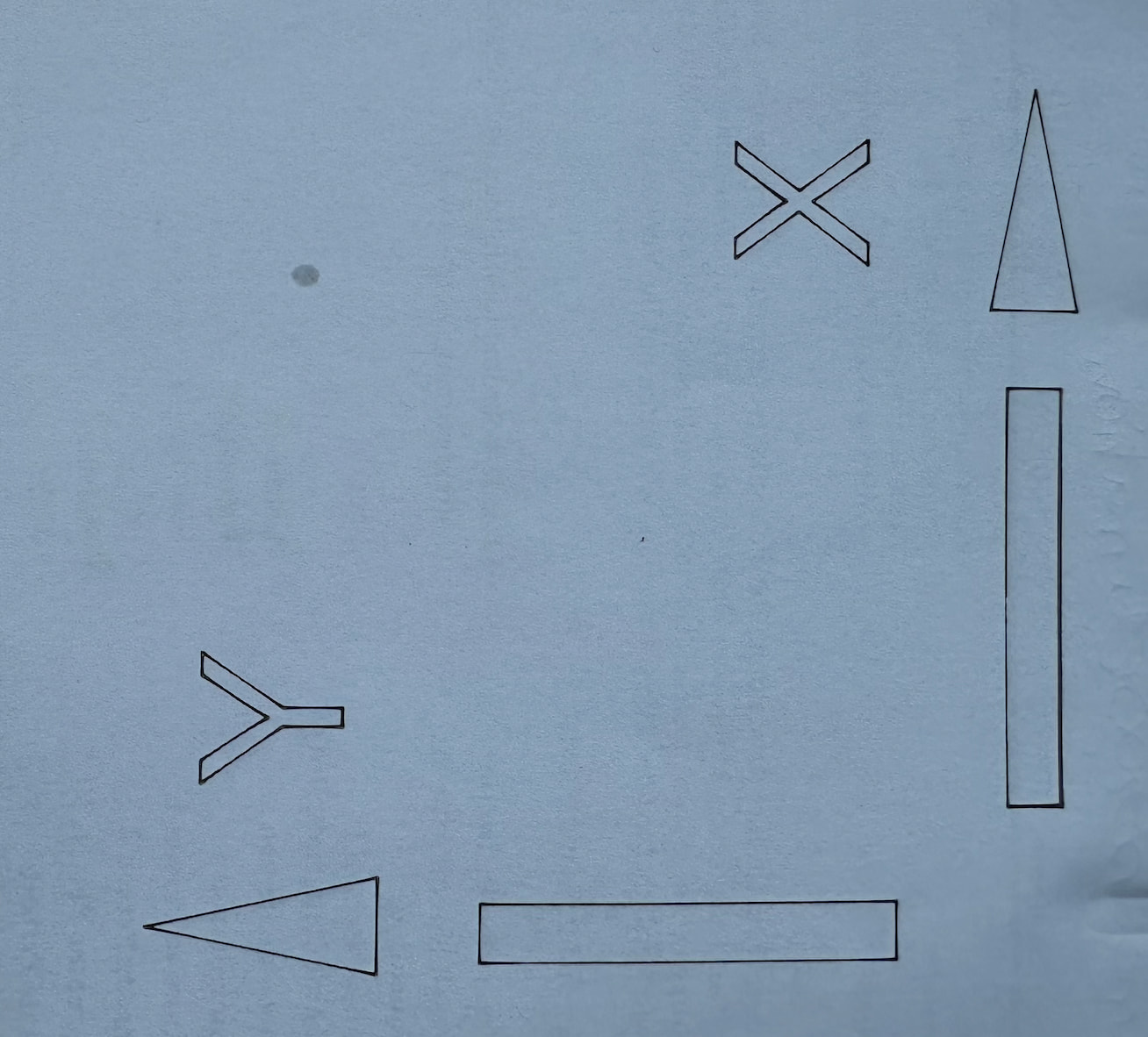
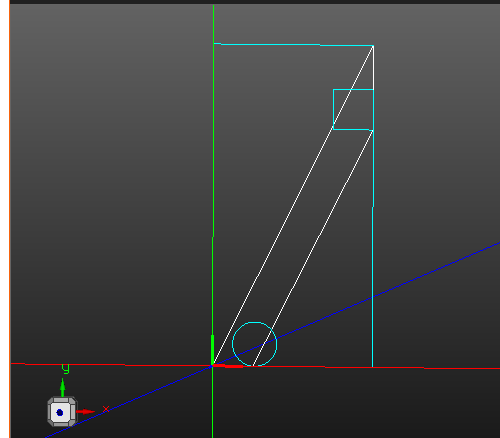
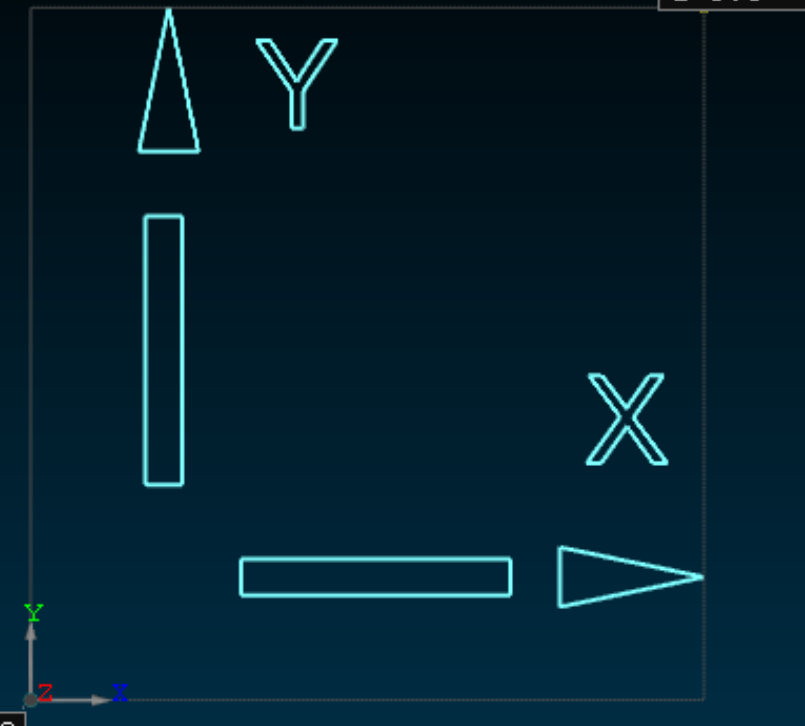
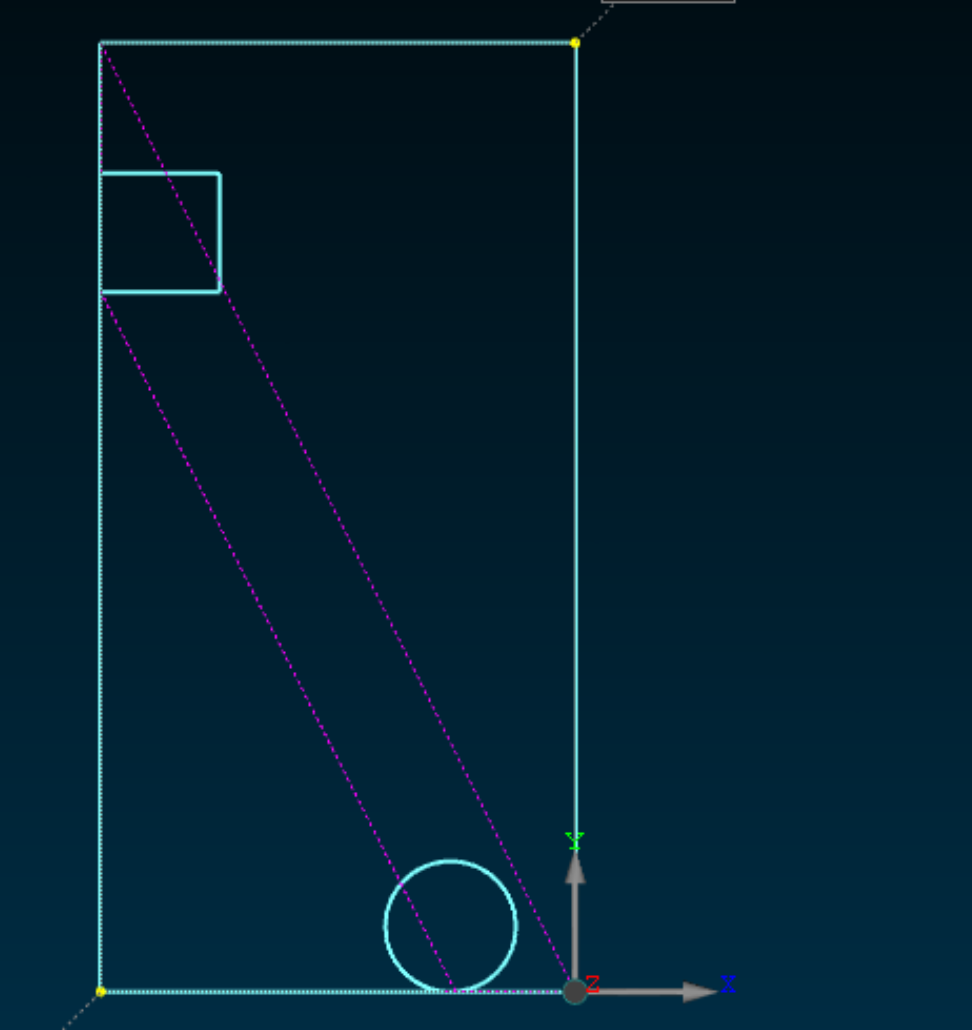
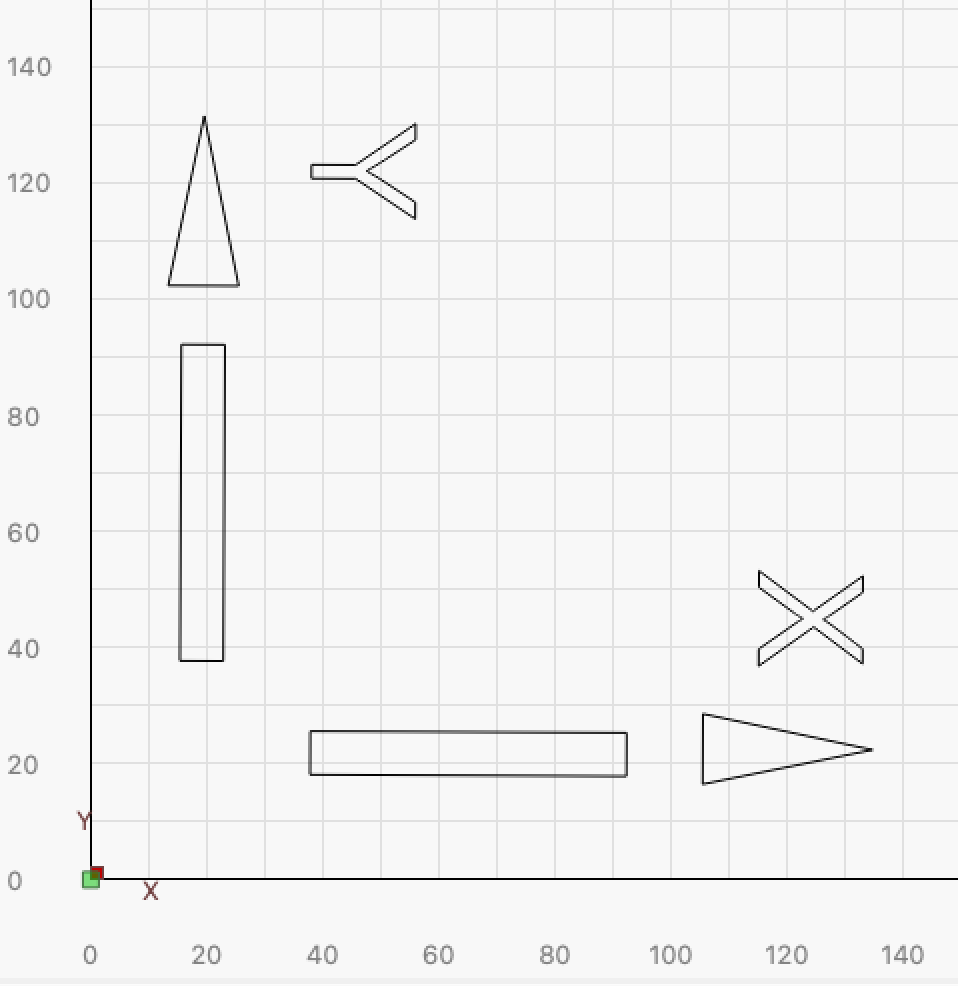
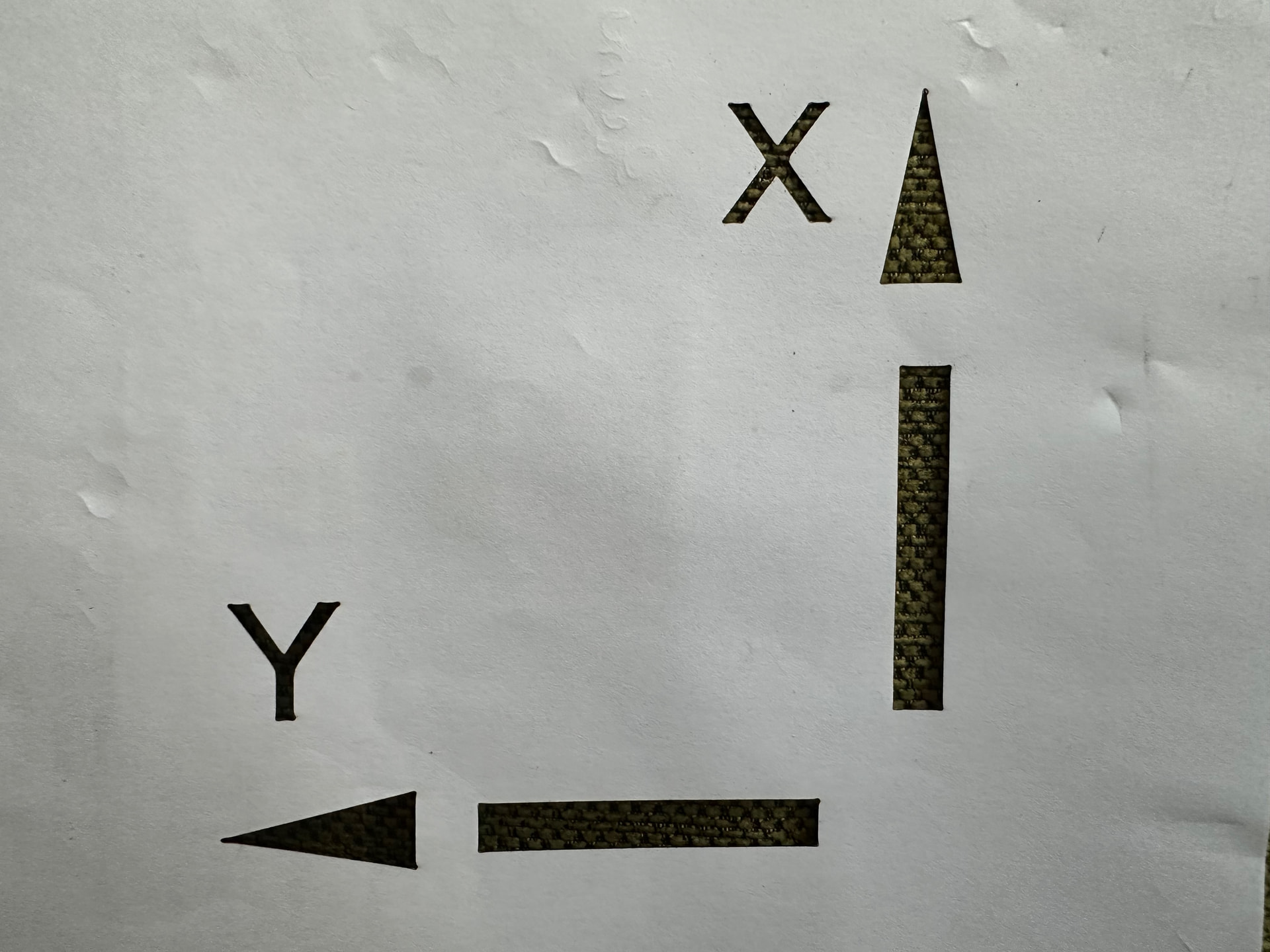
The laser reference point is also in the lower right. The positive x-movement of the laser is in the direction of the x on the paper as well as for the y-axis.
So the movement directions between lb and the laser are correct. But the output would need to be flipped on the xy plane but then the axis would be wrong.
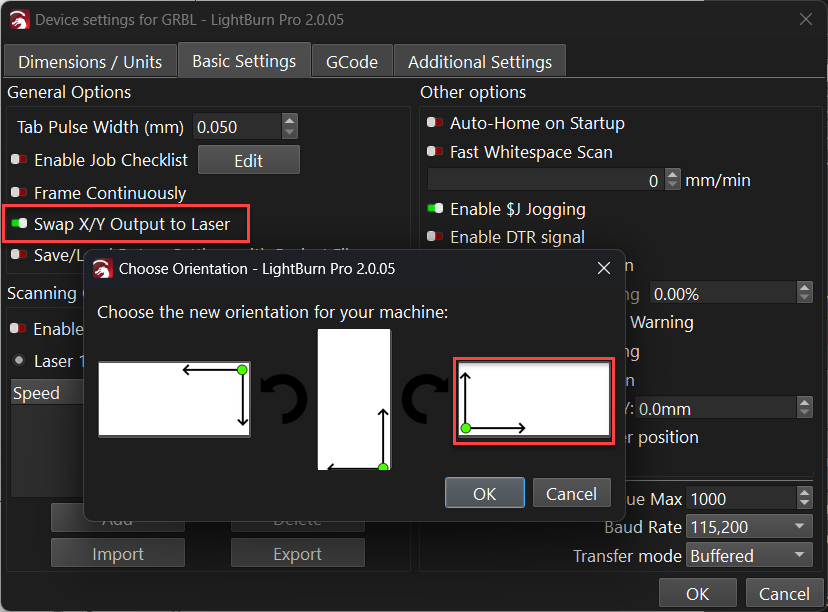
Good morning, check the machine settings to see if the X/Y axis swap is enabled. It’s located under Laser Tools - Device Settings - Basic Settings. Let me know how it goes.
I saw that options but as I understand it, it ‘just’ rotates the coordinate system. That won’t help me here. The output would have the right orientation but the machine axis would be wrong.
I got a warning that the file was saved in 2.1 while I have 2.0.5. There was also a warning during the gcode export that I didn’t have a graphic selected.
I have also exported my test file three times while changing the options from none, x/y exchanged and set zero point to lower right. All three files are exactly the same. It looks like the options don’t make a difference (btw, it would be nice if you would allow ‘*.ngc’ as up loadable suffix because that’s what lcnc uses).
There is very little information in a GCode (.nc, .gc, .cnc, .ngc, .txt, etc.) that is useful for diagnostics. It is much better if the .lbrn2 file is uploaded. It contains all the information used to create the GCode file.
Well, I was specifically asked to upload gcode, and I’ve also included the lbrn file. And I just noted, that this forum software doesn’t allow the upload of gcode with the suffix which Linux CNC uses. That is all.
I don’t understand what you are trying to say here.
What I should be saying is “My mistake”! I did not spot @parsec did ask for the GCode. Yes, a nuisance, but they have a lot of filters to block unwanted files masquerading as good ones. I am wondering if your LinuxCNC would load files with .txt, .nc, or .cnc extensions. Or is .ngc the only one it likes?
It’s interesting that the ‘Swap X/Y Output to Laser’ option does not seem to affect the output of your ‘LinuxCNC’ device (it worked fine on the GRBL type) so I’ll dig into that…
You could try this ‘Custom GCode’ device as attached which may be closer to what you need? but just be very careful with it (go slow and be ready to E-stop) as I’m not sure if it’s the best way to achieve what you want. It may be better to make the swap in wiring or firmware. lcnc_device_swapxy.lbzip (1.9 KB)
The first time you saved a GCode file as .ngc LightBurn sticks to it and the next time you gona save a GCode file LightBurn offers to save as .ngc type.
Test the device posted by @NicholasL and report back.
Things to note: - your machine has the 400 X 800 extension but you set your device as 550 X 360.
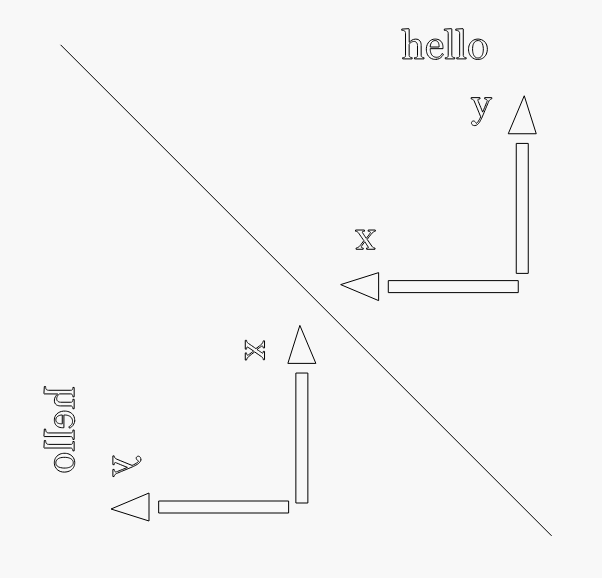
Ok, tried the swapped device. Unfortunately, everything is wrong except for the orientation of the characters. X & Y are swapped, and the reference point is bottom left instead of bottom right (although it shows at being bottom right). OTOH, the ‘X’ & ‘Y’ characters now have the correct orientation (but are placed on the wrong axis).
I’ve also tried to swap (with the setting) this file. No change.
I’m a bit puzzled how this can go so wrong. Or is it ‘just’ the problem that x/y swap doesn’t work for Linux CNC devices?
Firstly, the options ‘CNC-machine’, ‘machine coordinates’ & ‘swap x/y output’ (I’m paraphrasing from German here) have ZERO consequences wrt gcode output. No matter which combination I use the output stays the same.
Then I learned (AFAIK) that there is no way to switch the xy-axis in the LB window. x is always left/right and y up/down. That is slightly disappointing since my laser is oriented 90° to this, but I can live with that.
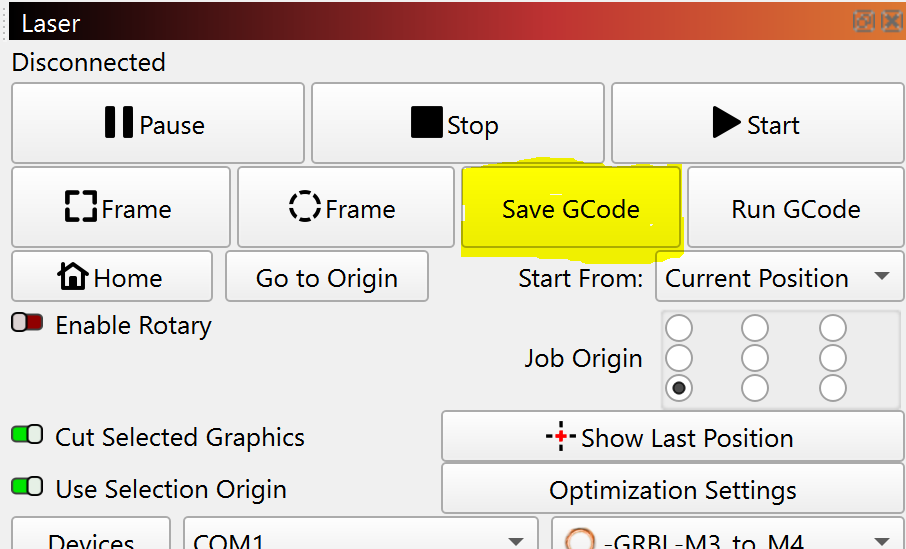
What is more important is the option ‘start from’ which is not located where the other options are but on the main screen under ‘Save gcode’. I guess there is a reason for that, but it had me surprised. I had to set that to ‘absolute coordinates’.
I think I’m good now. But I hope that the xy axis could be made swappable in the future. It would be more convenient. Thanks.
Btw: behind the button ‘ optimization settings’: the options have no tooltips except for the last one (in German anyway).
Noted, and has been reported. I think the ‘LinuxCNC’ device type started out serving more specific purposes, so would not have automatically inherited every new feature added to the generic ‘GRBL’ device (including ‘CNC-machine’, & ‘swap x/y output’) . Which I grant is confusing since the controls are visible but not usable.