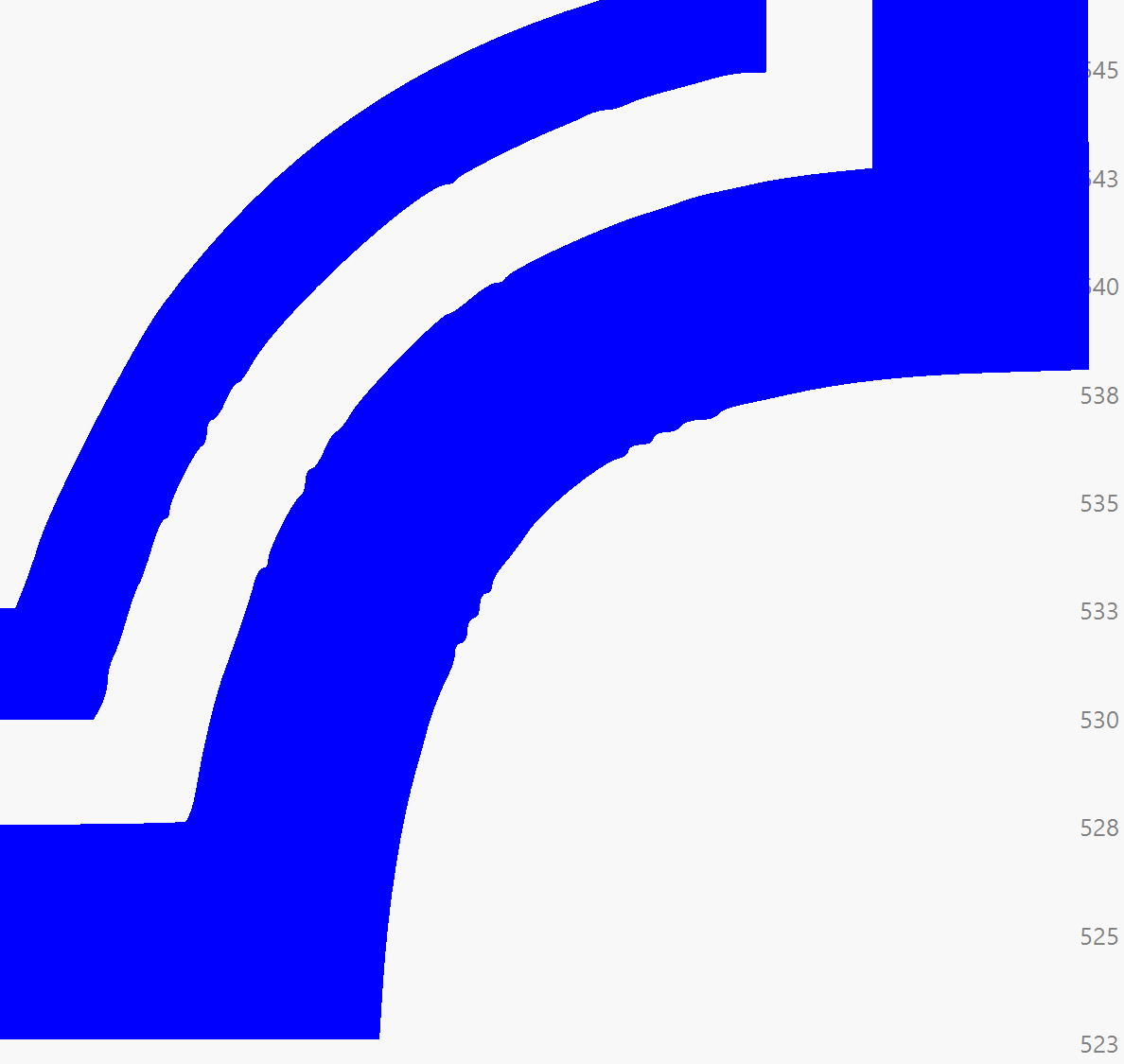
I have some border shapes grouped within a single object on a fill layer with flood fill enabled; when previewing, I noticed that it appears to be ignoring the group and handling 2 shapes within the group seperately, which naturally takes much longer than it should.
I have attached an instance from the preview and the .lbrn file - am I missing a toggle or something here ? My memory tells me it wasn’t always this way.
I have worked on version 1.4.05 for years and few months ago jumped into 2.0.05 and now 2.1.01, so I’m not fully aware if it was changed on the previous versions inbetween (pre 2.*) or if this is a new optimization code for some reason.
That’s another function which could be considered but (not sure if on every controller) on my AWC708s offset fill works with cut function parameters which is harder to precisely adjust on lower power settings. Since I want to use scan/fill function parameters, I wanted to stick with flood fill here if it will be possible.
What I did:
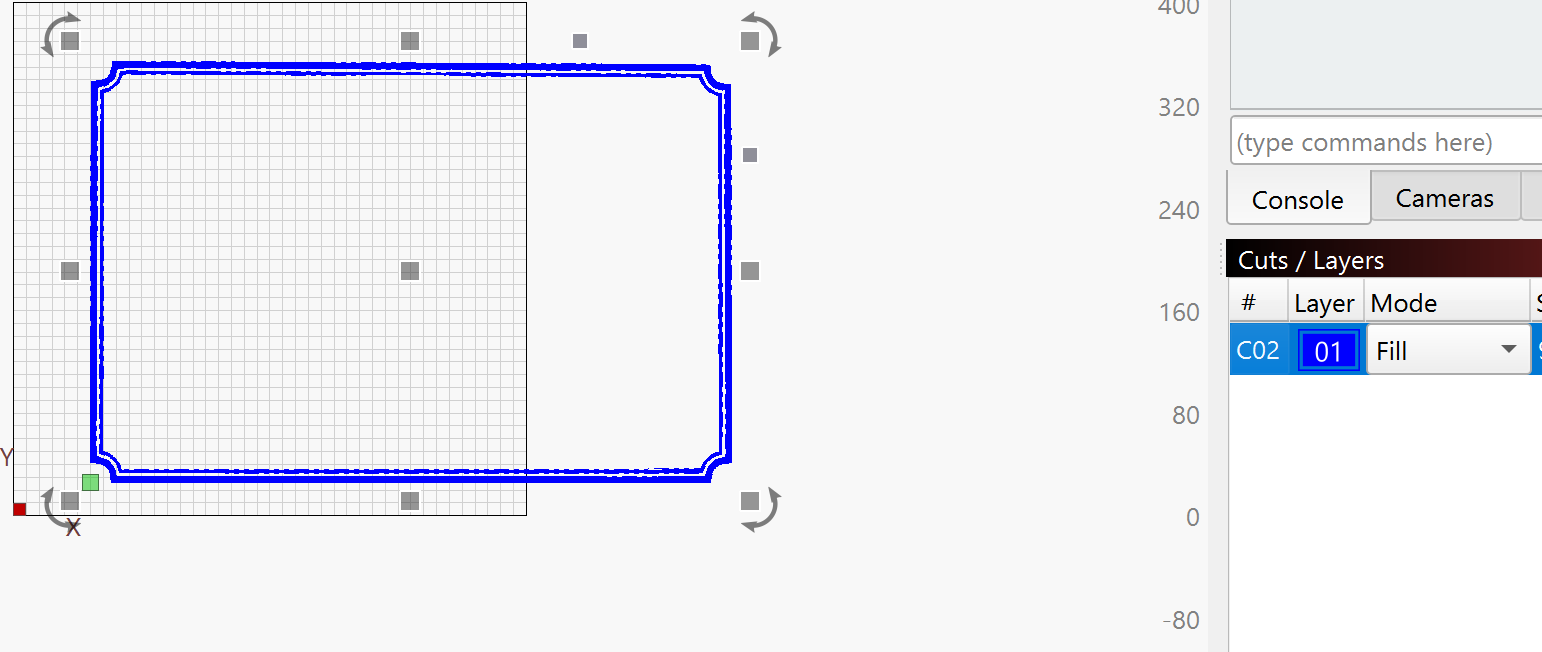
Duplicate the shapes and move them down.
Ungroup set to Line Mode and select the inner shape.
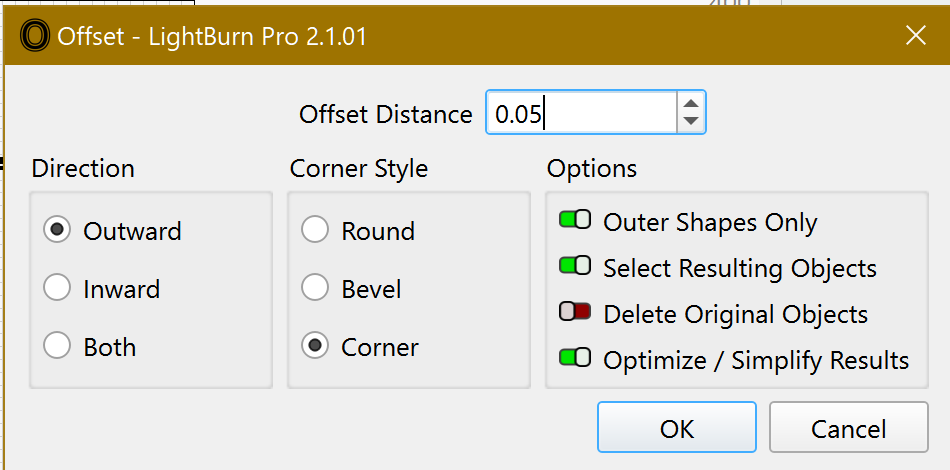
Do an Offset with the Line Interval (0.05) and the following options
Click Ctrl + to reapply the same Offset settings to the selected shape until the offset shapes touch the second (from the inside) original shape.
Repeat to the outer shapes.
Pay attention that the round areas of your shapes are not correct.
Thank you for your contribution! Previewing this new duplicate layer you’ve created, this is exactly how offset fill function would work on this one.
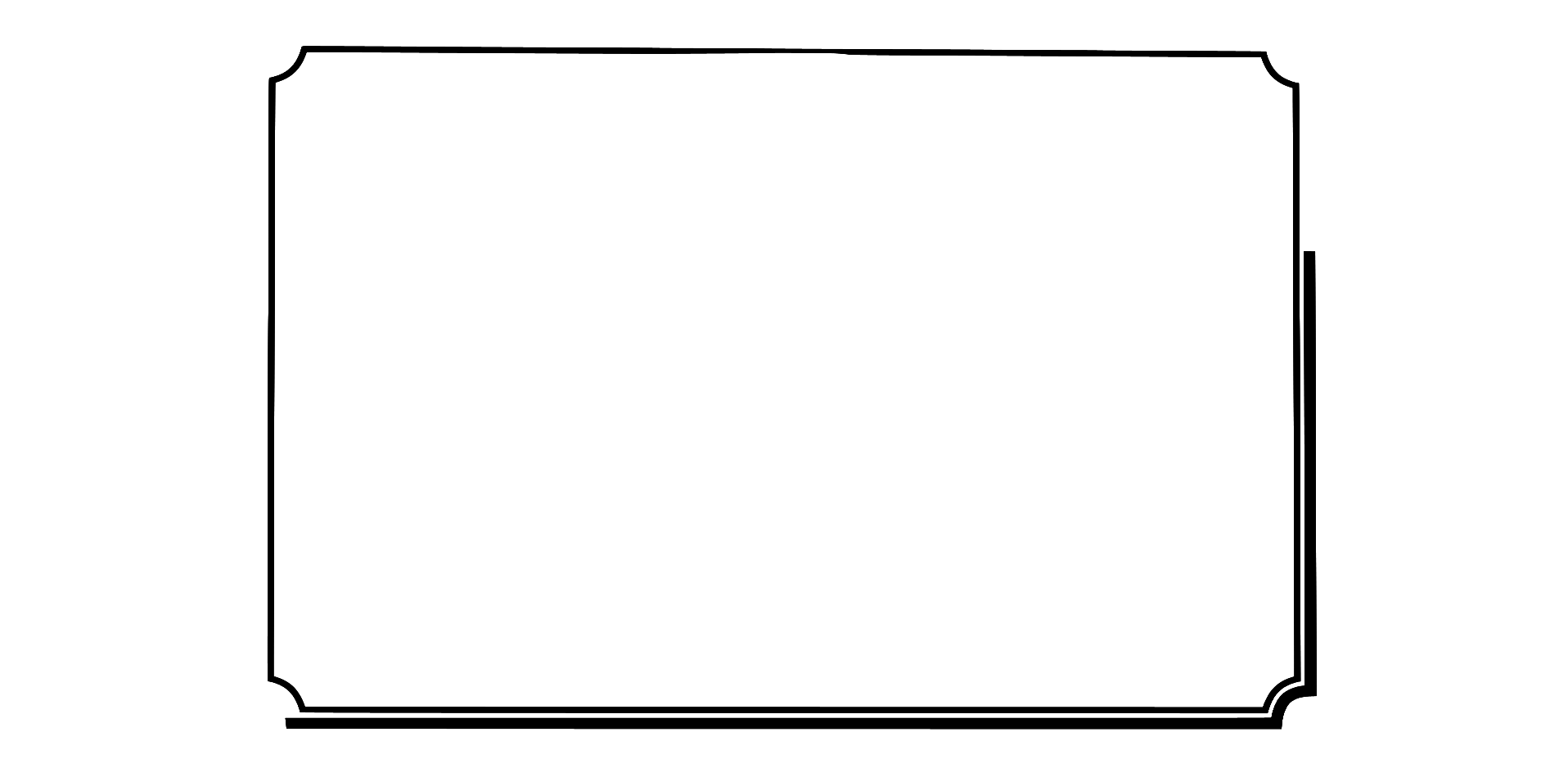
The content is part of a customer’s artwork, I have not cleaned and optimized it yet - it also has some tilting on top but since it doesn’t have any effect on my original question, I sent it as is.
Also - thanks for bringing up the notes in here, it’s obviously creating segments to run the job but I just can’t be sure if flood fill was always working per single shape/entity and not groups together including other shapes in the groups. I remember having used it for text and many other grouped shapes before but in this case, it’s handling both borders (which is actually 1 grouped border together) seperately.
 to reapply the same Offset settings to the selected shape until the offset shapes touch the second (from the inside) original shape.