My font style doesn’t display. Is it because my License expired or something else?
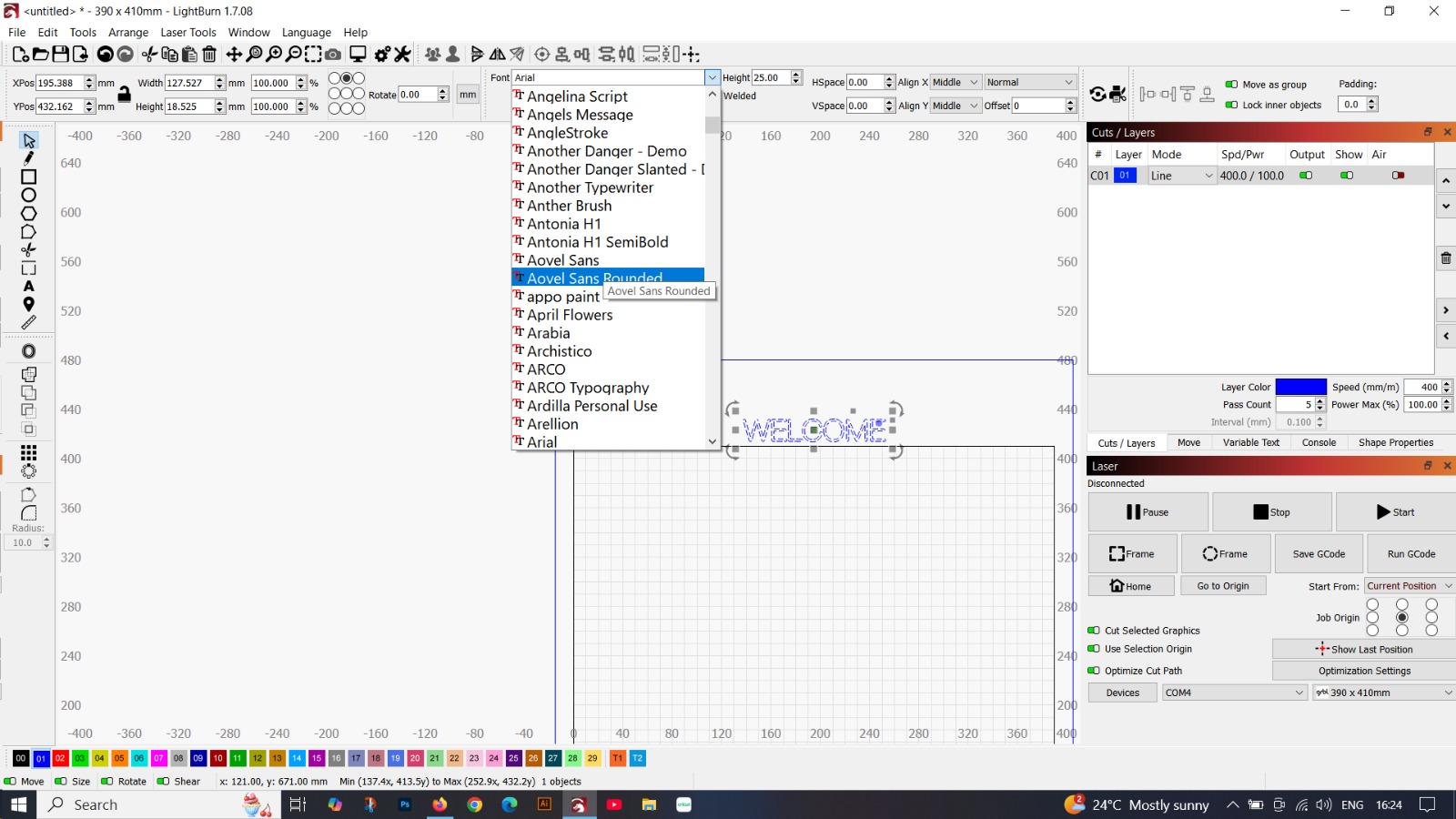
No, the test version from LightBurn is 100% functional. The font problem you describe is a slightly older bug and has been fixed. If you still have time left on your trial period, just download the latest LB version 2.0.01 and everything should be fine again. If you have run out of trial time, you can try to extend it.
2 Likes
Thanks for your reply. This will help me a lot. Have a good day.
1 Like
Hi again! Software update and license extended, but the problem is still here. I haven’t tried to uninstall the software and reinstall it yet.
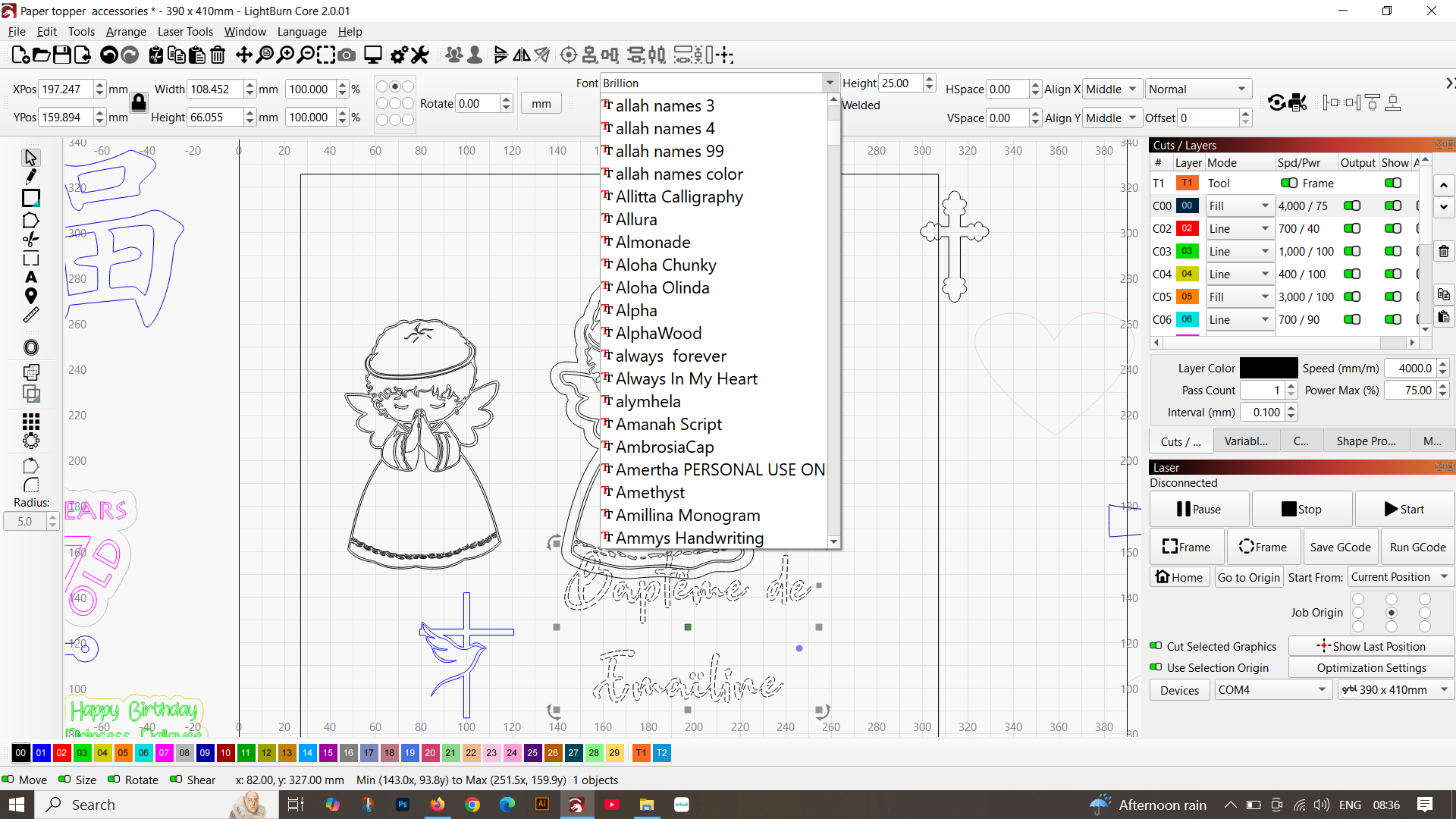
…you mean the font doesn’t change “live”?
It does on my version on MacOS…
(Index of /LightBurn/RC/LightBurn-v2.0.02-RC-1/)
The font style in the drop-down should show a preview of each font, but it doesn’t work. And I’ve already tried the new pre-release version of your link. Lots of menu opacity has decreased, and the problem remains.
Sorry that it doesn’t help, the LB people are probably working hard on a solution.
But as I said, I had the same problem in one of the older versions and it is fixed in the new version for MacOS.
1 Like
Do all fonts display incorrectly, or some fonts?
thanks for your help
All of them
Hi, any solution?
This topic was automatically closed 30 days after the last reply. New replies are no longer allowed.