When cutting out lettered how can I set it so the center of the letter stays attached like when I’m doing a D
Change the text to path.
Put the inside parts of the letters on a different layer.
Reduce the power on the secondary layer so the laser dose not cut all the way through the material.
A great feature of LightBurn is tabs. You can set this in the layer panel and adjust for manual placement or automatic placement. You can also set the width of the tab for easier removal, minimal impact on appearance. When managing the counter of a letter (the “floating” part), using tabs almost turns the text into a stencil but more useful due to the adjustable width aspect.
1 Like
Yet another option is to use Stencil fonts or a Stencil generator if you don’t want to do it yourself.
1 Like
I have “stenciled” several fonts. Easy to do and not all letters in your text needs to be “fixed”. Drop little rectangles across the letters needing fixing, and use the Scissor Tool to clean it up. Of course, text gets a Convert to Path treatment first.
1 Like

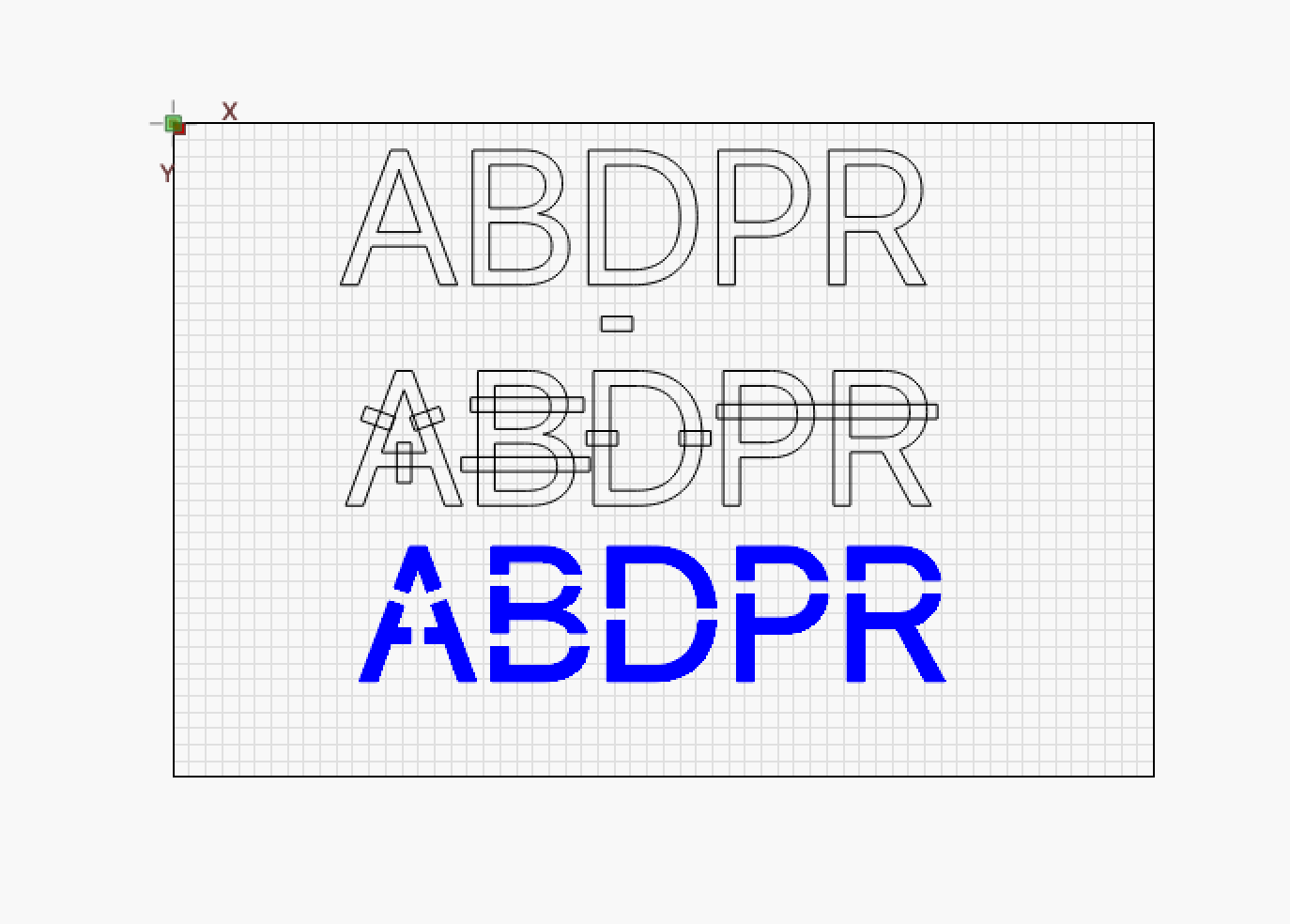
Exactly what I was saying!
I’ve posted these before but split letters can be handy. Download the file then change the extension from .txt to .zip and extract the files.
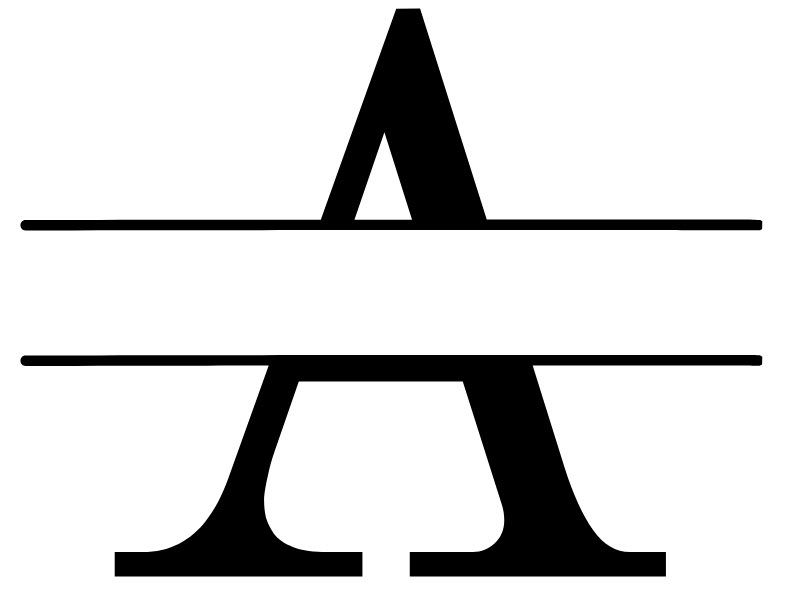
svg.txt (36.5 KB)
Also, you can get some free Stencil fonts here.
This topic was automatically closed 30 days after the last reply. New replies are no longer allowed.