Foxalien Masuter Pro

Hi all,

Long time user of Lightburn and have been hanging for Millmage to come of age. I’m running the MillMage Pro 0.8.00-RC-6 @ 51abf2c Qt6.5.7 version.

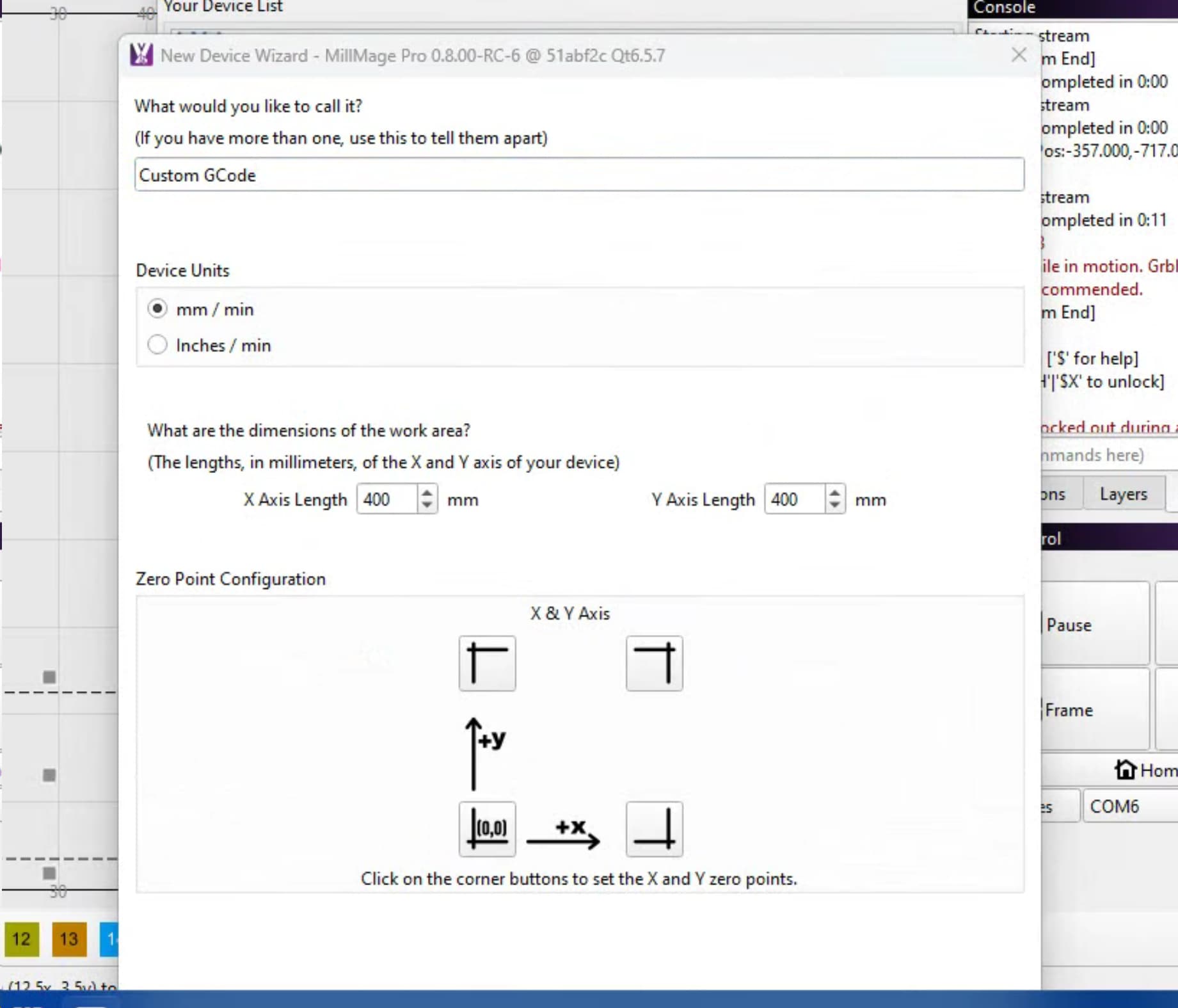
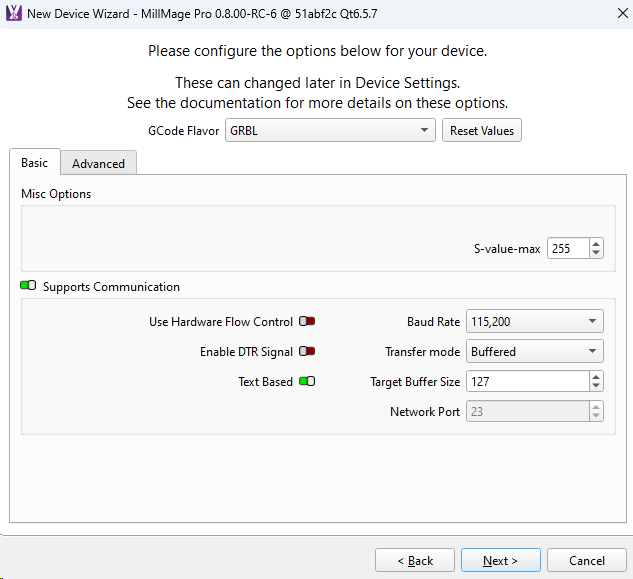
I’m able to add the Foxalien Masuter Pro as custom Gcode with home at the front left.

I can move XYZ axis and ‘think’ that I’ve got the probe of the puck ok.

Issue I’m having is when I do a ‘frame’ or ‘start’ the controller immediately heads towards the right rear and eventually locks when it hits the limit switches.

I feel I’m missing a step…any ideas?

One other small issue is the new device window hides the selection buttons by default and I have to manually move the window to make them visible.
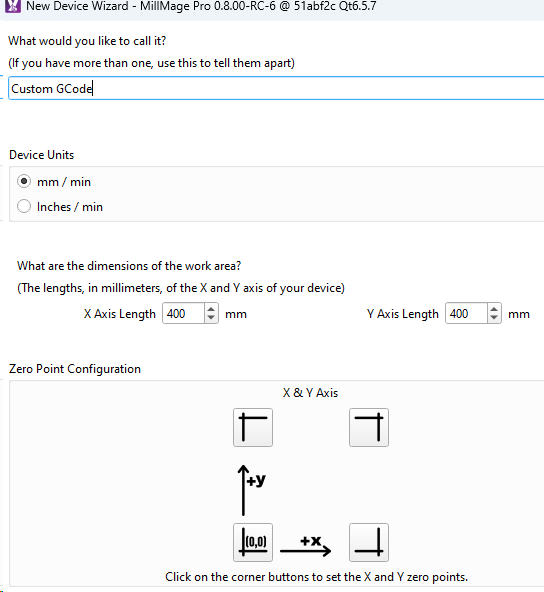
So what I bet is happening is even though your machine homes to the bottom left, I bet that is not 0,0. I bet it’s -400,-400.

When you home the machine out, check the position readout in the move panel and see what the current position is.

If it is -400, -400 go into device settings and move that 0,0 button to the top right.

Hi Joe,

Yes it was something like -397, -398 - I’ll make the changes you’ve suggested and see if I have any luck. Thanks !

Pete

This topic was automatically closed 30 days after the last reply. New replies are no longer allowed.