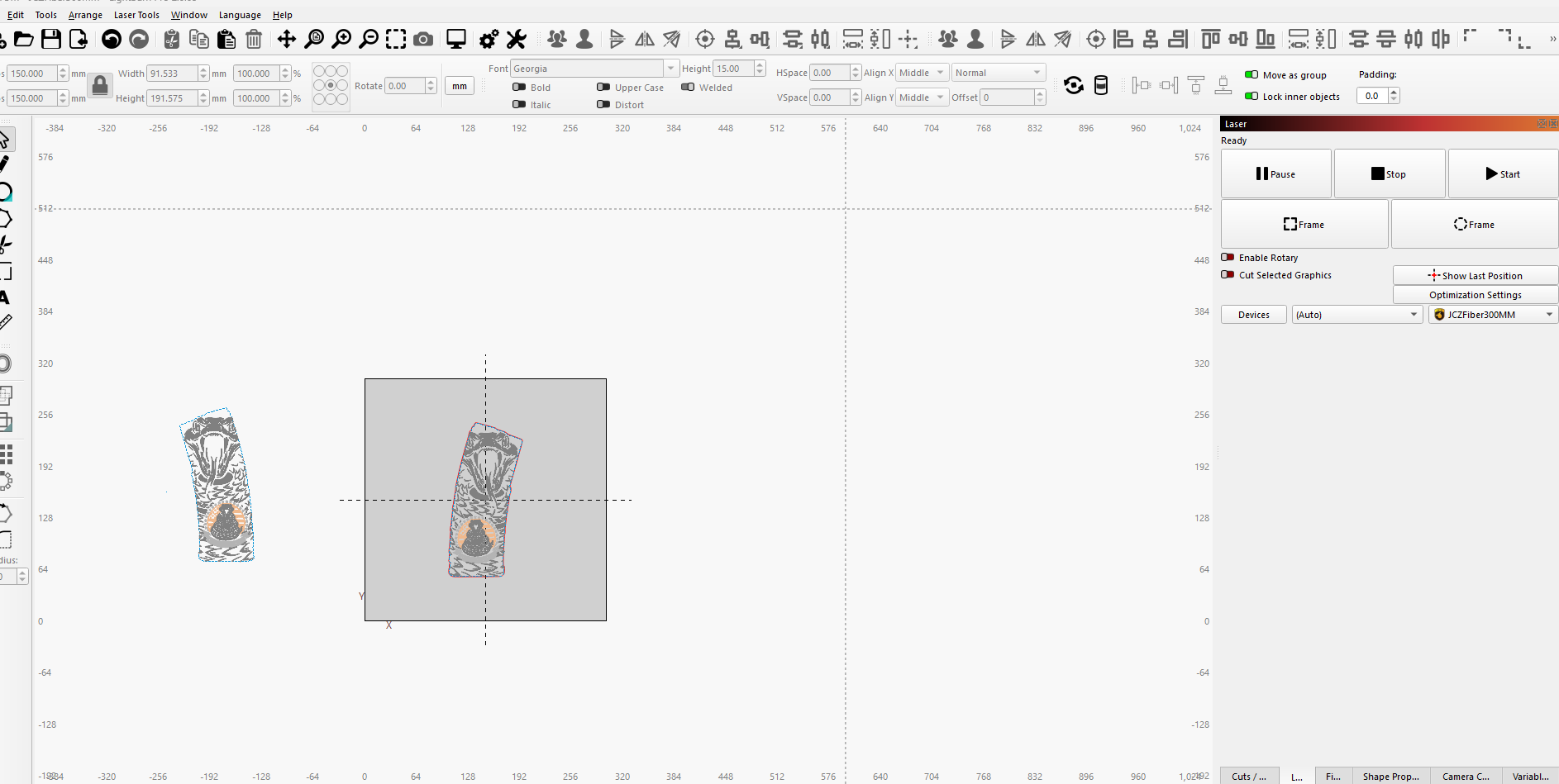
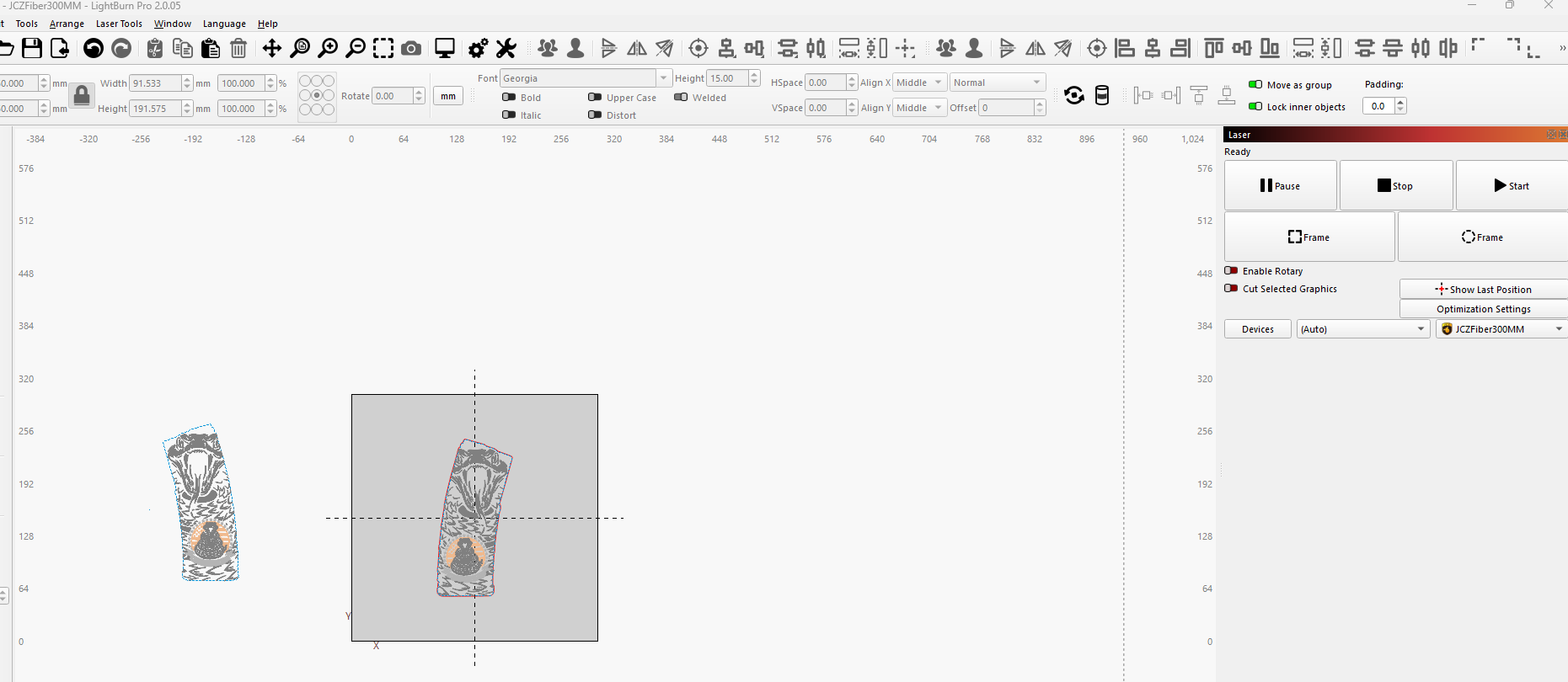
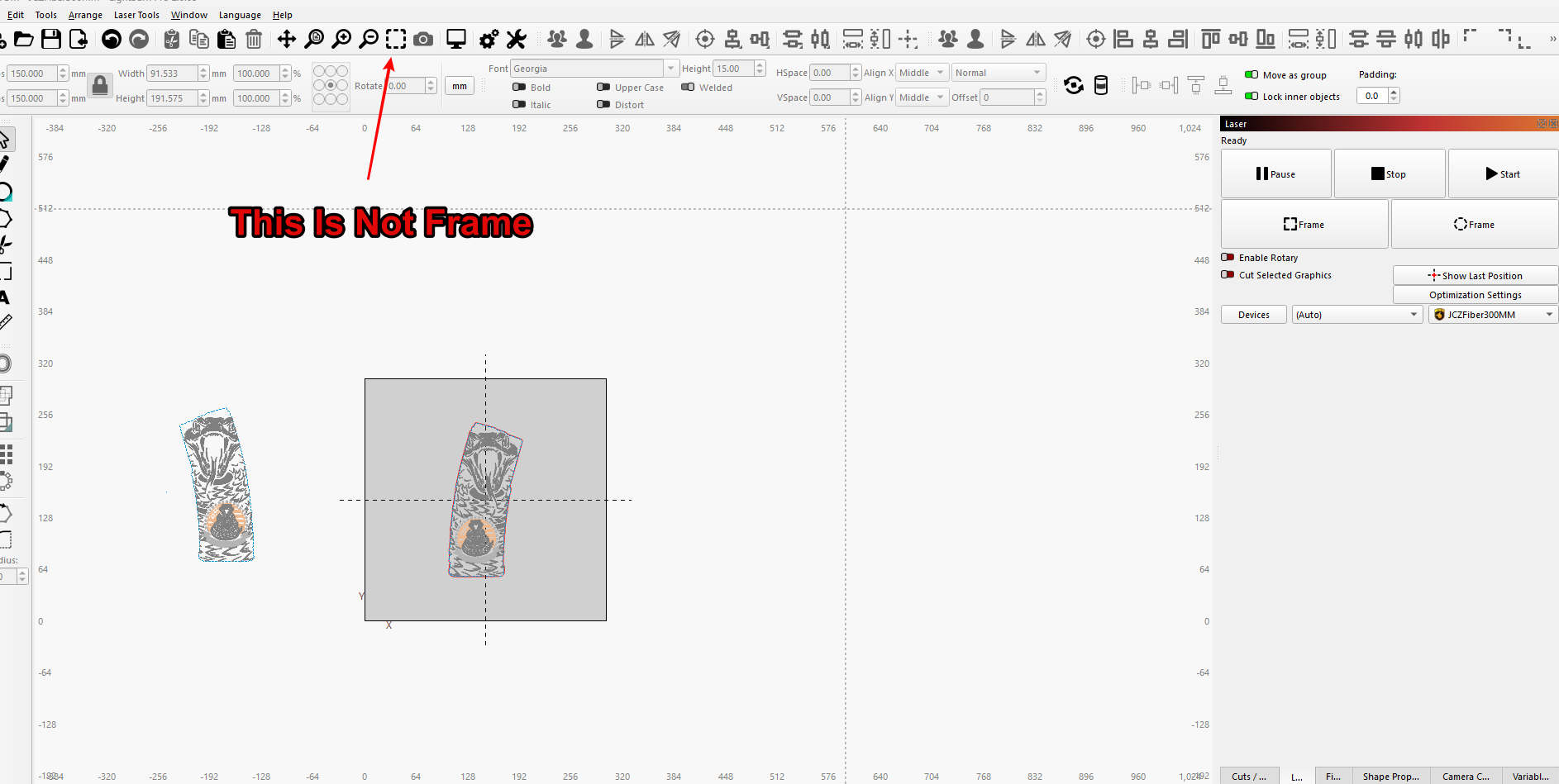
The Frame doesn’t work from the icon on the top center of page. Also frame doesn’t work when you hit preview…No laser lights so you can frame it….
When you open the window titled Laser, the frame feature works perfectly….I’ve never had this issues….
The Frame doesn’t work from the icon on the top center of page. Also frame doesn’t work when you hit preview…No laser lights so you can frame it….
When you open the window titled Laser, the frame feature works perfectly….I’ve never had this issues….
I did not know there is a Frame icon at the top center. There is none on my Lightburn. Can you provide a snapshot (WinKey+CTRL+S) of which icon you are clicking?
There is no Frame associated with Preview. I am having difficulty visualizing what you are describing.
I see those colored lines around your images, but do not know how you created them. I played with the Warp Tool, but it did not add lines like those. Can you tell me how they got there?
If I understand correctly, this icon doesn’t send an order to the laser to create the frame of the work. I understand the similarity, but this icon zooms in on the frame area.
If you hover your mouse over the icon, you will see exactly this information.
Thank you for bringing this up.
Luis is correct. This option in the toolbar is used to
Zoom in or out to show all selected objects as large as possible, centered within your view. If no objects are selected, it will instead zoom to show all objects in the Workspace
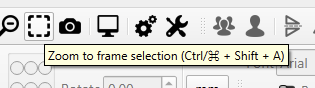
I understand that you expected something different because the icons are almost identical!
I will see to it that the icons are adjusted if necessary to avoid any misunderstanding.
Today all is good…I rebooted PC yesterday several times….No luck..
I think I added some confusion to my communication. The button I was referring to is the Preview Icon
Without a doubt, I think nobody understood exactly which specific icon you were referring to. (Sometimes a picture is worth a thousand words.) But nobody gets upset about it. 
After all, the only one who always ends up being harmed is the topic author because without a clear description of the problem, whoever intends to help cannot guide them in the right direction. 
If rebooting solved the problem, I’d say it had something to do with communication, but I’m not sure!
This topic was automatically closed 30 days after the last reply. New replies are no longer allowed.