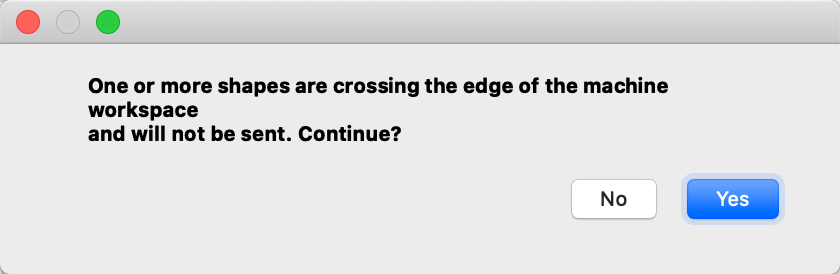
Interesting, I note that under those conditions, the expected behavior would be to present a warning message that looks like the one directly below. If this is not the case, it should, so we would like to know a bit more in that case.
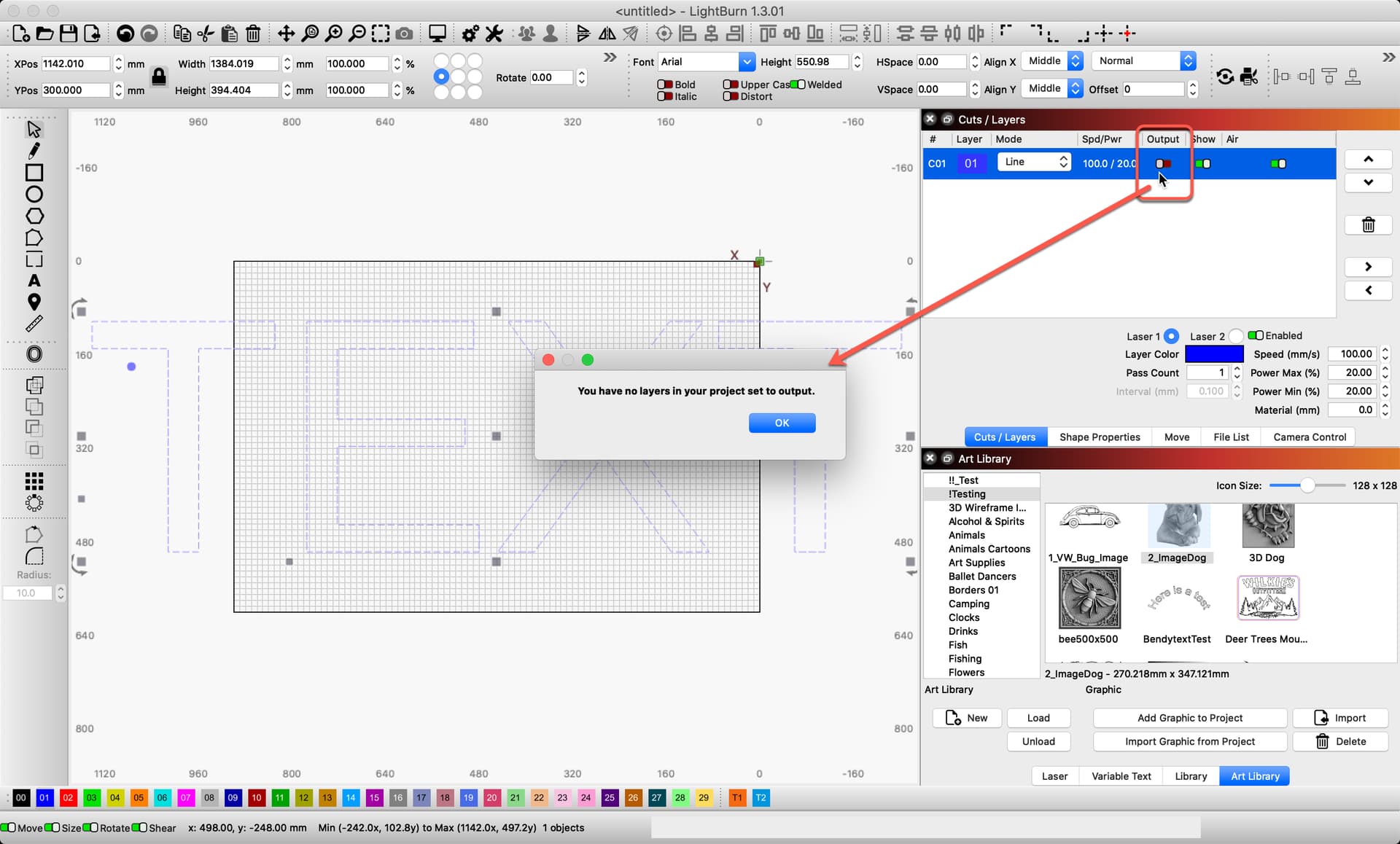
The ‘You have no layers in your project set to output.’ message is presented if you have nothing on the workspace, or when the ‘Output’ switch(s) is flipped to the ‘Off’ (red) position, in the ‘Cuts / Layers’ window.
When intentionally wanting to produce larger than the bounds of your frame, check to see if you have ‘Ignore out-of-bounds shapes if possible’ enabled (green) on the ‘Settings’ page. If you change that to Off (red), do you receive the same messaging?
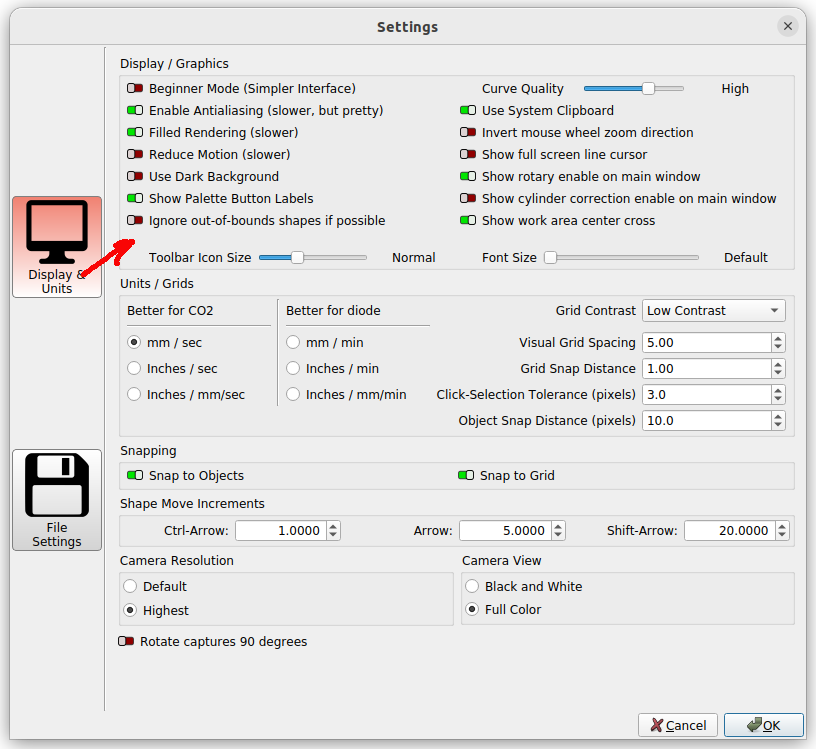


 page. If you change that to Off (red), do you receive the same messaging?

