Hey everyone. This is the first time that I have used this forum so please bear with me. I have a Monport GPro 100W split MOPA fiber laser. I also have the latest version of windows on my computer. I just updated my Lightburn software to 2.0.05. Lastly, I imported the EXcad file “markcfg7”. The problem I am having is that when I use the framing tool, the framing box is to faint. On most material I can’t see the framing box. When I can see it, it is so faint that it doesn’t really help. When I run the laser, the engraving quality is great. Everything engraves fine, I just can’t see the framing box. I have tried messing with all the settings in Device settings and I have had no luck. Any help would be greatly appreciated.
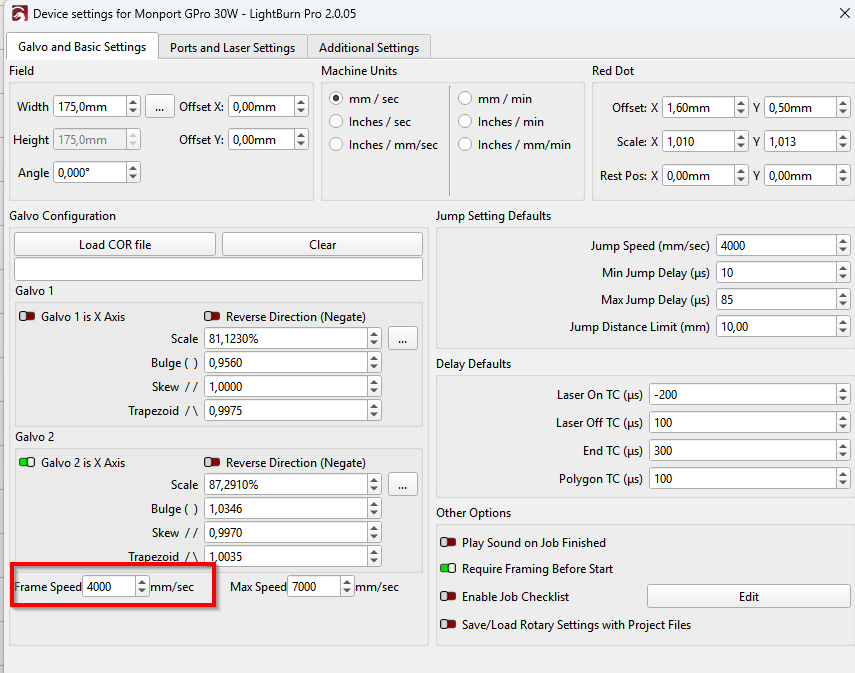
Had the framing laser been more visible with earlier versions or with ezcad?
Hey there. I did try adjusting frame speed. I went from 1000mm/sec up to 9000 in 500mm/sec increments. Nothing changed when I did this. I tried adjusting frame speed twice. Here are my device settings.
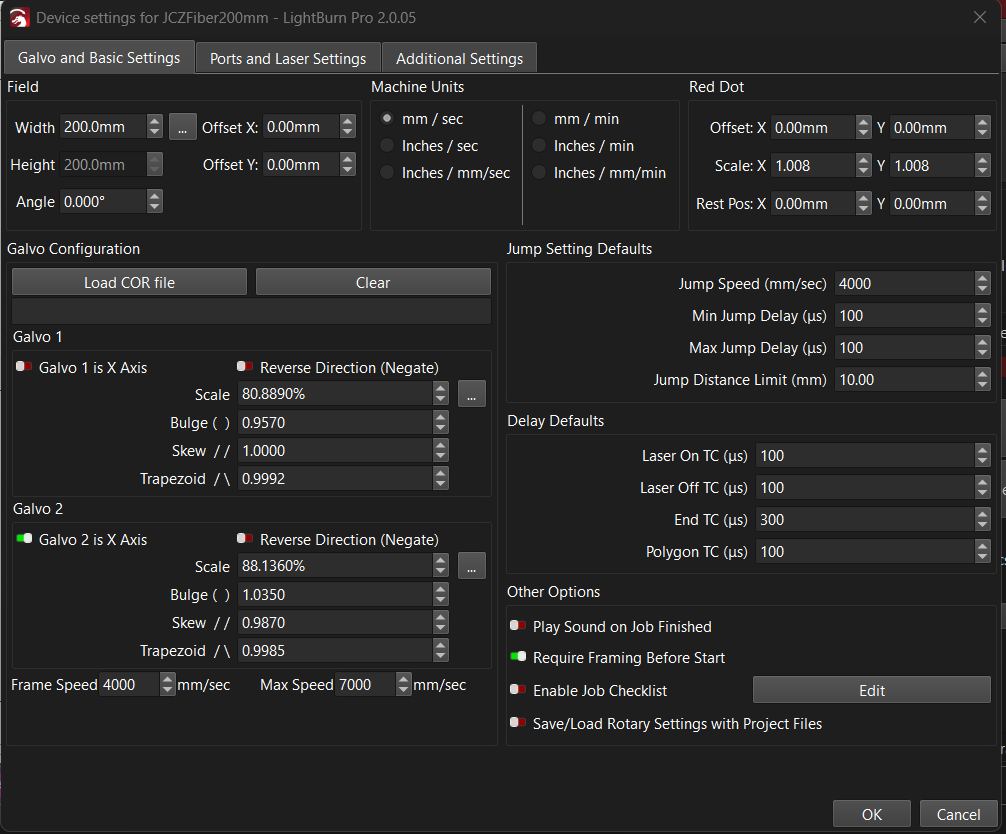
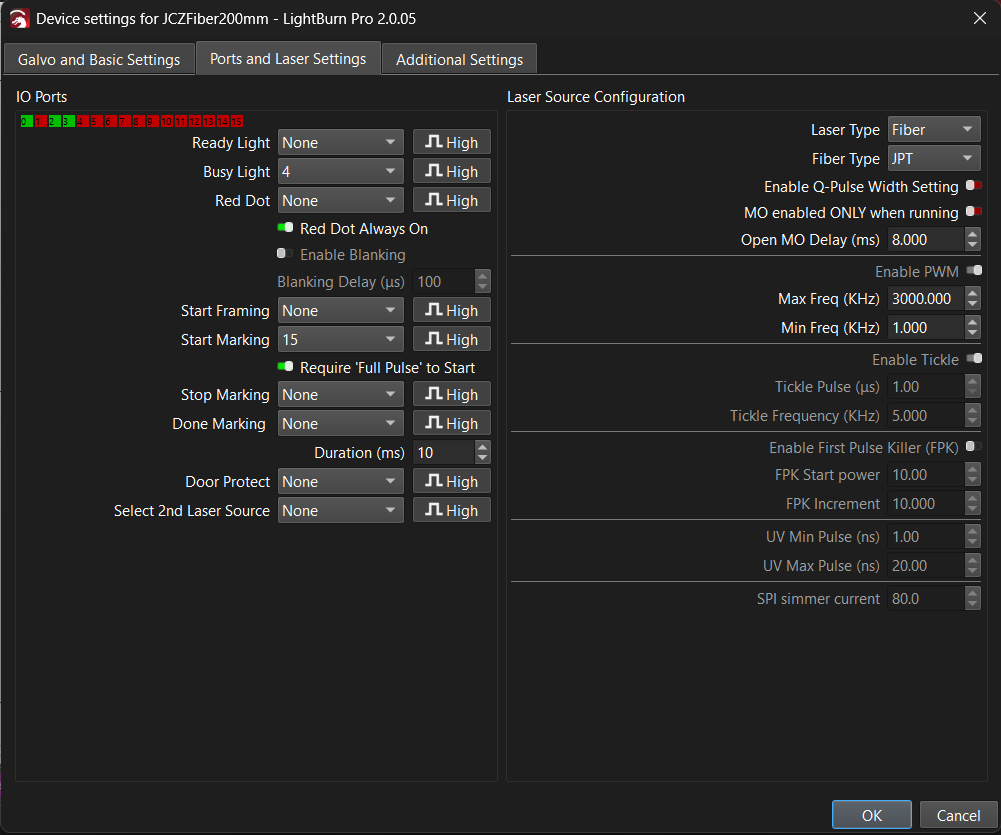
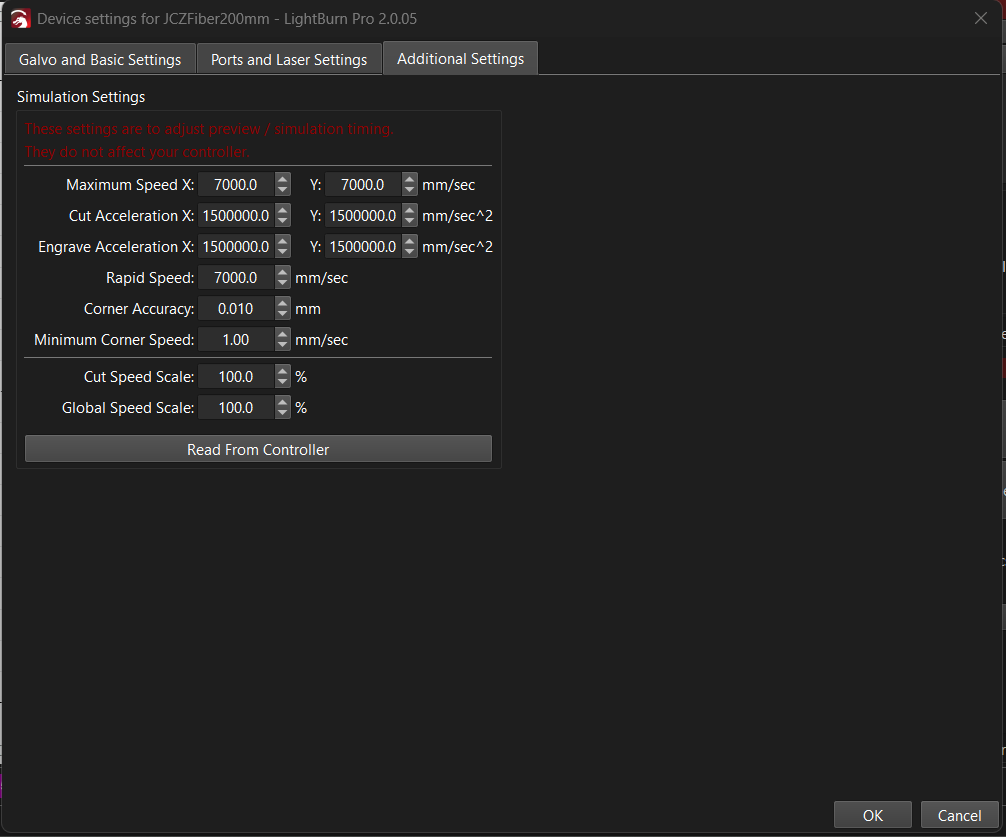
I never used EZcad, just didn’t like it. With earlier versions of Lightburn, the framing box was more visible. I have a Galvo co2 and UV as well. They are controlled by a different computer with the latest version of Lightburn. The framing box on those lasers is amazing. Bright red, easy to see.
Strange behavior You can roll back to earlier version or load preferences backup to the current version, might help identify the issue.
Yes, it’s definitely weird behavior. I will look into your recommendations. I am not the most computer savvy so I will have to research how to do this. It’s worth a shot because at this point the laser is pretty much dead in the water.
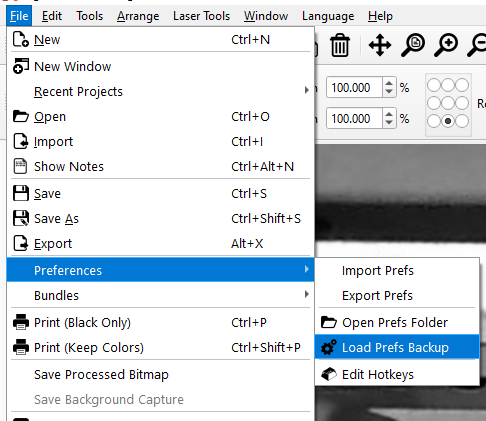
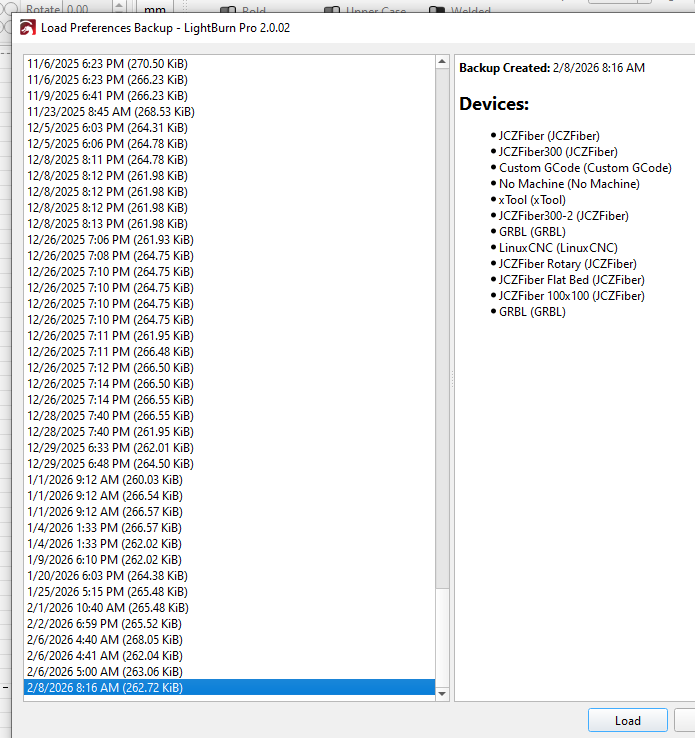
Pretty easy. If you roll back and it works, you can export a bundle which brings everything forward.
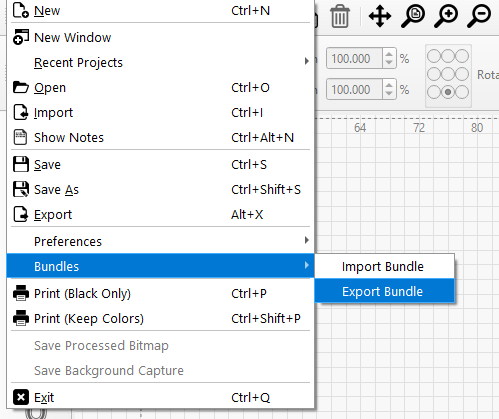
2 Likes
This topic was automatically closed 30 days after the last reply. New replies are no longer allowed.